


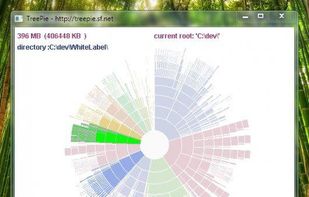
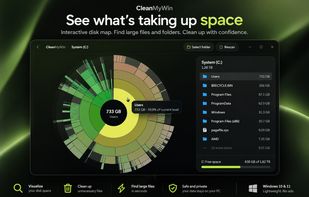
TreePie : a simple way to display disk usage. It shows the distribution of size in a tree of directories by using an interactive multilevel pie (sunburst diagram). Really small and simple.
Platforms
- Windows


Apps similar to Filelight include WinDirStat, which is free and open source. Other options are WizTree, Baobab Disk Usage Analyzer, TreeSize and SpaceSniffer. There's no shortage of Disk Usage Analyzers like Filelight, with more than 50 alternatives for Windows, Mac, Linux, the web and Android.
TreePie : a simple way to display disk usage. It shows the distribution of size in a tree of directories by using an interactive multilevel pie (sunburst diagram). Really small and simple.

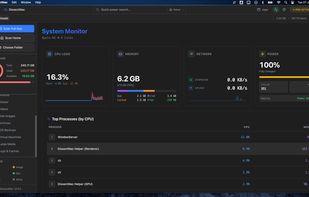
DissectMac is a native, privacy-first macOS utility that uses an interactive treemap to visualize storage, allowing users to reclaim gigabytes in seconds through deep app uninstallation and real-time system monitoring.
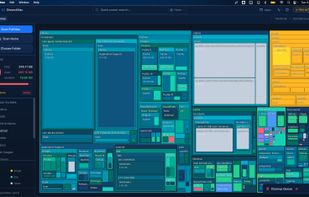
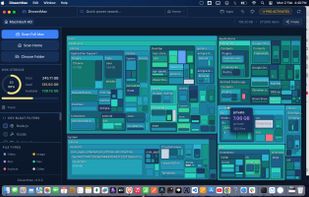
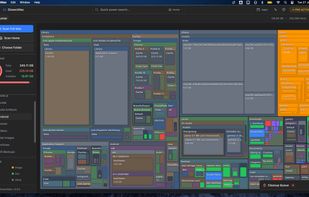



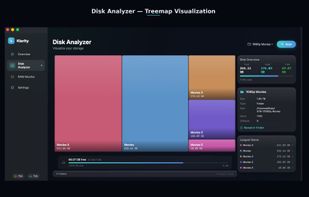
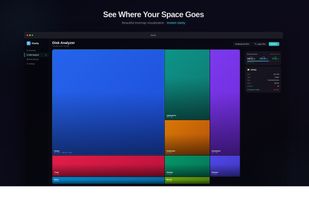
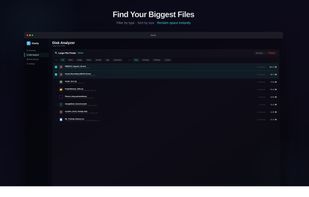
Klarity is a disk space analyzer for macOS that shows where your storage went as a treemap: every file and folder is a rectangle sized to scale, so the biggest items are visible at a glance instead of being found one folder at a time.
 India
India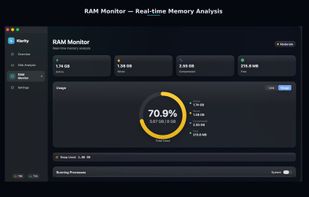

 Canada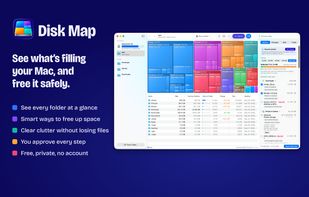
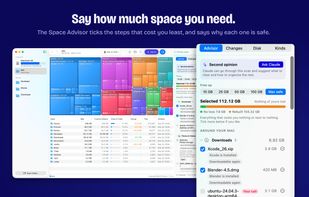
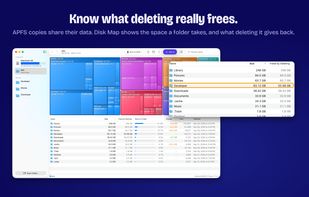
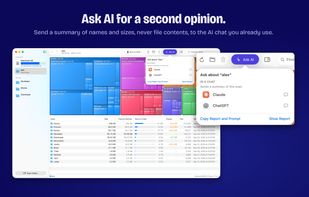

DiskNebula turns your storage into a living treemap, then uses private on-device AI to explain what is taking up space, what is likely safe to remove, and where to start cleaning up.
 Japan
Japan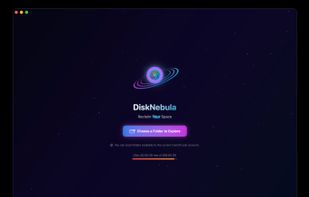
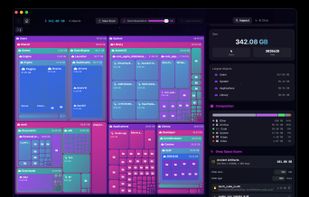
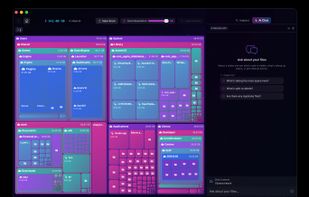
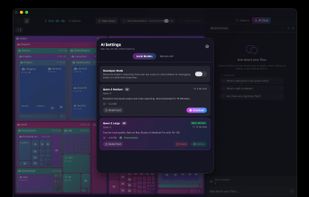


A native Windows application for quickly analyzing disk usage and finding the files and folders that consume the most space.
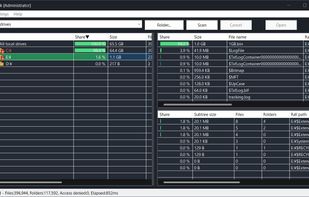
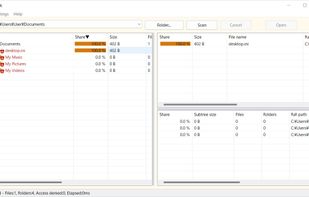
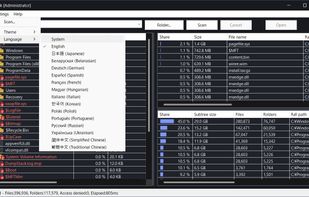
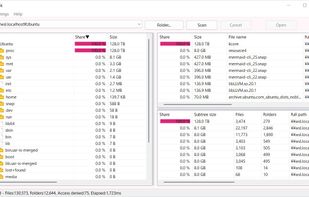

SpaceBrowser scans a folder or volume and displays its contents as a size-proportional treemap, making large files and directories easy to identify.
 France
 EU
EU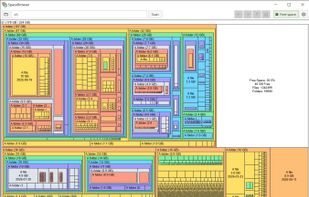


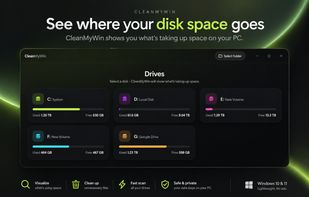
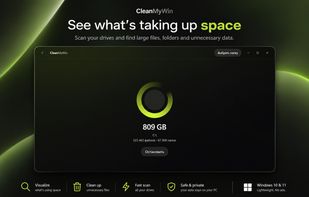
A modern disk space analyzer for Windows that visually maps your storage and uses AI to help you quickly find and clean up unnecessary files.
 United States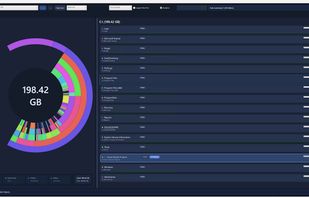


Find what is filling a disk, mark what should go, and remove it — with the volume's free space in view the whole time.
Canada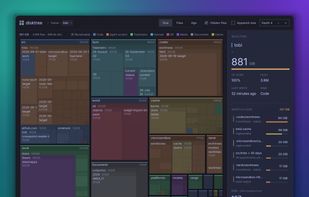

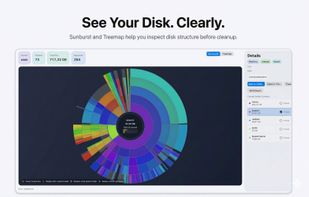
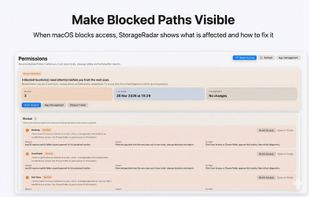
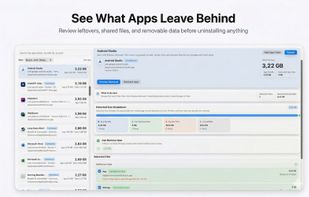
StorageRadar maps your disk, shows blocked paths instead of hiding them, lets you dry-run cleanup, and compares what changed over time. Scan data stays local, while analytics and diagnostics remain separately controllable in settings.
 Thailand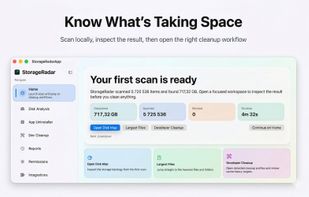


Help you to view at a glance all the folders, files inside them and the space occupied by them on your system
 China
China


