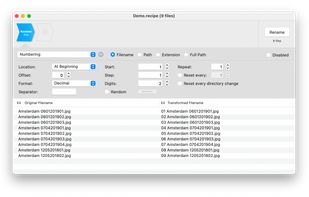
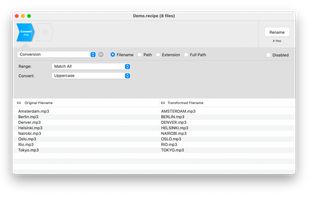
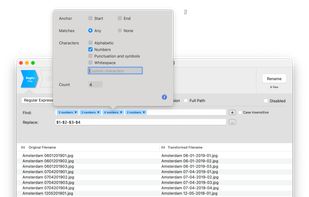
A batch rename utility for the Mac. Rename many files at once, simple, powerful... and it's free.
Cost / License
- Free
- Proprietary
Application type
Platforms
- Mac
 Netherlands
 EU
EU



+3
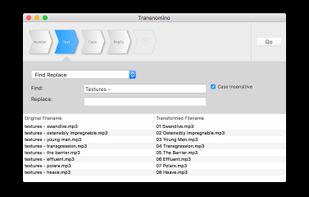


Apps similar to File Renamer Diff include Bulk Rename Utility, which is free for personal use. Other options are Ant Renamer, ReNamer, Advanced Renamer and Rename Master. There's no shortage of File Renamers like File Renamer Diff, with more than 50 alternatives for Windows, Mac and Linux.
A batch rename utility for the Mac. Rename many files at once, simple, powerful... and it's free.
NetherlandsEU
Name Mangler is designed to make it super easy to rename batches of files—anywhere from a few to tens of thousands—in one quick operation.
 AustriaEU


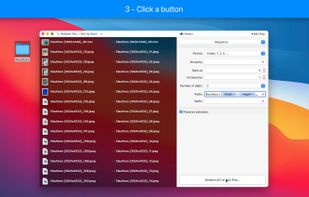


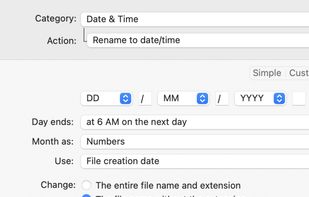
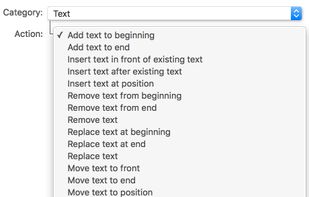
Batch file renaming utility offering instant preview, 15 renaming categories, EXIF and ID3 metadata support, drag-and-drop, multi-step actions, reusable presets, regular expressions, droplets for automation, text file import, and conflict resolution.
 LuxembourgEU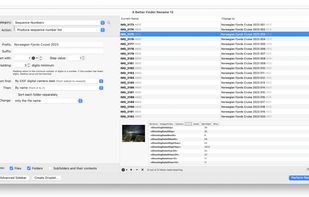
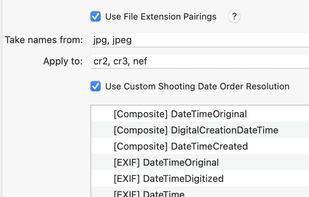


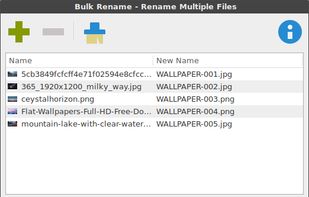
Thunar Bulk Renamer included in the default installation of the XFCE Desktop Environment as part of the Thunar file manager and available as a stand-alone installation in others. It saves the configuration between sessions, and has a very simple to use GUI interface.
 GermanyEU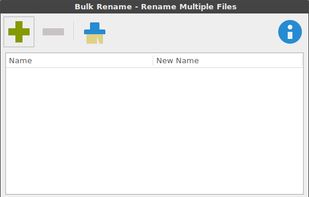
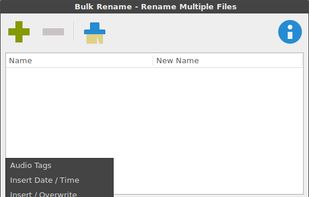


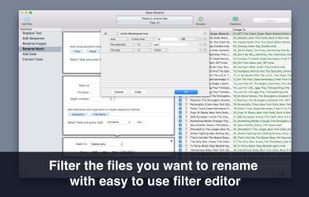
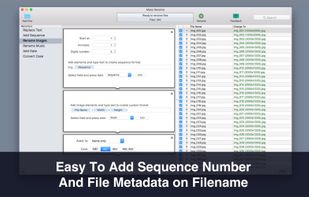
An easy-to-use and fast utility that will help you to batch rename multiple files on your Mac.
 GreeceEU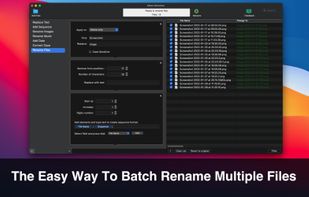



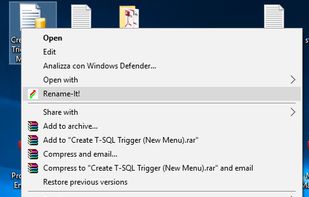
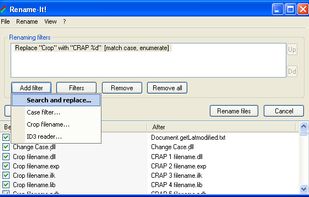
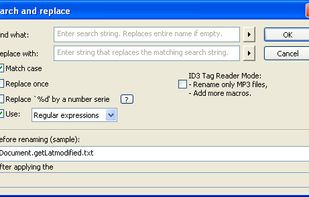
Rename-It! can rename in seconds multiple files, that can be in different folders. It is incorporated in the Windows Shell (via Explorer's context menu).
 Canada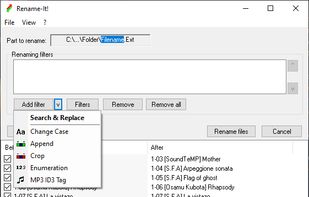


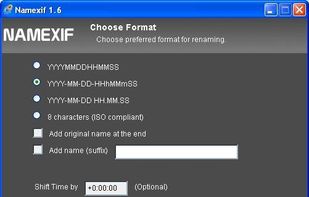
Namexif is a free software to rename photos by date and time based on EXIF.


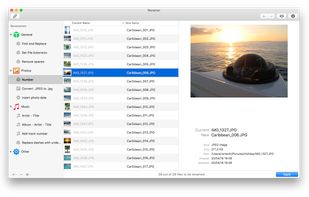
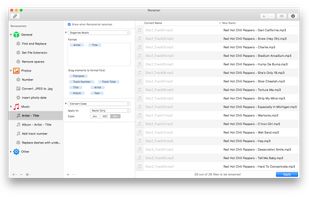
Renamer is a batch file renaming app for macOS that allows you to rename lots of files quickly and conveniently. You'll love the beautiful user interface, the useful new enhancements that make batch file renaming even easier, and of course the many ways to rename files.
NetherlandsEU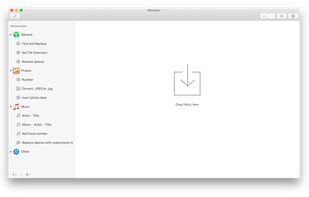


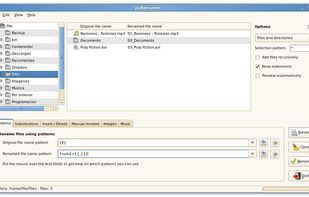
pyRenamer is a batch renamer for GTK desktops. With pyRenamer you can change the name of several files at the same time easily.


The differential of this program is that it can extract information from audio (tags), images (EXIF and IPTC info), video, and many other file types, and use this information when renaming the files.
 FranceEU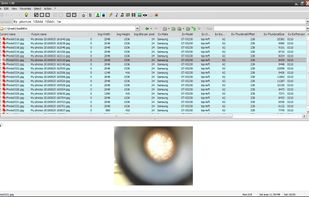


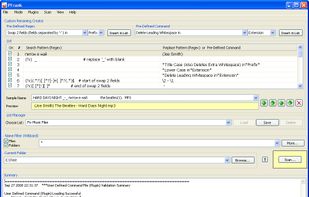
PFrank is an acronym for Peter's Flexible RenAmiNg Kit. This is a Freeware Professional Grade bulk file/folder Renaming Program that runs under Windows. With this tool you can easily organize your music, picture, video, or any other types of files.
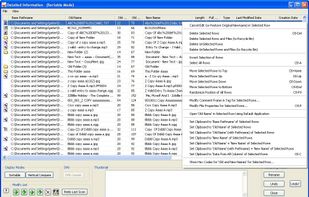


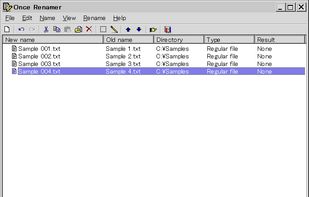
Once Renamer renames multiple files in an action. A common flow of file renaming is: add the files to the list, edit the names, and start a rename task. The name-edit operations are available: copy, insert, overwrite, replace, capitalize, URL encode, URL decode, free edit, and...