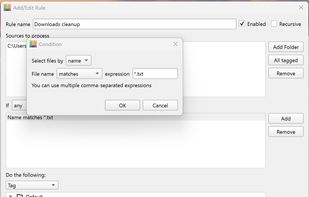
WatchDirectory monitors a file system directory and performs tasks when certain conditions are met.
Cost / License
- Paid
- Proprietary
Platforms
- Windows


WatchDirectory monitors a file system directory and performs tasks when certain conditions are met.

Lightweight menu bar tool for automating file management on macOS: archives and renames screenshots via OCR, ejects installer disk images, and organizes Downloads using custom or natural-language rules. Everything runs secure and private on-device, non-destructively.
 Chile
Chile




Sortio is an AI file organizer for Mac, Windows, and Linux. Drop a folder onto Sortio and it reads each file's contents, renames it intelligently (for example, 20260514 Acme $1,240.pdf), and routes it into the correct folder, creating any missing directories.
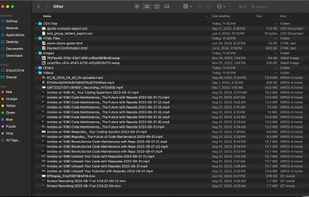
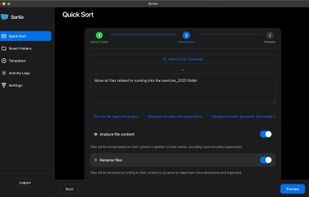
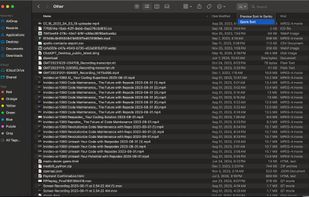


The application automatically processes files and folders based on the rules specified by the user.
The app is open source, based on Python/PySide6.
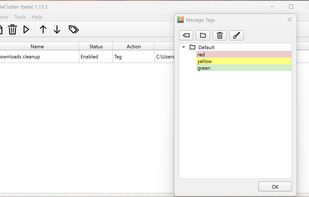


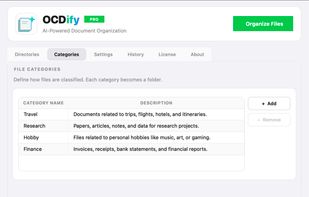
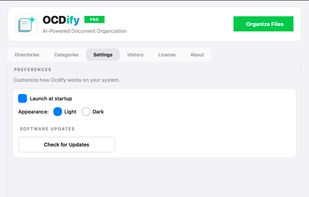
The offline AI-powered Mac file organizer that automatically sorts, categorizes, and declutters your desktop. It turns a chaotic Downloads folder into clean, named folders in minutes.
 India
India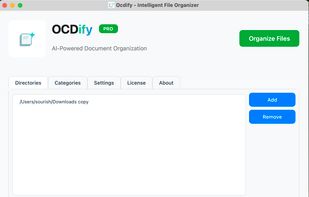


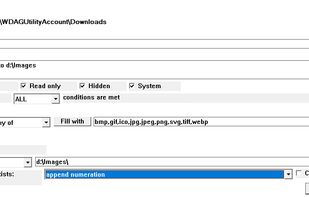
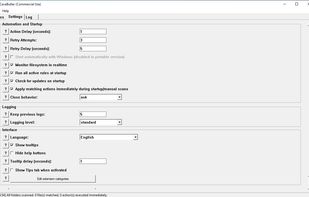
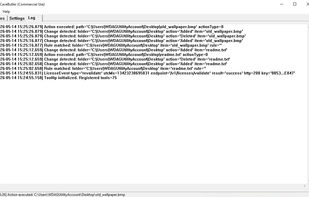
Rule-based local file automation. Watch folders, define conditions, and let CaveButler move, archive, or delete files automatically.
 France
 EU
EU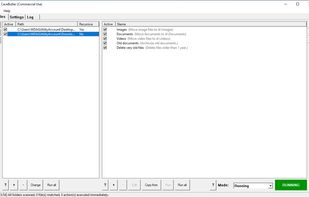


FileFlow scans your files periodically and organizes them according to your rules.
India




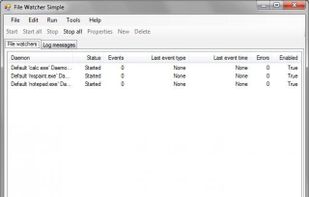
File system/directory monitoring utilities with loggin and task processing support (can execute files or make a WCF service call). Multiple configuration options. Source code libraries can be used to create a custom file system monitor.


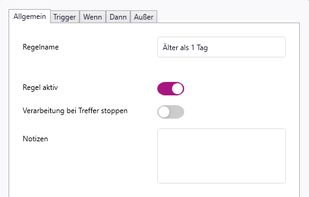
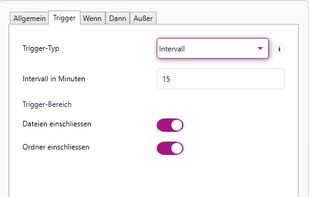
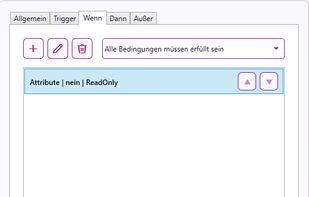
rsk.guardian monitors folders and automates file workflows on Windows. Create rules to copy, move, rename, sort, archive or extract files locally. With triggers, conditions, dry-run preview and history, it keeps your files organized without cloud dependency.
 GermanyEU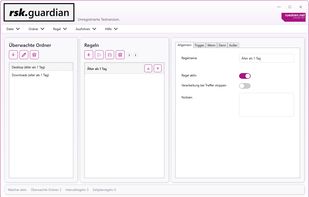


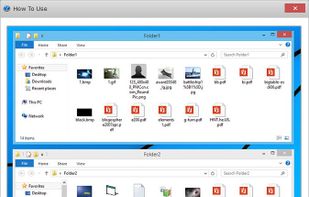
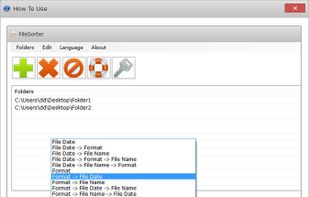
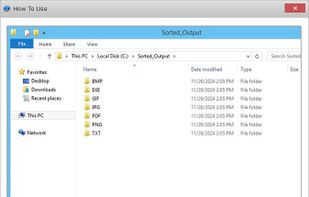
FileSorter is a highly efficient and lightweight Windows tool that can sort and organize all files in multiple folders according to different file attributes such as formats, dates, sizes and names.
 China
China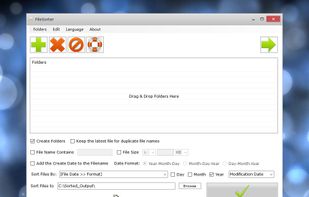


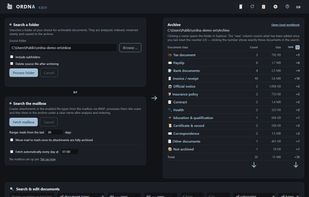
ORDNA is document filing for Windows. It recognises invoices, contracts, tax receipts and other documents by their content, names the files by date and issuer, files them in ordinary Windows folders and makes them full-text searchable - scanned pages included.
GermanyEU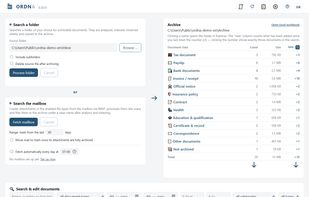


Forget about the mess in your Downloads folder! This extension allows you to set custom download locations with a flexible and strong RegExp-based rules.