


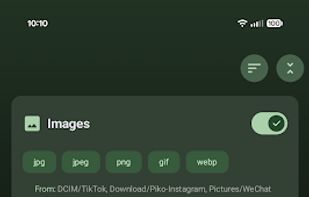
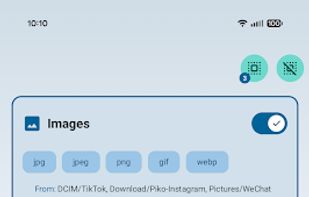
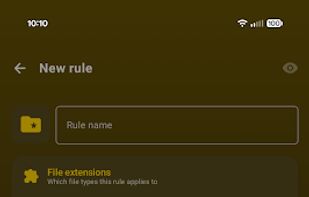
Turn messy Android storage into a rule-driven library: choose sources, filters, destinations, and schedules, then let the app manage it for you.
 United States



+9
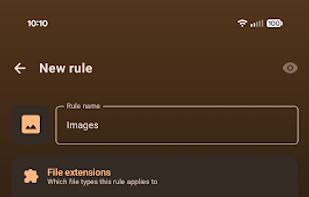


Turn messy Android storage into a rule-driven library: choose sources, filters, destinations, and schedules, then let the app manage it for you.
United States
Automatic file organizer operates silently in the system tray, sorting downloads and any folder by extension or pattern with customizable rules, local undo, and history. Runs fully offline for privacy, supports dynamic placeholders, notifications, and multi-language interface.
 Poland
 EU



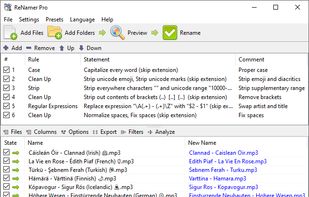
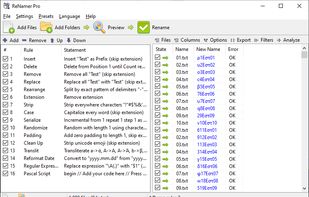
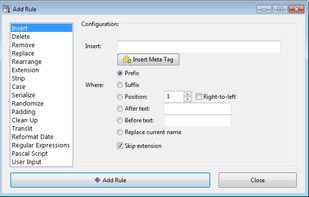
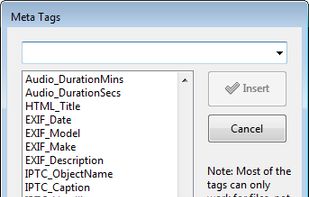
Batch rename files and folders using prefixes, suffixes, extensions, case modifications, and bracket removal. Supports RegEx, PascalScript, custom rule sets, Unicode, and meta tags including ID3, EXIF, OLE, AVI, MD5, CRC32, and SHA1. Ideal for large batch tasks.
 Australia


AI-powered Mac file organizer with smart renaming. Automatically sorts files by content and suggests intelligent filenames. Supports 50+ languages. 100% private, offline, no subscriptions.
 GermanyEU
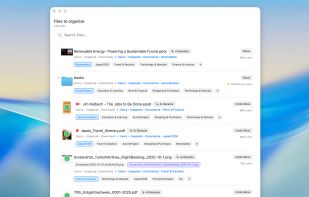


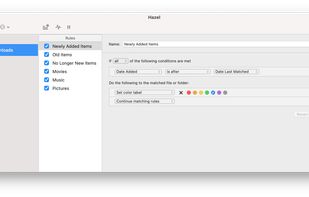
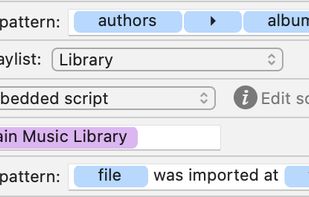
Automates file management on Mac by monitoring folders, sorting, renaming, moving, archiving, and tagging files with user-defined rules. Manages trash, removes remnants after app deletion, integrates with Spotlight, imports to media libraries, and supports automation.
United States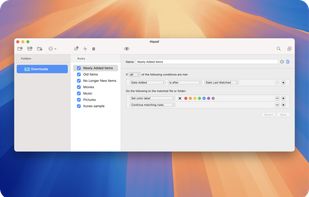
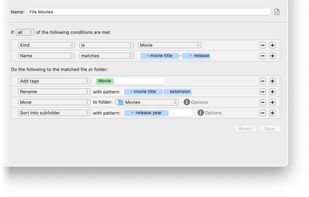


Dolfer is a desktop file organizer that automatically sorts, moves, renames, and cleans up your files using simple rules.
United States


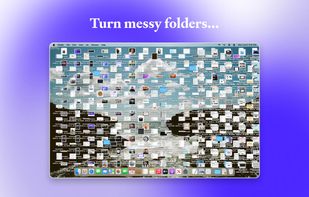
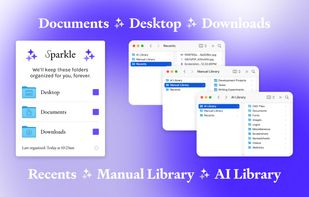
Sparkle uses AI to create a unique folder system and organize every new file (and all your old ones) into the right place. It manages your Downloads, Desktop, and Documents folders so you don't have to.
United States



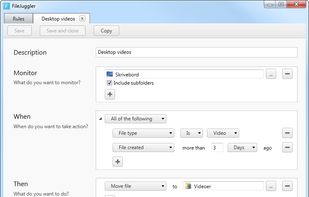
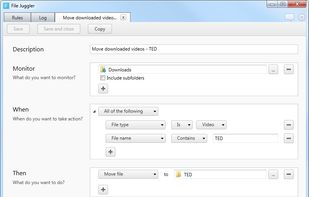
File Juggler is a Windows utility for automatic file management. Set up rules and have filejuggler move your files to their correct locations automatically.
 DenmarkEU


FileFlow scans your files periodically and organizes them according to your rules.
 India




Lightweight menu bar tool for automating file management on macOS: archives and renames screenshots via OCR, ejects installer disk images, and organizes Downloads using custom or natural-language rules. Everything runs secure and private on-device, non-destructively.
 Chile





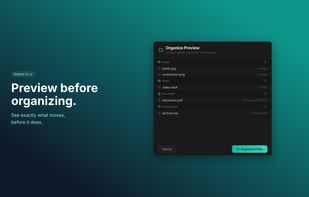
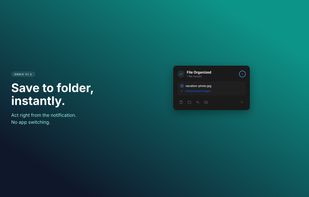
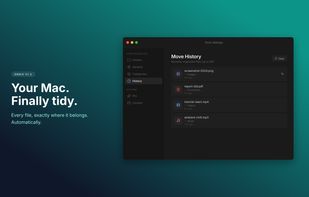
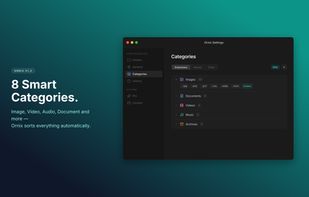
Ornix automatically organizes your messy Downloads folder. Set it once, and Ornix watches your folders, sorting files into categories like Documents, Images, Videos, and more.
 South Korea


Forget about the mess in your Downloads folder! This extension allows you to set custom download locations with a flexible and strong RegExp-based rules.


