Cost / License
- Paid
- Proprietary
Application type
Platforms
- Mac

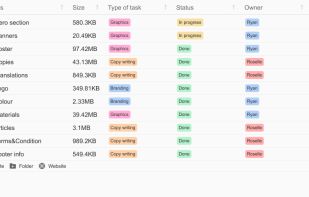

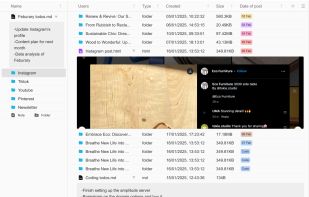

+4
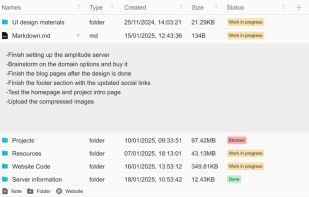


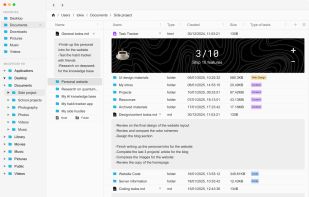
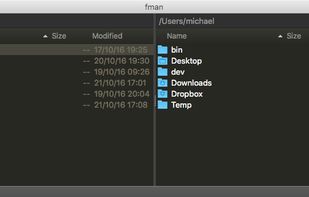
Apps similar to FenrirFS include Double Commander, which is free and open source. Other options are Files, Spacedrive, Total Commander and Dolphin File Manager. File Managers like FenrirFS are a crowded field, with more than 100 alternatives for Windows, Linux, Android, Mac and iPad.

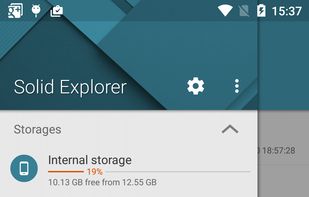
Solid Explorer is the best looking file and cloud manager with two independent panels, which brings to you a new file browsing experience.
 Poland
 EU
EU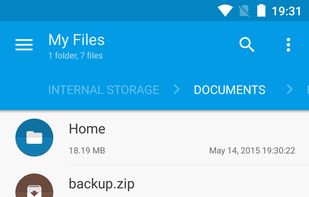


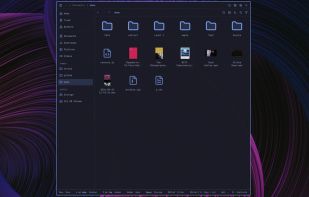
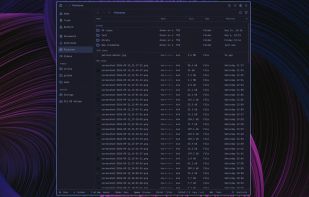
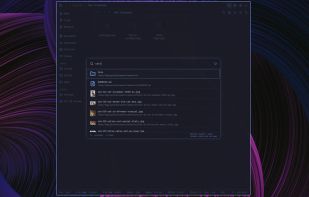
Strata combines spatial Miller-column navigation with familiar Icons and List views, instant fuzzy filename search, rich previews, and native Linux desktop integration. It is designed for Omarchy and works on compatible GTK4 Linux environments.
 Canada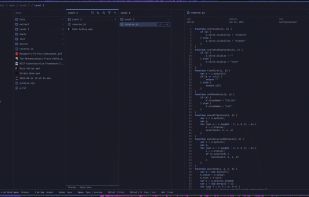


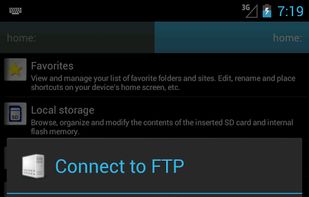
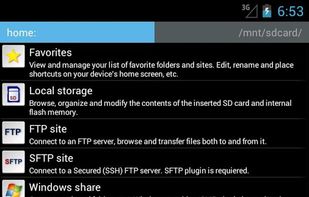
Ghost Commander is a file manager with two panels for the Android™ platform. Its development was inspired by the famous (Norton|Midnight|Total) Commander desktop applications, so if you are familiar with those great programs, you will find Ghost Commander a familiar and very...
 Russia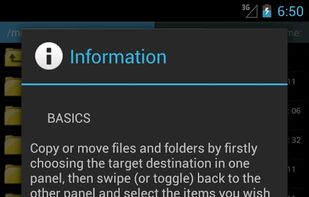



 GermanyEU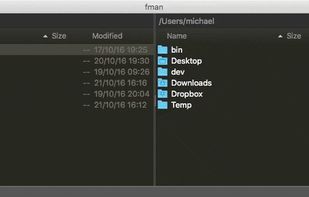
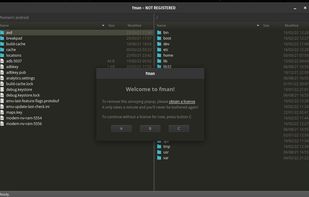


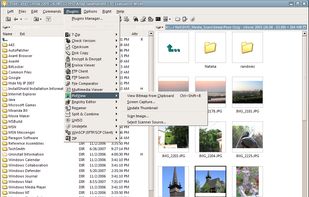
A small and two-pane file manager with open plugin architecture. Has the ability to view content of files (text, html, over 40 picture formats, mp3), support for archives (zip, rar, arj, cab, tar/gzip, etc.), and (S)FTP support.
 CzechiaEU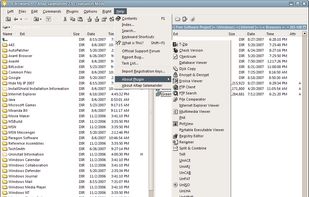


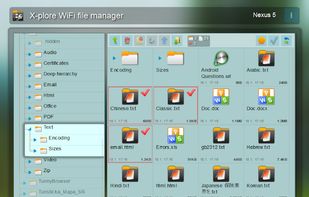
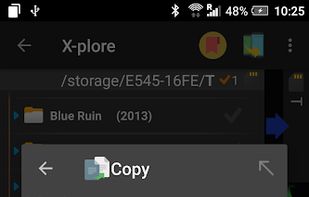
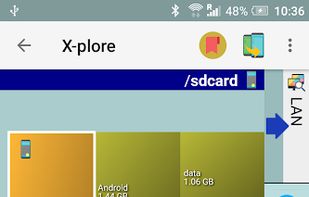
X-plore is a file manager for mobile phones, with wide range of functions on the file system of your mobile device.
 SlovakiaEU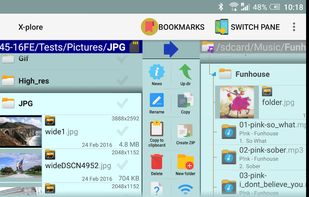


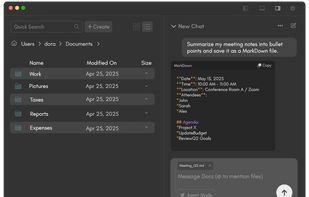
Finding files and organizing your computer just go a lot easier. Dora is the smart file explorer designed to save you time and frustration.
 United States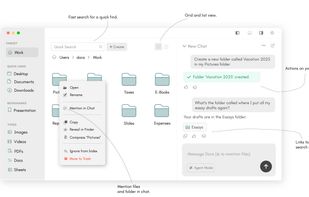


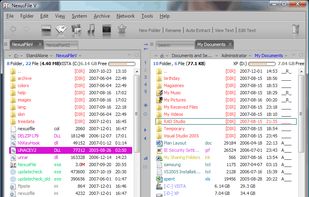
NexusFile is a file manager for Windows. You can manage many files very fast and easily. NexusFile will increase your computing performance. If you still use Windows Explorer, you must try this one.
 South Korea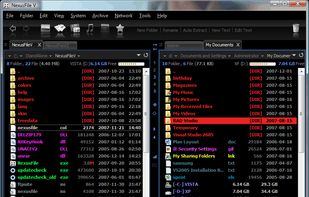

 Russia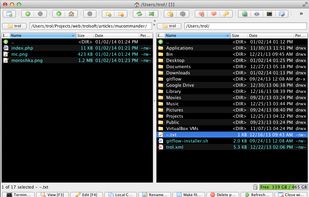
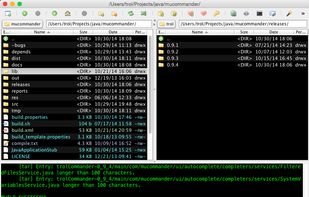
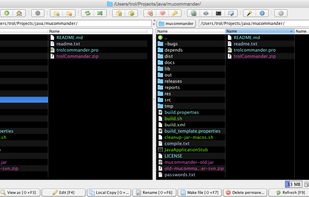
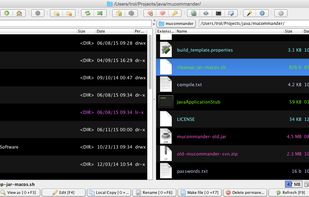


Little File Explorer, previous known as Simple File Explorer, is a simple file explorer, designed with compatibility in mind.
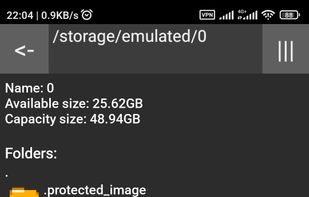


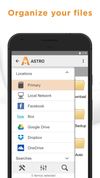
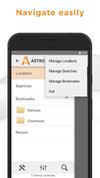
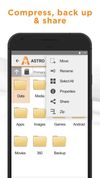
The ASTRO File Manager helps you get the most out of your Android smart phone.
It allows you to manage files on your phone without the need for a computer. Operations you can perform: copy, paste, move, delete, open with other apps, create and folders, etc. What’s convenient ab.
United States