Cost / License
- Free
- Open Source
Application type
Platforms
- Google Chrome
- Microsoft Edge

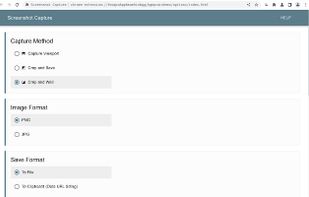

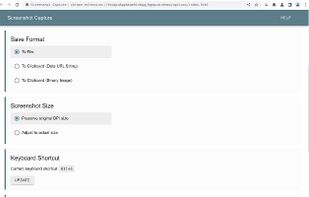

+1


Apps similar to EShot include ShareX, which is free and open source. Other options are Greenshot, Flameshot, FastStone Capture and macshot. There's no shortage of Screenshot Capture Tools like EShot, with more than 50 alternatives for Windows, Mac, the web and Linux.

Capture screenshots or record videos with Ashampoo Snap’s efficient tools. Enjoy easy editing, multi-display support, OCR for 180 languages, and instant sharing capabilities. Revamp your projects with video cutting, annotations, and custom capture options.
 Germany
 EU
EU
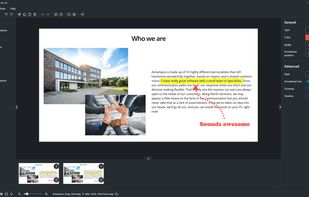


This extension is able to capture 100% of both the vertical and horizontal content appearing on any webpage on the Internet.


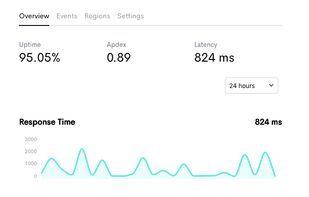
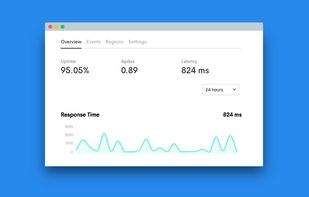
Want to share what you've worked on with friends or co-workers but think a plain screenshot is a bit bland? Screely instantly turns your screenshot into a beautiful image you can share.


Screenshot Captor is a program for taking screenshots on your computer. Its different from other screenshot utilis in several notable ways:
 United States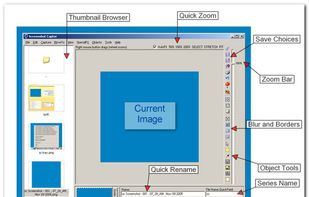
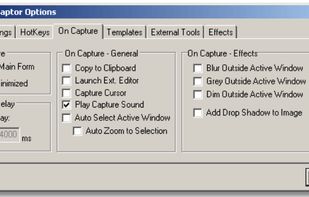
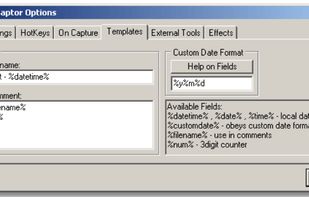
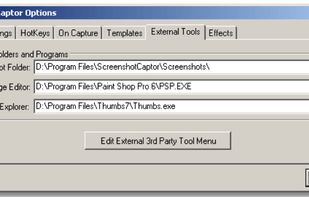


ScreenshotX is a new, lightweight app for Windows for creating beautiful screenshots. It's freeware, it doesn't come with any spyware and you can also share your screenshots without the need to register or any other nonsense.
United States
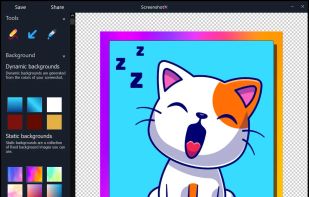


Monosnap allows you to save screenshots easily, conveniently, and quickly, sharing them with friends and colleagues at once.
 CyprusEU


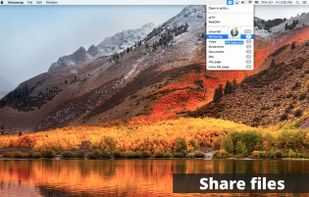


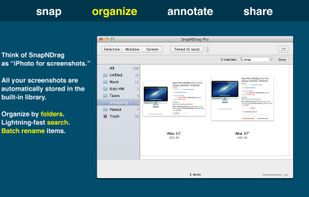
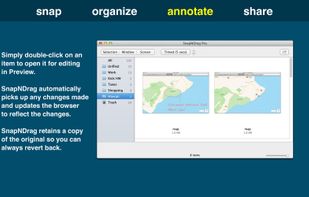
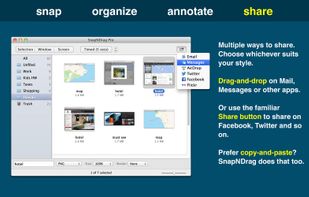
SnapNDrag makes taking screenshots super easy. Click, select and the screenshot is added to your library. SnapNDrag maintains a library of all the screenshots you have ever taken. Think of it as iPhoto for screenshots.
United States


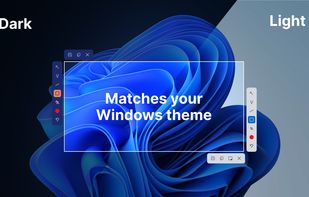
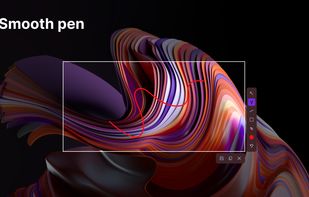
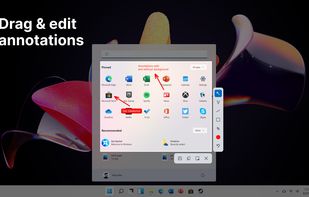
This screenshot tool is made just for Windows 10/11 and lets you take and mark up screenshots really quickly. Right after you take a screenshot, you can start editing it because the editing area shows up around what you've captured.
 Russia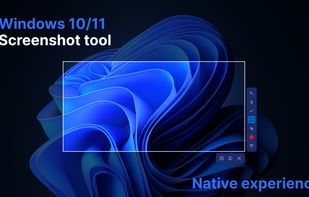


WinSnap is a small enhancement utility for taking and editing screenshots. Standard features include easy capture of non-rectangular windows with customized and transparent backgrounds, simple and automatic canvas transformations, coloring effects, and the addition of eye-candy...
Russia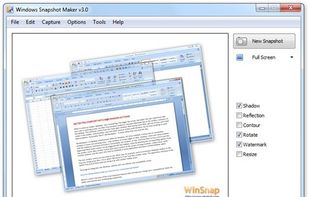

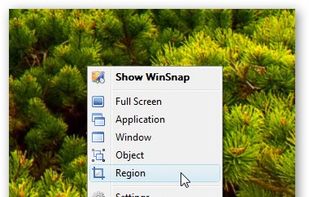


Easy Screen Capture and Annotation lets you capture and annotate any part of the screen. The main goal of the product is to speed up the capture and editing process saving you valuable time by automating repetitive tasks.
United States
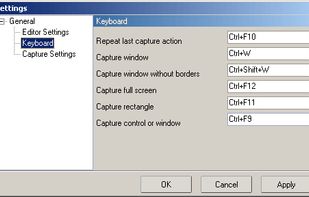


TinyTake is a free screen capture software for Microsoft Windows. With TinyTake, you can capture images and videos of your computer screen, add comments and share them with others in minutes. TinyTake is built by MangoApps and is available for free.
United States