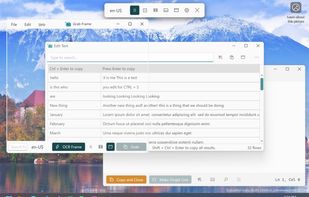
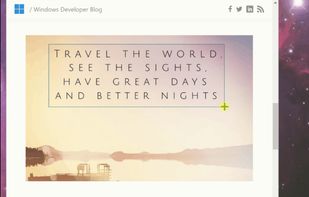
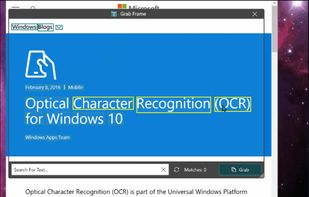
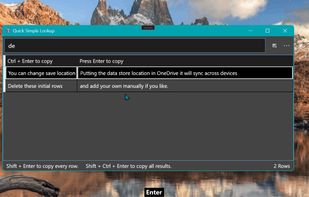
Text Grab is a minimal optical character recognition (OCR) utility for Windows 10/11 which makes all visible text available to be copied.
Cost / License
- Free
- Open Source (MIT)
Application type
Platforms
- Windows
 United States



+1


Apps similar to dpScreenOCR include Greenshot, which is open source with a free version. Other options are OSS Document Scanner, MakeACopy, Snagit and NormCap. You're spoiled for choice with Screenshot Capture Tools like dpScreenOCR: we list more than 50 alternatives for Windows, Mac, Android, iPhone and iPad.
Text Grab is a minimal optical character recognition (OCR) utility for Windows 10/11 which makes all visible text available to be copied.
United States
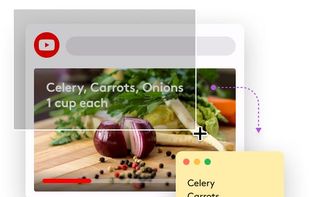
TextSniper is a super useful app to quickly capture unselectable text. Use it to capture and recognize text from presentations, trainings, screencasts,images, pictures, webpages, video tutorials, photos, PDFs etc. Literally from anywhere on your mac's screen.
United States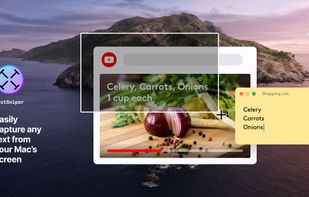


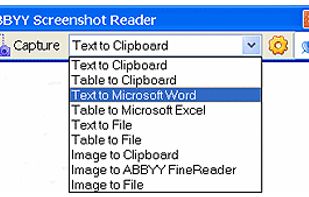
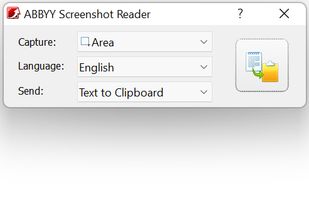
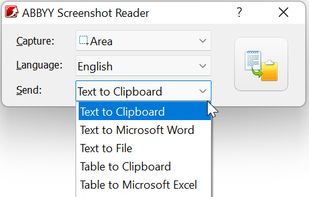
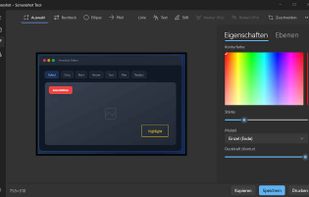
Screenshot Reader is a smart OCR-screenshot application for capturing text and images from any area on your PC screen and extracting text from them or just saving as an image. Prize: 9.99 USD.
 Russia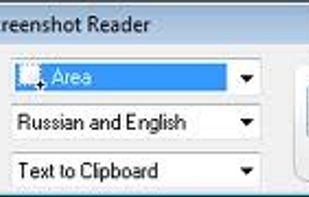


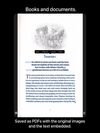
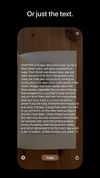
Scan Thing is the quickest way to capture and save anything around you. Scan Thing is available on iOS, iPadOS, and MacOS.
United States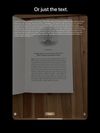


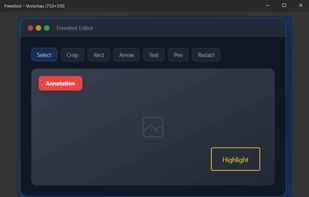
Freeshot is a free, lightweight and modern screenshot tool for Windows. Capture any region, window or full screen in under 100 ms, edit instantly with shapes, text & highlighter, organize everything in a clean library and print intelligently – 100 % free, no ads, no registration.
 Switzerland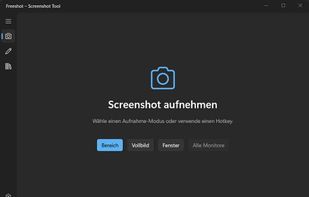


 Spain
Spain EU
EU
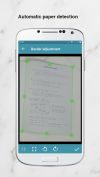
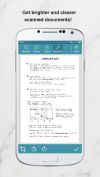


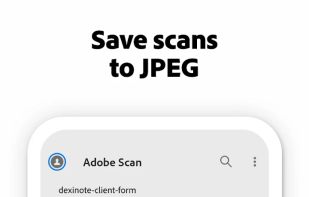
The Adobe Scan scanner app turns your device into a powerful portable scanner that recognizes text automatically (OCR) and allows you to save to multiple file formats including PDF and JPEG.
United States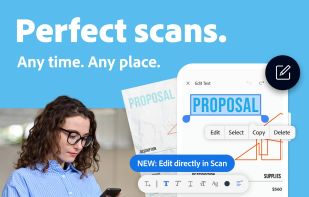


 India
India

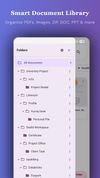


The app is 100% FREE, with NO ads and NO data collection. Donations are possible to support the project.
 ItalyEU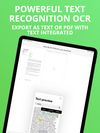


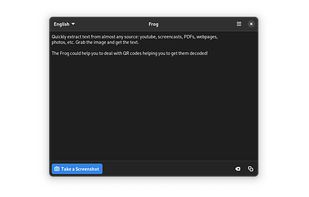
Quickly extract text from almost any source: youtube, screencasts, PDFs, webpages, photos, etc. Grab the image and get the text.
 EstoniaEU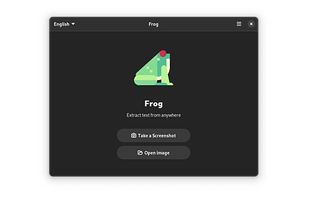


SikuliX automates anything you see on the screen of your desktop computer running Windows, Mac or some Linux/Unix. It uses image recognition.
 GermanyEU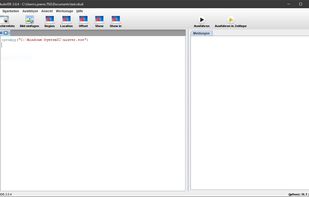

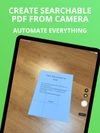
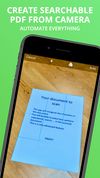
Meet Scanit, a simple yet powerful scanner app that lets you quickly scan any kind of documents and convert them into PDF’s.
 Israel