Display Dimmer Alternatives
Apps similar to Display Dimmer include Twinkle Tray, which is free and open source. Other options are Solace, MonitorControl, Monitorian and Dimmer. Screen Dimmers like Display Dimmer are a crowded field, with more than 25 alternatives for Windows, Mac and Linux.
Alternatives list

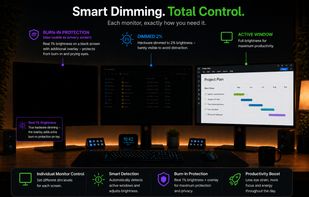
Adaptive per-monitor brightness manager for Windows that automatically dims inactive displays, with two-stage dimming, burn-in protection, break reminders, and energy usage statistics.
Cost / License
- Paid
- Proprietary
Platforms
- Windows
 Germany
 EU
EU
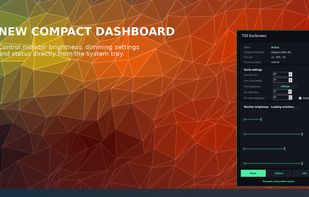


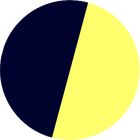
darkbright-helper is a hotkey dimmer for Windows monitors that does not stop at 0%: it lowers the real backlight over DDC/CI, then keeps dimming with a black overlay below the hardware minimum.
Cost / License
- Free
- Open Source (Apache-2.0)
Application type
Platforms
- Windows
- Germany
- EU
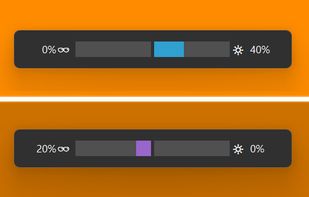

 22 Monitor Bright alternatives
Monitor Bright reduces with a simple trick the monitor brightness. Useful to use the PC at night without getting blind if the minimum brightness that can be obtained adjusting monitor settings is still too high if compared to ambience brightness. Supports multi monitor systems.
Cost / License
- Free
- Proprietary
Application type
Platforms
- Windows
 Italy
Italy- EU

Python monitor control using the VESA Monitor Control Command Set (MCCS) over the Display Data Channel Command Interface Standard (DDC-CI).
Cost / License
- Free
- Open Source (MIT)
Platforms
- Windows
- Linux
- Python
M
Free, open-source display control for Windows 11: one brightness slider for every monitor (DDC/CI and laptop panels), night light, focus mode, keep awake, per-monitor taskbar hiding and glass, OLED care, your monitor's own settings, hotkeys and a CLI.
Cost / License
- Free
- Open Source (MIT)
Platforms
- Windows
 India
India
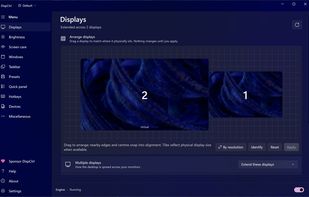
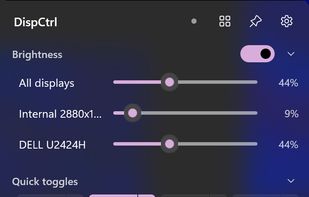
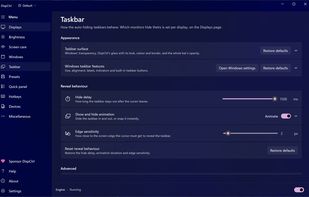


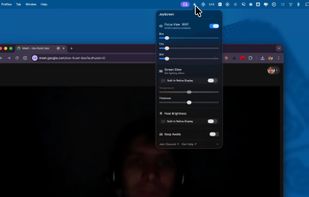
Focus view, extra brightness, ambient glow, and keep awake — all from your menu bar. JoyScreen transforms how you use your Mac.
Cost / License
- Paid
- Proprietary
Platforms
- Mac
 Poland
- EU

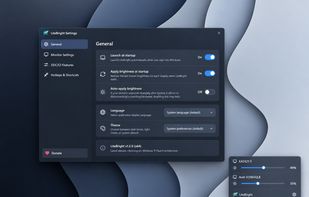
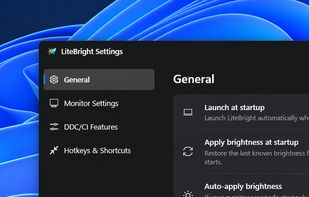
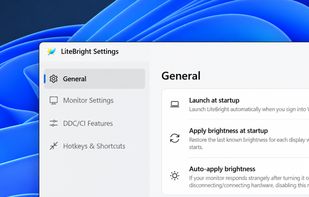
LiteBright is a lightweight native brightness controller for Windows 10 and 11. It lets you control brightness across multiple monitors from the system tray, adjust displays independently or together, and use global keyboard shortcuts for quick changes.
Cost / License
- Free
- Open Source (MIT)
Platforms
- Windows


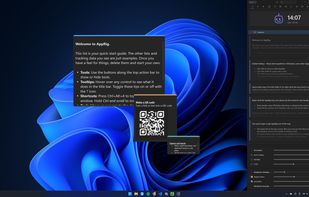
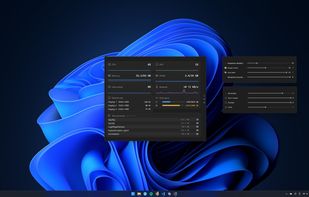
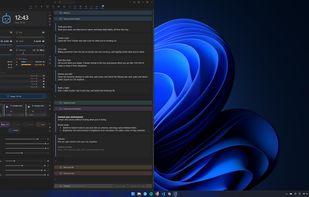
A local-first Windows tray app that bundles per-app volume, monitor brightness, sticky notes, time tracking and a dozen other tools in one place.
Cost / License
- Freemium
- Proprietary
Application typeApplication types
Platforms
- Windows
 United Kingdom
 +6
+6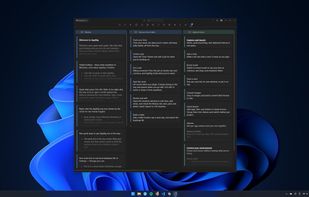


Cost / License
- Free
- Open Source (LGPL-3.0)
Platforms
- Windows