Cost / License
- Free
- Proprietary
Platforms
- Windows

W


Apps similar to Direct Folders include Everything, which is free. Other options are Microsoft PowerToys, Flow Launcher, FSearch and Launchy. There's no shortage of Application Launchers like Direct Folders, with more than 100 alternatives for Windows, Mac, Linux, Android and iPhone.

Quad Drawer is the quick way to launch apps. It’s a simple app drawer: using the predictive keyboard, just type a few letters of the app you’re looking for and Quad will bring it to you.
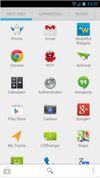
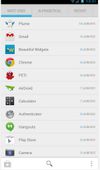


PortAL is very light portable software launcher which is based on hotkeys, menus and system tray icons.
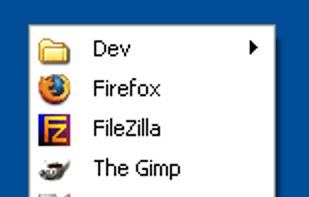
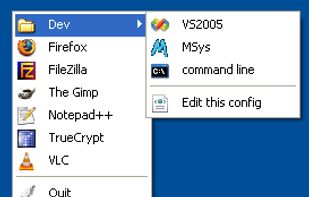


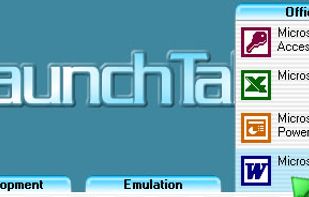
[Last update was released on 05 Oct 2007, but you can download it from Softpedia.com on http://www.softpedia.com/get/Desktop-Enhancements/Other-Desktop-Enhancements/LaunchTab.shtml ]



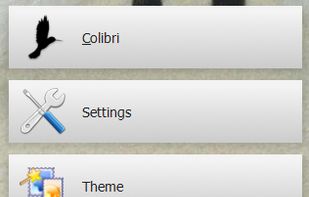
Colibri combines the raw power of the command line with the intuitive nature of a modern graphical user interface to define a revolutionary new way of managing your computer.
 Finland
 EU
EU

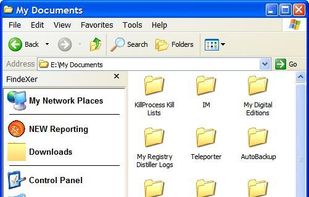
FindeXer customize your Explorer windows locations area for quick access to your most frequently used folders. After you install FindeXer, you need to restart Explorer and then view it by going to View -> Explorer Bar and selecting FindeXer.
 United States

File/Folder Launcher (FFLauncher) is a simple, very easy to use application specially designed to help you launch files and folders.
 Indonesia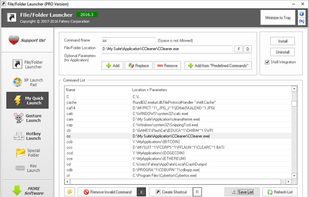


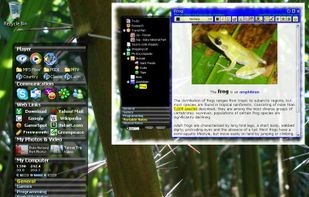
8start Launcher is a combination of innovative Application Launcher, countdown and Tree Notes/Shortcuts/Favorites.


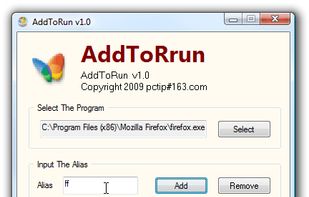
AddToRun is a small utility that will allow you to open any file or application from the Start Menu's Run Command dialog box (WIN+R). It has a very simple interface which will allow you to select a file and assign it an alias or friendly name.

Launch Box is generally an application launcher. It's very influenced by Quicksilver for Mac OSX. Remember that this is only a first release so don't get your hopes up too much. Launch Box is written for the GNOME 2.10 platform and depends on GTK+ 2.


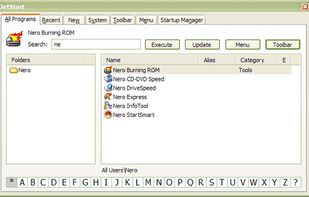
Tired of digging into crowded Start Menu? JetStart offers you a quick access to categorized Start Menu shortcuts, recently launched programs and system commands.
 Australia