



Terminal-native clipboard vault for developers — auto-classifies, encrypts secrets, and recovers context fast.
 United States



+3


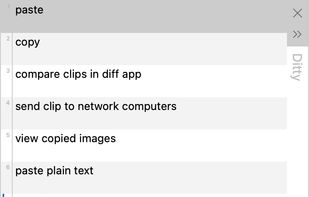
One of the most popular alternatives to CopyQ is Ditto, which is free and open source. Other popular alternatives are PasteBar, Planck, CopyCat Clipboard and Maccy. There's no shortage of Clipboard Managers like CopyQ, with more than 100 alternatives for Mac, Windows, Linux, iPhone and iPad.
Terminal-native clipboard vault for developers — auto-classifies, encrypts secrets, and recovers context fast.
United States
ClipFlow is a Windows clipboard text manager that stores snippets as plain text files. Save the clipboard with Ctrl+Alt+S, load a file into the clipboard with Ctrl+Alt+L — template fields like $$Customer$$ are expanded on load.


Sometimes I lament losing important information from my clipboard so I made this to record it all into a single TXT file with timestamps.
 Finland
 EU

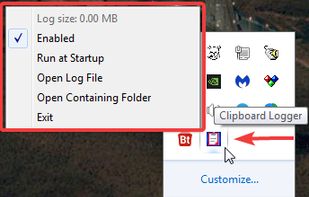
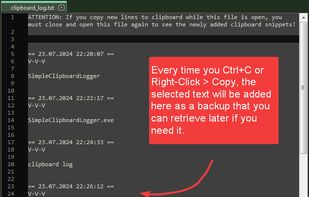
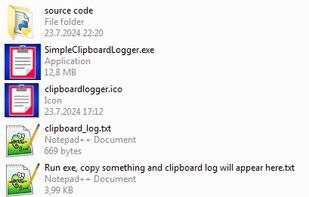


CleanBoard is a lightweight clipboard utility for macOS that removes unwanted formatting from copied text—so you can paste clean, plain text into any app with ease.
 SwedenEU



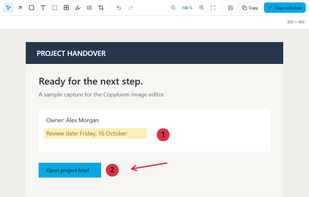
A clipboard history and image editor for Windows. Pick a clip from a small list that opens where you work, and it is pasted into the app you came from.
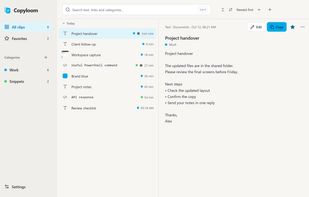


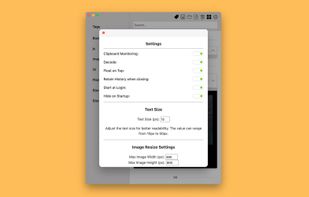
Say goodbye to losing important snippets of text and images! Clip Log is the ultimate clipboard manager, combining intelligent organization, real-time saving, and privacy-first design. Designed to simplify your workflow, Clip Log ensures that everything you copy is instantly...
United States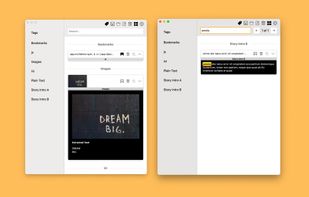
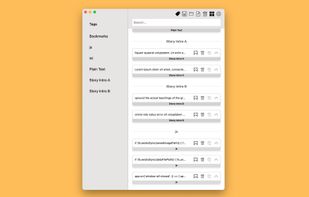


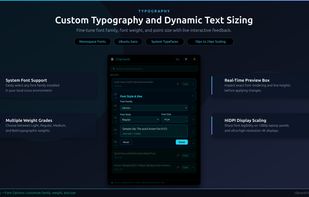
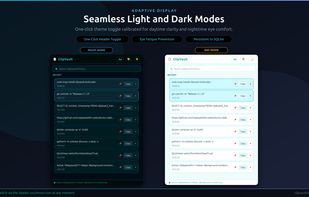
ClipVault is a lightweight, privacy-focused clipboard manager built for Linux desktop environments, engineered specifically for modern Wayland compositors (GNOME, Ubuntu) and X11 sessions.
United States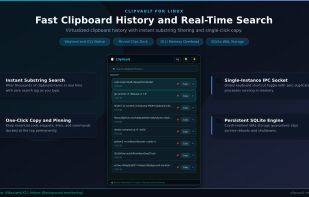


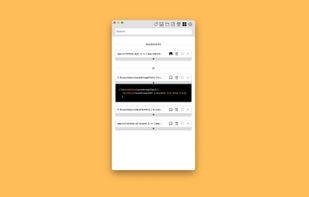
ClipboardMenu is a powerful yet lightweight clipboard manager that lives in your Mac's menu bar. Never lose copied content again - access your complete clipboard history and save frequently used items as snippets for instant reuse.
 United Kingdom
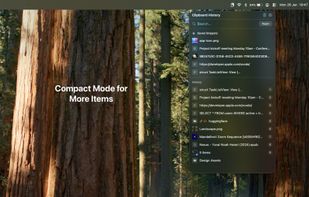
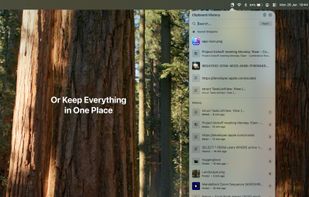
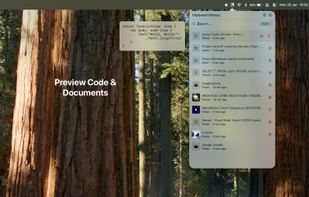
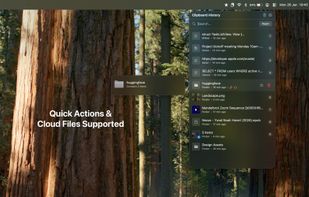


Free, open-source Mac version of the Windows clipboard manager Ditto: saves everything you copy and pastes it back with a hotkey.


Advanced Recent Access is designed to see more properties of your recent used resources (files and directories). Key features: can see more properties of the recent resources, such as path, size, type, date modified and date created. And more.
United States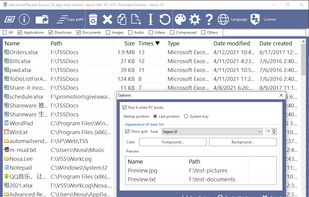


 Germany


