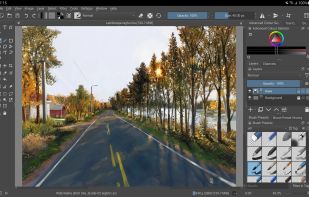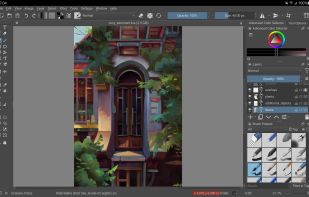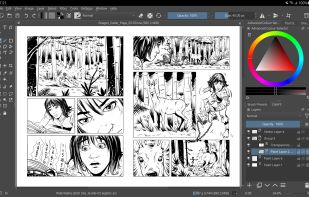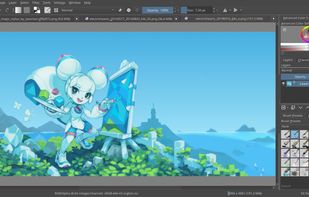
Free, open-source painting software designed by artists for artists. Offers customizable UI, 9 brush engines, color management, tablet support, non-destructive editing, and privacy features. Portable and available on major platforms, supporting seamless texture creation.
Cost / License
- Free
- Open Source
Application type
Platforms
- Mac
- Windows
- Linux
- Android Tablet
- KDE Plasma
- Epic Games Store
- PortableApps.com
- F-Droid
- Steam
- AppImage



Krita vs Clip Studio Paint Comments
It lacks key features like reference layers, gap closing, etc. so is impossible to do flatting with any speed. The supposed 'autofill' alternative is unintuitive and doesn't work most times. Krita is a good painting program, but its not usable for illustration the way clip studio is.
A recent (May 2026) comment here claimed that Krita lacks features like reference layers and gap closing. It has both of these, and has had them for a while.
Reference Layers: right-click on and assign a color to your Layer -- then tools like the fill bucket and magic wand can be made to reference those layers by their assigned color.
Gap Closing: when you're using the Fill Bucket tool or the magic wand, there is a slider in the Tool Options docker called "Close Gap" which does exactly that.
Krita is a fantastic alternative to Clip Studio!


- Krita is Free and Open Source
- Krita is Privacy focused


a great software for poor artist but very powerfull to drew . i'm like it