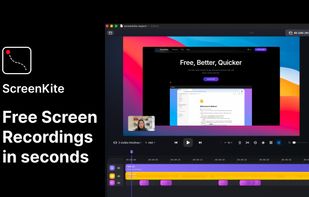


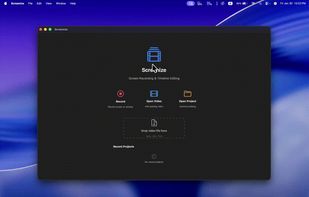
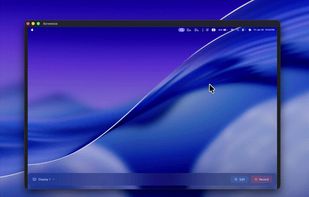
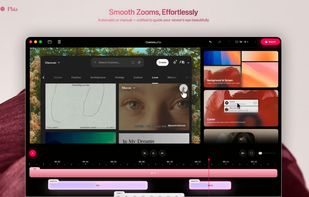
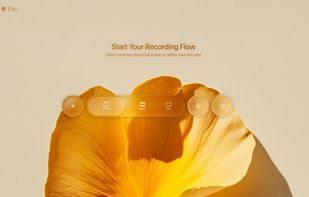
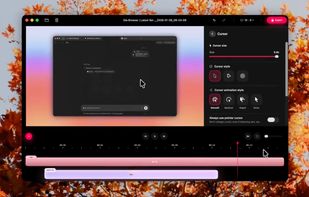
Open-source macOS screen recording app with auto-zoom, cursor effects, and timeline editing — Screen Studio alternative.
Cost / License
- Free
- Open Source (Apache-2.0)
Application type
Platforms
- Mac
 South Korea



+7


Apps similar to CleanShot X include ShareX, which is free and open source. Other options are Greenshot, OpenScreen, Recordly and Vorssaint. You're spoiled for choice with Screenshot Capture Tools like CleanShot X: we list more than 100 alternatives for Windows, Mac, the web, Linux and Android.
Open-source macOS screen recording app with auto-zoom, cursor effects, and timeline editing — Screen Studio alternative.
South Korea
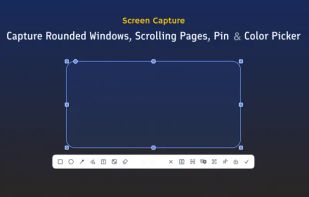
PrintScreen.ly is a desktop-first screenshot and screen recording app for macOS, Windows, and Linux, with web, iOS, and Android versions. Capture regions, windows, fullscreen, or entire scrolling pages with pixel precision.
 United States
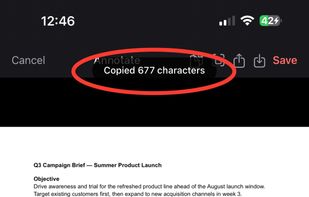
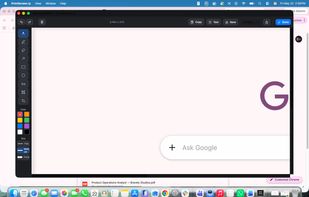

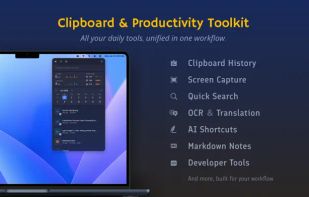
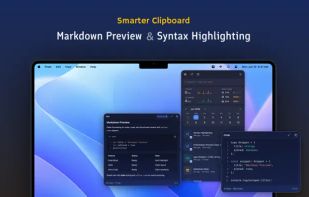
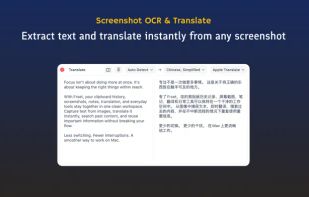
Frset is an all-in-one macOS productivity app combining clipboard management, screenshots, OCR, translation, AI shortcuts, and useful utilities in one place.


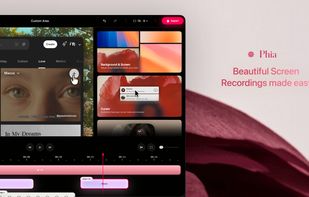
Screen recorder featuring fluid mouse motion, intelligent zoom, motion blur, customizable backgrounds, dynamic title animations, and mesmerizing scene transitions. Instantly share, embed, or edit videos for demos, tutorials, and presentations.


Easy and free screen recorder for Mac, Windows, and Chromebooks. Record your camera and screen with audio directly from your Chrome browser and share the video with your team, friends, and family.
United States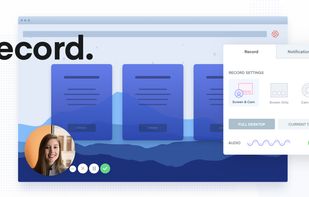
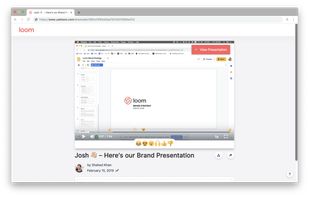
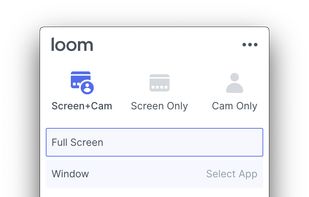


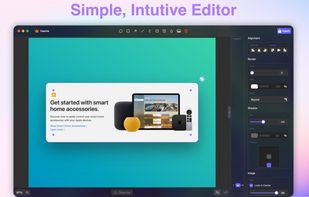
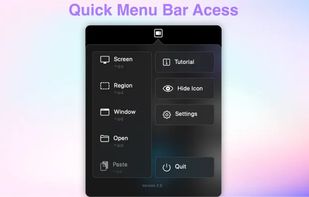
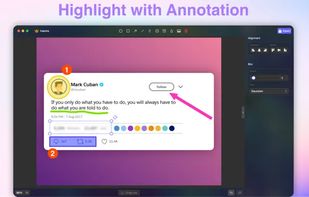


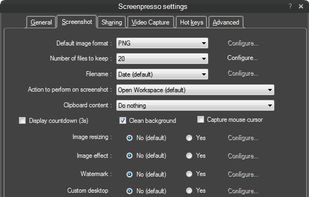
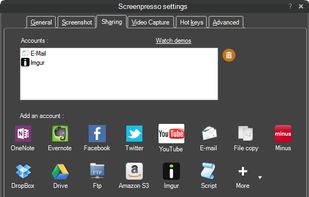
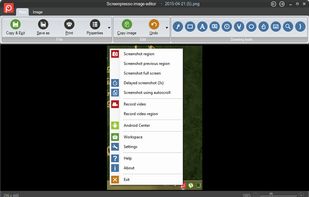
Comprehensive screenshot and screencast tool offering full-screen, window, or region captures with a built-in editor. Supports cropping, resizing, labels, and effects, with integration for popular services. Free version includes some branding and is limited to 15s screen casts.
 France
 EU
EU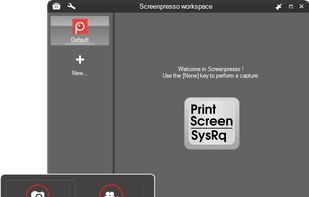


A free native Mac studio for recording displays, windows or areas, then editing with automatic click-based zooms, a redrawn cursor and motion blur. It also creates editable annotated screenshots, transcribes captions locally, records voiceovers, and stitches takes.
 Canada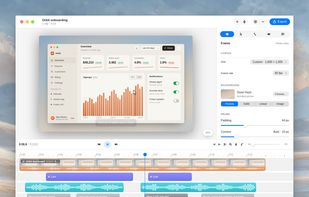
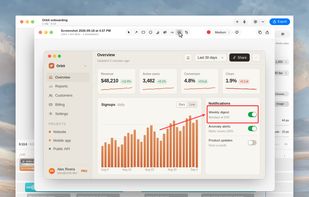
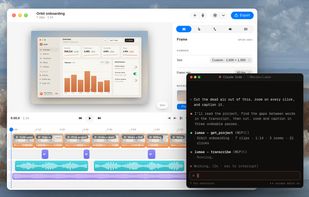


macOS tool for detailed screen recording, timeline-based video editing, customizable cursor animations, camera and audio capture, background editing, and easy sharing. Suitable for tutorials, presentations, or social media creation with a user-friendly workflow.
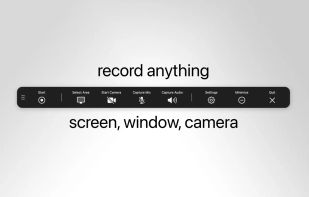
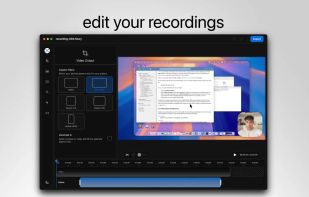
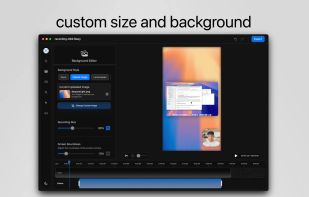
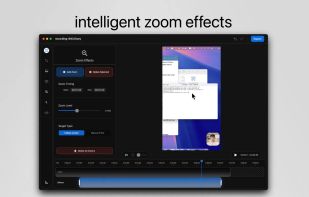


Capture the contents of your entire desktop at the same time as your video camera, microphone and computer's audio. Sophisticated editing tools allow you to create incredible screencasts in no time.
United States


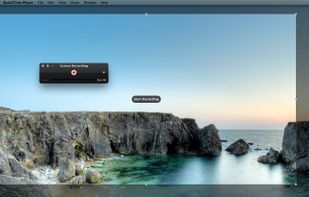
Watch Internet video, HD movie trailers, and personal media clips. Whether it’s on the web or on your desktop, QuickTime Player brings your digital media brilliantly to life.
United States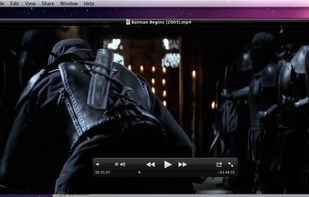


Native macOS screen recording and editing with auto-zoom following every action, built-in editor for quick trims, super-fast Metal-accelerated 4K export, no subscription, customizable backgrounds, movable camera overlay, shadow effects, and AI-driven features.
Canada