

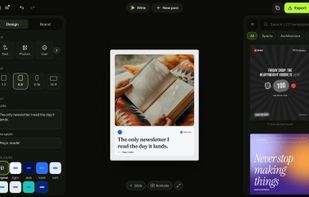
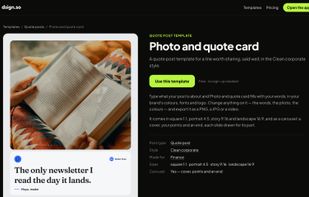
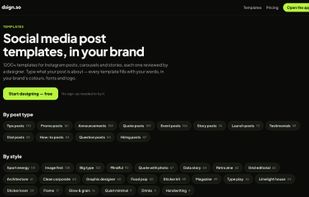
dsign.so makes on-brand social posts for people who aren't designers and mostly work on their phones.






Canva is a web-based, drag-and-drop design tool for quickly creating graphics using templates, with basic image editing and collaboration. Users call Desygner one of the closest Canva replacements, praising extra design options and an easy-to-use workflow.
Canva alternatives split between template-first social design tools and pro UI/vector tools. Desygner leads as the top-ranked alternative, built around templates plus AI-powered design assistance and stock imagery. Penpot ranks second with open-source responsive layouts and code inspection for designer–developer collaboration.
For offline desktop editing, Affinity ranks third as a professional suite combining photo editing, vector illustration, and layout with non-destructive editing. Users praise PosterMyWall for being free, very easy to use, and packed with templates for quick marketing graphics. Penpot supports interactive prototyping with animations, transitions, and flow rates to simulate real user interactions.
Canva is an image editor, but open source transparency seekers have options in Penpot and Aktivisda. Organizations needing control over where designs live can self-host alternatives like Penpot, Picmaker, and Aktivisda. For users making presentations and infographics beyond general-purpose graphics, visme and Genially target these specific workflows.
Photographers and photo editors prioritizing retouching over templates can choose Pixlr and Luminar Neo, which emphasize photo enhancements including AI tools. Browser-based workflows benefit from Vectr, VistaCreate, and Adobe Express, which run online for quick access without installs. Windows users have desktop options in Affinity, Figma, and Pixlr, while Mac users can choose Affinity, Figma, and Affinity Designer. Mobile creators have iPhone and Android workflows covered by Desygner, Pixlr, and PicsArt.
dsign.so makes on-brand social posts for people who aren't designers and mostly work on their phones.
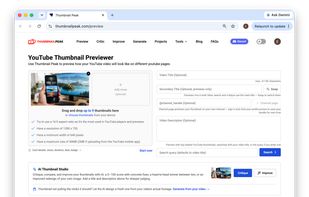
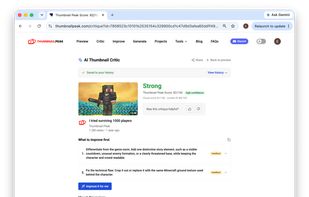
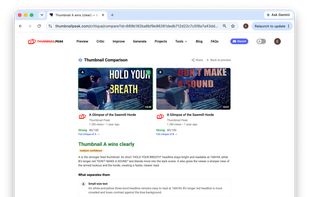
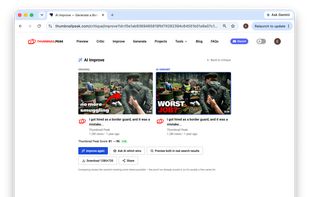
ThumbnailPeak previews your YouTube video thumbnail and title in realistic YouTube settings so you can judge it the way viewers actually will — at feed size, next to real competition.
 United States

Movidmo is a free, browser-based platform for making and editing both videos and images — no download and no design experience needed. It brings together four tools: a full video editor, an image editor, an AI video generator, and an AI image generator.
United States


Been creating content for a while and got tired of the 30+ minute workflow to repurpose Instagram carousels for LinkedIn.
United States


The launch video built by your agent. Describe the video you want. Remocn Studio will turn it into a video following motion design rules, then check it and fix any visible issues.
 Ukraine
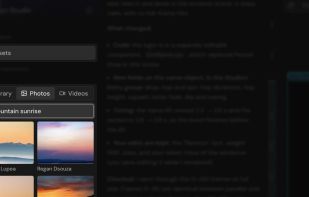
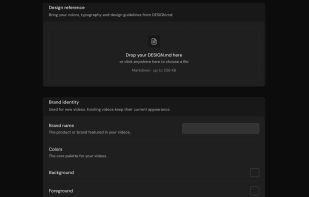
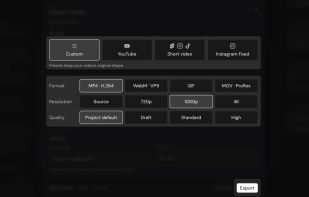


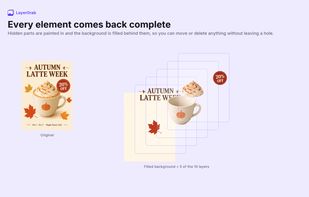
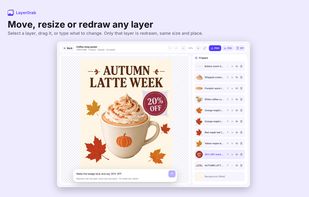
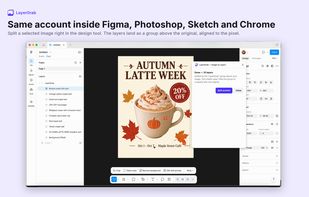
LayerGrab splits a flat image, such as a poster, banner, product photo or illustration, into editable layers. Each main element comes back on its own transparent layer with a descriptive name, up to 16 layers per image, and the background behind the elements is filled in, so you...

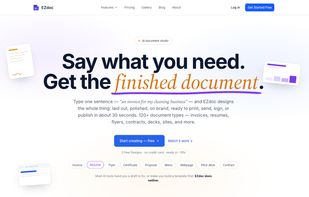
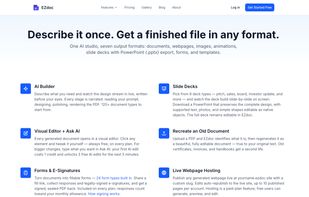
EZdoc is the document layer for your business. Describe it once and get a finished PDF, slide deck, webpage, social image, animation, or fillable e-sign form in 30 seconds — then generate thousands of personalized versions from a CSV or Google Sheet.


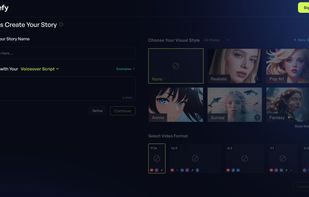
Browser-based AI video workspace that turns briefs, ideas, scripts or footage into completed videos. Its creative-director assistant drafts scripts and storyboards, while users generate visuals and voiceovers, edit scenes on a timeline, add captions and motion.
United States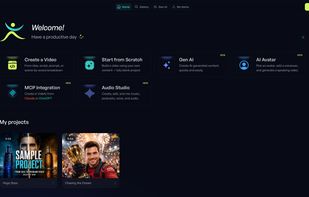
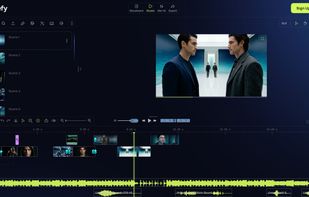
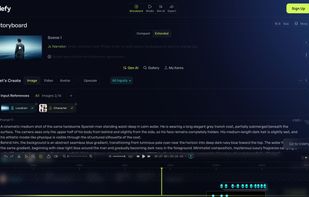


MotionFlow AI is the first script-to-animation platform built for content creators and freelance motion designers. Paste your script or import from YouTube, TikTok, Instagram, Vimeo, X, or Facebook via Social Video Import, and MotionFlow extracts key ideas, generates matching...
 France
 EU



InstantPhoto is a free, browser-based photo editor built for people who just want to edit a photo without any friction.
 CzechiaEU
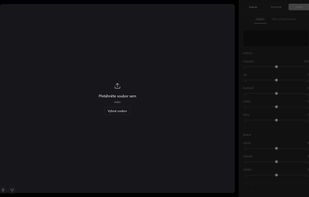


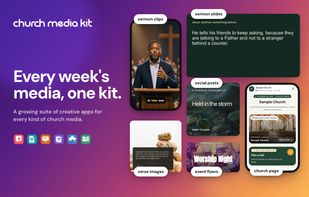
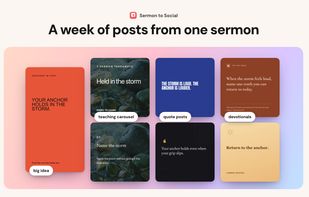
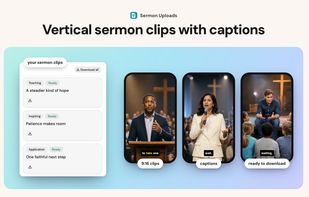
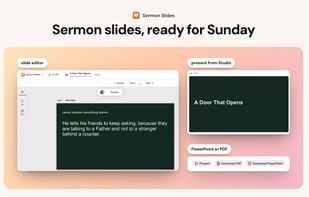
Browser-based apps for church teams create editable social posts from sermons, captioned vertical video clips from uploads, and presentation slides with lower thirds. Shared colors, fonts and logos carry into graphics, verse images and visitor pages; teams share drafts.
 Canada

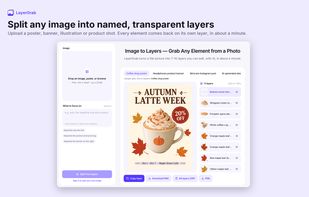
Designers, motion artists, and developers waste hours cutting out subjects and objects from images. Image to Layers AI eliminates that drudgery. Upload any image and in about one minute you get the subject, background, and distinct objects as separate transparent PNG (RGBA)...