+2


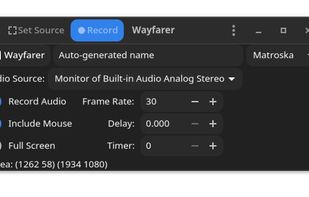
The best Screenshot Capture alternative to Camtasia is OBS Studio, which is both free and Open Source. If that doesn't suit you, our users have ranked more than 100 alternatives to Camtasia and loads of them are Screenshot Capture Tools so hopefully you can find a suitable replacement. Other interesting Screenshot Capture Tool alternatives to Camtasia are SimpleScreenRecorder, Bandicam, FastStone Capture and VokoscreenNG.

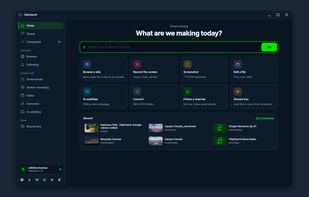
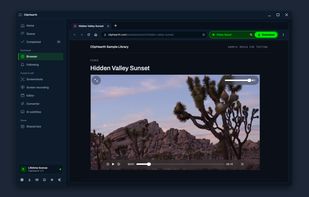
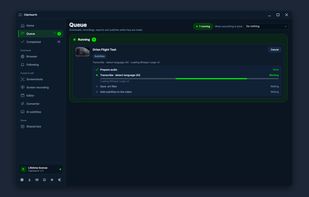
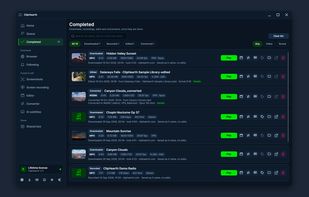
A cross-platform desktop workbench that detects video, live streams, radio, and playlists in its built-in browser, then captures, converts, and edits them. It supports subtitles, batch jobs, hardware encoding, GIF export, ad and tracker blocking, and signed updates.
 Czechia
 EU


Screen capture in real time and send instantly to any destination: clipboard, file, graphic editor, studio, e-mail, web, Windows Instant Messenger, ICQ, printer/fax.


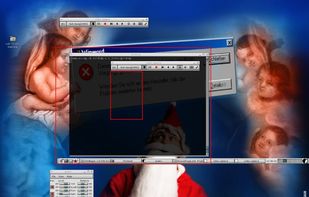
A small tool to capture things going on on an X-Windows display to either individual frames or an MPEG video similar to tools such as Lotus ScreenCam or Camtasia.
 GermanyEU


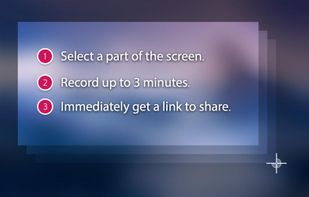
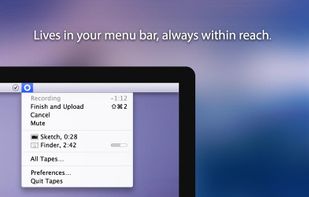
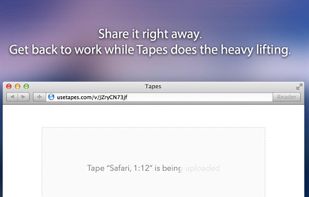


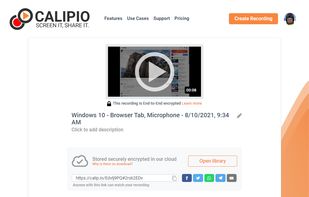
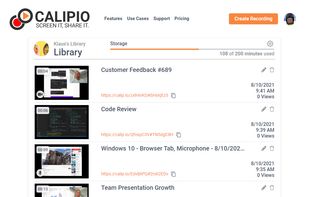
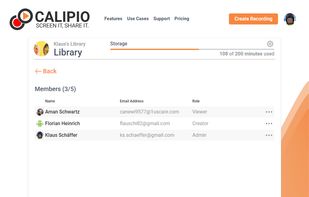
Free Online Screen Recorder - Record your screen and webcam. No download required. Protected by end-to-end encryption. Free to use on Windows, Mac, Linux, iOS, Android.
GermanyEU


Free Screen Video Recorder is a compact, yet full-featured screen video recorder and screenshot capture tool that allows you to easily record screen activities and capture anything on the screen including windows, objects, menus, full screen and rectangular regions.
 United Kingdom




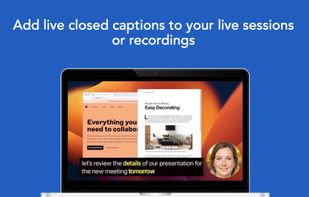
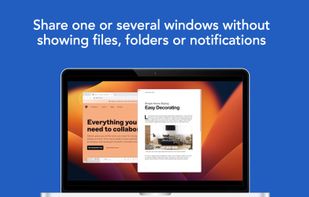
Share or record any number of windows over a clean background, without icons, folders or notifications.
 United States




You grab Screens or Windows using the standard PrtScn and Alt-PrntScn keys and MGrab will intercept the saved data as it is sent to the clipboard and put it into your chosen folder as a BMP or JPG file leaving the clipboard free for you to take another screenshot.


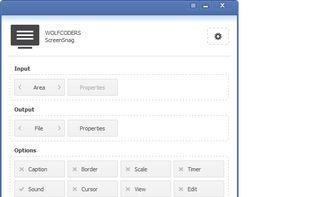
ScreenSnag provides a quick and easy way to take a photo of your computer screen. Capture the entire screen, a region of the screen, a window, or an element on the window with a single hotkey or click. You can also use Timer option to perform captures at intervals that you...


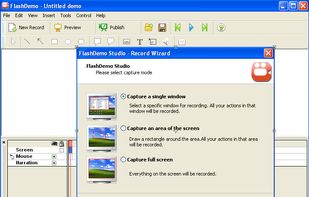
FlashDemo Screen Recorder captures all screen activity from your Windows Desktop in real time and publishes as a Flash movie. Perfect for creating online tutorial, training & support videos, E-Learning material.
 China