


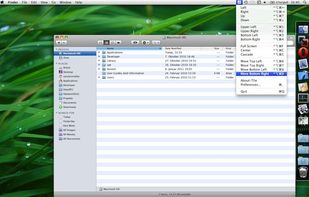
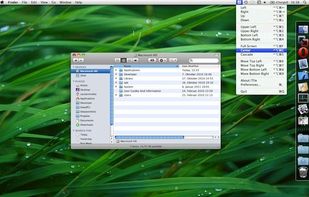
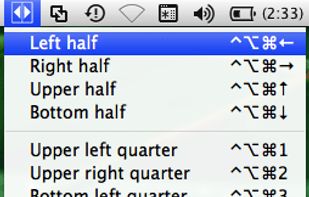
TileWindows helps you to easily organize your desktop: Move and resize your application windows, so you can view them side by side, by using keyboard shortcuts.
Platforms
- Mac
 Germany
 EU
EU




+1


Apps similar to BetterTouchTool include AutoHotkey, which is free and open source. Other options are Rectangle, Karabiner Elements, AquaSnap and SnapZones. You're spoiled for choice with Window Managers like BetterTouchTool: we list more than 50 alternatives for Mac, Windows, Linux and Android.
TileWindows helps you to easily organize your desktop: Move and resize your application windows, so you can view them side by side, by using keyboard shortcuts.
GermanyEU
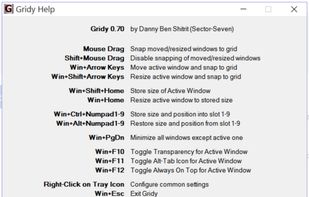
Gridy adds an invisible grid to Windows, so that any window you move or resize is snapped to it. Snapping is enabled with mouse drag or keyboard a...


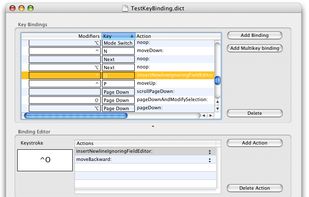
KeyBindingsEditor is a GUI-based editor for OS X key bindings. It allows for easy editing and supports single-action bindings (one action per keystroke), multi-action bindings (multiple actions for a keystroke) and Emacs meta binding-style multi-keystroke bindings.

A lightweight, privacy-first macOS command center that combines global shortcuts, advanced gestures, window snapping, and clipboard history into one offline app.
 United Arab Emirates

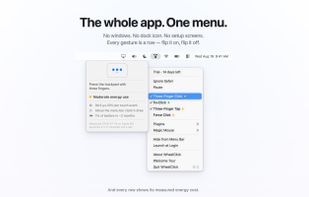
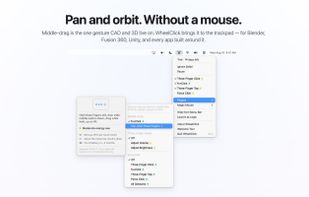
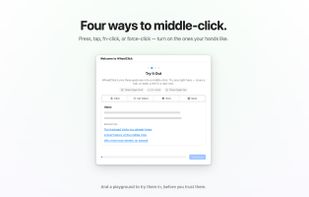
Middle click for the Mac trackpad: three-finger click or tap, free forever, plus fn+click, Force Click, middle-drag for CAD, autoscroll and per-app rules as a one-time purchase, from the maintainer of MiddleClick.
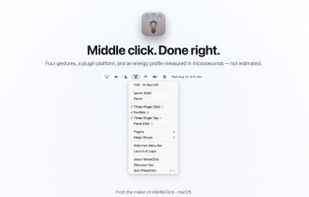


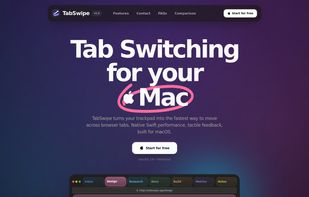
TabSwipe turns your trackpad into the fastest way to move across browser tabs. Native Swift performance, tactile feedback, built for macOS.


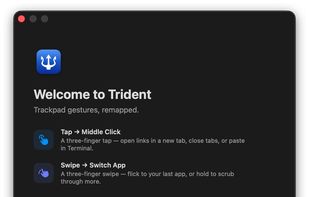
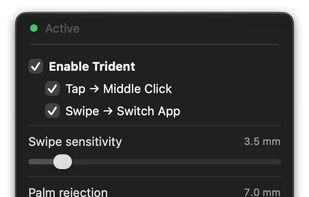
Remaps Mac trackpad's three-finger tap to middle click and three-finger horizontal swipe to app switching, offering instant adjacent app switching or app-switcher HUD scrubbing. Includes customizable gesture toggles, palm rejection, and sensitivity settings.


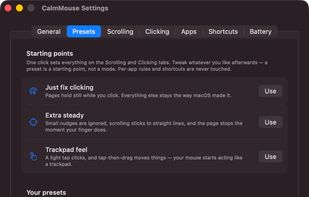
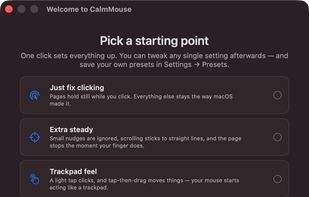
The Magic Mouse's whole top shell is a touch surface, and it stays live while you click. So every click is also a tiny swipe — you press down, your finger rolls half a millimeter, and the page jumps. Drag a window and the document scrolls out from under it.
 United States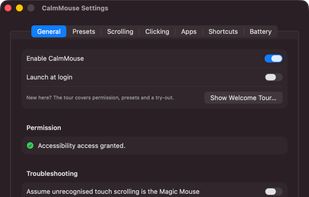

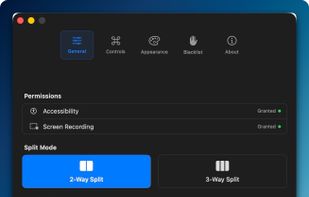
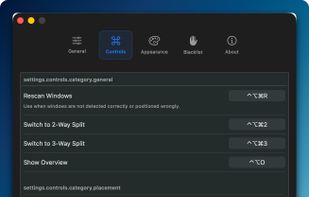
Window management utility on macOS enabling window snapping, 2- and 3-zone layouts, app rotation, keyboard and trackpad gesture controls, plus overview mode for fast app assignment and switching, offering efficient multitasking in customizable zones.
 South Korea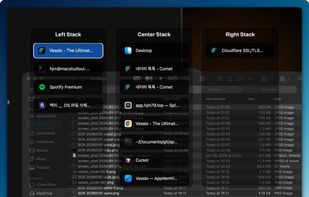


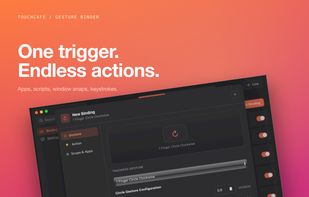
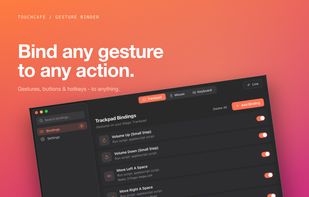
TouchCafe remaps trackpad gestures, extra mouse buttons, and keyboard shortcuts into custom actions — launch apps, open URLs, run scripts, snap windows, or send keystrokes — with per-app scoping and a real-time gesture preview.
United States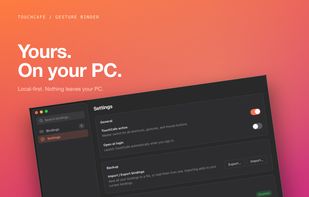


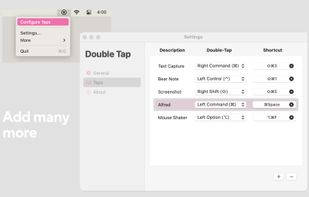
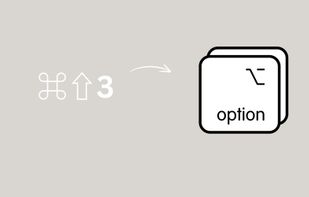
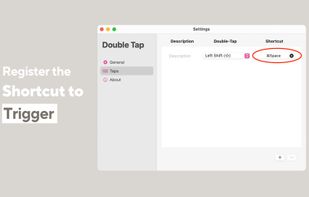
Tired of tiwsting and stretching your fingers to trigger your shortcuts? You feel like you are running out of shortcuts?
United States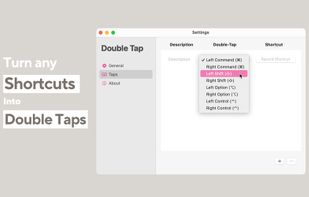


MiddleClick is a free app with the only purpose of enable the middle click with magic mouse. Download link: https://dericeira.github.io/middleclick/


