




WheelClick
Like
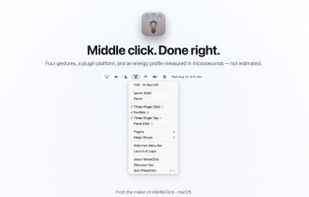
Middle click for the Mac trackpad: three-finger click or tap, free forever, plus fn+click, Force Click, middle-drag for CAD, autoscroll and per-app rules as a one-time purchase, from the maintainer of MiddleClick.

Cost / License
- Freemium (Pay once)
- Proprietary
Application type
Platforms
- Mac
- Homebrew


Features
WheelClick News & Activities
Highlights All activities
Recent activities
- Arthur Ginzburg updated WheelClick
- Arthur Ginzburg added WheelClick
- Arthur Ginzburg updated WheelClick
- Arthur Ginzburg updated WheelClick
 Arthur Ginzburg added WheelClick as alternative to Middle Click, BetterTouchTool, MiddleDrag, Multitouch and 3 more

WheelClick information
Developed by
Arthur GinzburgLicensing
Proprietary and Freemium product.Pricing
One time purchase (perpetual license) that costs $5 + free version with limited functionality.Alternatives
7 alternatives listedBadge
Get an embeddable badge for WheelClickSupported Languages


No comments or reviews, maybe you want to be first?