Apps tagged with 'Trackpad Gestures'

All apps in Apps tagged with 'Trackpad Gestures' category. Use the filters below to narrow down your search. 
Copy a direct link to this comment to your clipboard
  1. FeelMyMac icon
     Like

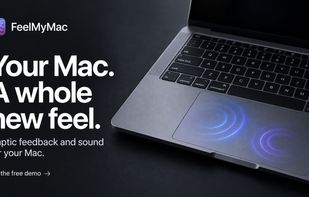
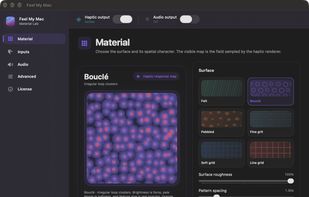
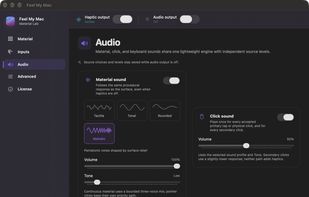
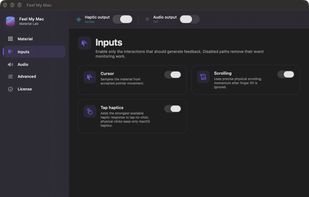
    Haptic feedback, for your Mac. FeelMyMac adds tactile texture and matching sound to scrolling, taps and typing—without changing the way you use your Mac.

    Cost / License

    • Paid
    • Proprietary

    Platforms

    • Mac
    • US flagUnited States
    FeelMyMac screenshot 1
    FeelMyMac screenshot 1
    FeelMyMac screenshot 2
    +1
    FeelMyMac screenshot 3
    1 alternatives
  2. AppHub icon
     Like

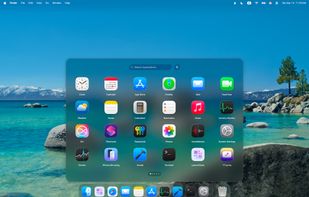
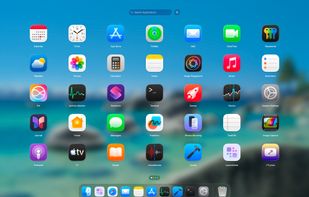
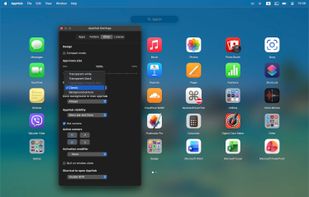
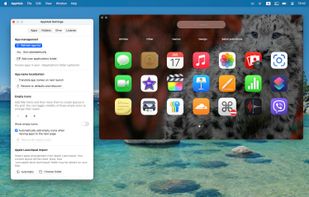
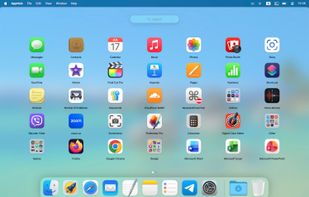
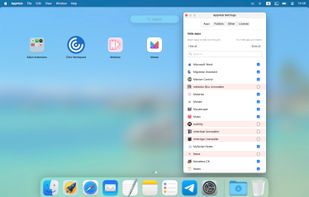
    Alternative to macOS Launchpad with trackpad gestures, grid and layout customization, hot corners, dark mode, hiding apps, keyboard controls, transparency.
    Cost / License

    • Paid
    • Proprietary

    Application type

    Platforms

    • Mac
    • Global
    AppHub screenshot 1
    AppHub screenshot 1
    AppHub screenshot 2
    +5
    AppHub screenshot 3
    16 alternatives
  3. Trident icon
     Like

    Remaps three-finger tap to middle click and three-finger swipe to app switching on Mac trackpads, with adjustable gesture sensitivity and individual toggles.

    Cost / License

    • Free
    • Open Source (MIT)

    Platforms

    • Mac
    Trident screenshot 1
    Trident screenshot 1
    13 alternatives
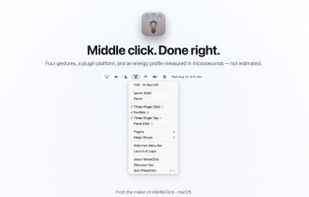
  4. Middle click for the Mac trackpad: three-finger click or tap, free forever, plus fn+click, Force Click, middle-drag for CAD, autoscroll and per-app rules as a one-time purchase, from the maintainer of MiddleClick.
    Cost / License

    • Freemium
    • Proprietary

    Application type

    Platforms

    • Mac
    • Homebrew
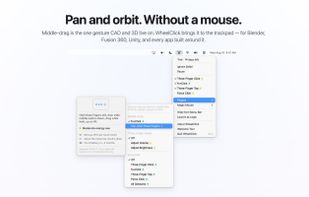
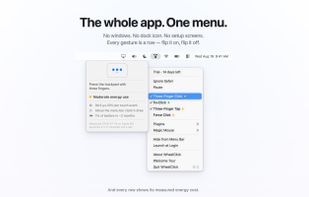
    The whole app is a menu bar menu: four middle-click gestures, each with a measured energy dot.
    Every row opens a card that explains the gesture and shows what it costs, measured on real hardware.
    The Middle-Drag plugin holds a middle-button drag system-wide, so Blender, Fusion, Unity and any app that pans or orbits with the middle button just work.
    +4
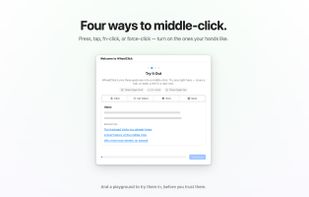
    The welcome tour's playground: try three-finger click, fn+click and three-finger tap on mock tabs before trusting them.
    7 alternatives