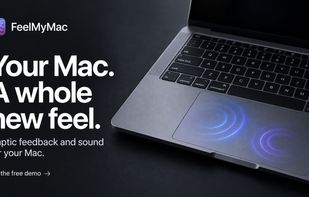
Haptic feedback, for your Mac. FeelMyMac adds tactile texture and matching sound to scrolling, taps and typing—without changing the way you use your Mac.
Your actions stay familiar. Their texture changes.
Each response belongs to a movement you already make. Turn on only what you want, tune it once and let it become part of the Mac.
- Haptic surfaces: Move across the surfaces available in FeelMyMac and let scrolling feel like it has texture.
- Integrated sound: A separate audio layer sits alongside the tactile response, directly inside the app.
- Tap and scroll: Small cues follow the moments you touch and the moments you travel through a page.
- Keyboard texture: A gentle keyboard sound adds another sensory thread to the way you work.
Tune the sensation. Then get back to using your Mac.
The controls are intentionally direct: choose a material, decide which inputs respond and shape the accompanying sound. Nothing needs an account or a dashboard.
- Choose what every gesture feels like: Start with Felt, Bouclé, Pebbled, Fine grit, Soft grid or Line grid. Then tune roughness and pattern spacing while the response map shows how the surface will be sampled.
- Keep feedback exactly where it belongs: Enable cursor movement, scrolling and tap haptics independently. Anything switched off is removed from monitoring, so the app responds only to the interactions you choose.
- Give the surface a matching voice: Shape material, click and keyboard sounds separately. Choose a sound profile, then balance volume and tone without changing the haptic setup underneath.
Made for the hardware path that can respond.
FeelMyMac checks the connected trackpad locally. Tactile and Material feedback appear only when the path between your Mac and trackpad is ready.
Your gestures are yours.
Processed on your Mac. Interaction data stays where the interaction happens.
FeelMyMac processes enabled interactions locally to create feedback. We do not receive app-usage analytics, interaction history or diagnostics from the app.








 BinaryBears LLC
No comments or reviews, maybe you want to be first?