
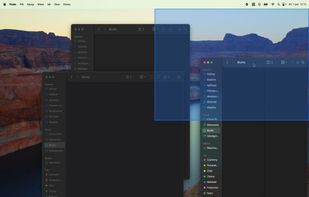
Split screen and organize windows on Mac with keyboard shortcuts, drag-and-drop zones, and professional layouts. Better than native Split View. Multi-monitor support.
 Poland
 EU



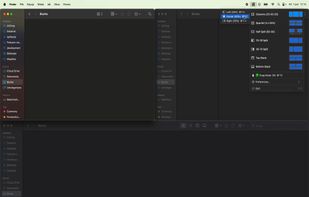




There are many alternatives to BetterTouchTool for Mac if you are looking for a replacement. The best Mac alternative is Rectangle, which is both free and Open Source. If that doesn't suit you, our users have ranked more than 50 alternatives to BetterTouchTool and loads of them are available for Mac so hopefully you can find a suitable replacement. Other interesting Mac alternatives to BetterTouchTool are Karabiner Elements, SnapZones, ClickFit and Swish.
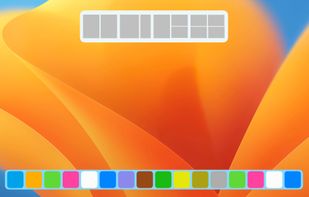
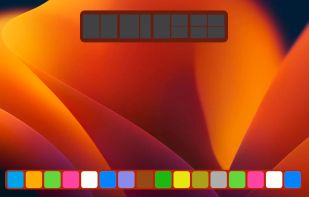
Split screen and organize windows on Mac with keyboard shortcuts, drag-and-drop zones, and professional layouts. Better than native Split View. Multi-monitor support.
PolandEU
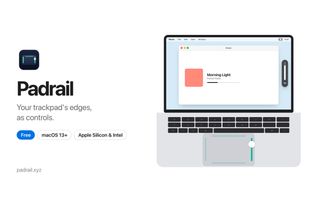
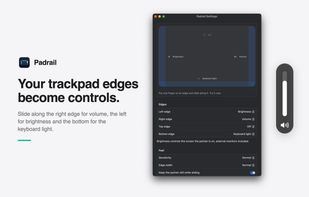
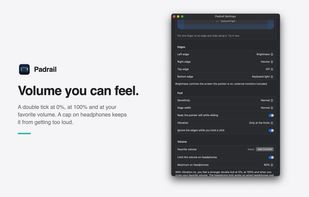
A free macOS menu bar utility that turns MacBook trackpad edges into sliders for volume, display brightness and keyboard backlight. The top edge adapts to the front app to switch tabs, zoom, skip tracks or change desktops, and edges are ignored while typing or holding a click.
 ItalyEU


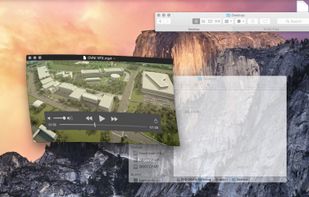
Deskovery is an OS X window manager. Windowshade, align, resize, change transparency of your windows.
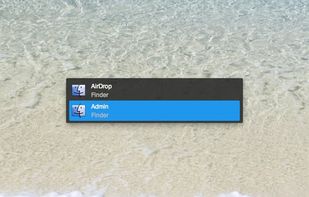


Jitouch is a software that adds extra, essential, and the missing gestures to your MacBook Multi-Touch Trackpad and the new Apple Magic Mouse.
 Hong Kong


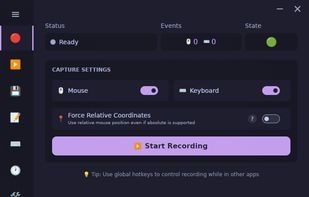
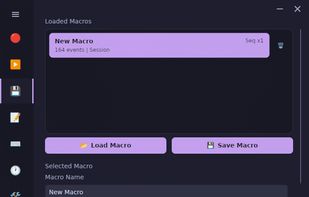
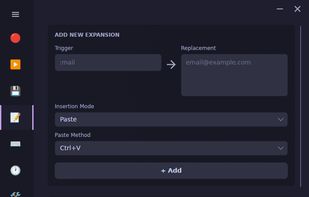
Cross-platform desktop automation app with macro recording, playback, scheduling, text expansion, CLI tools, and Wayland/X11-aware Linux support.





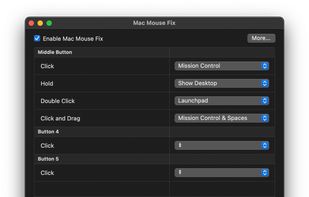
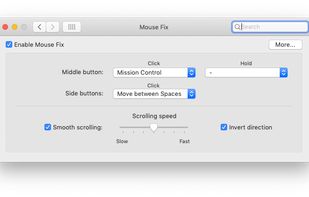
Emulate a scroll wheel click with three finger Click or Tap on MacBook trackpad and Magic Mouse with macOS Sonoma support!.



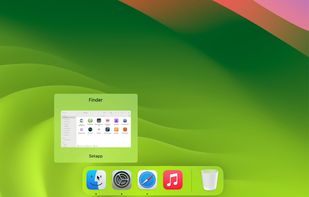
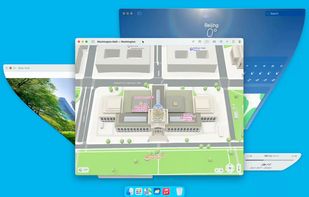
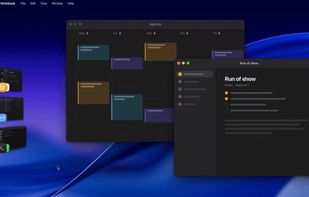
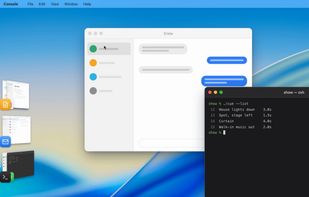
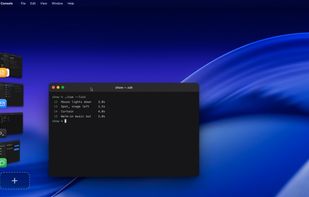
A macOS window manager that improves on Stage Manager: it groups windows into draggable, reorderable stages shown as live thumbnails, opens new windows in the current stage, and keeps separate stages for each Desktop and display. Designed for small screens.
 United States


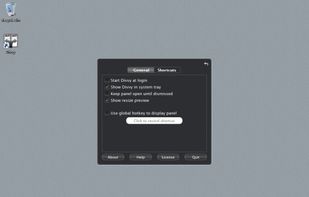
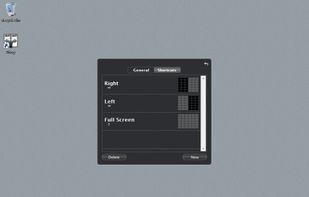
Divvy is an entirely new way of managing your workspace. It allows you to quickly and efficiently "divvy up" your screen into exact portions.
United States
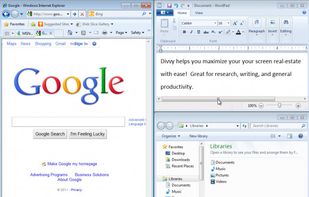

 United States


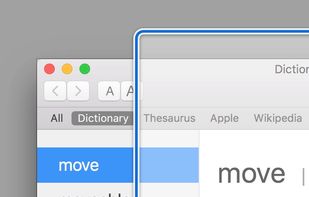
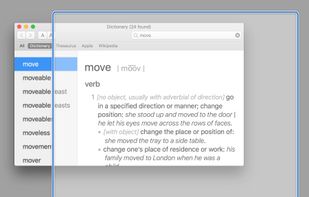
Moom makes window management as easy as clicking a mouse button—or using a keyboard shortcut, if you're one of those types of people.
 AustriaEU


Switch between Spaces, use Windows-style Back and Forward, and more - right from your mouse. Also features a refined Smooth-Scrolling algorithm that strikes a perfect balance between fluidity and control.
 GermanyEU