


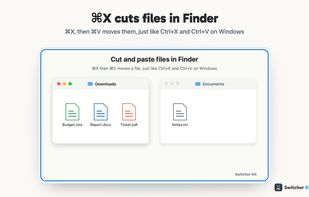
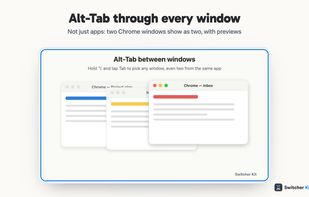
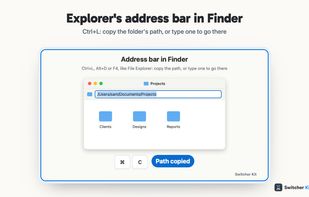
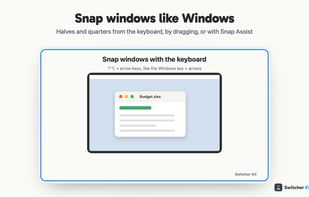
Makes a Mac work the way Windows users expect: cut and paste files in Finder, Alt-Tab between windows, Home and End, and window snapping.
 United Kingdom



+1




Apps similar to BetterSnapTool include Rectangle, which is open source with a free version. Other options are DisplayFusion, ClickFit, Loop - Window Management and AquaSnap. Window Managers like BetterSnapTool are a crowded field, with more than 50 alternatives for Mac, Windows and Linux.
Makes a Mac work the way Windows users expect: cut and paste files in Finder, Alt-Tab between windows, Home and End, and window snapping.
United Kingdom
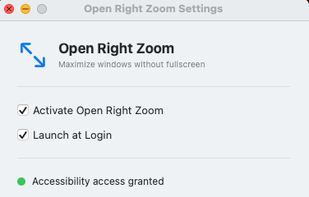
It makes the green zoom button maximize windows instead of going fullscreen. Dock and menu bar stay visible, click again to restore. Works with any app.


Ankylix brings Vimium-style keyboard hints to macOS window management. Hit a hotkey and a letter appears on every window and tiling zone — press it to instantly focus, move, resize, or tile, without ever touching the mouse.
 Spain
 EU
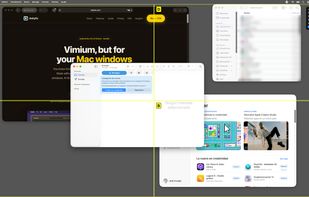
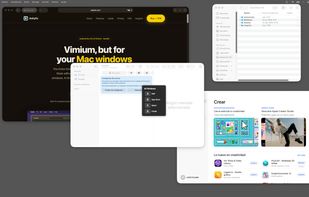
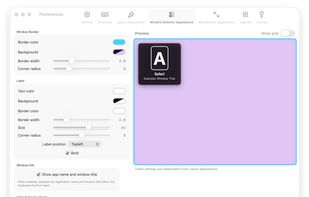
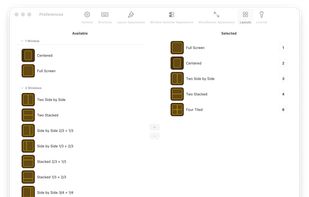


Nudge is a macOS window manager built with Swift and AppKit. It runs in the menu bar and arranges windows using customizable keyboard shortcuts or drag-to-edge gestures.
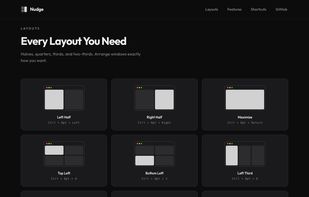

Keyboard window manager for large and multiple displays, with grid placement, moves and swaps between displays, one-key undo, and rules that rearrange windows when a display connects.
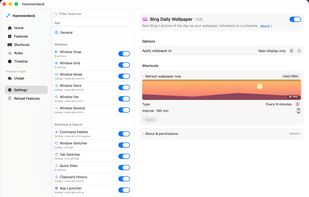
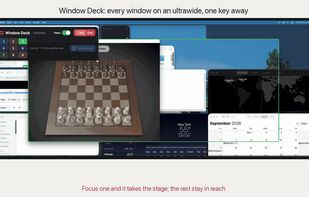
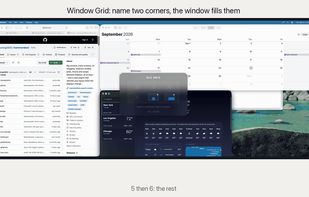


Your Mac every morning: a dozen windows piled on top of each other. TidyFrame puts every window exactly where you want it, with one key.
 India
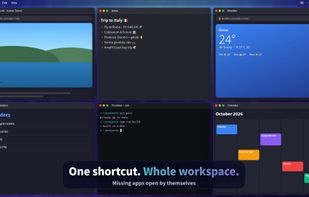
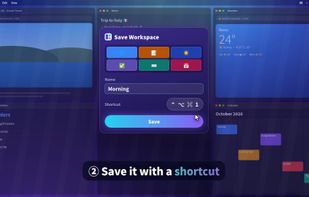
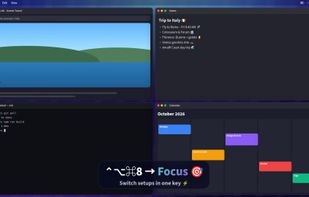


Plonk is a menu bar app for macOS that bundles a window manager with nine additional desktop utilities, so one icon replaces a stack of single-purpose tools.
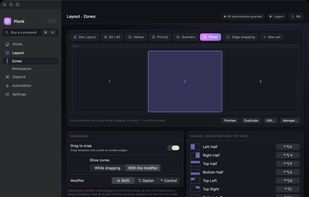

Shoji is a menu bar app for macOS. In an on-screen editor you draw zones on each of your monitors; then you hold a key while dragging a window, let go over a zone, and the window fills it. Every monitor keeps its own layouts, and they come back when you plug that monitor in...
 Argentina
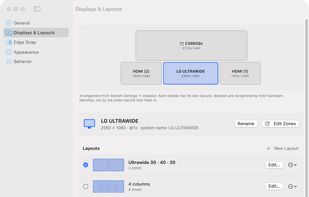


Free macOS window manager that saves and restores your entire workspace layout with one keystroke. Every app, every window position, every display. Includes window snapping, drag-to-snap, and unlimited named workspaces.
 Mexico
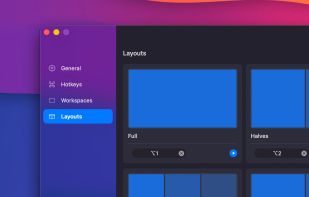
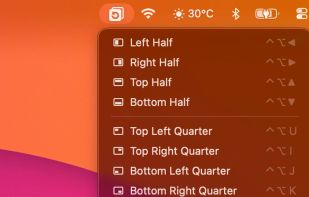
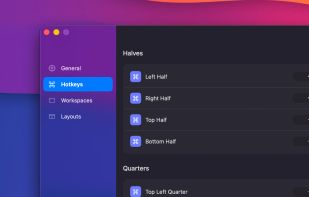
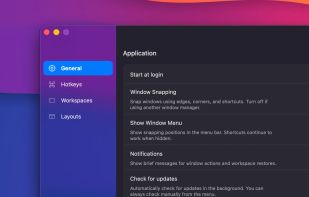

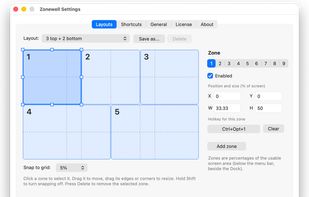
Menu bar app for Mac that snaps windows into zones you draw yourself. Drag a window or press a shortcut and it falls into place. Multi-display, saved layouts, no account, no analytics. 14-day free trial, A$14.99 one-time.
 Australia


 United States


 South Korea


