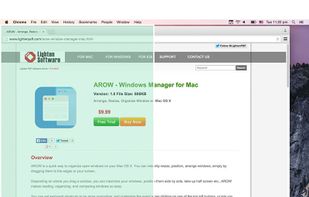
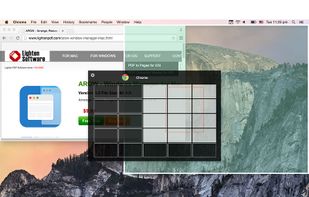
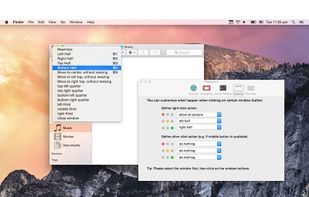
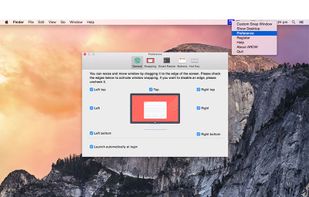
Arrange, resize, snap, and move windows in OS X with the help of keyboard shortcuts, certain window dragging gestures, or using OS X's window buttons.
Platforms
- Mac



+1


Apps similar to BetterSnapTool include Rectangle, which is open source with a free version. Other options are DisplayFusion, Loop - Window Management, ClickFit and SnapZones. Window Managers like BetterSnapTool are a crowded field, with more than 50 alternatives for Mac, Windows and Linux.
Arrange, resize, snap, and move windows in OS X with the help of keyboard shortcuts, certain window dragging gestures, or using OS X's window buttons.

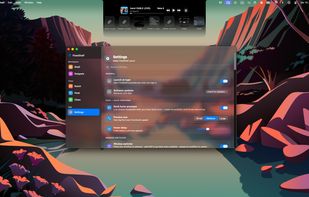
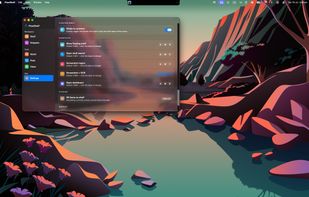
FlowShelf a free Mac app that turns your notch into a Dynamic Island and gives everything you copy, drop, or screenshot a temporary home.
 Australia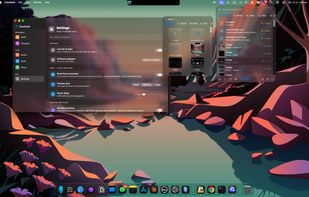


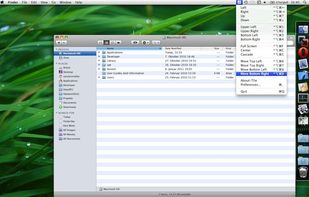
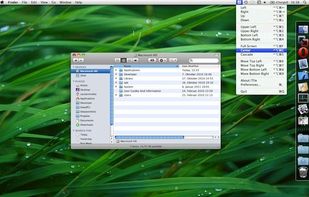
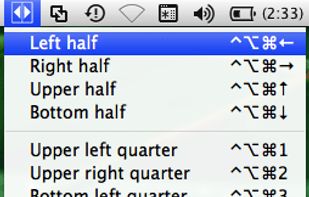
TileWindows helps you to easily organize your desktop: Move and resize your application windows, so you can view them side by side, by using keyboard shortcuts.
 Germany
 EU
EU


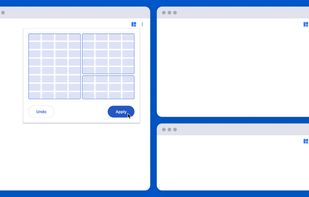
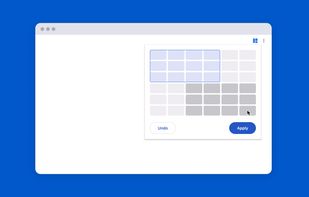
Tiled is a Chrome extension that lets you arrange your windows using a grid-based interface.
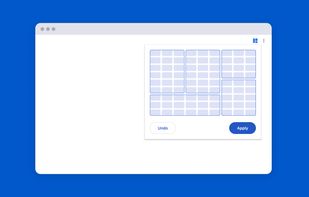
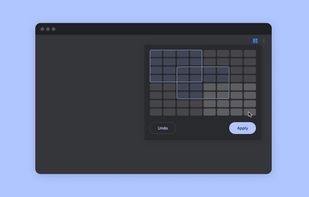


Managing the windows on your computer has become a snap! With the iSnap app, you can organize various windows to fit perfectly on your screen and access them simultaneously!

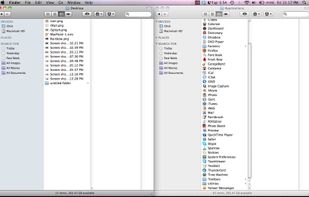
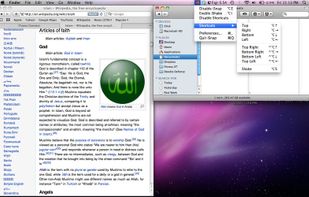


Split Screen allows you to effortlessly resize windows to exactly half your desktop at the touch of a simple keystroke. Gone are the days of trying to resize windows to fit nicely next to each other, with Split Screen it is as easy as pressing a button.
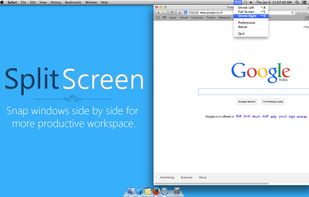
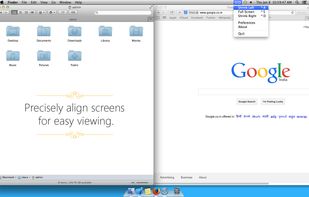
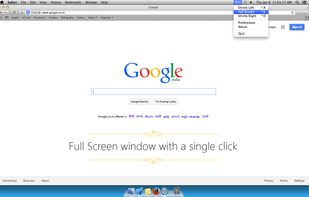
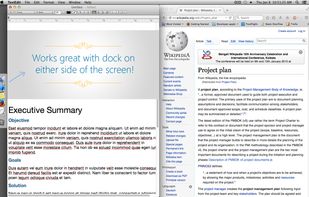


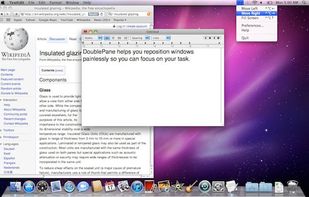
Have you ever wasted time repositioning application windows so you can see two windows simultaneously? DoublePane effortlessly repositions application windows to maximize your screen space for easy side-by-side viewing.
 United States


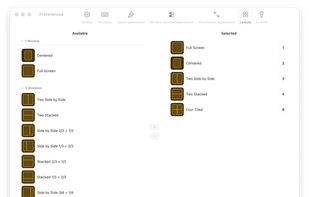
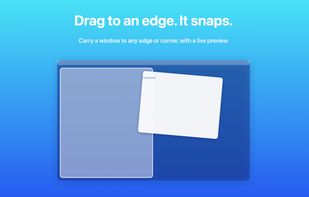
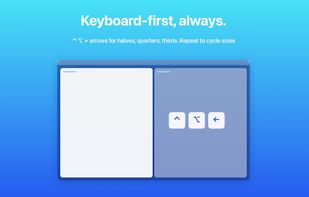
Arrange macOS windows into halves, thirds, quarters, or custom grid layouts using live previews, drag actions, or fully remappable shortcuts. Restore positions with one key, move windows across displays, manage layouts via the menu bar, and customize every action.
 Japan
Japan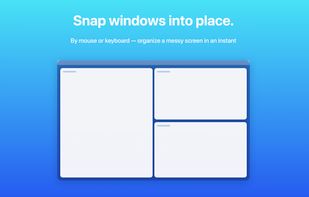
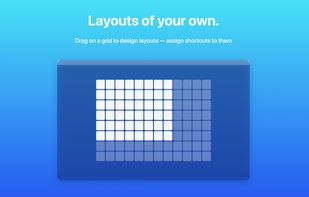


?? Moves makes it easier than ever to position your windows juuust right.
? Just hold down your chosen modifier keys and move the mouse. No need to fiddle with 3px wide window edges or far way title bars.
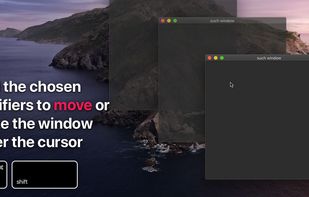
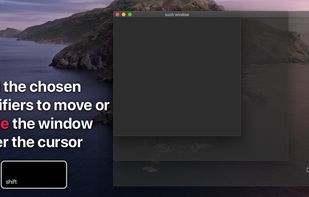
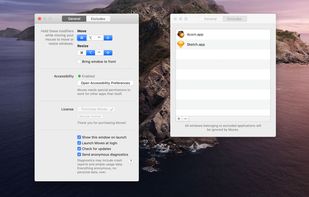




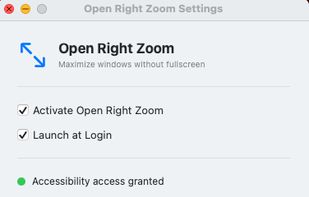
It makes the green zoom button maximize windows instead of going fullscreen. Dock and menu bar stay visible, click again to restore. Works with any app.


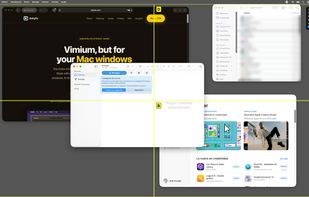
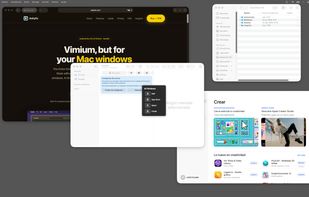
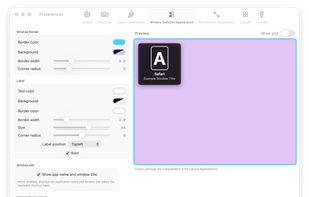
Ankylix brings Vimium-style keyboard hints to macOS window management. Hit a hotkey and a letter appears on every window and tiling zone — press it to instantly focus, move, resize, or tile, without ever touching the mouse.
 SpainEU