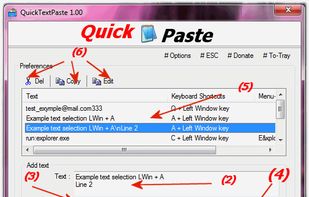
Quick paste text is a small portable program that allows you to insert (paste) quickly pre-defined text in any Windows applications via keyboard shortcut.
Cost / License
- Free
- Proprietary
Application type
Platforms
- Windows
 Germany
 EU
EU




Apps similar to aText include espanso, which is free and open source. Other options are PhraseExpress, FastKeys, TextExpander and AutoKey. Text Expanders like aText are a crowded field, with more than 50 alternatives for Windows, Mac, Linux, Android and iPhone.
Quick paste text is a small portable program that allows you to insert (paste) quickly pre-defined text in any Windows applications via keyboard shortcut.
GermanyEU


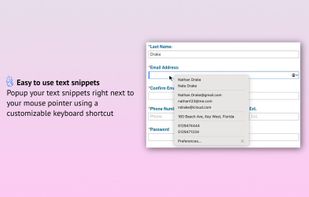
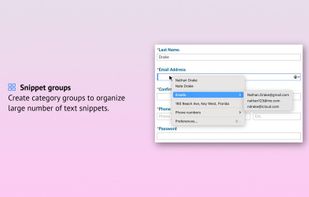
Simply add frequently used text phrases and use a customizable keyboard shortcut to popup a menu with all of your text snippets right next to your mouse pointer.
 Canada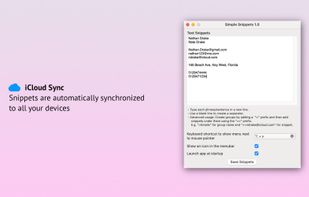

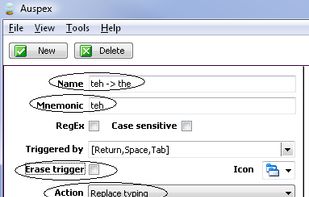
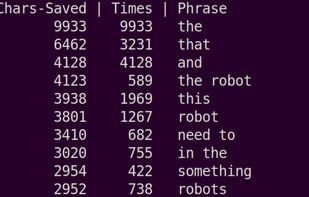
This is a tool for automatically creating typing shortcuts from a corpus of your own writing!

The ultimate all-in-one browser extension featuring a text expander, secure notes, inline AI assistant (BYOK), and bookmark manager to eliminate context-switching.
 India
India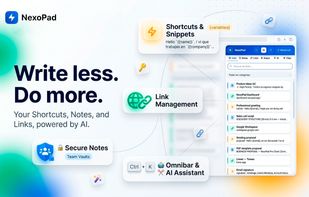


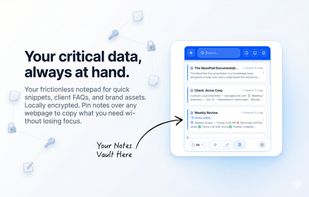


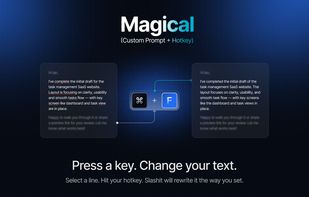
Slashit App is a productivity tool that helps you reply faster using dynamic placeholder templates, text snippets, AI to rewrite sentences, and a clipboard history manager.
 Bangladesh

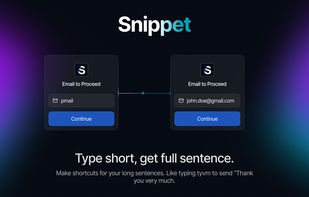


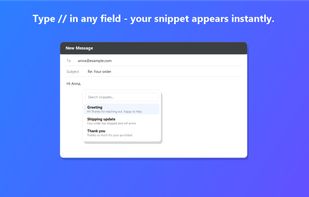
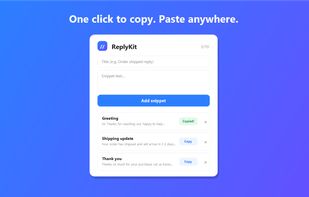
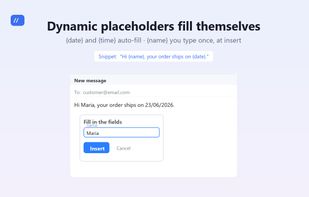
ReplyKit is a lightweight Chrome extension for saving text snippets and canned replies. Type "//" in any text field — Gmail, help desks, CRMs, social media — and instantly search and insert your saved responses. Supports abbreviation shortcuts (e.g.
 ItalyEU


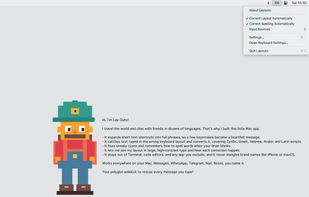
Layouto is a quiet menu-bar app that makes everything you type come out right. Everyday typing wins, one helper.
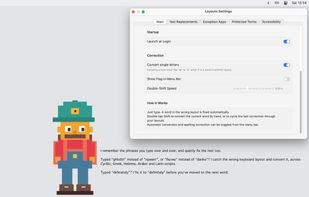
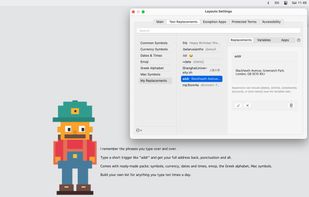
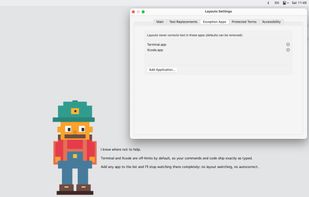


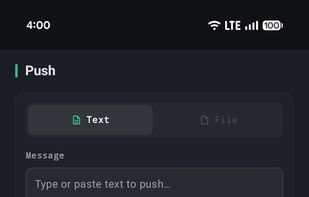
A productivity app for Android with snippets, voice dictation, AI text transforms, clipboard history, and cross-device push.
 United States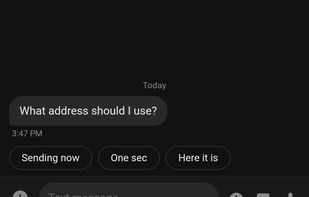




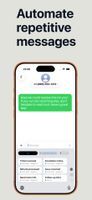
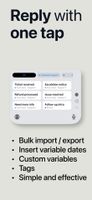
Stores reusable text and image replies for one-tap insertion through a system-wide iPhone and iPad keyboard. Dynamic variables can add dates, times, clipboard contents or random choices, while color groups, filters, CSV import and sharing organize collections.
 SwedenEU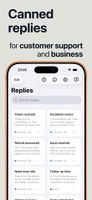


TypeFire is three tools in one native macOS app: a text expander, a clipboard manager, and a Markdown notes editor. Each one opens over whatever application you are already in, on its own global hotkey, and what you pick lands in the document you were typing in.
United States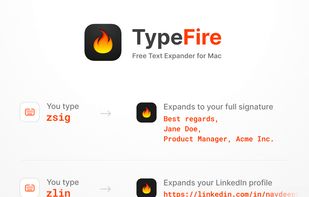


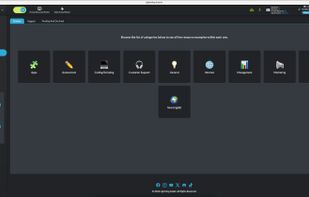
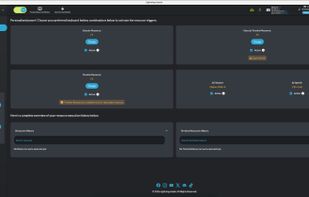
Lightning Assist is a powerful desktop productivity tool that automates repetitive typing tasks and helps you save hours every day. It combines text expansion with cutting-edge AI capabilities, making it the ultimate typing assistant for professionals, developers, and teams.
 RomaniaEU