Cost / License
- Free
- Open Source (GPL-2.0)
Application type
Platforms
- Windows
- Global



+1

Best alternatives are 
20 alternatives
3.8
Good8 ratings


Caramba Switcher is a Windows application that automatically corrects keyboard layout when you are typing in English and Russian. If you start typing in wrong layout, Caramba Switcher will automatically fix it.
 Russia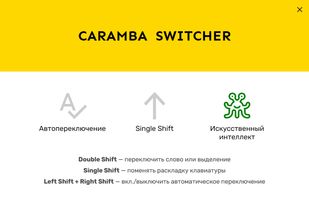


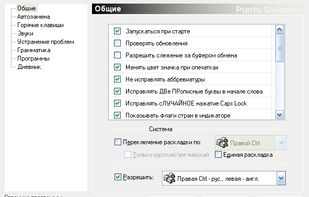
Punto Switcher allows easy change keyboard layout for text that was just input automatically or by pressing a hotkey.
Russia

SimpleSwitcher is a program for quickly correcting the layout of typed text in Windows.
 United Kingdom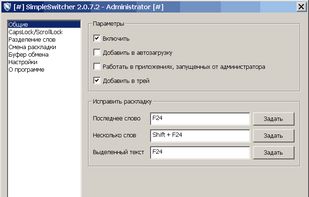

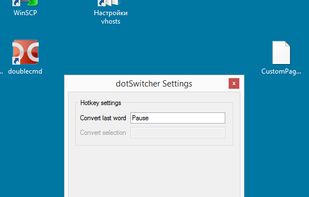
Simple keyboard layout switcher. As lightweight as you can easily ensure it doesn't contain any spyware, even if you're not a programming guru.


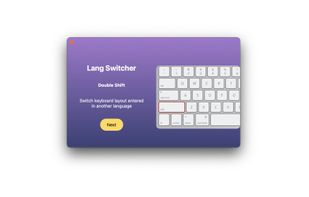
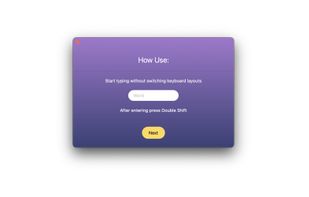
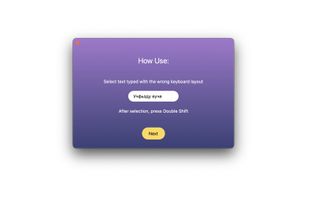
Boomkey fixes text typed in the wrong keyboard layout on macOS. Type half a sentence before noticing your keyboard was on the wrong layout? Select the gibberish, double-tap Shift - Boomkey converts it to the other layout.

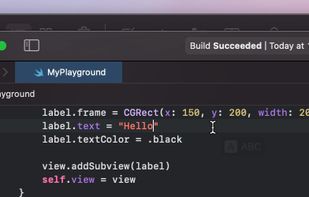


 LinguaX
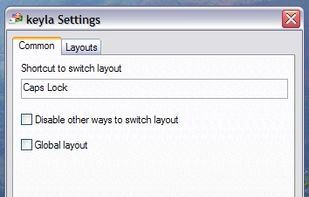
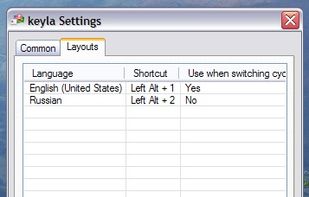
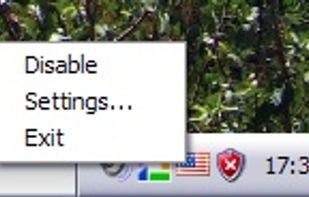


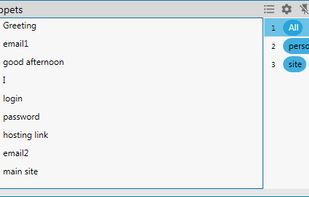
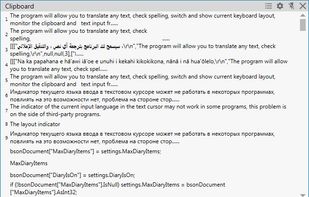
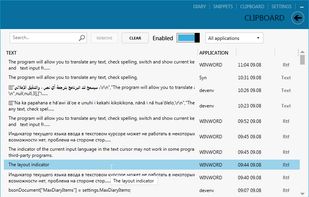
Translater, Check spelling, Keyboard layout switcher and Layout indicator, Clipboard manager, Diary, SmartClick, Text recognizing (OCR).
Russia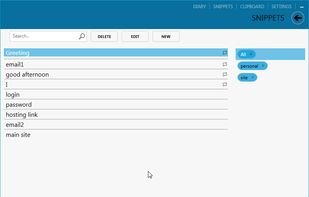
 Google Translate
Low-level keyboard switcher (runs as a daemon, no GUI interface) that allows you to bind single key (including modifier keys such as Ctrl, Fn, and CapsLock) to a language.


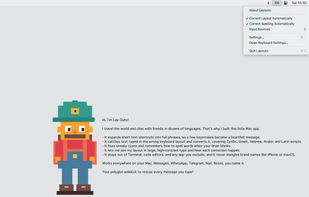
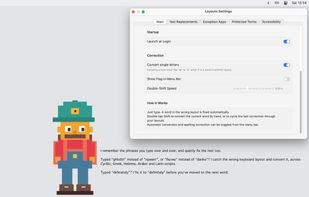
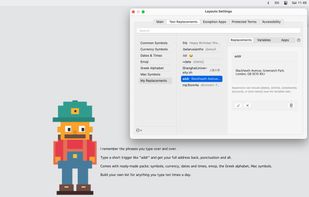
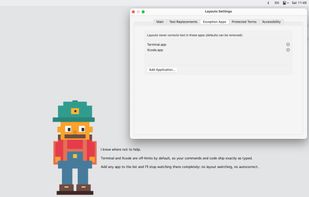
Layouto is a quiet menu-bar app that makes everything you type come out right. Everyday typing wins, one helper.
 AutoHotkeyand

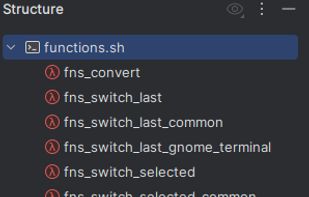
A lightweight Bash-based tool that automatically converts text between two keyboard layouts — for example, between Russian and English.


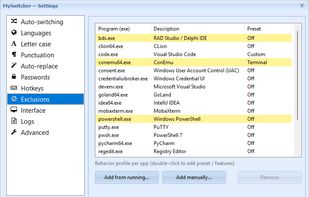
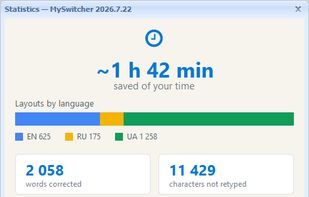
A local Windows utility that automatically or manually fixes text typed in the wrong Ukrainian, English, or Russian keyboard layout.
 Ukraine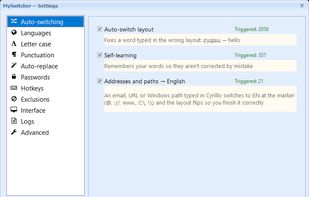

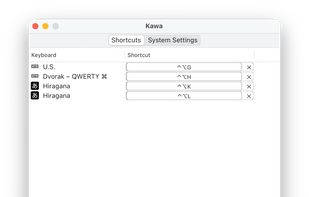


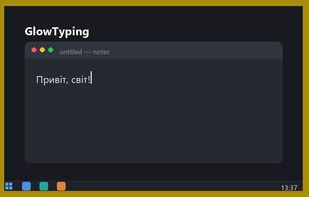
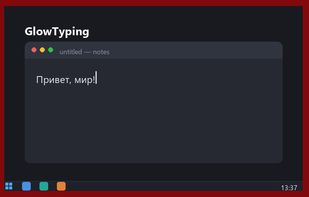
GlowTyping is a minimalist keyboard layout indicator for Windows 10/11, made for everyone who types in two languages every day.
Ukraine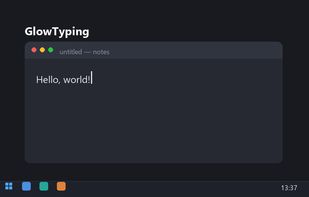

Automatically fixes text typed in the wrong keyboard language (Hebrew ↔ English) as you type, in every app, on Windows and Mac.
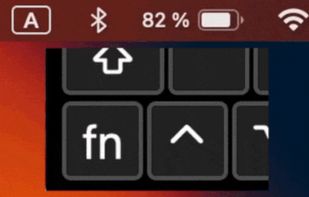
LangSwitch is a super-simple macOS app that switches your keyboard languages (input sources) one by one by pressing the Fn/🌐 button.


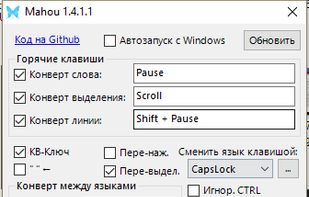
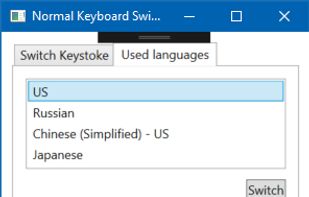
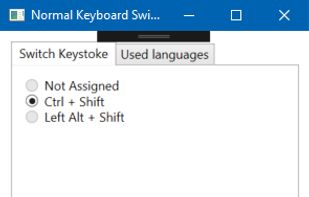
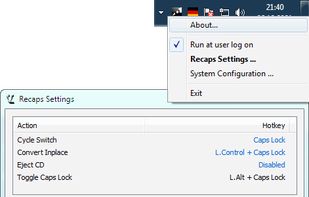
This simple program is a replacement for standard Windows keyboard switcher, and suitable for switching more than two input languages.


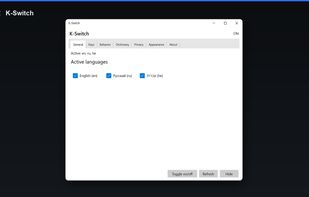
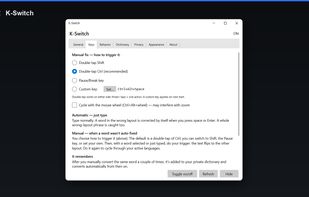
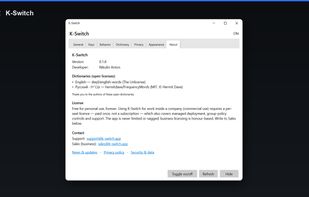
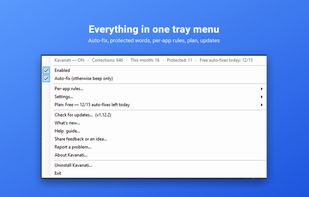
K-Switch is a keyboard layout corrector for Windows 10 and 11. It watches what you type and, when a word comes out as gibberish in the current layout, rewrites it in the correct one and leaves the layout on the language it corrected to, so the next word is already right.