


GlowTyping
Like
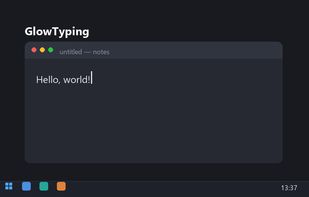
GlowTyping is a minimalist keyboard layout indicator for Windows 10/11, made for everyone who types in two languages every day.

Cost / License
- Pay once
- Proprietary
Application type
Platforms
- Windows


Features
Highlights All activities
GlowTyping News & Activities
Recent activities
- GlowTyping added GlowTyping
 GlowTyping added GlowTyping as alternative to Keyboard Layout Indicator, Layin and Mouse Flying Indicator Tool

Developed by
 GlowTyping
 Licensing
Proprietary and Commercial product.Pricing
One time purchase (perpetual license) that costs $6.Alternatives
3 alternatives listedBadge
Get an embeddable badge for GlowTypingSupported Languages
No comments or reviews, maybe you want to be first?