





Apps similar to AnyDesk include RustDesk, which is open source with a free version. Other options are TeamViewer, Parsec, Chrome Remote Desktop and TightVNC. Remote Desktop Tools like AnyDesk are a crowded field, with more than 100 alternatives for Windows, Mac, Linux, Android and iPhone.

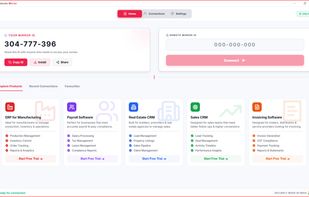
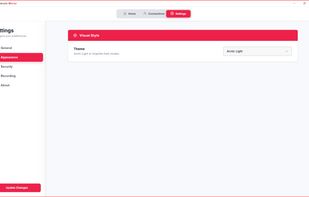
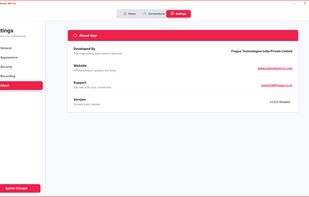
Rednote Mirror is a secure remote support and desktop access solution for businesses, featuring unattended access, session recording, screenshot capture, screen sharing, controlled file transfer, and real-time remote assistance.
 India

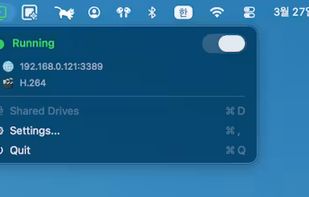
Turn your Mac into a native RDP server — control it from any Microsoft Remote Desktop client, with nothing to install on the client side.
 South Korea

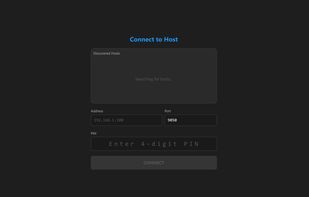
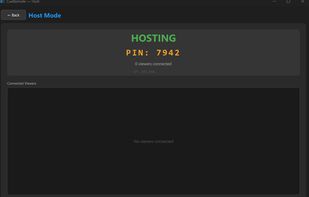
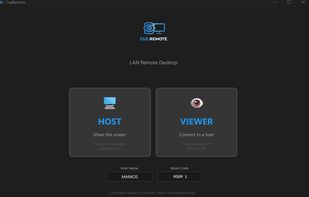
Remuter is a free, cross-platform remote desktop application for Windows, Linux, and macOS (both Apple Silicon and Intel). It enables secure, high-quality screen sharing and remote control through a relay server — with no installation required.

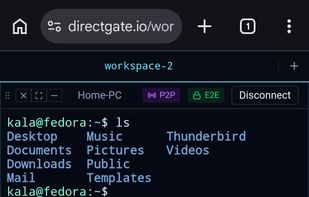
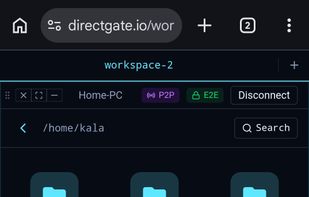
Secure browser-based remote desktop, terminal, file manager, and code editor for Windows, macOS, and Linux. End-to-end encrypted, with P2P connectivity and no VPN required.
 Georgia
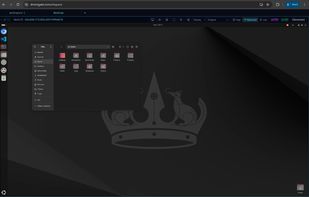
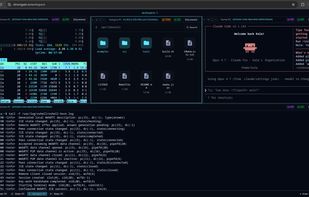


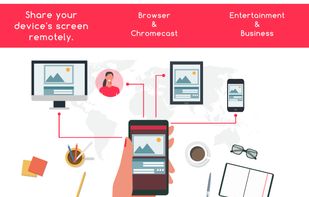
Duplica offers a fast and intuitive way to share the mobile devices screen remotely to standard web browsers or to Chromecast.

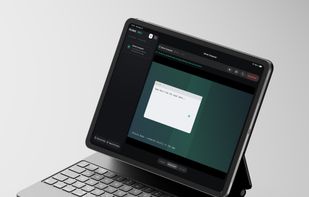
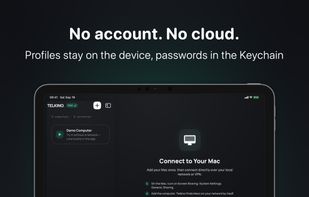
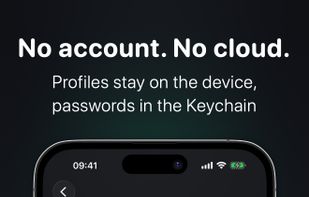
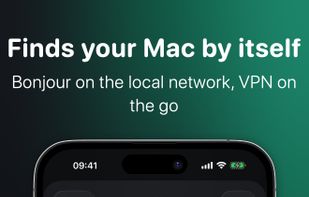
Privacy-first VNC client for iPhone and iPad that connects directly to macOS Screen Sharing and Windows VNC servers, with Apple's High Performance screen sharing mode on Macs.
 Germany
 EU

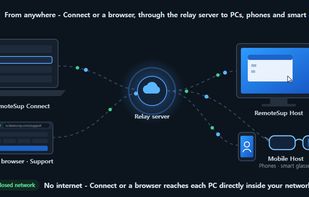
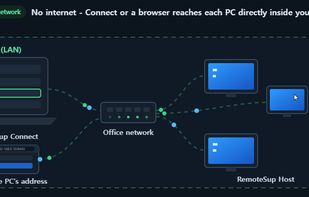
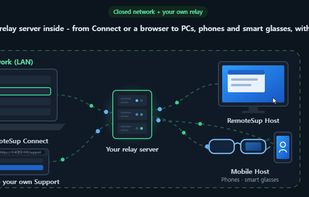
Remote support for Windows PCs, Android phones, and smart glasses, with encrypted control sessions, file and clipboard transfer, folder browsing, chat, voice, drawing, recording, and video-call assistance. No sign-up; device lists remain local.
South Korea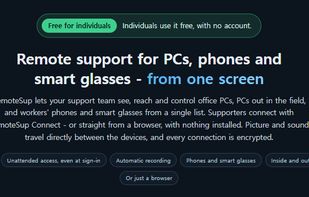


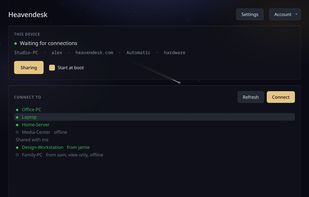
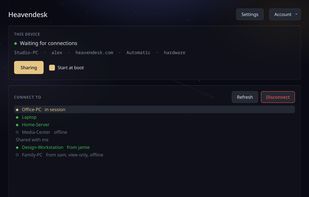
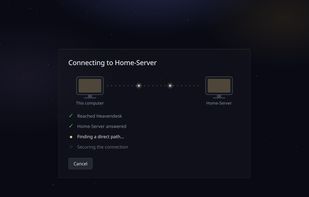
Low-latency remote desktop for Windows and Linux with GPU encoding, direct peer-to-peer streaming and access even at the login screen.
 PolandEU
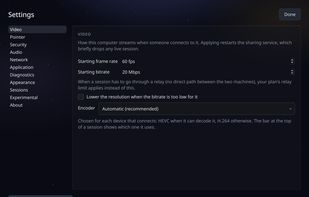



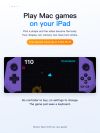
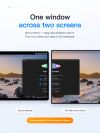
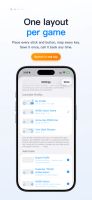
Control your Mac from iPhone or iPad by touch, or play Mac games with an on-screen controller. Free on your own Wi-Fi, no account.
 Hong Kong


DTworkeasy is Dongfutong’s mobile companion app: manage work files, collaborate and message teammates, and remotely control BFBT Code (or Cursor/Codex via DT Agent Bridge) on your PC. Free for all registered users — no membership required for the mobile app.
 China