Adobe Acrobat DC AlternativesOnly apps categorised as PDF Readers for iPad

Adobe Acrobat DC is not available for iPad but there are plenty of alternatives with similar functionality. The best iPad PDF Reader alternative is Nitro PDF . It's not free, so if you're looking for a free alternative, you could try PDFgear or Smallpdf. If that doesn't suit you, our users have ranked more than 100 alternatives to Adobe Acrobat DC and 16 are PDF Readers available for iPad so hopefully you can find a suitable replacement. Other interesting iPad PDF Reader alternatives to Adobe Acrobat DC are PDF Expert, Foxit PDF Editor, Wondershare PDFelement and KDAN PDF.

filter to find the best alternatives

Adobe Acrobat DC alternatives are mainly PDF Readers, but if you're looking for PDF Editors or Document Scanners you can filter on that. Other popular filters include Open Source, Free, Linux, EU, Windows + Open Source, Mac and Edit PDF. You can also filter by region, for example EU-based alternatives if you prefer software developed in the European Union. These are just examples - use the filter bar below to find more specific alternatives to Adobe Acrobat DC.
Copy a direct link to this comment to your clipboard
Adobe Acrobat DC alternatives page was last updated

Alternatives list

  1. Nitro PDF  icon
     71 likes

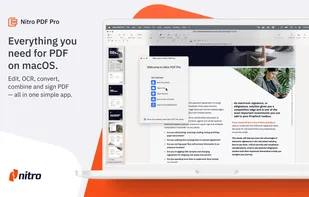
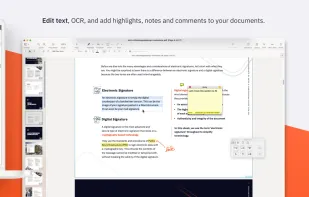
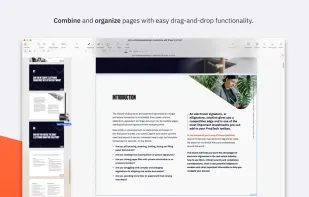
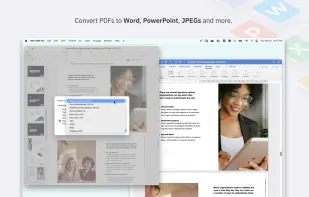
    Nitro offers comprehensive PDF solutions for editing, creating, and converting, alongside OCR and e-signature tools. Supports Mac, Windows, and iOS, providing a user-friendly interface with industry-standard security features. Ideal as an Adobe Acrobat alternative.

    168 Nitro PDF alternatives

    Cost / License

    • Paid
    • Proprietary

    Application types

    Platforms

    • Mac
    • Windows
    • iPhone
    • iPad
     
    |
    2
    Nitro PDF vs Adobe Acrobat DC Comments
    Bob Henry
    Negative
    -1

    This is by far the worst software purchase I can remember making. OCR sucks and is hardly useable. Reorganizing and merging documents are confusing and difficult.

    Stay well away from this one is my advice.

    chrisrosetech
    Positive
    0

    I have been using NitroPDF for several years. I think it is the best alternative to Adobe Acrobat software.

    The software has almost all the features, if not better features than Acrobat itself.

    I can create form fill documents, place stamps, edit and do much more with NitroPDF.

    The OCR function has worked really well for me on a second generation scanned document.

    I highly recommend NitroPDF and feel it's well worth the money.

    • Nitro PDF is Paid and ProprietaryAdobe Acrobat DC is also Paid and Proprietary
  2. PDFgear icon
     59 likes

    Read, edit, convert, merge, and sign PDF files across devices, for completely free and without signing up.

    50 PDFgear alternatives

    Cost / License

    • Free
    • Proprietary

    Application types

    Platforms

    • Mac
    • Windows
    • Online
    • Android
    • iPhone
    • Android Tablet
    • iPad
     
    |
    3
    PDFgear vs Adobe Acrobat DC Comments
    Shaz Shah
    Positive
    0

    It does an excellent job of converting my M$ docs. The OCR capabilities are really good and the ability to arrange pages (including splitting and merging with other PDFs) is another bonus. The install is lightweight in comparison to Adobe Acrobat and I've not had any stability issues... yet

    Ahmed Gamal
    Negative
    0

    The app does not support the Arabic language.

    Review by a new / low-activity user.
    Guest
    Positive
    0

    Faster. No pop-ups trying to sell add ons.

    Review by a new / low-activity user.
    • PDFgear is Free and ProprietaryAdobe Acrobat DC is Paid and Proprietary
    • PDFgear is LightweightAdobe Acrobat DC is not according to our users
  3. PDF Expert icon
     38 likes

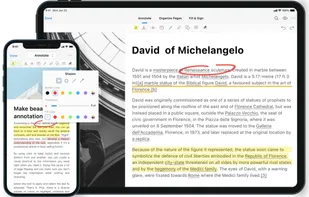
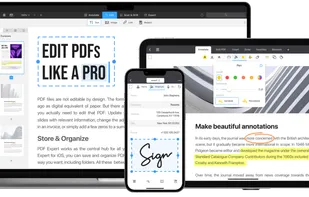
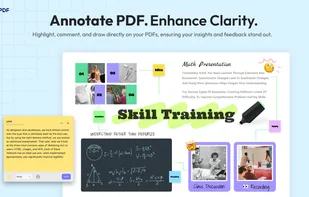
    Read, annotate, and highlight PDFs, fill interactive forms with saved input, underline or strike through text, manage bookmarks, sync files from cloud services, and share documents. Compatible with Preview and Adobe Acrobat annotations, supporting extensive iOS features.

    132 PDF Expert alternatives

    Cost / License

    • Paid
    • Proprietary

    Application types

    Platforms

    • Mac
    • iPhone
    • iPad
     
  4. Smallpdf icon
     58 likes

    Smallpdf is the first PDF Software you will actually like. The perfect gateway to productive, portable and cost-efficient document management solutions in your everyday life.

    179 Smallpdf alternatives

    Cost / License

    • Freemium
    • Proprietary

    Application types

    Platforms

    • Windows
    • Online
    • Android
    • Software as a Service (SaaS)
    • iPhone
    • iPad
    • Android Tablet
     
  5. Comprehensive suite offering eSign, OCR, multi-platform editing, cloud integration, and robust security. Ideal for professional or personal use, facilitating collaboration while protecting content.

    54 Foxit PDF Editor alternatives

    Cost / License

    • Paid
    • Proprietary

    Application types

    Platforms

    • Mac
    • Windows
    • Android
    • iPhone
    • Android Tablet
    • iPad
     
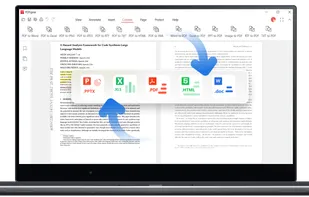
  6. Provides editing of text, images, and objects in PDFs, annotation options, OCR for scanned files, conversion to multiple formats, form filling and signing, page management, merging and splitting, cloud integration, camera to PDF functionality, and sharing tools.

    134 Wondershare PDFelement alternatives

    Cost / License

    • Paid
    • Proprietary

    Application types

    Platforms

    • Mac
    • Windows
    • Android
    • iPhone
    • Android Tablet
    • iPad
     
  7. KDAN PDF icon
     185 likes

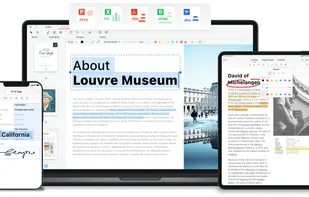
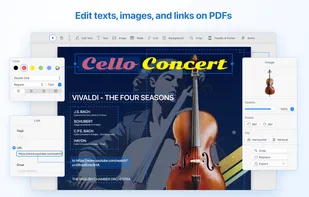
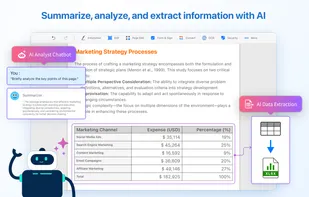
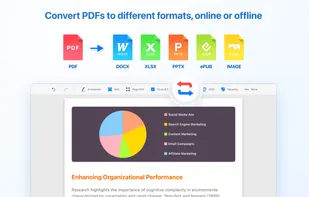
    Comprehensive solution for editing, signing, form filling, OCR scanning, commenting, converting, and redacting PDFs, with AI-driven analysis and content extraction, data export to spreadsheets, text-to-speech, seamless use across desktop and mobile, and batch processing.

    263 KDAN PDF alternatives

    Cost / License

    • Freemium
    • Proprietary

    Application types

    Platforms

    • Mac
    • Windows
    • Android
    • iPhone
    • Android Tablet
    • iPad
     
    |
    2
    KDAN PDF vs Adobe Acrobat DC Comments
    Guest
    Negative
    3

    Adobe Acrobat DC is a full featured PDF editor. PDF Reader has a nice featureset for a PDF ... Reader, but is far from a complete PDF Editor.

    Review by a new / low-activity user.
    Guest
    Negative
    1

    PDF Reader is a PDF Reader, not a PDF Editor. It even says it in the name.

    Review by a new / low-activity user.
    • KDAN PDF is Freemium and ProprietaryAdobe Acrobat DC is Paid and Proprietary
    • KDAN PDF is Privacy focused and LightweightAdobe Acrobat DC is not according to our users
  8. Bluebeam Revu icon
     11 likes

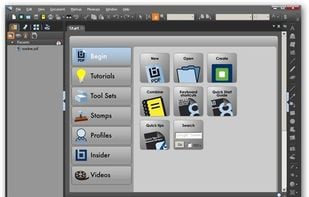
    Bluebeam Revu delivers award-winning PDF creation, editing, markup and collaboration technology to Windows desktop and tablet users. Create and navigate smart, information-rich document sets from converted Microsoft Office and CAD files.

    71 Bluebeam Revu alternatives

    Cost / License

    • Paid
    • Proprietary

    Application types

    Platforms

    • Windows
    • iPad
     
    |
    1
    Bluebeam Revu vs Adobe Acrobat DC Comments
    Alex Bustos
    Positive
    0

    Handles easily PDFs with a lot of comments with no lack of performance, native integration with Sharepoint + Windows credentials, and a lot more of features...

    • Bluebeam Revu is Paid and ProprietaryAdobe Acrobat DC is also Paid and Proprietary
  9. UPDF icon
     4 likes

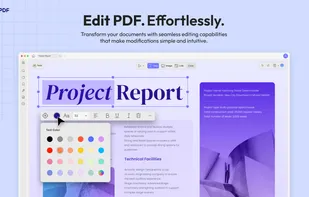
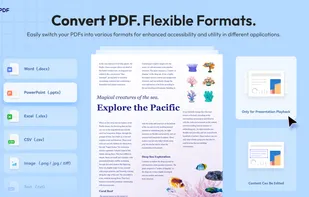
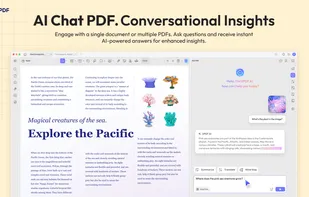
    Edit, annotate, and convert PDFs with OCR capabilities, AI-assisted tools for summaries and translations. It supports file protection and offers 2GB of cloud storage for secure management.

    72 UPDF alternatives

    Cost / License

    • Freemium
    • Proprietary

    Application types

    Platforms

    • Mac
    • Windows
    • Online
    • Android
    • iPhone
    • Android Tablet
    • iPad
     
  10. LiquidText icon
     12 likes

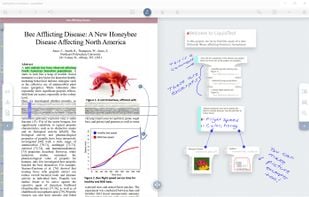
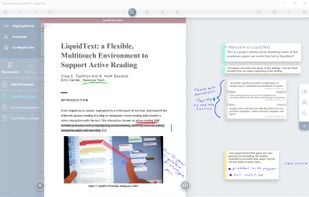
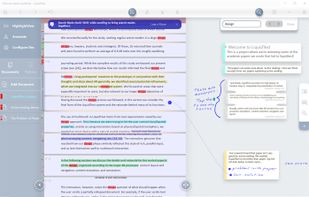
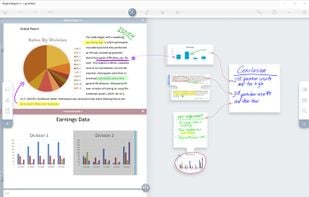
    LiquidText offers a fast, natural way to review, gather, and organize information across all your docs: then apply the results to writing reports or simply studying. Pull out key facts and connect them together

    14 LiquidText alternatives

    Cost / License

    • Freemium
    • Proprietary

    Application types

    Platforms

    • Mac
    • Windows
    • iPad
     
  11. PDF Professional is a feature-rich PDF solution for reading, annotating, form-filling, editing, signing, converting PDFs on your Mac, iPhone and iPad.

    Cost / License

    • Freemium
    • Proprietary

    Application types

    Platforms

    • Mac
    • iPhone
    • iPad
     
12 of 16 Adobe Acrobat DC alternatives