


across Alternatives
Apps similar to across include KDE Connect, which is free and open source. Other options are RustDesk, AnyDesk, Chrome Remote Desktop and Synergy. There's no shortage of Remote Desktop Tools like across, with more than 100 alternatives for Windows, Mac, Android, Linux and iPhone.
Alternatives list

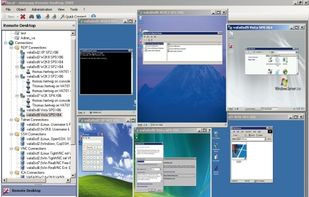
ASG-Remote Desktop is the indispensable tool for administrative access to remote computers.
Cost / License
- Paid
- Proprietary
Application type
Platforms
- Windows
 United States


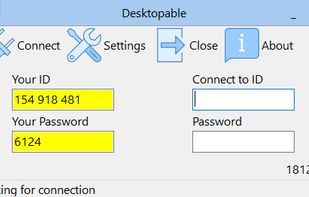
Free remote desktop control software. It's used for system administration and instant remote desktop connection over the Internet. Free remote access software Desktopable makes control of a remote PC very easy and intuitive.
Cost / License
- Free Personal
- Proprietary
Application type
Platforms
- Windows
- Linux
 Bulgaria
 EU
EU

 84 Screens alternatives
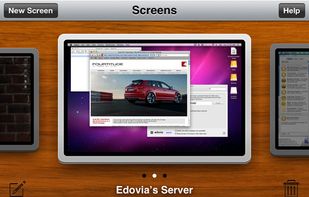
Screens is a VNC client for the iPhone, iPad, and Mac OS X that allows you to remotely connect to your computer.
Cost / License
- Paid
- Proprietary
Application type
Platforms
- Mac
- iPhone
- iPad
 Canada
 +1
+1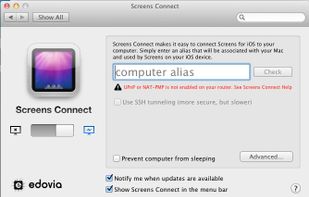

 36 MKMirror alternatives
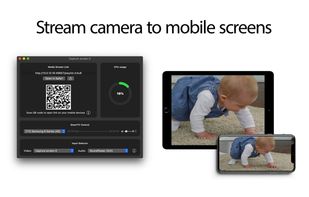
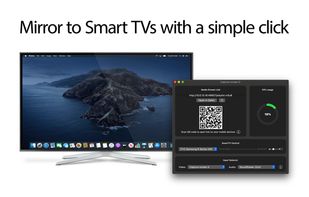
MKMirror allows you to mirror your Desktop, built-in Camera, video and audio devices to Smart TVs and mobile devices. MKMirror uses HTTP Live Streaming (HLS) protocol, an adaptive bitrate streaming communications developed by Apple Inc.
Cost / License
- Free
- Proprietary
Application type
Platforms
- Mac
 Hungary
- EU

 90 AMMYY Admin alternatives
Ammyy Admin is a highly reliable and very friendly tool for remote computer access. You can provide remote assistance, remote administration or remote teaching for your clients, employees and friends regardless of their location.
Platforms
- Windows
 Russia



 139 Thincast Client alternatives
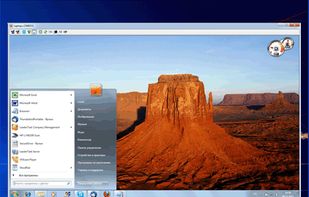
Thincast Client turns your computer into a fully Remote Desktop Protocol (RDP) Client, making it easy to connect remotely to your company's infrastructure. Using the Remote Desktop (RD) WebAccess Client you gain easy access to and control of published virtual machines (with...
Cost / License
- Free
- Proprietary
Application type
Platforms
- Mac
- Windows
- Linux


TurboVNC is a derivative of VNC (Virtual Network Computing) that is tuned to provide peak performance for 3D and video workloads.
Cost / License
- Free
- Open Source
Application type
Platforms
- Windows
- Linux


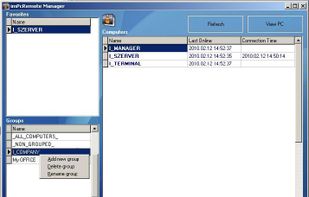
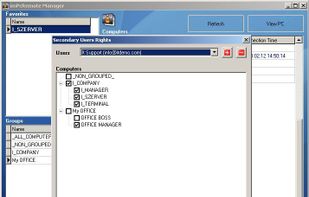
imPcRemote is a remote support tool that enables instant, secure, and trouble-free connections between remote computers over the web.
Cost / License
- Freemium
- Proprietary
Platforms
- Mac
- Windows
- Linux
- Android
- Android Tablet
- United States



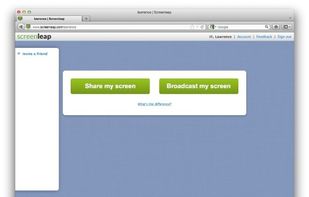
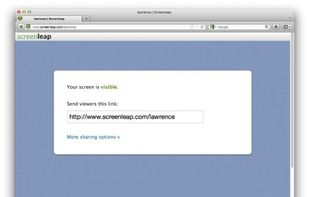
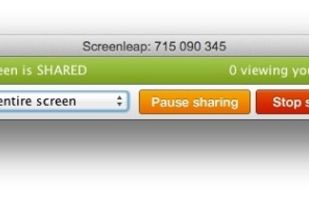
Screen share instantly for free using Screenleap. Screenleap makes it really easy to share your computer screen. You can share your screen with as many people as you like with no downloads, account setup, or cost required.
Cost / License
- Freemium
- Proprietary
Application typeApplication types
Platforms
- Online
- Gmail
- United States


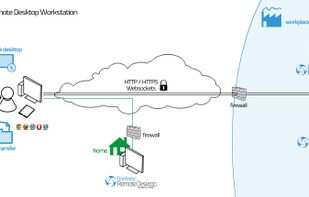
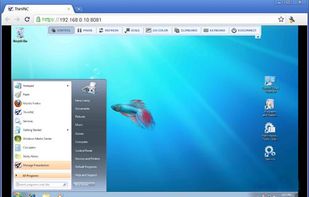
Connect to any PC or server right from your web browser. Choose the mode: full remote desktop control by RDP, desktop sharing just like VNC or transfer files with a FTP connection.
Cost / License
- Paid
- Proprietary
Application type
Platforms
- Windows
- Online
- United States


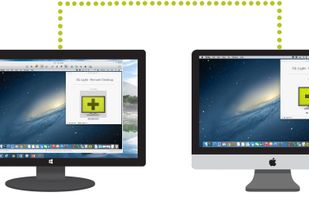
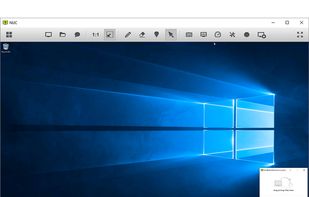
ISL Light is a web-based remote desktop solution that lets you access and control any Windows, Mac or Linux computer in seconds from any computer or mobile device or to provide ad hoc technical support to mobile device users.
Cost / License
- Paid
- Proprietary
Application type
Platforms
- Mac
- Windows
- Linux
- Online
- Android
- iPhone
- Android Tablet
- Windows Phone
- iPad
 Slovenia
- EU
 +5
+5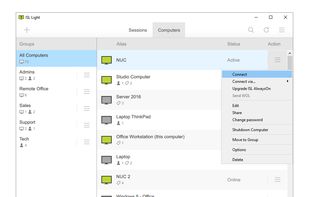


 Germany


