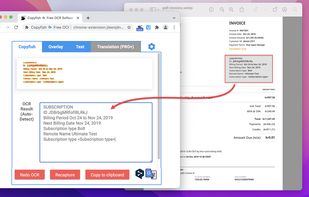
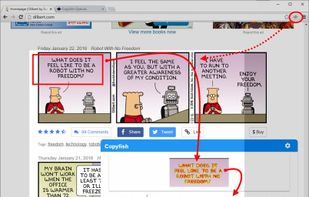
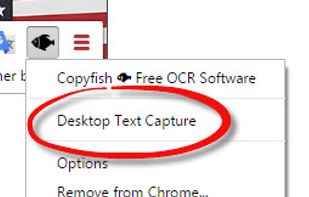
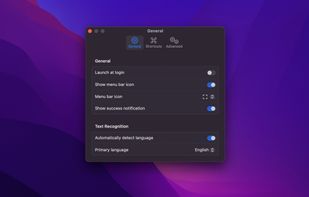
Extract text from anywhere on your screen (OCR). Perfect for capturing text from videos, PDFs, presentations, or any app where copying isn't possible.
Cost / License
- Paid
- Proprietary
Application type
Platforms
- Mac
 Norway
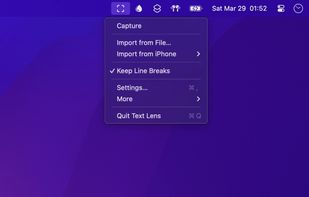



Apps similar to ABBYY Screenshot Reader include ShareX, which is free and open source. Other options are Greenshot, OSS Document Scanner, MakeACopy and Snagit. Screenshot Capture Tools like ABBYY Screenshot Reader are a crowded field, with more than 50 alternatives for Windows, Mac, Android, iPhone and iPad.
Extract text from anywhere on your screen (OCR). Perfect for capturing text from videos, PDFs, presentations, or any app where copying isn't possible.
Norway


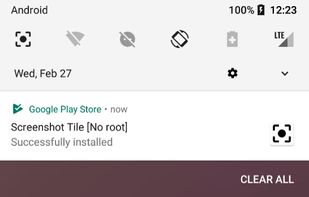
Screenshot Tile offers a variety of features designed to enhance your experience when taking and managing screenshots. One of the key benefits of our app is the ability to customize storage location, format, and notification settings to suit your preferences.


Text Grab is a minimal optical character recognition (OCR) utility for Windows 10/11 which makes all visible text available to be copied.
 United States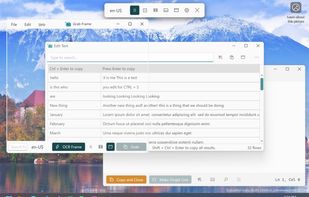
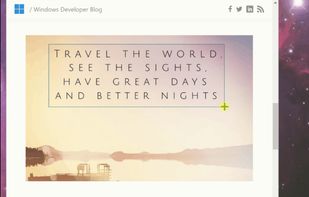
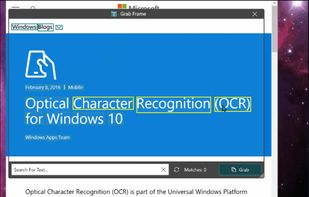
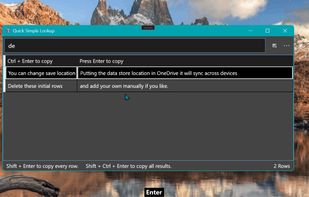


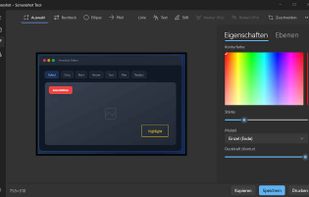
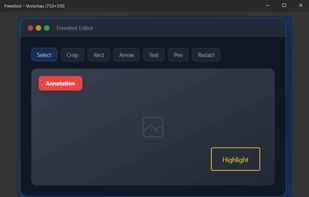
Freeshot is a free, lightweight and modern screenshot tool for Windows. Capture any region, window or full screen in under 100 ms, edit instantly with shapes, text & highlighter, organize everything in a clean library and print intelligently – 100 % free, no ads, no registration.
 Switzerland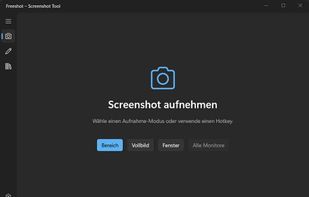


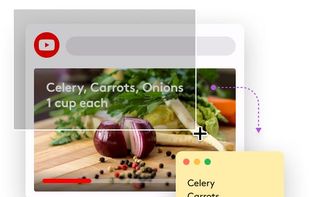
TextSniper is a super useful app to quickly capture unselectable text. Use it to capture and recognize text from presentations, trainings, screencasts,images, pictures, webpages, video tutorials, photos, PDFs etc. Literally from anywhere on your mac's screen.
United States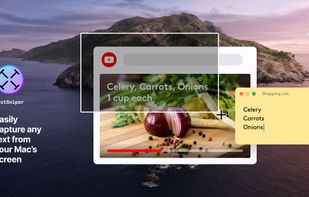
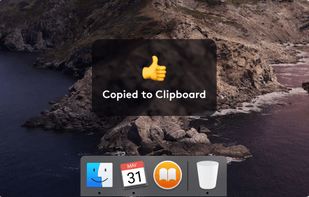


Scan Thing is the quickest way to capture and save anything around you. Scan Thing is available on iOS, iPadOS, and MacOS.
United States


GetWindowText lets you grab text from static system messages via drag-and-drop. The program lets you work with most windows containing text including Edit, Static, Groupbox - Controls, etc.
 Germany
 EU
EU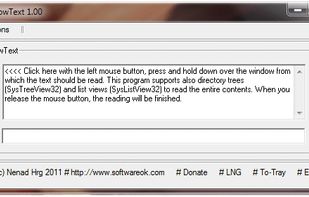


 SpainEU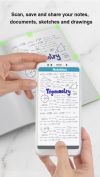
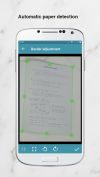
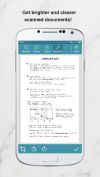


The Adobe Scan scanner app turns your device into a powerful portable scanner that recognizes text automatically (OCR) and allows you to save to multiple file formats including PDF and JPEG.
United States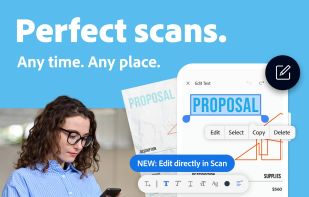

 GermanyEU