


The app is 100% FREE, with NO ads and NO data collection. Donations are possible to support the project.
Cost / License
- Free
- Proprietary
Application type
Platforms
- iPhone
- iPad
 Italy
Italy EU
EU
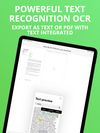

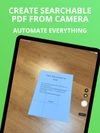

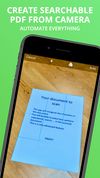


Apps similar to ABBYY Screenshot Reader include ShareX, which is free and open source. Other options are Greenshot, OSS Document Scanner, MakeACopy and Snagit. Screenshot Capture Tools like ABBYY Screenshot Reader are a crowded field, with more than 50 alternatives for Windows, Mac, Android, iPhone and iPad.
The app is 100% FREE, with NO ads and NO data collection. Donations are possible to support the project.
ItalyEU
 India
India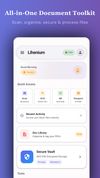



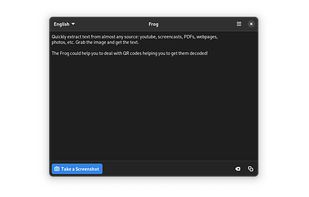
Quickly extract text from almost any source: youtube, screencasts, PDFs, webpages, photos, etc. Grab the image and get the text.
 EstoniaEU


 Türkiye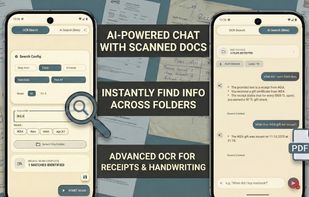

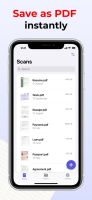
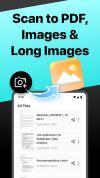
Meet Scanit, a simple yet powerful scanner app that lets you quickly scan any kind of documents and convert them into PDF’s.
 Israel
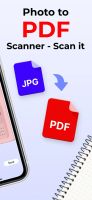

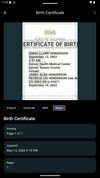
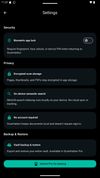
Privacy-first document scanner for Android. Scan, organize, and export multi-page PDFs with AES-256 encryption, biometric lock, and searchable PDF support. No ads, no cloud required.
 United States


Main point of this app is to scan or select existing PDF documents simply using intent or chooser. Other apps require payment to access their api/sdk or simply don't have a possible way to do it. So they rely on switching between an app ,file chooser and a scanner.

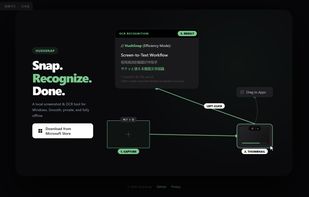
A lightweight, privacy-focused Windows tool for offline OCR and screen capture with seamless drag-and-drop workflow.
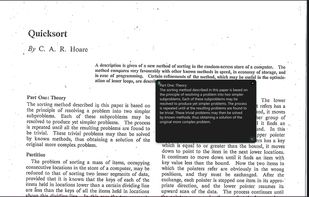


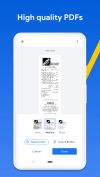
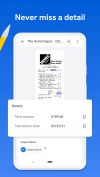
Get rid of paper clutter with Stack. Stack is a PDF scanner, document organizer, and detail finder. All in one.
United States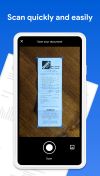

 EstoniaEU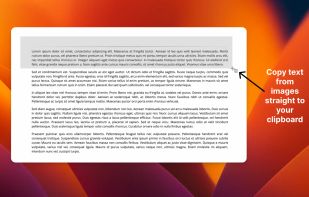

PDFgear Scan is a feature-rich PDF Scanner App that digitizes all your documents and simplifies your life. It can transform your iPhone or iPad into a powerful and portable scanner, extract texts and data from the document with cutting-edge OCR technology and advanced editing...
 Singapore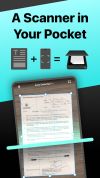


 Germany


