

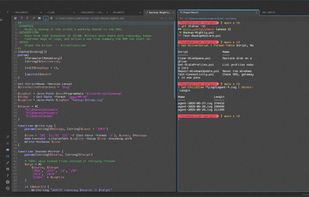
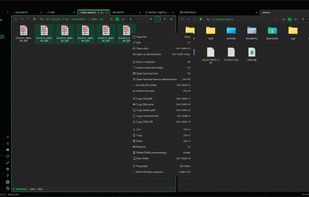
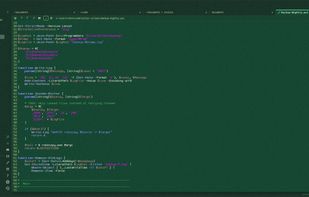
KillerShell puts a file browser, a terminal and a text editor in one window, on one tab strip and one set of keys, so you stop alt-tabbing.
Cost / License
- Free
- Open Source (GPL-3.0)
Application type
Platforms
- Windows
 United States



+4
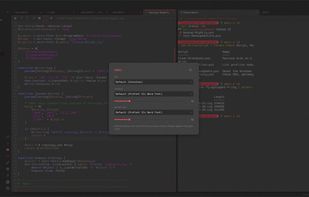


Apps similar to #Pad include Notepad++, which is free and open source. Other options are Obsidian, Sublime Text, Microsoft OneNote and gedit. You can choose from more than 10 Text Editors like #Pad for Mac, Windows, Linux, iPad and the web.
KillerShell puts a file browser, a terminal and a text editor in one window, on one tab strip and one set of keys, so you stop alt-tabbing.
United States
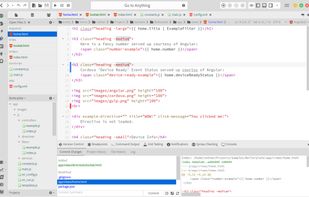
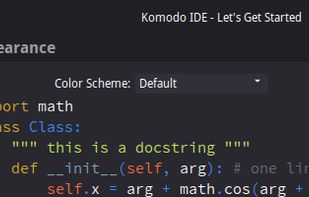
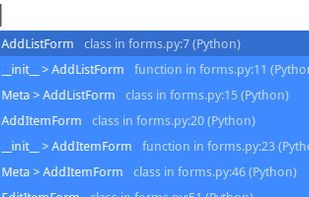
Code smarter and faster with Komodo IDE, the cross-platform professional development environment for dynamic languages and open technologies. Komodo's award-winning feature set includes standard editor functionality like code formatting, commenting, auto-indent and syntax...
 Canada

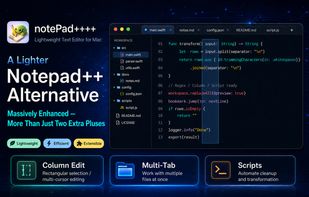
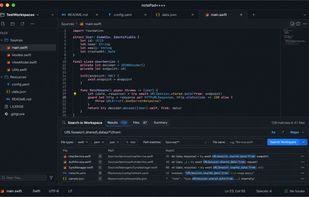
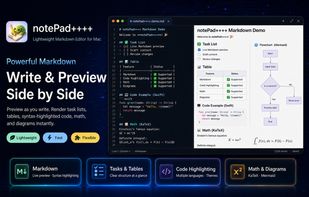
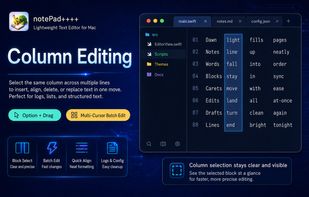
A native macOS text editor with syntax highlighting for 50+ languages, Markdown WYSIWYG, JSON/YAML support, regex and Column Mode, custom scripts, batch processing, and optional AI assistance.
Slate is a free, open-source Notepad replacement for Windows and Linux (Raspberry Pi included) that opens files of any size instantly. Nothing is loaded up front: only what's on screen is read and drawn, so logs, database dumps and JSON exports of hundreds of megabytes open...
United States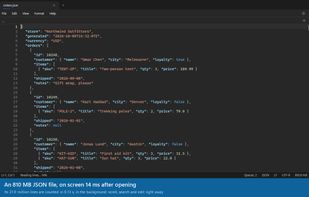
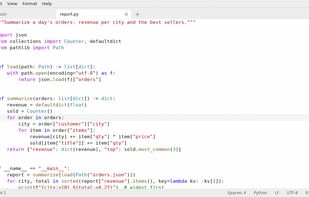
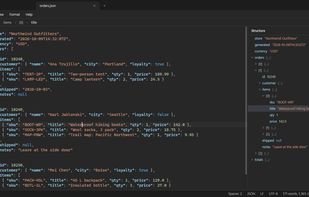


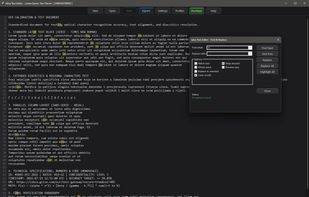
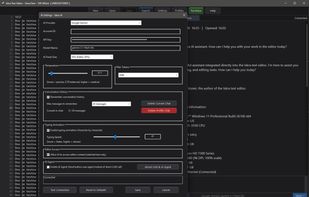
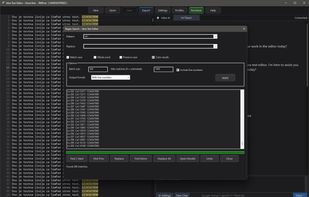
A high performance, lightweight native x64 Windows text editor with an optional AI assistant and a unique multi profile system.
 Bosnia & Herzegovina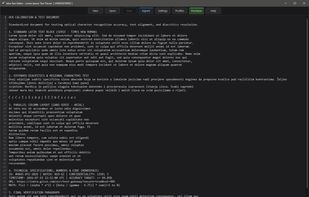

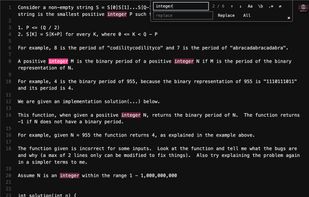
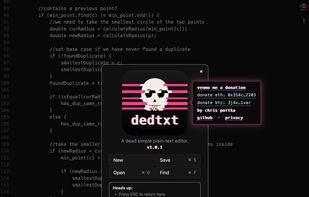
A dead simple plain-text editor. A bit like TextEdit or Notepad but even simpler and with fewer features. No hidden text. No formatting. No settings. One textarea and the current file. Raw bytes in, raw bytes out, UTF-8 by default, no line-ending weirdness. Install easily as a web app.
United States