Must-have Apps After New Windows installation [V1.0: Basic]

Here is a list of software needed by everyday users to get the most out of their experience on Windows. In this list I tried to include as much open-source and free apps as possible. The list targets people with humble expertise in this field, and just want to replace the default apps in Windows with more powerful ones, and add some more apps to get a better environment on their desktop, all with short one option for each specialty. You can see an extended, detailed and updated list here: https://alternativeto.net/list/10598/the-complete-suite-of-programs-needed-after-new-windows-install-v2-0-advanced

Malaz YI
Malaz YIList by Malaz YI, last updated 
Copy a direct link to this comment to your clipboard
  1. Since the first thing we do after installing Windows, is to connect to the internet and check for drivers and stuff, I prefer using Firefox over the default Edge browser for noticeably better browsing in every aspect, from speed to privacy. Firefox is just the best all-around browser so far.

    Cost / License

    • Free
    • Open Source

    Application type

    Platforms

    • Mac
    • Windows
    • Linux
    • Android
    • iPhone
    • Android Tablet
    • BSD
    • HUAWEI AppGallery
    • iPad
    • AppImageHub
    • Snapcraft
    • Flathub
    • Samsung Galaxy Store
    • PortableApps.com
    • Haiku
    • Flatpak
    • Homebrew
    • Chocolatey
    • Gecko
    Firefox Desktop (Light Theme)
    Firefox Desktop (Dark Theme)
    Firefox iOS (Light Theme)
    +7
    Firefox iOS (Dark Theme)
  2. And since we have lots of work to be done in the browser, we better off getting rid of annoying ads and popups; And uBlock Origin is up to the task.

    *Just remember to whitelist your favorite websites to support them.

    Cost / License

    • Free
    • Open Source

    Application types

    Platforms

    • Microsoft Edge
    • Vivaldi
    • Google Chrome
    • Pale Moon
    • Thunderbird
    • Opera
    • Node.JS
    • Chromium
    • Mozilla Firefox
    uBlock Origin screenshot 1
    uBlock Origin screenshot 1
  3. EagleGet icon
     Like

    It's not perfect, but an okay download manager which will integrate to most browsers without problems, it lets the user decide whether to allow ads to appear inside the app (actually not intrusive ads, which is a good thing) or use it ad-free but limits the bandwidth in return.

    Cost / License

    • Free
    • Proprietary

    Platforms

    • Windows
    • Internet Explorer
    • Google Chrome
    • Firefox
    EagleGet screenshot 1
    EagleGet screenshot 1
    EagleGet screenshot 2
    +3
    EagleGet screenshot 3
  4. Speaking of downloads, we should have a dedicated client for the growing file format: Torrent. qBittorenet is literally all you need: safe, open-source, easy-to-use and fast with minimal design.

    Cost / License

    • Free
    • Open Source

    Platforms

    • Mac
    • Windows
    • Linux
    • BSD
    • AppImageHub
    • Snapcraft
    • Flathub
    • PortableApps.com
    • Haiku
    • Cloudron
    qBittorrent screenshot 1
    qBittorrent screenshot 1
    qBittorrent screenshot 2
    +2
    qBittorrent screenshot 3
  5. PeaZip icon
     Like

    Unzipping, compressing, or extracting archived files of various format is almost a daily action for any computer user. The free open-source PeaZip will do the trick just perfectly.

    ( 7-Zip icon 7-Zip might be better option for some people, but I opted for PeaZip for its GUI which makes it easier for inexperienced users)

    Cost / License

    • Free
    • Open Source

    Platforms

    • Mac
    • Windows
    • Linux
    • Chrome OS
    • BSD
    • Flathub
    • PortableApps.com
    PeaZip
    Archive creation
    Archive extraction
    +4
    PeaZip on macOS
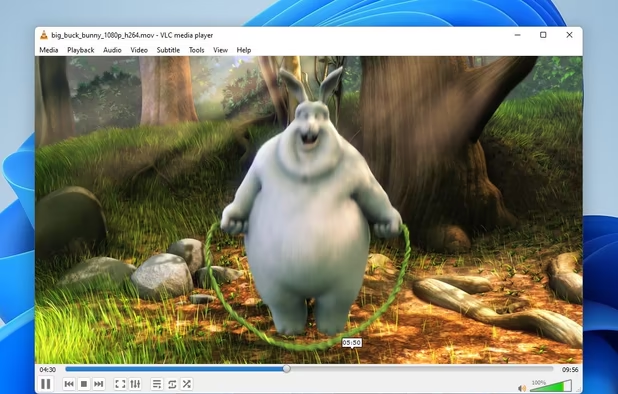
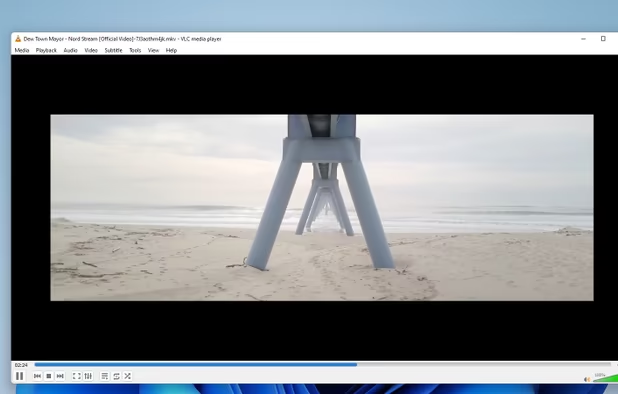
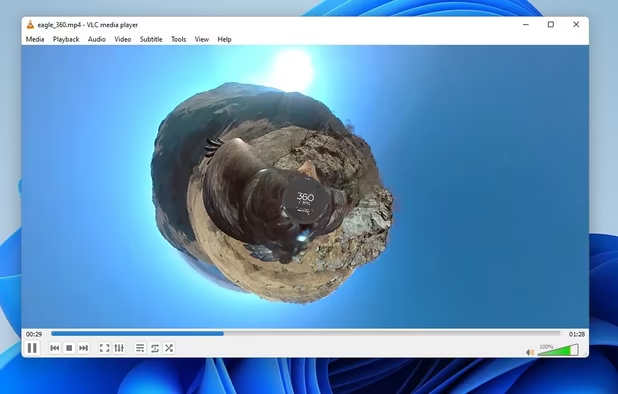
  6. Now we should replace some of the boring and slow Microsoft's programs. For all in one media player solution, so I picked up VLC: The most popular, stable, fully-featured media player in the open-source world

    Cost / License

    • Free
    • Open Source

    Application types

    Platforms

    • Mac
    • Windows
    • Linux
    • Android
    • iPhone
    • Android Tablet
    • BSD
    • iPad
    • AppImageHub
    • Apple Watch
    • Snapcraft
    • Google Chrome
    • Apple TV
    • Flathub
    • PortableApps.com
    • F-Droid
    • Kindle Fire
    • Haiku
    • Android TV
    • Homebrew
    • Chocolatey
    • HUAWEI AppGallery
    VLC Media Player screenshot 1
    VLC Media Player screenshot 1
    VLC Media Player screenshot 2
    +4
    VLC Media Player screenshot 3
  7. Honeyview icon
     Like

    in my opinion, the best image viewer that will definitely blow Microsoft's Windows Photo Viewer. You could also consider, the open-source, cross-platform, elegant viewer: nomacs icon nomacs

    Cost / License

    • Free
    • Proprietary

    Platforms

    • Windows
    Honeyview screenshot 1
    Main Screen
    Choose Image Screen
    +1
    Preferences
  8. E-documents/E-books or PDFs are very common formats too. Viewing them on Windows is way better with Sumatra PDF. You could also consider the free, more feature-packed PDF reader: Xodo icon Xodo

    Cost / License

    • Free
    • Open Source

    Application types

    Platforms

    • Windows
    SumatraPDF screenshot 1
    SumatraPDF screenshot 1
    SumatraPDF screenshot 2
    +3
    SumatraPDF screenshot 3
  9. For productivity we all need an office suite, Microsoft Office seems to the best functional, most mature, modern, advanced one out there.

    MS office offers free license for 4 years for students, and that's why I've included in this list which is intended to offer only free packages.

    Cost / License

    • Freemium
    • Proprietary

    Platforms

    • Mac
    • Windows
    • Online
    • Android
    • iPhone
    • Android Tablet
    • HUAWEI AppGallery
    • iPad
    Microsoft 365 Copilot screenshot 1
    Microsoft 365 Copilot screenshot 1
    Microsoft 365 Copilot screenshot 2
    +8
    Microsoft 365 Copilot screenshot 3
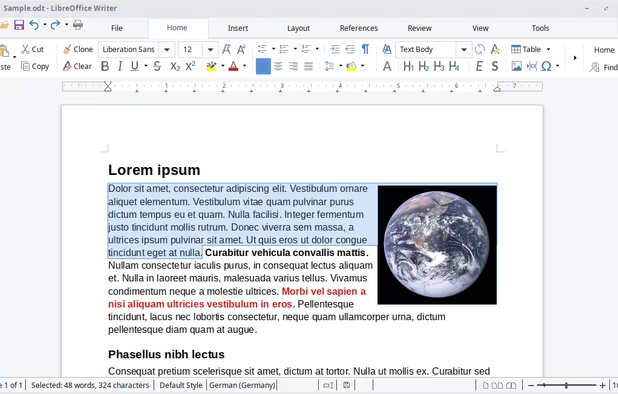
  10. LibreOffice seems to be the best MS office alternative right now. it's got big community and a relatively rapid development going on.

    Cost / License

    • Free
    • Open Source

    Platforms

    • Mac
    • Windows
    • Linux
    • Android
    • BSD
    • Snapcraft
    • Flathub
    • PortableApps.com
    • F-Droid
    • Flatpak
    LibreOffice Writer on Linux
    LibreOffice Calc on Linux
    Main menu (old version)
    +8
    LibreOffice Writer on Windows 7
  11. [Optional] If you're worried about viruses and malware, the free version of Avast will take care of your PC's security fairly enough. Be warned that using an AntiVirus can eat up much of your computer's resources in the background. You DON'T NEED an AntiVirus if you know and understand what you're doing with your machine.

    Cost / License

    • Freemium
    • Proprietary

    Platforms

    • Mac
    • Windows
    • Android
    • iPhone
    • Android Tablet
    • iPad
    Avast Free Antivirus screenshot 1
    Avast Free Antivirus screenshot 2
    Avast Free Antivirus screenshot 3
  12. Microsoft is often accused of violating privacy issues, ShutUp10 is a tool that helps you turn off the possible ways/features that Windows 10 uses to spy on users. Another good alternative I recommend is: DisableWinTracking icon DisableWinTracking (Open-source with an easier UI).

    Cost / License

    • Free
    • Proprietary

    Platforms

    • Windows
    ShutUp10++ screenshot 1
    ShutUp10++ screenshot 1
    ShutUp10++ screenshot 2
    +2
    ShutUp10++ screenshot 3
  • Edited by: #MZ
No comments so far, maybe you want to be first?
Gu