• YouTube icon
  • Imginn icon
  • AP News icon
  • Ars Technica icon
  • DW icon
  • +18

Xen Master's Bookmarks in 2026

Xen MasterXen Master23 appsUpdated
Copy a direct link to this comment to your clipboard

I'm bored so decided to make a quick list on the online resources I visit regularly on the internet. Ironically, despite being a regular here and working in the finance / tech industry, I am not online that much. I've included a list of bookmarked resources I do use on a regular basis. Some categories are missing for good reason:

  • I don't shop online that often, usually only when I am looking for something specific and can't find it locally.
  • I don't use gig or share economy sites like Uber or AirBNB, so none of those will be found here.
  • I've omitted local utilities I pay online since nobody should care about my visiting those sites. :)
  • I avoid using software online which should be offline (e.g. MS 365, Adobe Creative Cloud), so you won't see those here.
  • I don't include sites I use for work which I wouldn't otherwise use offline.
  • I don't have any social media accounts. I have some message board accounts for specific software for asking questions, but I don't use those often enough to include them here.

Media

I don't use paid streaming services - I prefer old content on CDs and DVDs (although I recently decided to get with the times and get a blu-ray player. :)

  1. YouTube icon
     Like

    A video-sharing platform allowing users to upload, view, and share videos, including clips, music videos, and educational content.

    Cost / License

    • Freemium
    • Proprietary

    Application type

    Platforms

    • Online
    • Android
    • iPhone
    • Chrome OS
    • Android Tablet
    • iPad
    • Apple TV
    • KaiOS
    • Fire TV
    • Nintendo Switch
    • Xbox
    • visionOS
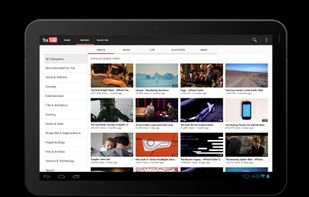
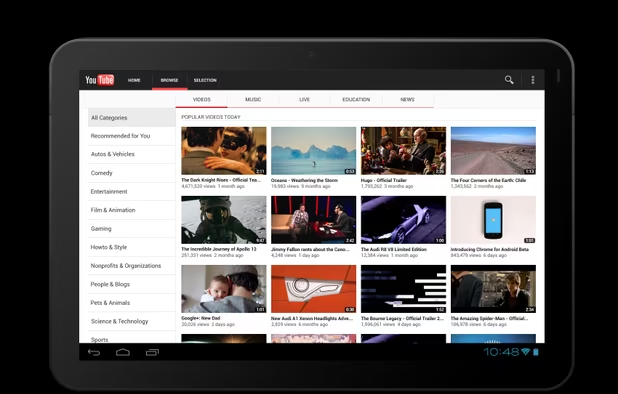
    YouTube screenshot 1
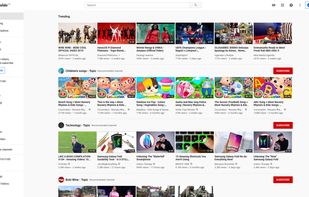
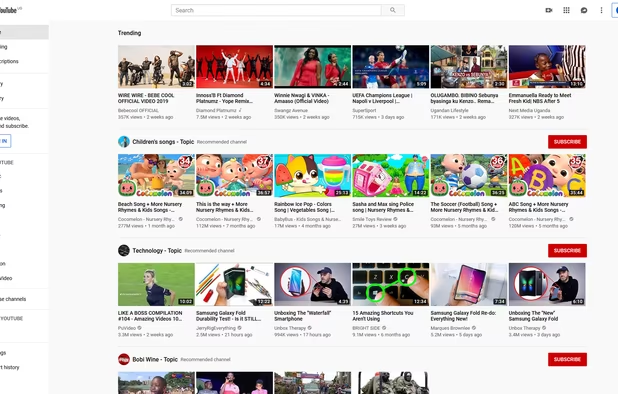
    YouTube on Light Mode
    YouTube on Dark Mode
    +10
    YouTube screenshot 3
    Xen MasterXen Master’s note

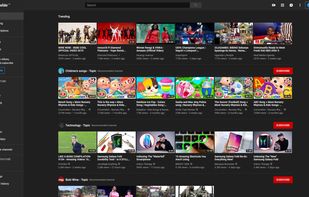
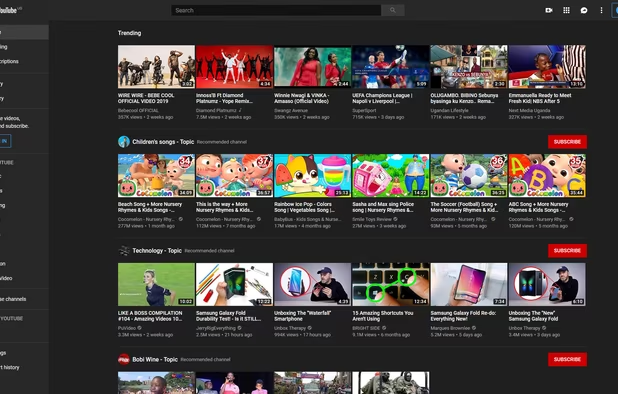
    I use this 90% for listening to online ambient music and occasionally follow channels related to original long form entertainment content and educational documentaries about Asian culture, technology, and wild life in nature. I screen out any recommendations and channels which clearly are using generative AI and don't watch shorts.

    • I use Brave Browser to block advertisements and NewPipe on Android for the same reason.
    • I don't have an account on YouTube and never have. Sometimes, I use the subscribe feature in NewPipe, but mostly bookmark or download videos I like.
  2. Imginn icon
     Like

    Imginn (named for some time as Imgsed) is a frontend app for browsing, downloading and backupping content from Instagram public views using public Instagram API.

    Cost / License

    • Free
    • Proprietary

    Platforms

    • Online
    Main page
    Displayed content of Instagram public view
    Xen MasterXen Master’s note

    This is an anonymous front-end for Instagram which allows downloads and viewing content without an account. I use this to follow digital artists I like and keep track of my "subs" with bookmarks in my browser.

News

Back in my day, I used to read the newspaper every morning. Now, I start each day with the following news sites. I prefer a diverse perspective of views and avoid reactionary/heavily biased content. I also try to avoid content clearly created by generative AI, which is getting harder every day.

I don't watch televised news or listen to podcasts as I consider their content to be sensationalized, low quality, or both.

  1. AP News icon
     Like

    The Associated Press is an independent global news organization dedicated to factual reporting. Founded in 1846, AP today remains the most trusted source of fast, accurate, unbiased news in all formats and the essential provider of the technology and services vital to the news...

    Cost / License

    • Free
    • Proprietary

    Platforms

    • Online
    • Android
    • iPhone
    • Android Tablet
    • iPad
    • Apple Watch
    AP News screenshot 1
    AP News screenshot 2
    AP News screenshot 3
    Xen MasterXen Master’s note

    My #1 go-to site for basic generic world-wide news from an American perspective.

  2. Ars Technica was founded in 1998 when Founder & Editor-in-Chief Ken Fisher announced his plans for starting a publication devoted to technology that would cater to what he called "alpha geeks": technologists and IT professionals.

    Cost / License

    • Freemium
    • Proprietary

    Application type

    Platforms

    • Online
    Xen MasterXen Master’s note

    A more technology focused blog which I use to keep track of any serious issues, hacks, and technology breakthroughs. I am a big fan of their public health reporting by Beth Mole. I am a bit more skeptical of them since one of their article shad a big AI fail in February of 2026. I hope they learned their lessons.

  3. DW icon
     Like

    News, off-beat stories and analysis of German and international affairs. Dive deeper with our features from Europe and beyond. Watch our 24/7 TV stream.

    Cost / License

    • Free
    • Proprietary

    Platforms

    • Online
    • Android
    • iPhone
    • Android Tablet
    • Windows Phone
    • iPad
    • Apple Watch
    • Apple TV
    • Tor
    • Fire TV
    • Roku
    DW screenshot 1
    DW screenshot 2
    DW screenshot 3
    Xen MasterXen Master’s note

    General world news, but from a more European perspective. Also includes an onion site for folks who find that interesting or important.

  4. • Get the latest independent investigative journalism from ProPublica. • Dig deep into reporting about government and policy, health care, criminal justice, the environment and more. • Get a streamlined reading experience, with smart offline support and notifications for our bigg.

    Cost / License

    • Free
    • Proprietary

    Platforms

    • Online
    • Android
    • iPhone
    • Android Tablet
    • iPad
    • Tor
    ProPublica screenshot 1
    ProPublica screenshot 2
    ProPublica screenshot 3
    Xen MasterXen Master’s note

    Non-Profit Investigative Journalism site with excellent reporting. Politically skews to the American left as of late and I keep that in mind when reviewing their stories. Also has its own onion site.

Software Catalogs

One of my favorite hobbies is checking out what is going on in the technology world and tinkering with open source technology. For that reason, I frequent software catalogs that help support that effort.

  1. Explore diverse software alternatives using a crowdsourced discovery service featuring apps for Windows, Mac, Linux, and mobile, with personalized lists.

    Cost / License

    • Free
    • Proprietary

    Application type

    Platforms

    • Online
    AlternativeTo Dashboard with News and New App Releases
    AlternativeTo Dashboard with News and New App Releases - Dark Mode
    AlternativeTo Dashboard with New Interesting Alternatives, Tech News and People Looking for
    +18
    AlternativeTo Dashboard with New Interesting Alternatives, Tech News and People Looking for - Dark Mode
    Xen MasterXen Master’s note

    This entry requires no introduction! One interesting aspect of how I use this site is as a training resource for younger professionals working in the tech industry. I find it a better resource than something like Wikipedia which is too in-depth about software. This site, by comparison, gives a quick overview and alternatives which help better explain how tools are used.

  2. pkgs.org icon
     Like

    The pkgs.org is created to provide you with the simplest method of searching and downloading the newest versions of the Linux packages without the usual excessive popups or spyware.

    Cost / License

    • Freemium
    • Proprietary

    Platforms

    • Online
    pkgs.org screenshot 1
    Xen MasterXen Master’s note

    I frequently use this site to search packages to find out which linux/bsd distribution repositories they can be found on. It sadly doesn't include some niche distros I use, like MX Linux, CatchyOS, Manjaro, or Nix, so I have to go to those sites to check out their 'wares. But for your run o the mill default distros, this is a great resource!

  3. The DistroWatch web site was first published on 31 May 2001. The concept started as a very simple table comprising of 5 major distributions and the chart only compared a few features (price, version, release date) and a few package versions (Linux kernel, KDE, GNOME, XFree86...

    Cost / License

    • Free
    • Proprietary

    Application type

    Platforms

    • Online
    DistroWatch screenshot 1
    DistroWatch screenshot 1
    DistroWatch screenshot 2
    Xen MasterXen Master’s note

    Where I go for news on what's good in the Linux / BSD world and which operating system are trending and for details of new releases.

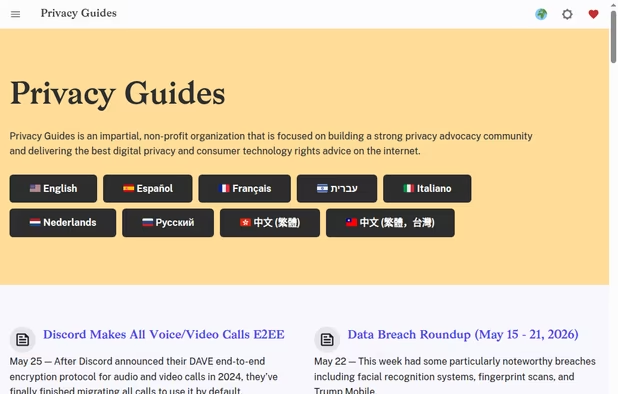
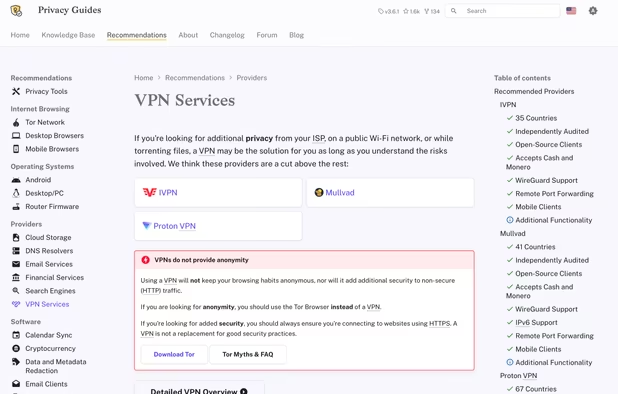
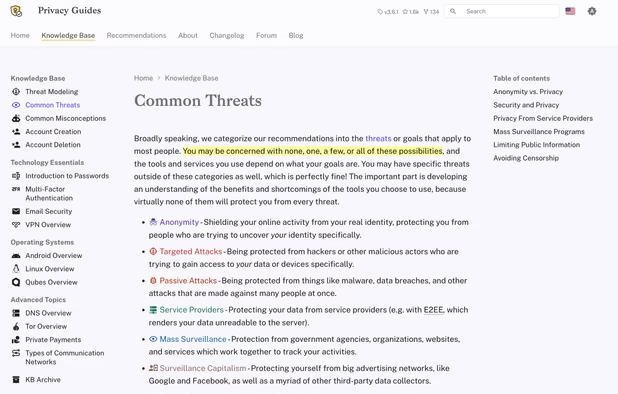
  4. Privacy Guides is a socially motivated website that provides information for protecting your data security and privacy. Their mission is to inform the public about the value of digital privacy, and global government initiatives which aim to monitor your online activity.

    Cost / License

    • Free
    • Open Source

    Application type

    Platforms

    • Online
    Privacy Guides Homepage
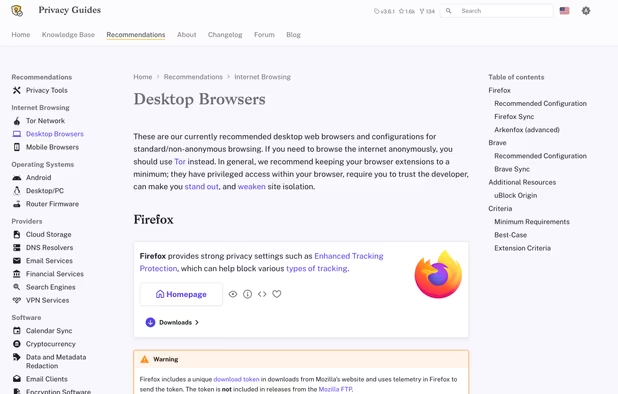
    Desktop browser recommendation listings
    VPN provider recommendation listings
    +1
    Privacy knowledgebase example
    Xen MasterXen Master’s note

    Software catalog specifically geared towards privacy-respecting alternatives to popular software. Also includes a forum I don't participate in but has great insights into up and coming tools and recent issues with existing ones.

  5. LinuxLinks offers the largest curated collection of recommended open source software and impartial reviews

    Cost / License

    • Free
    • Proprietary

    Platforms

    • Online
    LinuxLinks screenshot 1
    LinuxLinks screenshot 1
    Xen MasterXen Master’s note

    Interesting place to take a look at Linux software, including top 100 lists for GUI, TUI, and CLI tools you might not have heard of before!

Online Shopping

I rarely shop online, preferring to go to local chains and small businesses in person. And that's when I want to buy something, which is pretty rare.

  1. eBay icon
     Like

    Buy and sell a wide range of items including electronics, clothing, and collectibles using an auction and shopping platform.

    Cost / License

    • Freemium
    • Proprietary

    Application type

    Platforms

    • Mac
    • Online
    • Android
    • iPhone
    • Android Tablet
    • HUAWEI AppGallery
    • iPad
    • Kindle Fire
    • Chrome OS
    eBay screenshot 1
    eBay screenshot 2
    eBay screenshot 3
    Xen MasterXen Master’s note

    My preferred place to go for old books, vinyls, CDs, and DVDs when I can't find them locally.

  2. Amazon icon
     Like

    Amazon is an American multinational technology company which focuses on e-commerce, cloud computing, digital streaming, and artificial intelligence.

    Cost / License

    • Free
    • Proprietary

    Application type

    Platforms

    • Online
    • Android
    • iPhone
    • Android Tablet
    • iPad
    • Apple Watch
    • Kindle Fire
    Amazon screenshot 1
    Amazon screenshot 1
    Amazon screenshot 2
    +5
    Amazon screenshot 3
    Xen MasterXen Master’s note

    My vendor of last resort when it comes to electronics I can't find locally. I don't participate in any of their streaming options, payment plans, or Prime.

Communication

Basic services I use to communicate, aside from Signal, which isn't listed here since it is an app rather than a browser based service.

  1. Tuta Mail icon
     Like

    Tuta is an all-in-one email, calendar and contacts app which protects your data with full end-to-end encryption and it requires zero personal information. Tuta is built with open source software so you can inspect every piece of code running on your devices so you can be sure...

    Cost / License

    • Freemium
    • Open Source

    Application type

    Platforms

    • Mac
    • Windows
    • Linux
    • Online
    • Android
    • iPhone
    • Android Tablet
    • iPad
    • Flathub
    • F-Droid
    • OpenAPK
    • Thunderbird
    Tuta Mail screenshot 1
    Tuta Mail screenshot 2
    Tuta Mail screenshot 3
    Xen MasterXen Master’s note

    My primary email provider for personal emails, which I use rarely. I use their free plan which has limitations, but none for services I care about.

  2. Secure Swiss-based email with end-to-end encryption and zero third-party access. Available across devices, offering a free version to promote privacy.

    Cost / License

    • Freemium
    • Open Source

    Application type

    Platforms

    • Mac
    • Windows
    • Linux
    • Online
    • Android
    • iPhone
    • iPad
    • Snapcraft
    • Flathub
    • OpenAPK
    • Tor
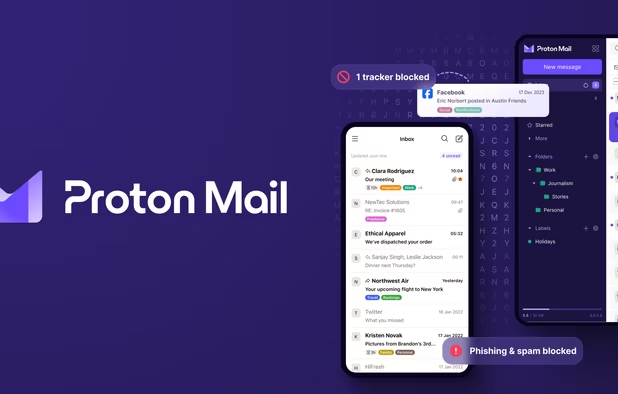
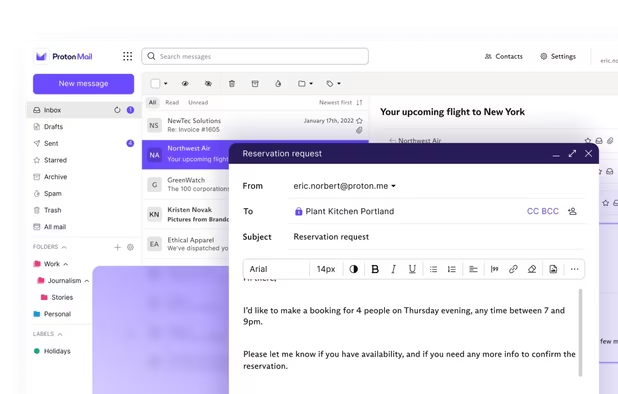
    Proton Mail screenshot 1
    Proton Mail screenshot 1
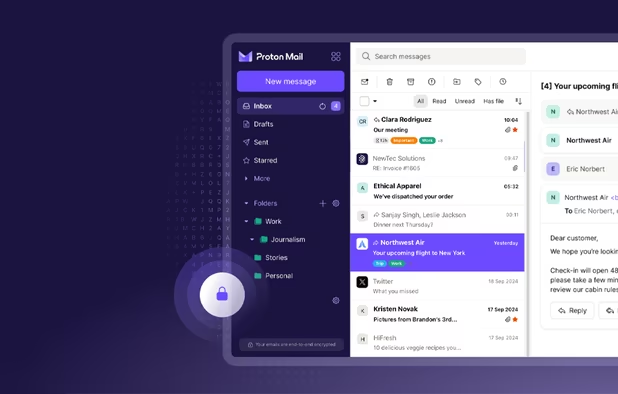
    Proton Mail screenshot 2
    +9
    Proton Mail screenshot 3
    Xen MasterXen Master’s note

    I use this email when I sign up for services for both password resets and to catch spam mail from services who promise not to send me ads. :) Includes an onion site, but I question its usefulness since signing up requires an email or phone number these days.

Search

Most websites I use are one off sites I find while performing web-searches using the below sites.

  1. Delivers private, independent search with an exclusive index, no tracking or profiling, transparent result ranking, browser integration, and image search.

    Cost / License

    • Freemium
    • Proprietary

    Application type

    Platforms

    • Online
    • Tor
    Brave Search screenshot 1
    Brave Search screenshot 1
    Brave Search screenshot 2
    +2
    Brave Search screenshot 3
    Xen MasterXen Master’s note

    My default search engine on my desktop PCs. I find it returns the best results compared to other items on the list. Also has an onion site.

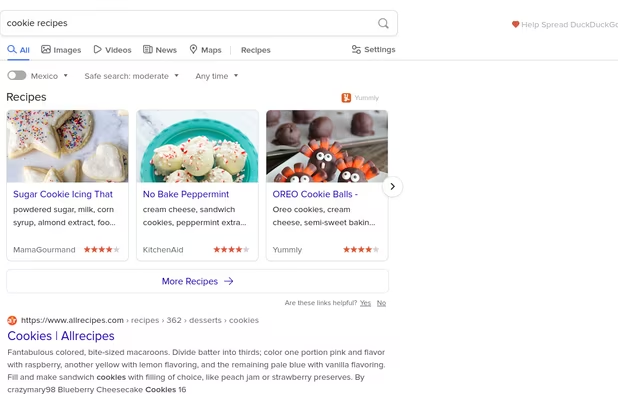
  2. Privacy-focused search engine offering Zero-click Info, instant answers, and more, built from open-source software for a user-friendly experience.

    Cost / License

    • Free
    • Proprietary

    Application type

    Platforms

    • Online
    • Microsoft Edge
    • Google Chrome
    • Tor
    • Opera
    • Mozilla Firefox
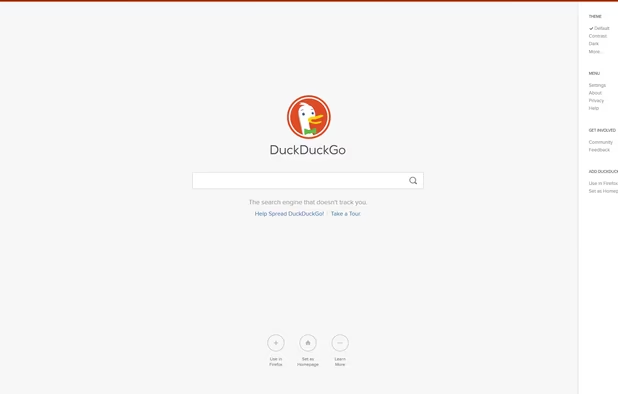
    DuckDuckGo Homepage
    DuckDuckGo screenshot 1
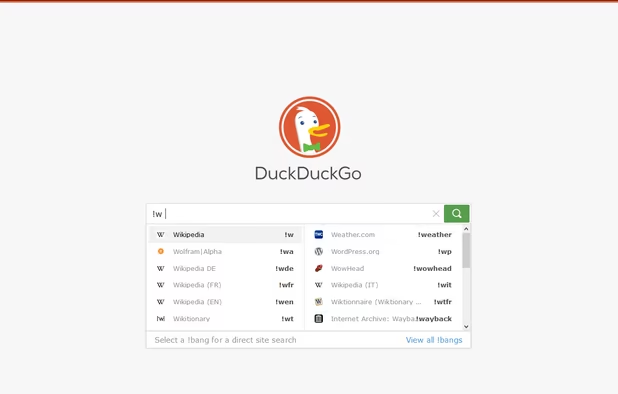
    DuckDuckGo screenshot 2
    +16
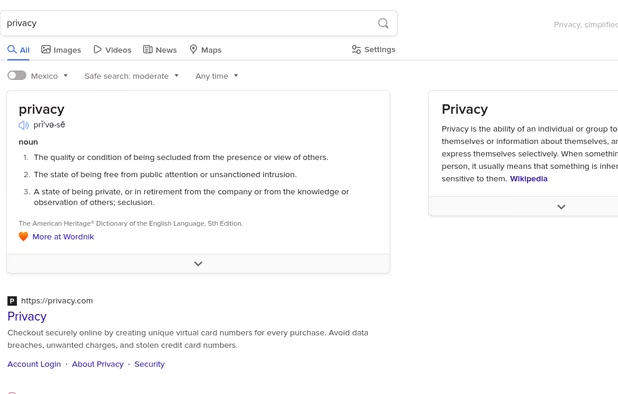
    DuckDuckGo screenshot 3
    Xen MasterXen Master’s note

    Default search engine for me on mobile. Uses Bing as its primary index for searches. Has had some recent reputational damage based on its collaboration with Microsoft. Has a no-AI URL and onion site too for folks who want to use those services.

  3. Mojeek icon
     Like

    Privacy-focused search engine delivering independent, unbiased web and image results from its own index without tracking or profiling, hosted in the UK’s greenest data center.

    Cost / License

    • Free
    • Proprietary

    Application type

    Platforms

    • Online
    • Android
    • iPhone
    Mojeek Homepage (light mode)
    Mojeek search results for AlternativeTo (light mode)
    Mojeek homepage (dark mode)
    +1
    Mojeek search results for AlternativeTo (dark mode)
    Xen MasterXen Master’s note

    An independent search option which uses its own indexing instead of relying on Google or Bing. Not a big fan of their recently added "summarize" feature, which relies in Generative AI.

References

Common sites I use when looking up details while performing research, either professionally or for personal education.

  1. Wikipedia icon
     Like

    Free content, multilingual online encyclopedia written and maintained by a community of volunteers through a model of open collaboration, using a wiki-based editing system.

    Cost / License

    • Free
    • Open Source

    Application type

    Platforms

    • Online
    • Android
    • iPhone
    • Android Tablet
    • HUAWEI AppGallery
    • iPad
    • Samsung Galaxy Store
    • F-Droid
    • Kindle Fire
    • OpenAPK
    • MediaWiki
    • visionOS
    Wikipedia screenshot 1
    Wikipedia screenshot 1
    Wikipedia screenshot 2
    +5
    The home page of Wikipedia.
    Xen MasterXen Master’s note

    The de-facto leader in free information sources. Has a strong no-AI stance when sourcing articles. Crowdsourcing and political bias make this source difficult to rely upon independently, and also suffers from issues stemming from its policies banning original research and overly relying on sources which become self-propagating: https://xkcd.com/978/

    Unfortunately, there aren't really any resources which are a comprehensive.

  2. roadmap.sh is a community effort to create roadmaps, guides and other educational content to help guide the developers in picking up the path and guide their learnings.

    Cost / License

    • Freemium
    • Open Source

    Application type

    Platforms

    • Online
    roadmap.sh screenshot 1
    Xen MasterXen Master’s note

    Useful reference for technology stacks, which I use quite often in developing my lists to make sure I understand how components link together (and determine how popular technology trends change)

  3. Worldometers is run by an international team of developers, researchers, and volunteers with the goal of making world statistics available in a thought-provoking and time relevant format to a wide audience around the world.

    Cost / License

    • Free Personal
    • Proprietary

    Application type

    Platforms

    • Mac
    • Windows
    • Linux
    • Online
    • Android
    • Chrome OS
    • Android Tablet
    Xen MasterXen Master’s note

    I lived and breathed this site during the COVID pandemic, due to its regularly updated postings. Still a good site for statistical details.

  4. Online widget displays up to six customizable analog or digital clocks per page, covers multiple world time zones, offers real-time updates and simple HTML integration.

    Cost / License

    • Freemium
    • Proprietary

    Application type

    Platforms

    • Online
    timeanddate.com screenshot 1
    Xen MasterXen Master’s note

    I used to use this site a lot for tracking sunset and sunrise times. Still a great resource for tracking dates, times, and tracking time across multiple time zones as well as getting details on weather and astronomical related stuff.

  5. BuiltWith icon
     Like

    Discover the technology stack powering websites through a detailed breakdown of frameworks, services, and server information.

    Cost / License

    • Freemium
    • Proprietary

    Application type

    Platforms

    • Online
    • Google Chrome
    BuiltWith screenshot 1
    BuiltWith screenshot 1
    BuiltWith screenshot 2
    +1
    BuiltWith screenshot 3
    Xen MasterXen Master’s note

    A great site for tracking details of what different website are using in their stack.

Any thoughts on sites I should add to my rotation, given my interests? Any sites YOU find to be indispensable? Don't forget to like commend and subscribe with your thoughts!

No comments so far, maybe you want to be first?

Xen Master's Bookmarks in 2026 | AlternativeTo