Xenmaster Approved Linux and BSD

A short and sweet list of the linux and BSD distros I use on a day to day basis, including how I use them and what I like and don't like about them. I've been using non-Windows/Mac operating systems now for about 12 years . I'm not a power user who lives in the terminal using a tiling window manager using arch btw as a daily driver, but I do know my way about the commandline and have tinkered with a homelab for 5 years now.

For all distros I am currently using, I make sure to add caveats for things to look out for as a new user. Definitely not meant to discourage folks, just stuff to keep in mind so expectations are clear.

I also include a list of items I am looking into using in the future and those I've either tried and passed on or those which I've used before and have replaced. Hopefully someone finds this list useful!

Alex Ruiz
Alex RuizList by Alex Ruiz, last updated 
Copy a direct link to this comment to your clipboard
  1. Online Linux

    I have two computers for online use - one is a developer machine which is the closest one can consider a "normal" setup. The other is used for casual browsing and for signing into personal accounts for paying bills, making medical appointments, online shopping and banking, and checking emails.

  2. CachyOS icon
     Like

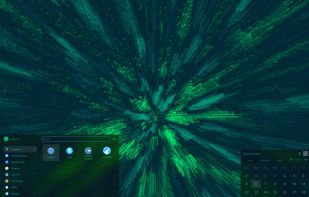
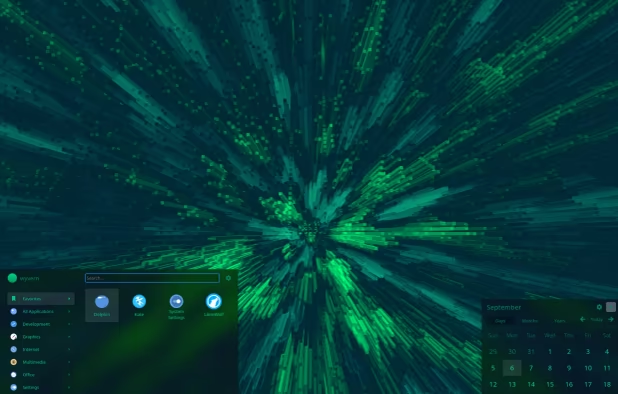
    A good starter distribution - has a wide selection of packages that stay relatively up to date while at the same time, keeping stable. An arch based distribution which is not too challenging for newbies. I recommend the XFCE desktop environment rather than native kde plasma. Optimized kernel and packages makes it fast on modern machines and a legacy mode allows it to run on older devices. This OS used to come with annoying baggage, like defaulting to the fish shell and having its own custom chromium fork, but all of that nonsense is gone now.

    I personally only use this as a developer tool since Cachy has pycharm (for python), gram and firefox-developer-edition (for javascript), and liteide (for go), when none of these are in the package manager for debian.

    Caveat: This distro is optimized for performance and convenience, not security. Most of the other distros I use are a lot more hardened, so keep this in mind.

    Cost / License

    • Free
    • Open Source

    Platforms

    • Linux
    CachyOS screenshot 1
  3. Qubes OS icon
     Like

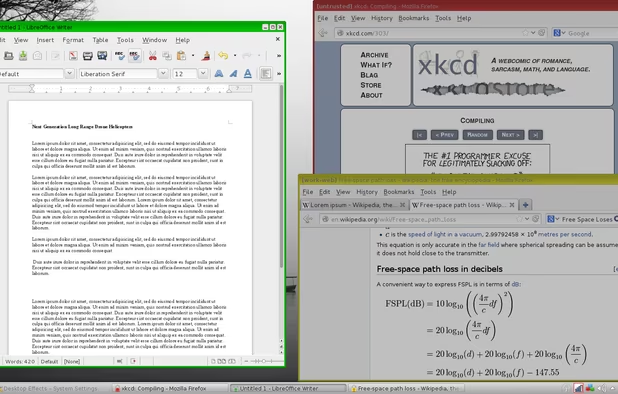
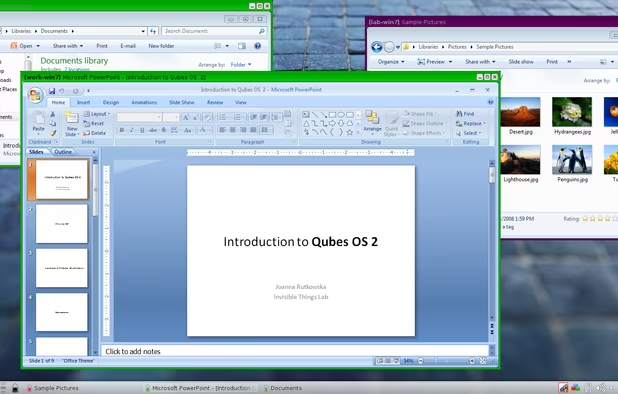
    Ideal as a daily driver with optimal defensive security. Basically a Type 1 Xen-based hypervisor using Fedora as its base image and as many guest VMs as one needs to compartmentalize the browsing experience. Best used in conjunction with the Debian templates for a stable desktop experience and the whonix templates for anonymous web browsing.

    Caveat: It takes a lot of time to set up every time I update Qubes. Definitely not super great for a beginner's distro!

    Cost / License

    • Free
    • Open Source

    Platforms

    • Linux
    • Fedora
    • Xen
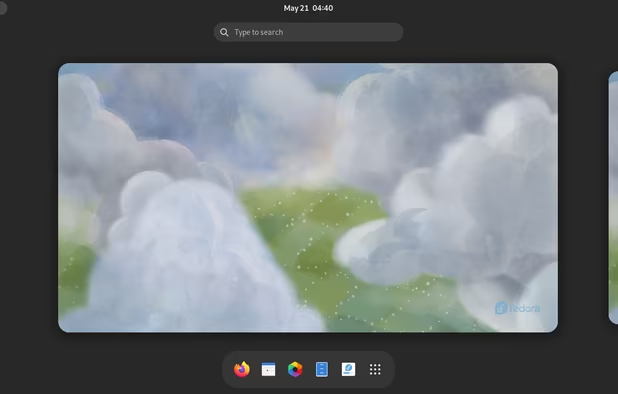
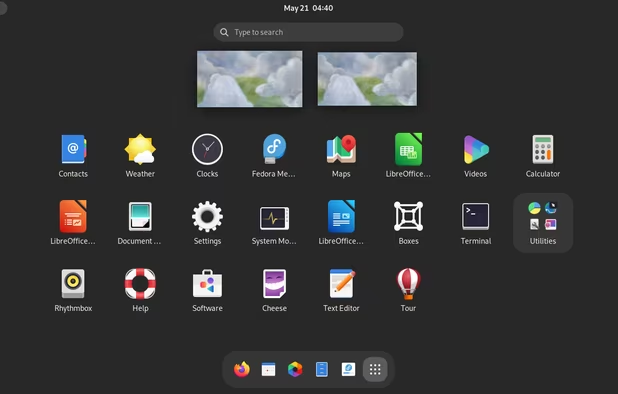
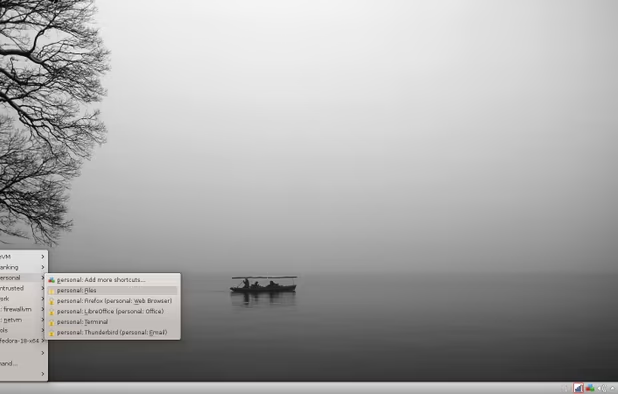
    Qubes OS screenshot 1
    Qubes OS screenshot 1
    Qubes OS screenshot 2
    +9
    Qubes OS screenshot 3
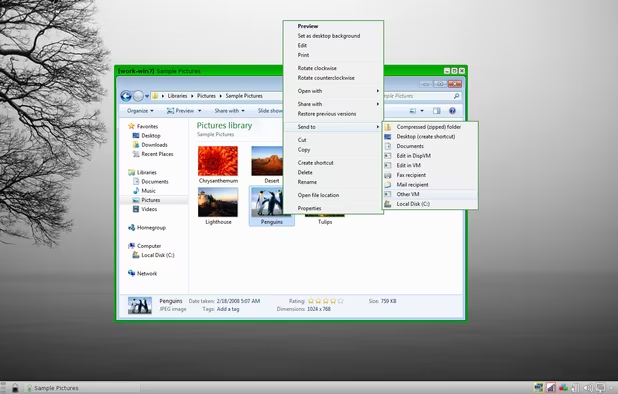
  4. Debian icon
     Like

    Used for clear-net VMs in Qubes when logging into accounts for activities like online shopping, banking, emails, etc.

    Caveat: I use the debian-minimal template in Qubes, which requires a lot of work to install basic tools like a text editor, file manager, and networking capabilities. There is a heavier desktop template available too, but using heavy distros with a high attack surface on a defensive system defeats the purpose.

    Cost / License

    • Free
    • Open Source

    Platforms

    • Windows
    • Linux
    • BSD
    • Self-Hosted
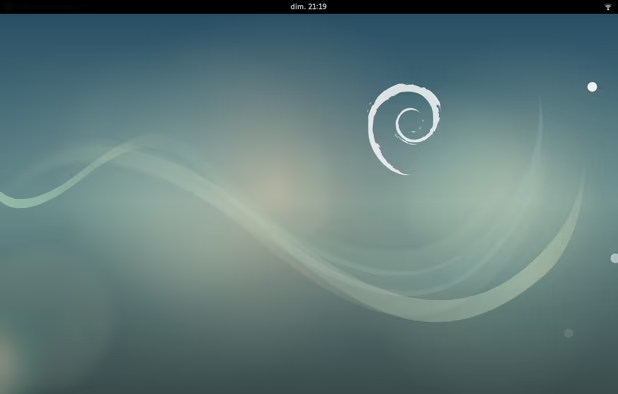
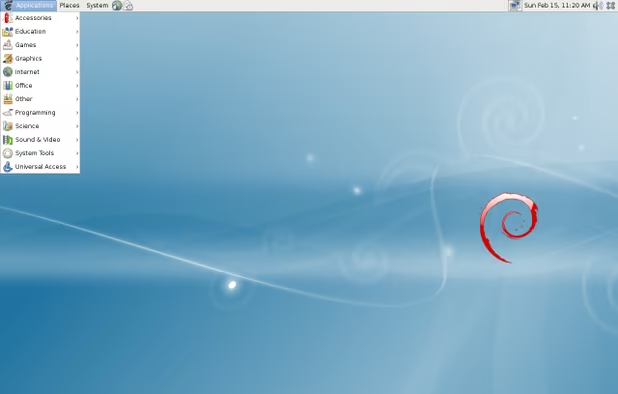
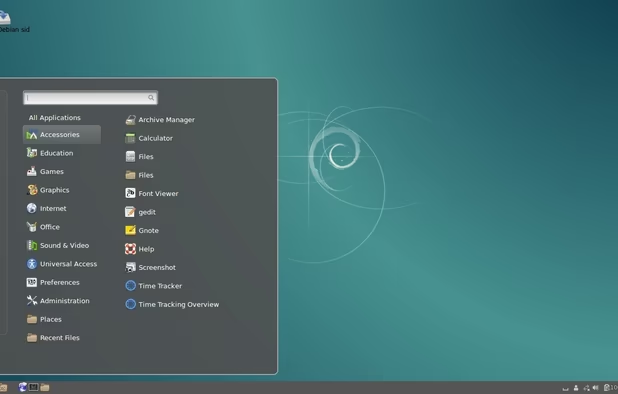
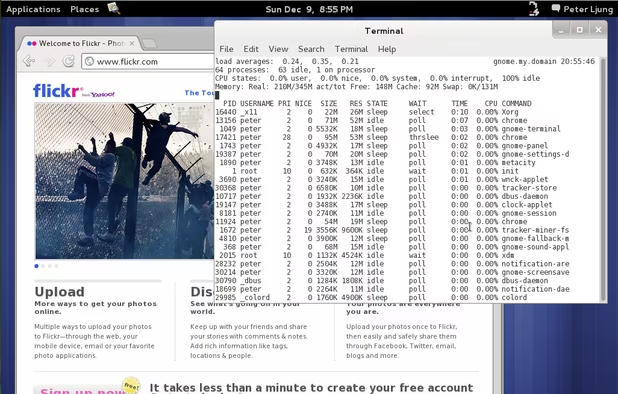
    Debian 9 gnome.
    Debian screenshot 1
    Debian screenshot 2
    +2
    Debian screenshot 3
  5. Whonix icon
     Like

    The whonix platform comes in two parts, a gateway which routes traffic to and from the tor network, and a workstation which includes all the user interfacing software. Great for browsing the web.

    Caveat: Not a big fan of how heavy this distro is. Too many preinstalled applications, but this is done intentionally so regular users don't have to customise this distro, thus making it easier to fingerprint. Also, this is a clumsy distro to use outside of qubes.

    Cost / License

    • Free
    • Open Source

    Platforms

    • Linux
    Whonix Desktop Environment
    Whonix Workstation running on Ubuntu
    Whonix Gateway running on XFCE
  6. Offline Linux

    I do a lot of work offline when using Linux. But unlike Windows, where a person can just download an exe and use a flash drive to move it to an offline computer, Linux relies mostly on online repositories to install software (source builds and appimages not withstanding).

    The three options below allow a user to bypass this issue by using tools which simplify the process of creating custom iso files with packages already installed.

  7. Manjaro has a large package repository and tools for creating a custom ISO with any packages desired. Specifically, using manjaro-tools-iso and buildiso is a quick and easy way to build a custom own ISO with as much or as little software as needed. Never had one of these builds fail. Downside is that flatpak packages won't be included.

    Resource: https://wiki.manjaro.org/index.php?title=Build_Manjaro_ISOs_with_buildiso

    Caveat: Works best as an airgapped device so updates don't break it.

    Cost / License

    • Free
    • Open Source

    Platforms

    • Linux
    • Arch Linux
    Manjaro 19.0 Kyria (Xfce)
    Manjaro 17.0 Gellivara (KDE)
    Manjaro 17.0 Gellivara (I3)
    +5
    Manjaro 17.0 Gellivara (I3)
  8. MX Linux icon
     Like

    Uses a snapshot approach to creating an offline ISO. The base image can be installed on an online desktop, all the packages and desktop settings configured, and then snapshotted into a large ISO which can be burned into a USB drive and installed on an offline machine. There's still some bugs on the resulting images, so not as clean as the manjaro side. On the plus side, this will allow an image to be created with flatpak software.

    Caveat: Hiccups happen here and there with this distro compared to Manjaro. Several years ago, custom ISOs were entirely unstable, but now they are fairing better.

    Cost / License

    • Free
    • Open Source

    Platforms

    • Linux
    MX Linux screenshot 1
    MX Linux screenshot 1
    MX Linux screenshot 2
    +1
    MX Linux screenshot 3
  9. Lakka icon
     Like

    Lakka comes preinstalled with multiple gaming emulators for users interested in retro gaming with pre-owned ROM files.

    Caveat: This is primarily for retro gaming so forget about performing modern gaming - use SteamOS for that instead!

    Cost / License

    • Free
    • Open Source

    Application types

    Platforms

    • Mac
    • Windows
    • Linux
    • Cubieboard
    • HummingBoard
    • Raspberry Pi
    • Nintendo Switch
    • Odroid
    Splash screen
    Main view
    Details
    +4
    Game-sorting
  10. Phone Linux

    These days, I buy pixel phones and flash them with open source software. Since I don't use my phone for much, it works out perfectly.

  11. An alternative ROM for google pixel phones and tablets. Installation is super easy and a small appstore for basic phone functionality. Great when paired with f-droid or the aurora store to get additional apps for the phone, and a lot less obnoxious compared to stock android.

    Caveat: best for minimalist phone users. It is possible to get Play apps using the Aurora store to download them without a google account, but getting a phone on graphene just to load it down with tons of google apps defeats the purpose.

    Cost / License

    • Free
    • Open Source

    Application types

    Platforms

    • Android
    • Android Tablet
    GrapheneOS screenshot 1
    GrapheneOS screenshot 1
    GrapheneOS screenshot 2
  12. Live Drives

    I use live drives when I want to access accounts I've registered for anonymously (using Tails) or to log into clearnet sites I don't plan on using again (Kicksecure).

  13. Tails icon
     Like

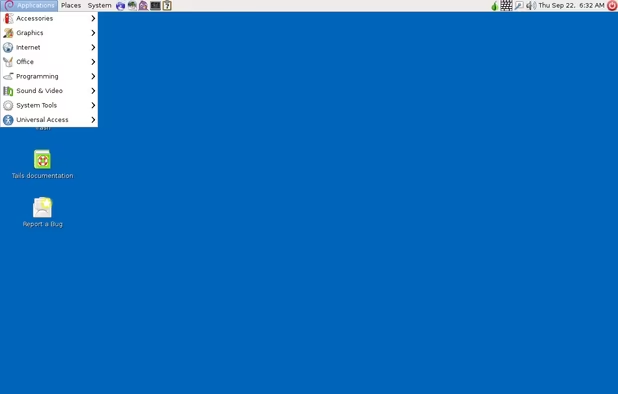
    Similar to whonix, but on a live drive. Ideal for using when logging into accounts not associated with your identity or when using foreign computers you don't normally have control over to ensure no trace of your session remains after shutting down.

    Caveat: Tails is a bit heavier than I'd like, with too many preinstalled applications I never use. It would be nice to have both a Tails-lite edition and a Tails Finance edition with bisq and feather wallet auto-installed, but having multiple versions of a OS designed to be generic defeats the purpose.

    Cost / License

    • Free
    • Open Source

    Platforms

    • Linux
    • Tor Browser
    • GNOME
    • Tor
    • Thunderbird
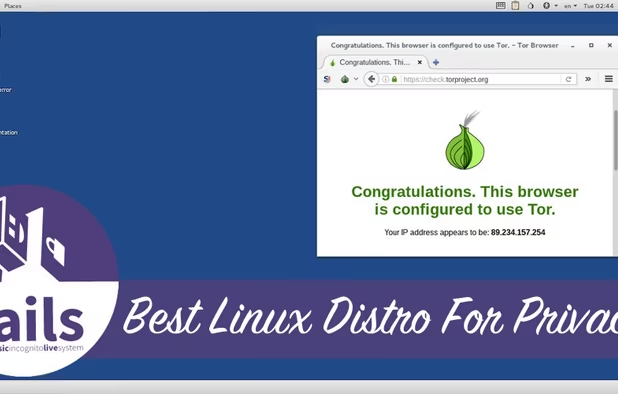
    Tails screenshot 1
    Tails screenshot 1
  14. A hardened version of Debian, it isn't meant to be used as a live-drive, but I do to get the tails experience but also the ability to use clearnet services on a computer that isn't mine. Whonix noted above is based on KickSecure, but without the tor integration.

    Caveat: Not as good as it used to be since switching from xfce to lxqt, but nobody's perfect, I guess. Also installing veracrypt on this is a beast and the development team has no interest in addressing encrypted containers (this is natively available in tails).

    Cost / License

    • Free
    • Open Source

    Platforms

    • Linux
  15. Strictly used for copying your entire hard-drive. Good for backup purposes.

    Caveat: Nothing really, just keep in mind it's a single purpose distro. It doesn't do anything besides system backup and restore.

    Cost / License

    • Free
    • Open Source

    Platforms

    • Mac
    • Windows
    • Linux
    Choices to save or restore partition or disk in clonezilla
    Device to image or device to device clone
    Enter clonezilla or shell command
    +2
    Setup the clonezilla image home directory
  16. Server Appliances

    I use these operating systems to operate a homelab which is comprised mostly of mini PCs, old raspberry pi small board computers and virtual machines. They are also great practise for someone larping as a sysadmin.

  17. The only server distribution I recommend when practising for the corporate world. Closely mimics Red Hat Linux Enterprise (RHEL), which is the standard in the business. I use this as an install on stand-alone bare-metal servers.

    Cost / License

    • Free
    • Open Source

    Platforms

    • Linux
    Rocky Desktop Environment
    Rocky Menu
  18. KVM based type 1 virtualizer. Useful when setting up a homelab as it makes working with virtual devices and containers (LXC) easy out of the box.

    Caveat: One big downside is the jumpscare popups warning you that opensource software isn't great and you should upgrade to the pro-version. Users will also have to manually switch to the community proxmox and debian repositories for updates when first using this distro.

    Cost / License

    • Freemium
    • Open Source

    Application type

    Platforms

    • Android
    • Android Tablet
    • Self-Hosted
    Proxmox VE 9.1 - Node Summary
    Proxmox Virtual Environment 8.2 - Cluster summary
    Proxmox VE 9.0 - New Node Metrics
    +3
    Proxmox Virtual Environment 8.1 - VMware ESXi Guest import add storage
  19. A very lightweight distribution ideal for deploying within VMs and containers in Proxmox. Low footprint and resources usage.

    Caveat: Alpine has quirks that differentiate it from other mainstream distributions, like using busybox instead of core utilities, and openrc instead of systemd so be aware!

    Cost / License

    • Free
    • Open Source

    Platforms

    • Linux
    Alpine Linux screenshot 1
  20. DietPi icon
     Like

    A lightweight raspberry pi distribution if you plan on using these devices in your homelab. Both lightweight and has a convenient click-to-deploy option for installing services.

    Caveat: if you prefer native installs or using containers, using alpine may be a better bet since they also have instances to use on raspberry pi computers.

    Cost / License

    • Free
    • Open Source

    Platforms

    • Linux
    • Self-Hosted
    DietPi configuration tool
    DietPi software installation tool
    DietPi optimized software options
    +1
    DietPi backup tool
  21. Network Appliances

    BSD and other distros I use specifically for my networking equipment.

  22. pfSense icon
     Like

    My main firewall distribution, it comes with decent documentation and an easy to use interface for managing firewalls and other services. I buy my firewall appliances directly from Netgate so I don't have to worry about installs.

    Caveat: Some non-core packages available on pfsense are obsolete and this distro doesn't have native wireguard support like OpnSense (see below)

    Cost / License

    • Freemium
    • Open Source

    Application types

    Platforms

    • BSD
    Dashboard page
    pfSense screenshot 1
    pfSense screenshot 2
    +2
    pfSense screenshot 3
  23. OpenWrt icon
     Like

    Useful for firmware devices, I use this for a wireless access point.

    Caveat: Installing firmware is challenging since one needs to find the exact build for their device. It's doable, just not a straightforward as other distros.

    Cost / License

    • Free
    • Open Source

    Platforms

    • Linux
    OpenWrt screenshot 1
    OpenWrt screenshot 1
    OpenWrt screenshot 2
    +6
    OpenWrt screenshot 3
  24. Distros I want to try

    I've heard good things about the distros listed below and hope to give them a try, possibly replacing distros I use already.

  25. OpenBSD icon
     Like

    Very secure BSD-based distribution which works great for hardened webservers and vpn gateways and pretty much any default appliance one expects in a network DMZ. All of this functionality is build directly into the base distro, reducing the need for installing third party packages and configuration. My goal is to use it to support a wireguard vpn server, and a more secure and lightweight alternative to proxmox using its native vmm virtualizer.

    Caveat: Easiest and most secure when relying on the native functionality rather than installing packages.

    Cost / License

    • Free
    • Open Source

    Application type

    Platforms

    • BSD
    Example OpenBSD 5.2 desktop using Gnome 3.4.2 desktop environment
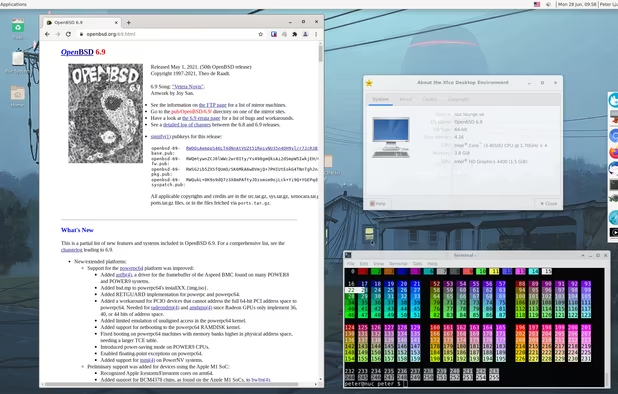
    Example OpenBSD 6.9 desktop using Xfce 4.16 desktop environment
  26. OPNsense icon
     Like

    An updated version of PFSense I'd like to try out. Hardware running this out of the box is a lot more expensive than Netgate hardware running PFSense, but it looks like wireguard support is better and the packages get more updates.

    Caveat: hardware with OpnSense out of the box is pretty expensive these days, so be ready to flash this onto existing hardware to save some cash.

    Cost / License

    • Free
    • Open Source

    Platforms

    • Self-Hosted
    OPNsense screenshot 1
    Login
    Dashboard
    +5
    System Logs
  27. TrueNAS icon
     Like

    Ideal for homelab deployments of network attached storage. I don't have a NAS device yet, but will try this out when I do.

    Caveat: I've heard stories that this distro is focused on more commercial ventures so the community project may be seeing some neglect compared to other options.

    Cost / License

    • Free
    • Open Source

    Platforms

    • Linux
    • BSD
    • Self-Hosted
    TrueNAS screenshot 1
    TrueNAS screenshot 1
    TrueNAS screenshot 2
    +6
    TrueNAS screenshot 3
  28. The new Commodore flipphones are coming out with this pre-installed as a mobile operating system. Excited to see what that looks like!

    Caveat: linux phone. :\

    Cost / License

    • Paid
    • Proprietary

    Application types

    Platforms

    • Linux Mobile
    Sailfish OS screenshot 1
    Sailfish OS screenshot 1
    Sailfish OS screenshot 2
    +1
    Sailfish OS screenshot 3
  29. Smashed and passed Distros

    This is a list of distributions for linux and BSD I've tried in the past and either didn't like right away or stopped using when something more to my needs came around. No hate intended!

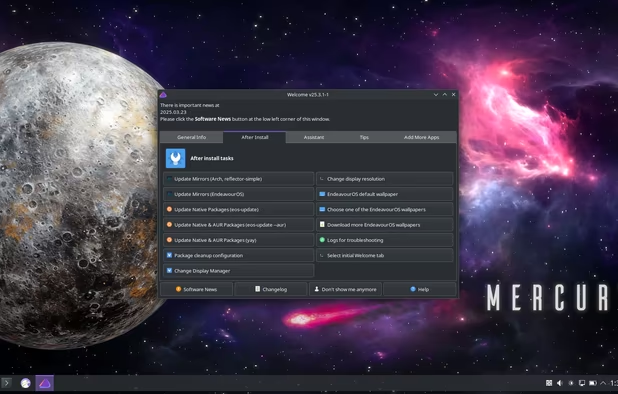
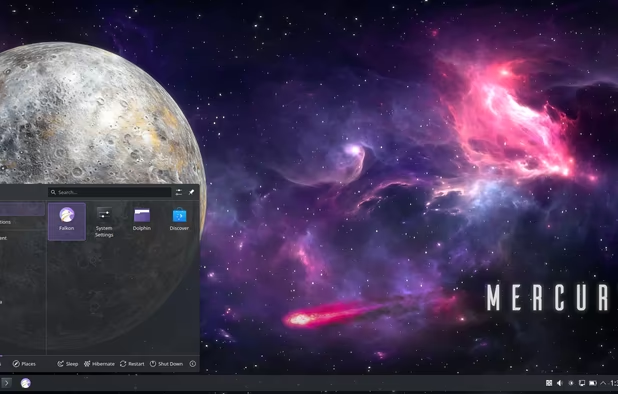
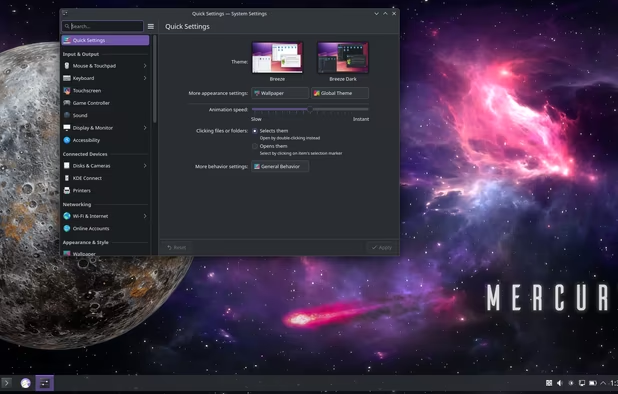
  30. Nothing really wrong with this distro, but consider it a less polished version of cachyos. A good distro for those who perfer a terminal-centric approach

    Cost / License

    • Free
    • Open Source

    Platforms

    • Linux
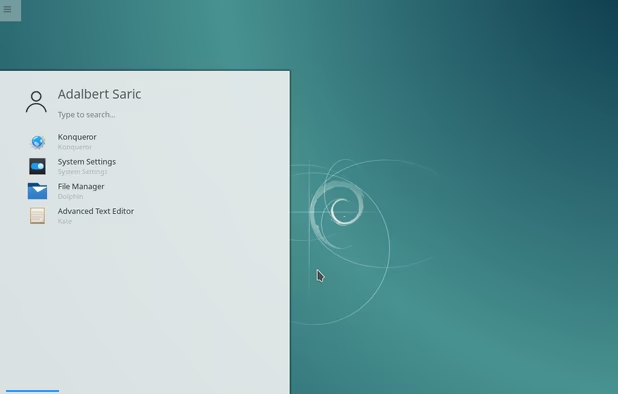
    Welcome window
    Application menu
    KDE System Settings panel
  31. Fedora icon
     Like

    Fedora Linux: Current version is always a bit buggy so have to stay a version behind, meaning I have to reinstall after 6 months. Even more annoying is that the Fedora CD tools used for creating custom ISOs stopped working properly years ago. It's also a pain to install non-free drivers. Ironic that I've had more stability issues with Fedora than even other Arch distributions I've worked with (except Artix).

    Cost / License

    • Free
    • Open Source

    Platforms

    • Linux
    Fedora 38
    Fedora screenshot 1
    Fedora screenshot 2
    +9
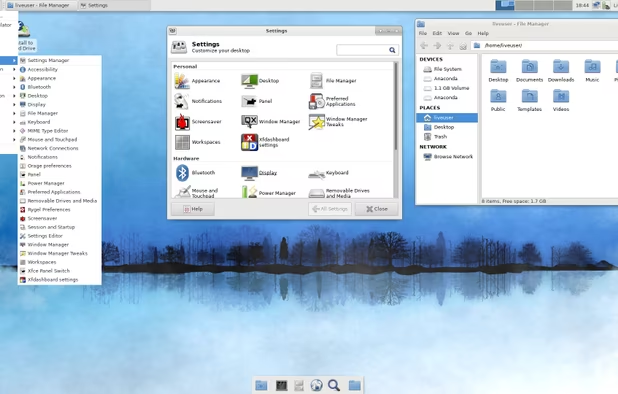
    XFCE spin
  32. NixOS icon
     Like

    Interesting concept, but pretty flawed. I've never had to roll back my desktop OS to a version more than 1 version back so having this OS snapshot my OS every time I update is a bit unnecessary. Tried to follow the instructions to create a custom ISO for offline use and it didn't work. Documentation is garbage too, but that's pretty common to nearly all distributions.
    Cost / License

    • Free
    • Open Source

    Platforms

    • Self-Hosted
    NixOS screenshot 1
    NixOS screenshot 1
  33. Omarchy icon
     Like

    Nearly bricked a lenovo desktop trying to install this. When it finally ran on an older laptop, discovered it was very heavy and gimmicky as opposed to useful. Also, after reading the documentation, looks like it pulls a lot from AUR or dodgy install scripts. Cannot recommend.

    Cost / License

    • Free
    • Open Source

    Platforms

    • Linux
    Omarchy screenshot 1
    Omarchy screenshot 1
    Omarchy screenshot 2
    +2
    Omarchy screenshot 3
  34. Couldn't even get started without the package manager throwing errors. The xfce spin wouldn't boot at all after installation, which was a big disappointment since the standard desktop is KDE Plasma.

    Cost / License

    • Free
    • Open Source

    Platforms

    • Mac
    • Linux
    Mandriva Linux screenshot 1
  35. I've seen this in corporate environments but no longer recommend it due to some weird stuff their team is doing, including stability issues introduced by replacing coreutils with uutils and apt now requiring hard rust dependencies for no good reason.

    Cost / License

    • Free
    • Open Source

    Application type

    Platforms

    • Linux
    Ubuntu Server screenshot 1
  36. Tried using the standard installer for this with the XFCE desktop and Catfish, the GUI search program crashed immediately when searching a USB drive for a file. Removed immediately.

    Cost / License

    • Free
    • Open Source

    Platforms

    • Linux
    Artix Linux screenshot 1
  37. Android icon
     Like

    Android phones have everything against them. Buggier and aesthetically inferior to the iphone from a company that makes its money hoovering up private data from their users while inserting AI crap into everything. And now they are planning on locking down their system to prevent sideloading and using non-play app stores. Gross.

    Cost / License

    • Free
    • Open Source

    Application types

    Platforms

    • Android
    • Android Tablet
    • Android Auto
    • Android SDK
    • Android Wear
    • Android TV
    Android screenshot 1
    Android screenshot 1
    Android screenshot 2
    +1
    Android screenshot 3

Do you have any suggestions, recommendations? Feel free to leave them in the comments below.

No comments so far, maybe you want to be first?
Gu