




Facilitates device communication, enabling notifications, SMS replies, file sharing, and remote control across multiple operating systems.
Cost / License
- Free
- Open Source
Application typeApplication types



+4



How are you?
In this list I bring you a variety of alternative software to those from Microsoft, and also that these free and open source programs
So enjoy this list!
(I will be updating it every day)
Facilitates device communication, enabling notifications, SMS replies, file sharing, and remote control across multiple operating systems.

Free open-source tool offers secure, end-to-end encrypted file and message sharing over local networks across major desktop and mobile operating systems.
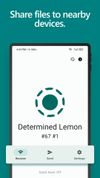
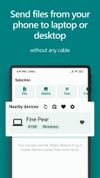
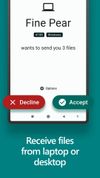

Zorin Connect is integrated into the Zorin OS desktop to merge the experience between your computer and Android device. It works over an encrypted connection on your local network, so your data stays private and never reaches the cloud.
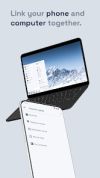

GSConnect is a complete implementation of KDE Connect especially for GNOME Shell with Nautilus, Chrome and Firefox integration. It does not rely on the KDE Connect desktop application and will not work with it installed.


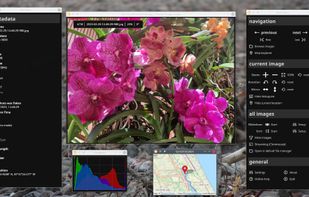
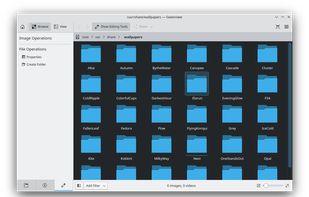
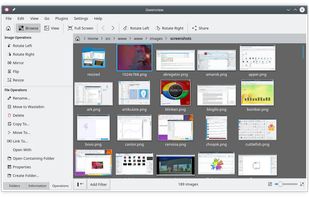
PhotoQt is a fast and simple, good looking, yet powerful and highly configurable image viewer.


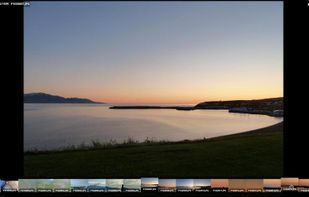

nomacs is a free, open source image viewer, which supports multiple platforms. You can use it for viewing all common image formats including RAW and psd images.


Fast image viewer with support for multiple formats, quick crop, rotate, lossless JPEG editing, drag-and-drop, thumbnail navigation, and slideshow mode.
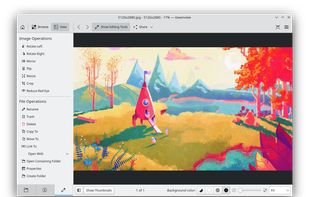

Experience a fast, personalized app launcher with full customization, privacy-focused design, no ads, and efficient widget integration.

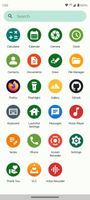
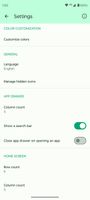


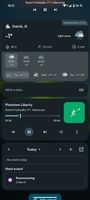
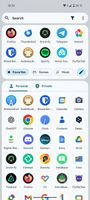

Open-source Android launcher with customizable icons, layout, and integration of Google Feed, offering Pixel Launcher features without root access.

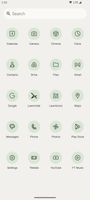
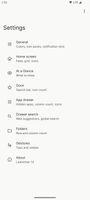

Minimalist Android launcher enabling instant search through apps, contacts, and settings, learns usage patterns, works offline, preserves privacy, and saves resources.




Neo Launcher is a fork of AOSP's launcher for power users. It is highly configurable, and offers you a lot of functionality. Some are :


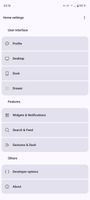

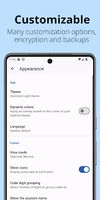
Generates, stores, and encrypts two-factor authentication tokens, enables secure backup, offers offline access, multi-device sync, and flexible import/export options.
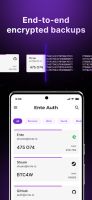

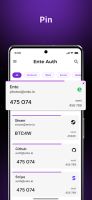

Aegis Authenticator is a free, secure and open source app to manage your 2-step verification tokens for your online services.



Protect your accounts with Proton Authenticator, a private and secure cross-device two-factor authentication (2FA) that works offline. Created by Proton, the creators of Proton Mail, Proton VPN, Proton Drive, and Proton Pass.

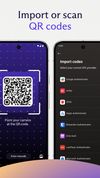


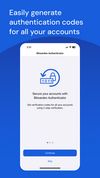
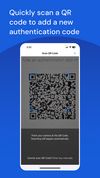
Bitwarden Authenticator generates verification codes for two-factor authentication, ensuring your identity is verified when you log into accounts.



Comments
This list needs to be updated
To be fair, as soon as you make a list like this, it needs to be updated
An inspiring list, AxelFOSS! I moved away from Microsoft when they were forcing the move from Win 7 to 10! Faced a lot of challenges, ngl. But then no different from in MS ecosystem.
And because of my own experience, I do disagree with a lot of your choices. But looking at your list has inspired me to make one of my own. Thanks.
FOSS needs as many evangelists onboard as possible.
Just to tell you, I've had bad experiences installing LibreOffice and OpenOffice onto a mobile hard drive.
For Teams I would suggest: Zulip ,
 Mattermost and
 Infomaniak kChat