Apps I use for game development

A list of apps I use to develop video games as a hobby. Looking at trying your hand at development? This list may be a good place to start. Note that this list is tailored towards Windows users, as this the environment that I use.

JR
Jamie RobertsList by Jamie Roberts, last updated 
Copy a direct link to this comment to your clipboard
  1. Unity icon
     Like

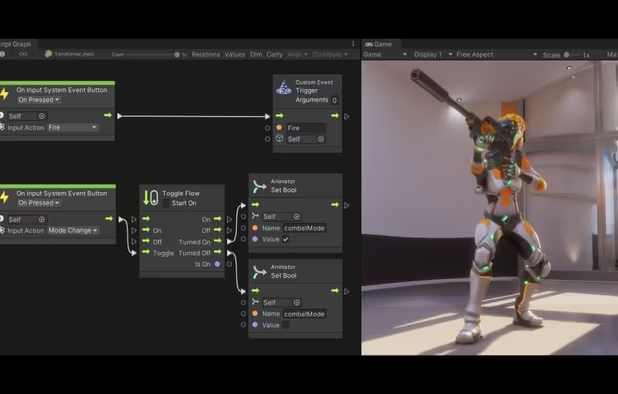
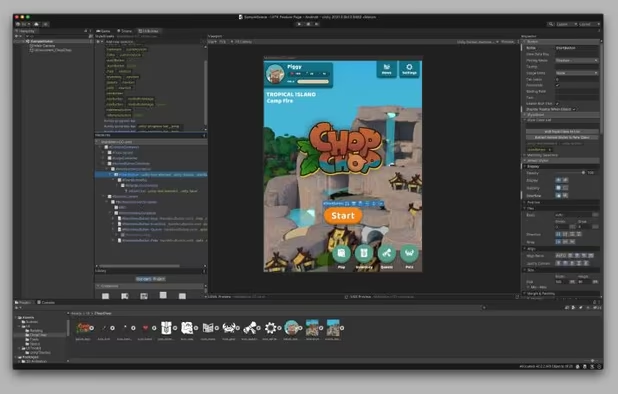
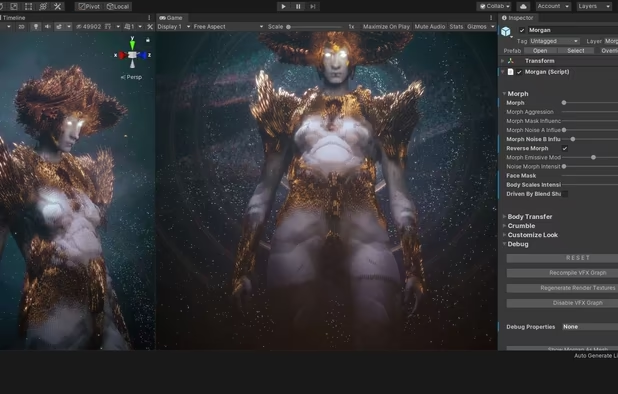
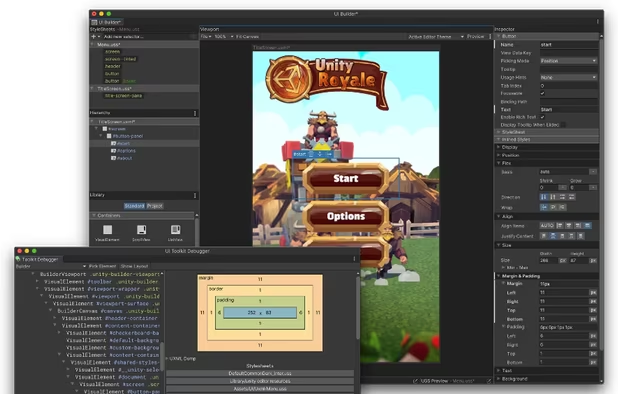
    What is a game without a game engine? Unity is my engine of choice and has everything I need. It gets a bad rep for being the producer of asset swaps and whatnot. But honestly, it's a robust engine that is capable of great things.
    Cost / License

    • Freemium
    • Proprietary

    Application type

    Platforms

    • Mac
    • Windows
    • Linux
    Unity screenshot 1
    Unity screenshot 1
    Unity screenshot 2
    +2
    Unity screenshot 3
  2. Look, it's okay to buy and use assets. Just don't simply repackage them and try to sell them as a game.

    Cost / License

    • Freemium
    • Proprietary

    Platforms

    • Online
    Unity Asset Store screenshot 1
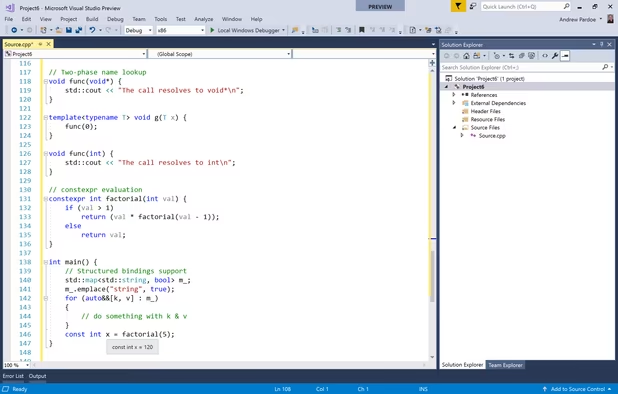
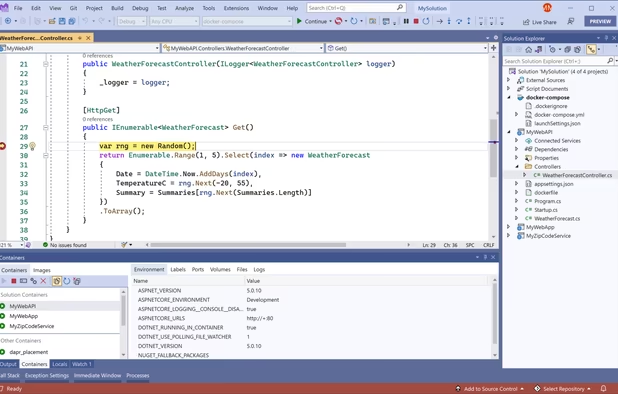
  3. My primary coding environment that connects easily with Unity.

    Cost / License

    • Free Personal
    • Proprietary

    Application types

    Platforms

    • Windows
    • Online
    • .NET Framework
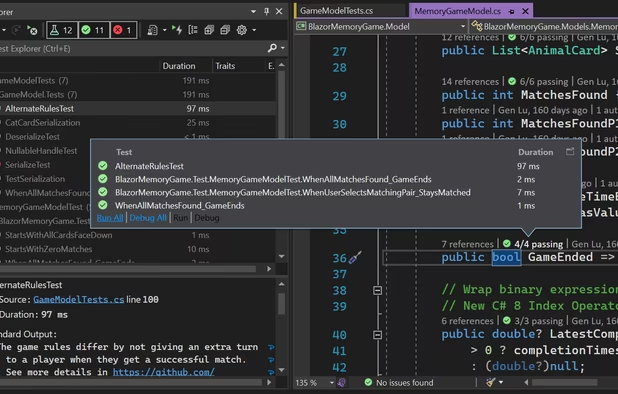
    Microsoft Visual Studio screenshot 1
    Microsoft Visual Studio screenshot 1
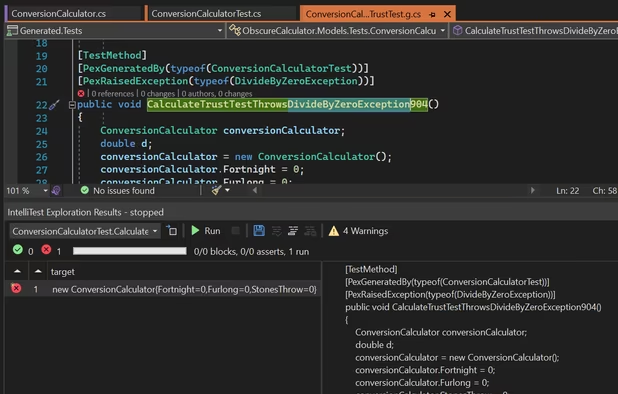
    Microsoft Visual Studio screenshot 2
    +5
    Microsoft Visual Studio screenshot 3
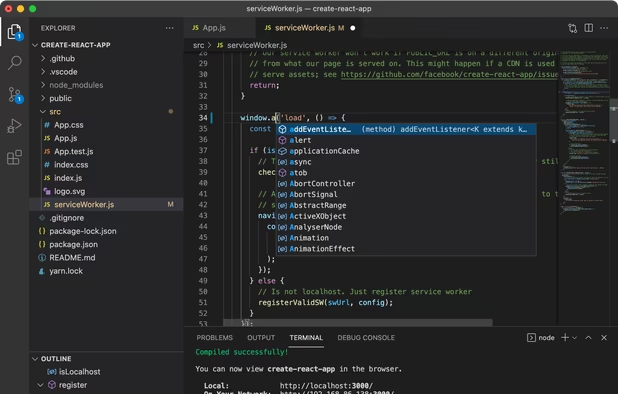
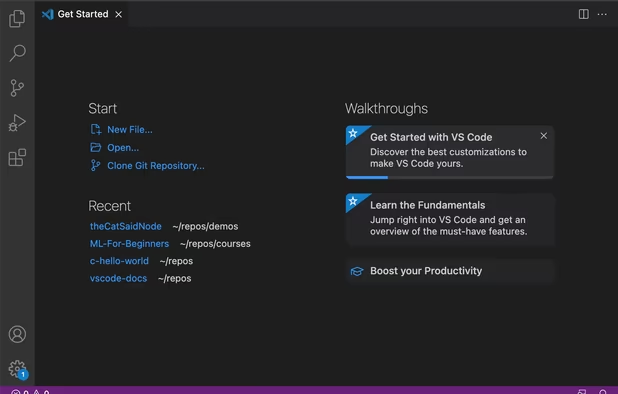
  4. Another Visual Studio product. I use the online version of VS Code on my iPad (with a keyboard) to code in bed. It's not a buildable or debuggable environment, but it allows me to quickly write up a bunch of code on the fly. Works great with GitHub.
    Cost / License

    • Free
    • Proprietary

    Application types

    Platforms

    • Mac
    • Windows
    • Linux
    • Online
    • Chrome OS
    • Snapcraft
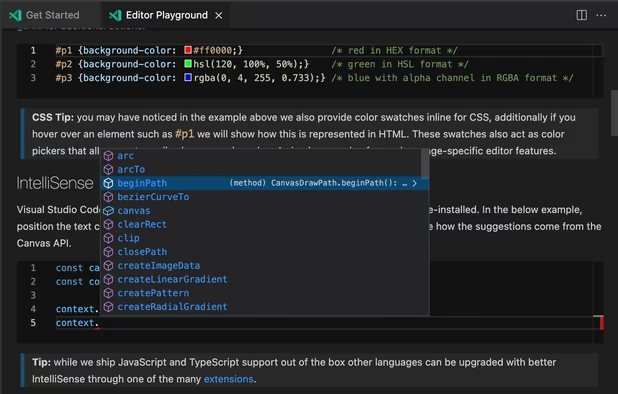
    Visual Studio Code screenshot 1
    Visual Studio Code screenshot 1
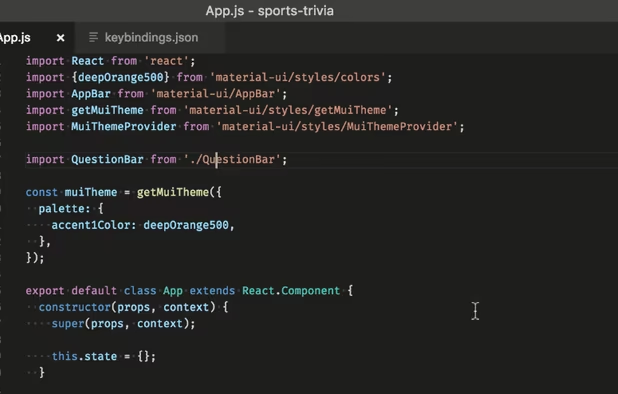
    Visual Studio Code screenshot 2
    +2
    Visual Studio Code screenshot 3
  5. GitHub icon
     Like

    GitHub is fabulous, even if your projects aren't open source. I have a couple private repositories that I use to easily sync code between a couple devices.

    Cost / License

    • Freemium
    • Proprietary

    Platforms

    • Mac
    • Windows
    • Online
    • Android
    • iPhone
    • Android Tablet
    • iPad
    Homepage
    Organization profile view
    Repository Homepage
    +6
    Issues
  6. Blender icon
     Like

    I don't actually do much of my own 3D modelling, but when I do, I use Blender.

    Cost / License

    • Free
    • Open Source

    Application types

    Platforms

    • Mac
    • Windows
    • Linux
    • BSD
    • Flathub
    • PortableApps.com
    • Haiku
    • Steam
    • Flatpak
    • Snapcraft
    Splash Artwork for Blender 4.3
    Cycles Render Engine
    Modeling, Sculpt, UV
    +9
    VFX
  7. Trello icon
     Like

    Some kind of tracking software is essential so you don't forget what you're doing. Trello is great at what it does.

    Cost / License

    • Freemium
    • Proprietary

    Platforms

    • Mac
    • Windows
    • Online
    • Android
    • iPhone
    • Android Tablet
    • iPad
    • Apple Watch
    • Android Wear
    • Kindle Fire
    • Software as a Service (SaaS)
    Trello screenshot 1
    Trello screenshot 1
    Trello screenshot 2
    +2
    Trello screenshot 3
  8. Steam icon
     Like

    Steam is an obvious choice as a self-publishing storefront.

    Cost / License

    • Free
    • Proprietary

    Application types

    Platforms

    • Mac
    • Windows
    • Linux
    • Online
    • Android
    • iPhone
    • Android Tablet
    • Windows Phone
    • iPad
    • Flathub
    • SteamOS
    Steam Store
    Steam Community
    Library
    +1
    Big Picture Mode
  9. Discord icon
     Like

    The best place to chat with the players and fans.

    Cost / License

    • Freemium
    • Proprietary

    Platforms

    • Mac
    • Windows
    • Linux
    • Online
    • Android
    • iPhone
    • Android Tablet
    • iPad
    • Snapcraft
    • Epic Games Store
    • Flathub
    • Electron
    • Playstation
    • Xbox
    Desktop UI
    Desktop UI Color Customization
    Cross Platform Video Chat and Screensharing
    +8
    Phone UI
  10. Shelfit icon
     Like

    A bit of a self plug here; but I made this app specifically to help me with my development workflow. It comes in handy when you are dealing with a lot of loose files that need to be moved around, or put somewhere quickly.

    Cost / License

    • Paid
    • Proprietary

    Application type

    Platforms

    • Windows
    Shelfit screenshot 1
    Shelfit screenshot 1
    Shelfit screenshot 2
    +5
    Shelfit screenshot 3
  11. You need an OS for game development, and regardless of how you feel about Windows; it is king of computer gaming. It's incredibly easy to use Windows to develop, build, and play.

    Cost / License

    • Paid
    • Proprietary

    Application type

    Platforms

    • Windows
    Windows 11 screenshot 1
    Windows 11 screenshot 1
    Windows 11 screenshot 2
    +2
    Windows 11 screenshot 3
  12. BackBlaze icon
     Like

    Sometimes local backups aren't enough. For an added layer of safety, backup your project to a cloud.

    Cost / License

    • Paid
    • Proprietary

    Platforms

    • Mac
    • Windows
    • Online
    • Android
    • iPhone
    • Android Tablet
    • iPad
    BackBlaze screenshot 1
    BackBlaze screenshot 1
    BackBlaze screenshot 2
    +6
    BackBlaze screenshot 3

Whether you're just dabbling or looking to make something big; hopefully this list can help you find software that can help.

No comments so far, maybe you want to be first?
Gu