Apps worth remembering

johnhk
johnhkList by johnhk, last updated 
Copy a direct link to this comment to your clipboard
  1. Node.js icon
     Like

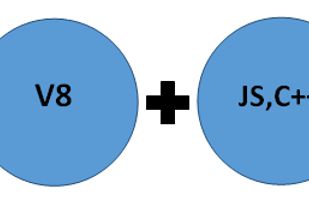
    Node.js is a platform built on Chrome's JavaScript runtime for easily building fast, scalable network applications.

    Cost / License

    • Free
    • Open Source

    Application type

    Platforms

    • Mac
    • Windows
    • Linux
    • Chrome OS
    • BSD
    • Self-Hosted
    Node.js screenshot 1
    Node.js screenshot 1
    Node.js screenshot 2
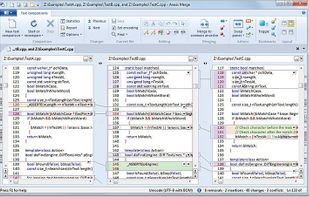
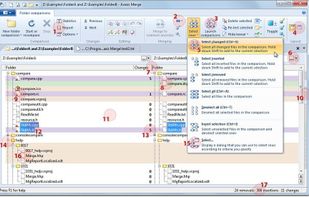
  2. Merge is the visual file comparison (diff), merging and folder synchronization application from Araxis. Use it to compare and merge source code, web pages, XML and other text files with native application performance.
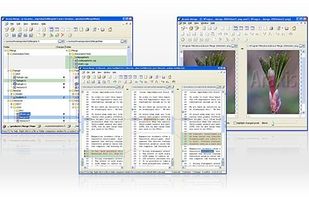
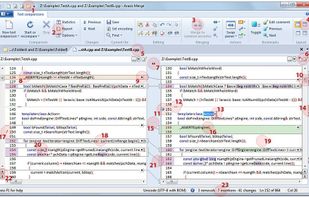
    Cost / License

    • Paid
    • Proprietary

    Platforms

    • Mac
    • Windows
    Overview
    Instant Overview of File Comparison and Merging
    Three-Way File Comparison and Merging
    +1
    Instant Overview of Folder Comparison and Synchronization
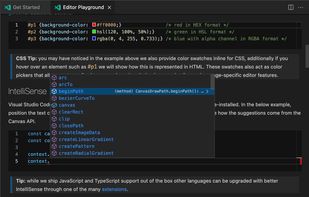
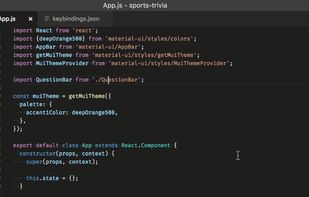
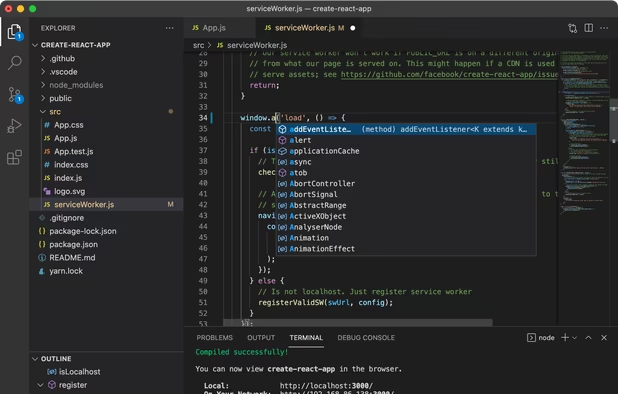
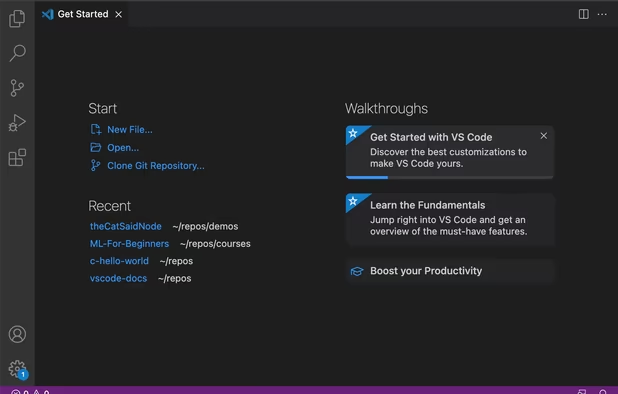
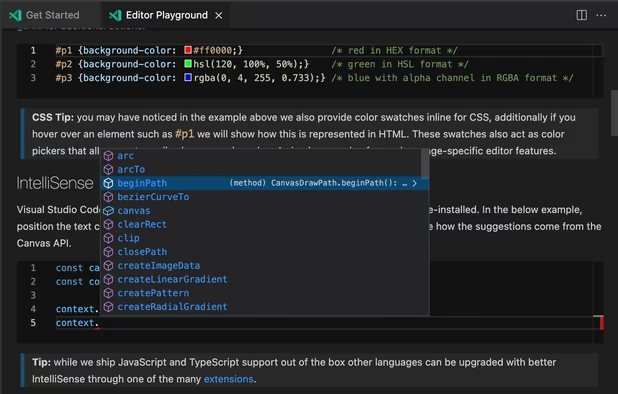
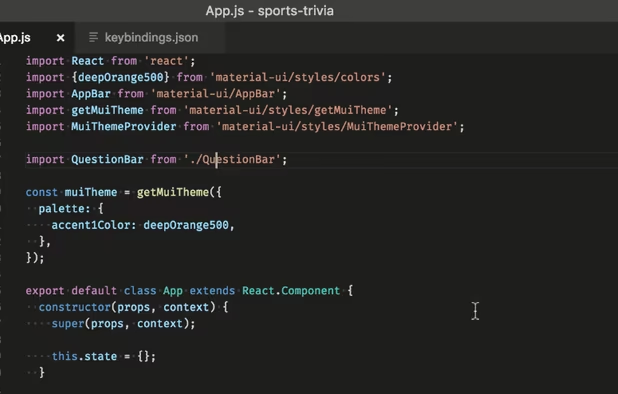
  3. Free, extensible code editor with Git integration, AI-driven IntelliCode, and 30,000+ extensions, supporting various languages like Python, Java.
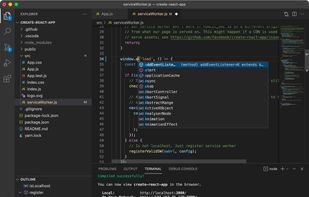
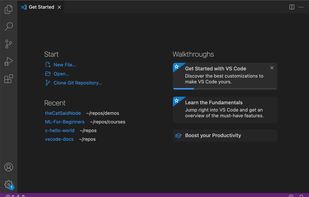
    Cost / License

    • Free
    • Proprietary

    Application types

    Platforms

    • Mac
    • Windows
    • Linux
    • Online
    • Chrome OS
    • Snapcraft
    Visual Studio Code screenshot 1
    Visual Studio Code screenshot 1
    Visual Studio Code screenshot 2
    +2
    Visual Studio Code screenshot 3
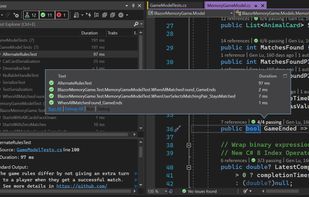
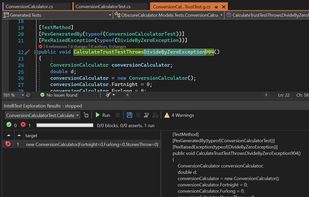
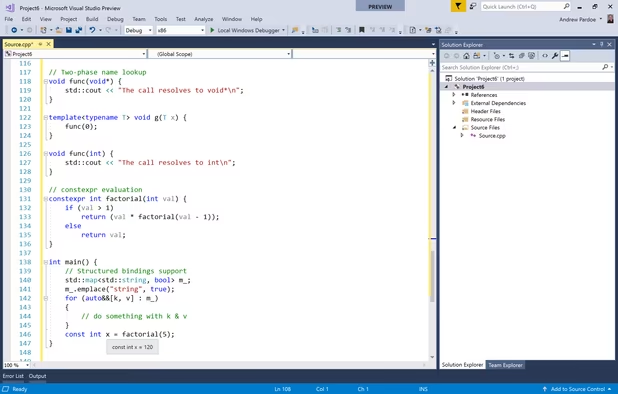
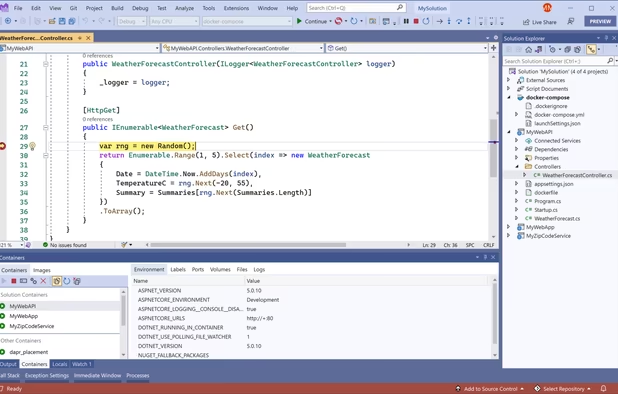
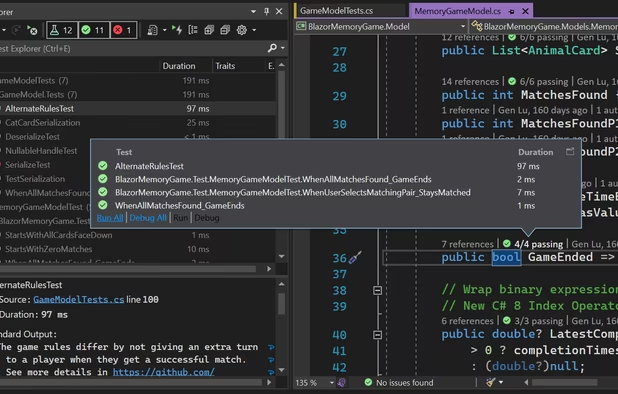
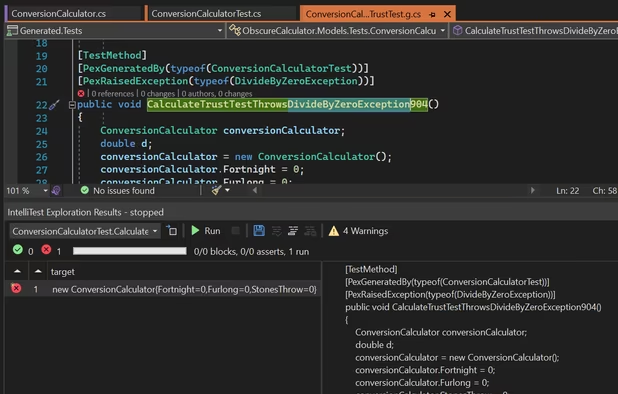
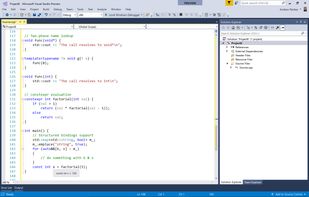
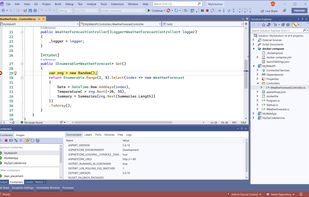
  4. Microsoft Visual Studio is an IDE used to create programs, apps, websites, and web services using various frameworks. It supports multiple languages and offers tools for coding, debugging, and design.
    Cost / License

    • Free Personal
    • Proprietary

    Application types

    Platforms

    • Windows
    • Online
    • .NET Framework
    Microsoft Visual Studio screenshot 1
    Microsoft Visual Studio screenshot 1
    Microsoft Visual Studio screenshot 2
    +5
    Microsoft Visual Studio screenshot 3
  5. Notepad++ icon
     Like

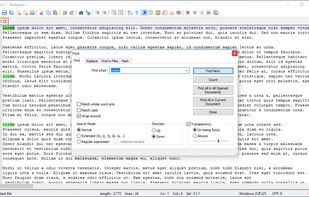
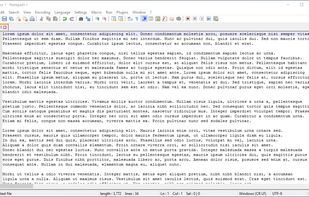
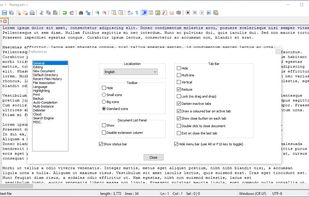
    Free open-source code editor and Notepad replacement supporting multiple languages, featuring high speed, low resource usage, privacy focus, and plugin extensibility.
    Cost / License

    • Free
    • Open Source

    Application types

    Platforms

    • Windows
    • PortableApps.com
    Notepad++ screenshot 1
    Notepad++ screenshot 1
    Notepad++ screenshot 2
    +10
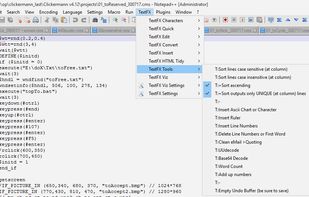
    TextFX plugin menu
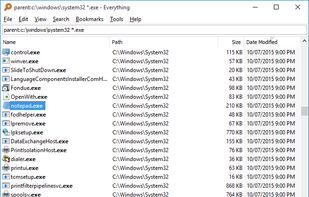
  6. Locate files and folders by filename on Windows instantly, displaying all items on NTFS volumes and mapped network drives. Supports 19 languages.
    Cost / License

    • Free
    • Proprietary

    Platforms

    • Windows
    Locate files and folders by name instantly.
  7. Listary icon
     Like

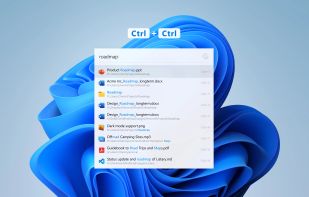
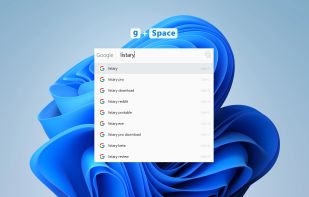
    Listary is a revolutionary search utility for Windows that makes finding your files and launching applications blazing fast, for casual and power users alike!.
    Cost / License

    • Freemium
    • Proprietary

    Platforms

    • Windows
    • PortableApps.com
    • File Explorer
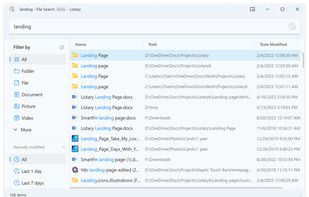
    Global Search
    Web Search
    Listary screenshot 2
    +1
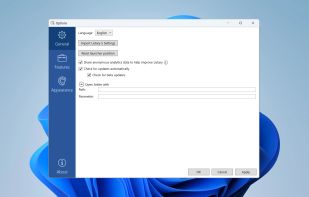
    General Settings
  8. WinRAR icon
     Like

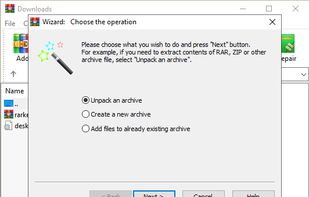
    Compress and encrypt files with versatile software, supporting multiple formats for secure data transfer and offering efficient storage options.

    Cost / License

    • Freemium
    • Proprietary

    Platforms

    • Mac
    • Windows
    • Linux
    • Android
    • BSD
    • ReactOS
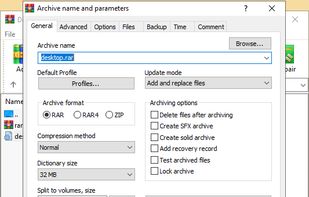
    WinRAR screenshot 1
    WinRAR screenshot 1
    WinRAR screenshot 2
    +4
    WinRAR screenshot 3
  9. 7-Zip icon
     Like

    Efficient file archiver offering superior compression and encryption. Supports multiple formats such as TAR, ZIP, with a unique self-extracting feature.
    Cost / License

    • Free
    • Open Source

    Platforms

    • Mac
    • Windows
    • Linux
    • BSD
    • PortableApps.com
    • ReactOS
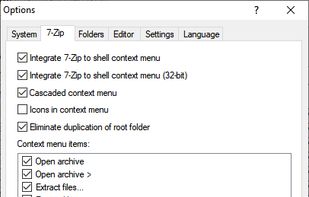
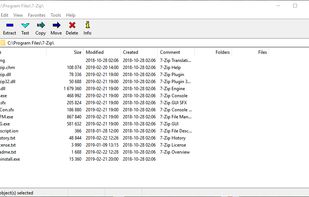
    Main Window
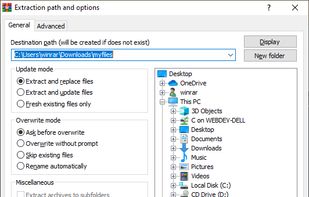
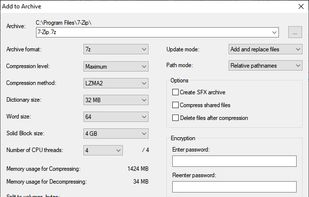
    Add to Archive
    Options
  10. Comprehensive file manager with built-in FTP, file compare, archive navigation, multi-rename tool with regular expression support, and side-by-side windows.
    Cost / License

    • Freemium
    • Proprietary

    Platforms

    • Windows
    • Android
    • Android Tablet
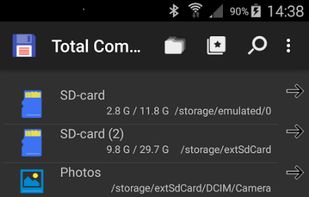
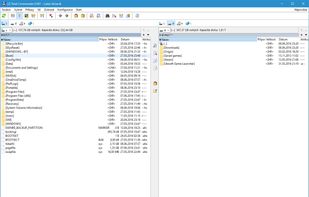
    Total Commander screenshot 1
    Total Commander screenshot 1
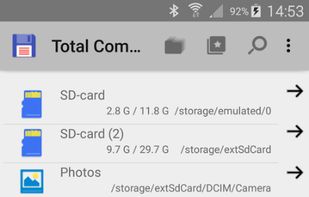
    Total Commander screenshot 2
    +1
    Total Commander screenshot 3
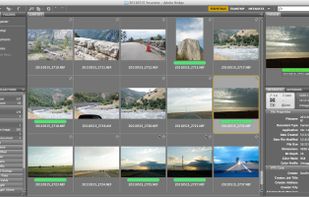
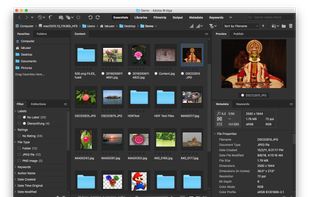
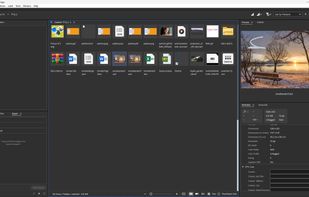
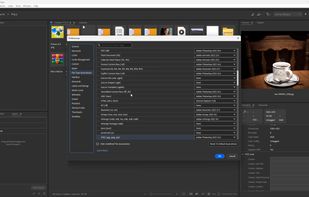
  11. Free digital asset manager to preview, organize, edit, and publish creative assets, with metadata tools, Adobe integration, and raw editing support.
    Cost / License

    • Free
    • Proprietary

    Application types

    Platforms

    • Mac
    • Windows
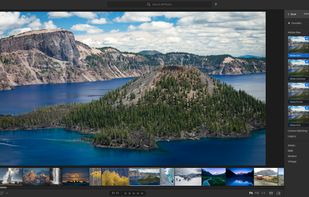
    Adobe Bridge screenshot 1
    Adobe Bridge screenshot 1
    Adobe Bridge screenshot 2
    +2
    Interface
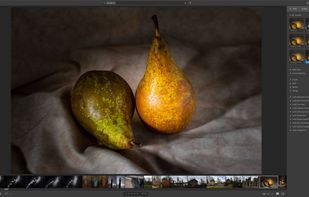
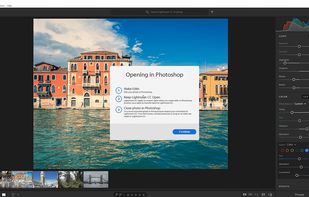
  12. Powerful photo editing and organizing with cloud backup, available on multiple devices including mobile, web, and desktop.
    Cost / License

    • Paid
    • Proprietary

    Application types

    Platforms

    • Mac
    • Windows
    • Online
    • Android
    • iPhone
    • Android Tablet
    • iPad
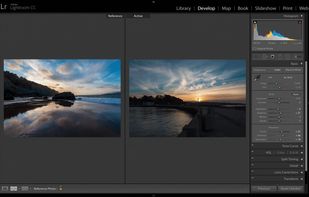
    Adobe Lightroom screenshot 1
    Adobe Lightroom screenshot 1
    Adobe Lightroom screenshot 2
    +1
    Adobe Lightroom screenshot 3
  13. Vector graphics editor with advanced color controls and creative effects for comprehensive design tools across print, web, and mobile content.
    Cost / License

    • Paid
    • Proprietary

    Platforms

    • Mac
    • Windows
    • Online
    • iPad
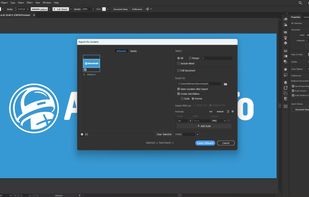
    Adobe Illustrator screenshot 1
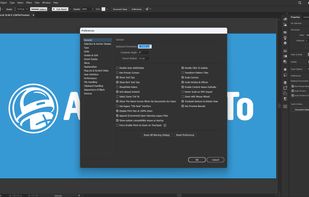
    Preferences
    Export for screens
    +1
    Workspaces
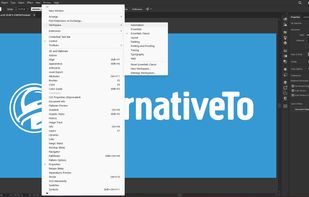
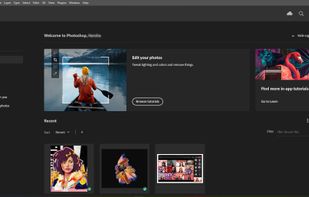
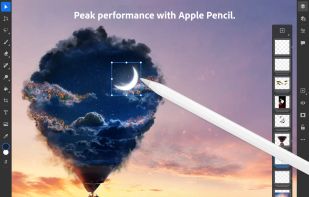
  14. Adobe Photoshop is a raster graphics editor developed and published by Adobe for Windows and macOS. It was originally created in 1987 by Thomas and John Knoll. Since then, the software has become the most used tool for professional digital art, especially in raster graphics...

    Cost / License

    • Paid
    • Proprietary

    Platforms

    • Mac
    • Windows
    • Online
    • Android
    • iPhone
    • Android Tablet
    • iPad
    • Wine
    • ReactOS
    • Google Chrome
    Adobe Photoshop screenshot 1
    Adobe Photoshop screenshot 1
    Adobe Photoshop screenshot 2
    +8
    Adobe Photoshop screenshot 3
Page 2 of 2

Comments are only shown on the first page of the list.