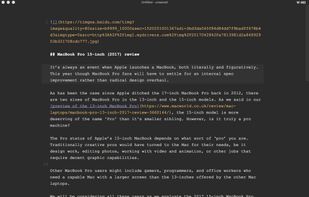
Top Markdown Editors

C.A.
C.A. List by C.A. , last updated 
Copy a direct link to this comment to your clipboard
  1. Online

    All Platforms

  2. Dillinger icon
     Like

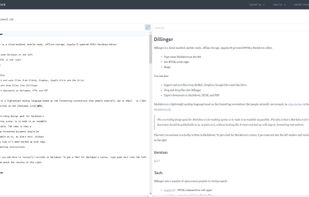
    Dillinger is a cloud-enabled, mobile-ready, offline-storage, AngularJS powered HTML5 Markdown editor.

    Cost / License

    • Free
    • Open Source

    Platforms

    • Online
    Dillinger screenshot 1
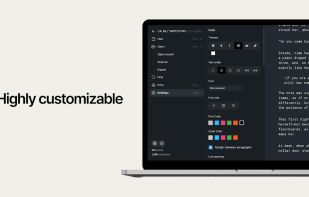
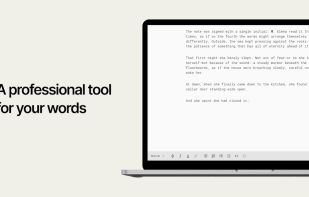
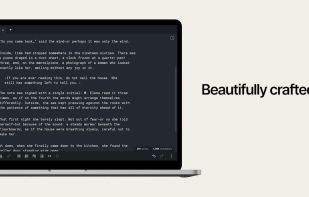
  3. Calmly Writer is a professional text editor designed to focus on what you want to tell, with a simple, unobtrusive and distraction-free user interface.
    Cost / License

    • Paid
    • Proprietary

    Application type

    Platforms

    • Windows
    • Online
    • Chrome OS
    Calmly Writer screenshot 1
    Calmly Writer screenshot 1
    Calmly Writer screenshot 2
  4. Android, Linux

  5. StackEdit icon
     Like

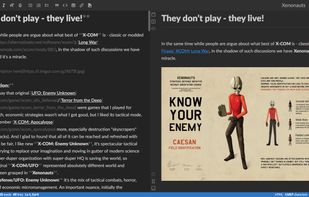
    Full-featured, open-source Markdown editor based on PageDown, the Markdown library used by Stack Overflow and the other Stack Exchange sites.
    Cost / License

    • Free
    • Open Source

    Platforms

    • Online
    • Chrome OS
    • Google Chrome
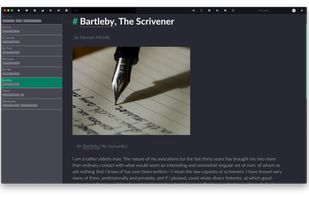
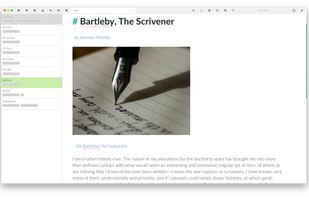
    StackEdit 5 - Split interface (Dark)
    StackEdit screenshot 1
  6. Joplin icon
     Like

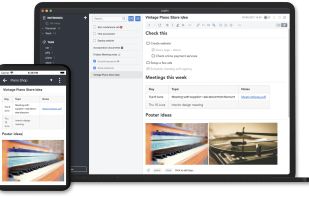
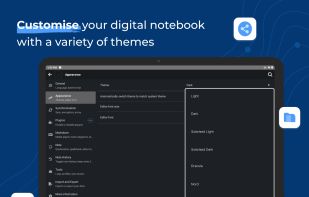
    Open source note-taking app with Markdown support, to-do integration, and synchronization with cloud services like Dropbox and OneDrive.

    Cost / License

    • Freemium
    • Open Source

    Platforms

    • Mac
    • Windows
    • Linux
    • Online
    • Android
    • iPhone
    • Android Tablet
    • iPad
    • Self-Hosted
    • AppImageHub
    • Snapcraft
    • Google Chrome
    • Flathub
    • PortableApps.com
    • F-Droid
    • Cloudron
    • Homebrew
    • Chocolatey
    • Termux
    • Mozilla Firefox
    Joplin screenshot 1
    Joplin screenshot 1
    Joplin screenshot 2
    +7
    Joplin screenshot 3
  7. Android

  8. Writer icon
     Like

    Writer is a writing application without the fuss and distraction of a traditional word processor. It's perfect for everything from taking notes to writing a novel on your phone or tablet.

    Cost / License

    • Free
    • Proprietary

    Platforms

    • Android
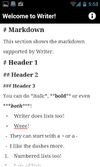
    Writer screenshot 1
    Writer screenshot 2
    Writer screenshot 3
  9. JotterPad icon
     Like

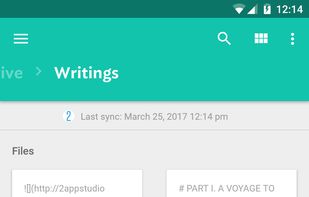
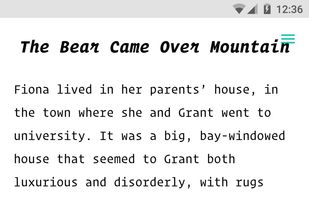
    Designed for creative writers, JotterPad is a plain text editor without the fuss and distraction of a word processor. It is perfect for writing books, novels, lyrics, poems, essays, drafts and screenplays.
    Cost / License

    • Freemium
    • Proprietary

    Application type

    Platforms

    • Android
    • Chrome OS
    • Android Tablet
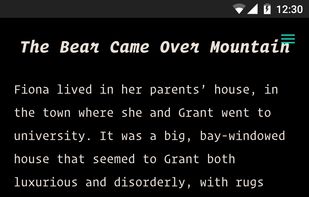
    JotterPad Android interface
    JotterPad text editor
    Dark theme
    +13
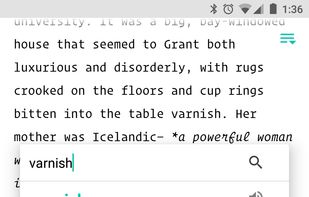
    Built-in thesaurus, dictionary and rhyming dictionary
  10. iA Writer icon
     Like

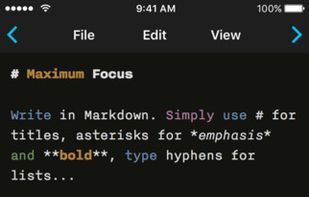
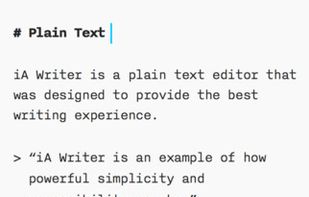
    iA Writer is a pro tool for focused writing in Markdown, a simple formatting language. It offers features like Focus Mode, Style Check, Syntax Highlight, Wikilinks, and cross-platform compatibility.

    Cost / License

    • Paid
    • Proprietary

    Platforms

    • Mac
    • Windows
    • iPhone
    • iPad
    iA Writer screenshot 1
    iA Writer screenshot 1
    iA Writer screenshot 2
    +3
    iA Writer screenshot 3
  11. Windows, Linux

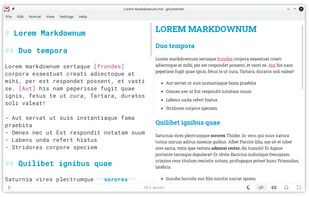
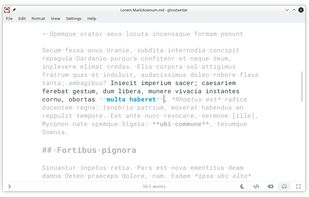
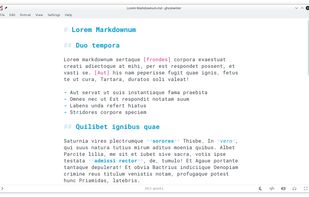
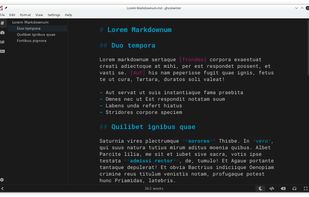
  12. ghostwriter is a feature-rich text editor using Markdown syntax which makes it suitable for note-taking, document redaction, simple HTML website creation and much more.
    Cost / License

    • Free
    • Open Source

    Platforms

    • Mac
    • Windows
    • Linux
    • Snapcraft
    • Flathub
    • Haiku
    ghostwriter screenshot 1
    ghostwriter screenshot 1
    ghostwriter screenshot 2
    +1
    ghostwriter screenshot 3
  13. Athens icon
     Like

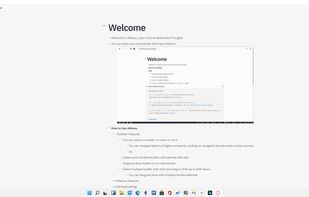
    The problem with notetaking apps like Evernote or Apple Notes is that once you write a note, after a week you never look at it again. Without any organization, you're stuck praying that search will work for your future self.
    Cost / License

    • Free
    • Open Source

    Platforms

    • Mac
    • Windows
    • Linux
    • Self-Hosted
    • Software as a Service (SaaS)
    Athens screenshot 1
  14. Mac, Windows, Linux

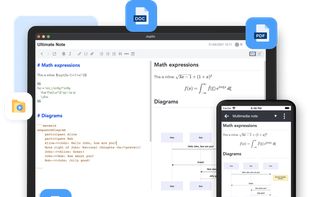
  15. A markdown editor for desktop.

    Cost / License

    • Free
    • Open Source

    Application type

    Platforms

    • Mac
    • Windows
    • Linux
    • Electron / Atom Shell
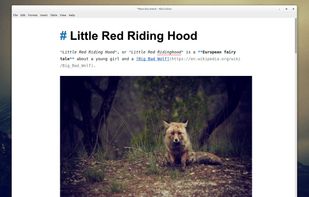
    Inline preview as you type
    Preview images, math formulas, todo lists and iframes (such as Youtube videos)
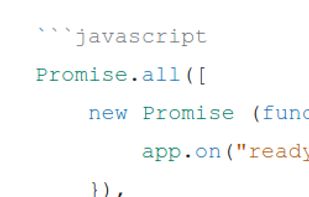
    Code coloration
    +2
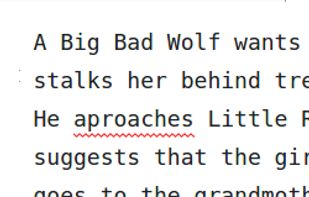
    Spell checker
  16. Obsidian icon
     Like

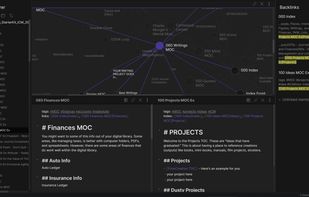
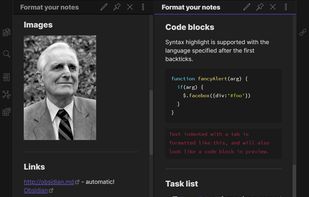
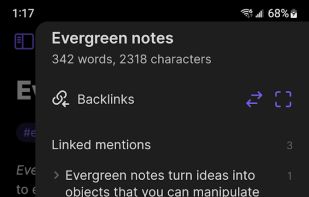
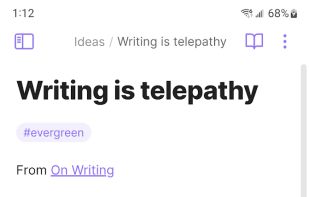
    Obsidian is a note-taking app that lets you create a personal knowledge graph with ease. It is designed for non-linear thinking and allows you to easily link your notes together wiki-style.
    Cost / License

    • Freemium
    • Proprietary

    Platforms

    • Mac
    • Windows
    • Linux
    • Android
    • iPhone
    • Android Tablet
    • iPad
    • Snapcraft
    • Microsoft Edge
    • Google Chrome
    • Flathub
    • Safari
    • AppImage
    • Mozilla Firefox
    Obsidian screenshot 1
    Obsidian screenshot 1
    Obsidian screenshot 2
    +6
    Obsidian screenshot 3
  17. Typora icon
     Like

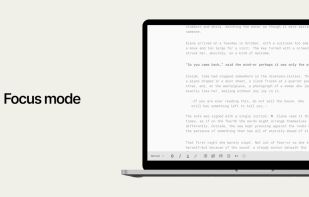
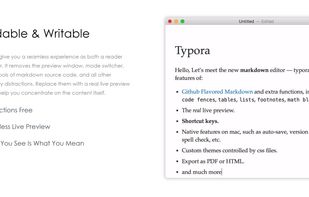
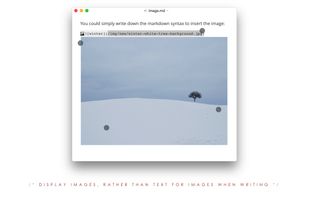
    A cross-platform Markdown editor providing real-time preview, Focus & Typewriter modes, and support for multiple export formats.
    Cost / License

    • Paid
    • Proprietary

    Platforms

    • Mac
    • Windows
    • Linux
    • Electron
    • Visual Studio Code
    Typora screenshot 1
    Typora screenshot 1
    Typora screenshot 2
    +4
    Typora screenshot 3
  18. MarkText icon
     Like

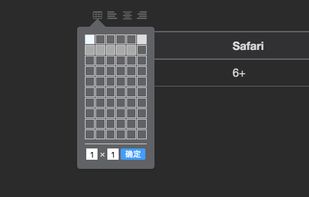
    Markdown editor for Mac, Windows, and Linux with real-time preview and distraction-free interface. Open source, free on GitHub, supports various Markdown specs.
    Cost / License

    • Free
    • Open Source

    Platforms

    • Mac
    • Windows
    • Linux
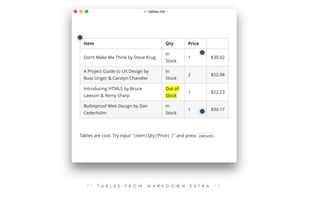
    GitHub Flavored Markdown
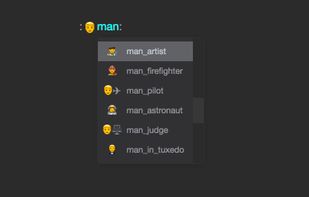
    Auto-Completion
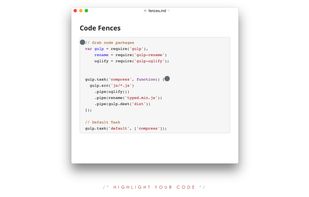
    Code Fence
    +4
    Source Code Mode
  19. Zettlr icon
     Like

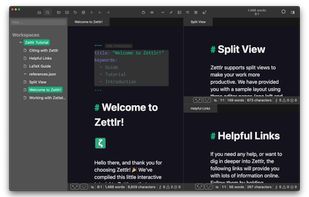
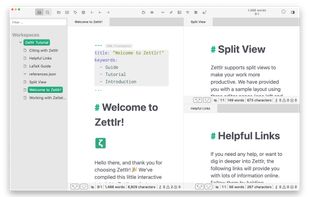
    Comprehensive writing tool for notes, citations, and drafting with privacy-first features and multi-language support, perfect for diverse writing tasks.
    Cost / License

    • Free
    • Open Source

    Platforms

    • Mac
    • Windows
    • Linux
    • Flathub
    • PortableApps.com
    Zettlr Main Window (dark mode)
    Zettlr Main Window (light mode)
    The Berlin Theme (dark mode)
    +5
    The Berlin Theme (light mode)
No comments so far, maybe you want to be first?
Gu