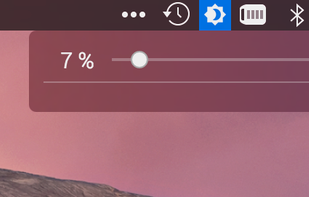
Twinkle Tray enables brightness control on external displays in Windows 10 & 11. Even th Windows is capable of adjusting the backlight on most monitors, it doesn't support external monitors natively.
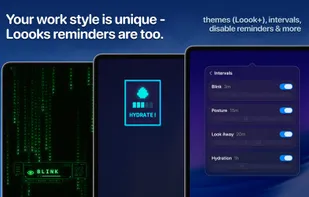
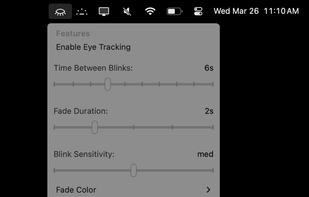
BlinkMoreFree is an open source macOS menu bar application that helps reduce eye strain by fading your screen when you stare at it for too long without blinking. Using automated eye-tracking and customized settings to encourage you to blink more.
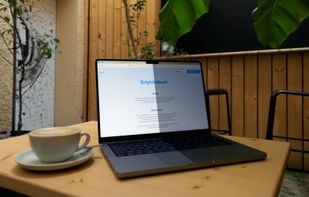
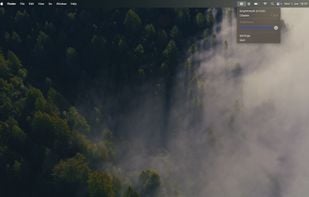
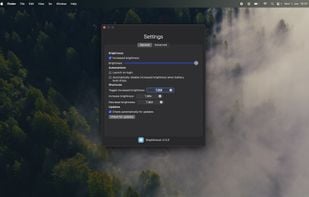
BrightIntosh is lightweight, works system-wide, has optional launch-at-login functionality and includes a global hotkey to toggle the extra brightness.
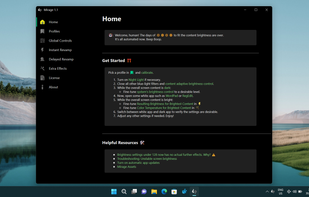
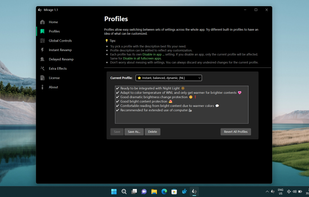
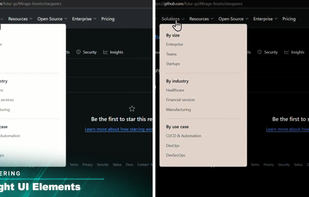
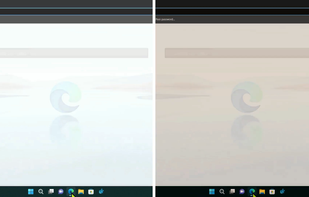
World's first instantaneous content-aware brightness control app that let your screen’s brightness and color temperature adapt instantly and automatically to provide the most optimal viewing experience for your eyes.
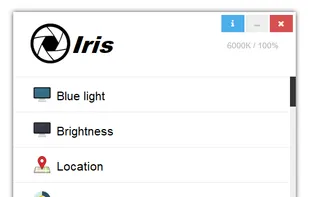
Reduces blue light and adjusts screen brightness without flicker, offers auto color temperature, customizable modes, manual settings, overlays, and color effects for eye health and comfort.
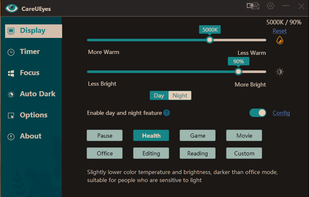
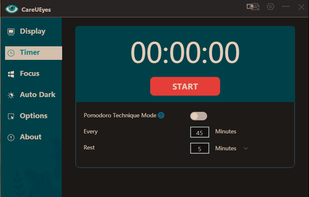
CareUEyes is a very simple but useful program when it is about your eye care. The program comes with a very simple and clean interface and needs to technical knowledge. Even a novice computer user can download and use it easily.
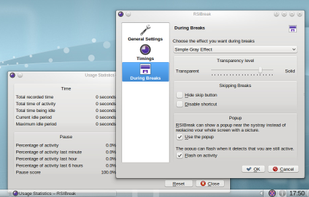
RSIBreak is a small utility to remind you to take regular short breaks. Repetitive Strain Injury is an illness which can occur as a result of continuous work with a mouse and keyboard. The risk of suffering injury increases the longer users work without breaks.
Free software for eye protection and more! It protects your eyes while you are working on the computer.
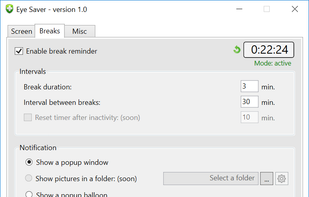
Eye Saver has three main functions: blue light filter; eliminates the invisible flickering of the display backlight; reminds you to take breaks;
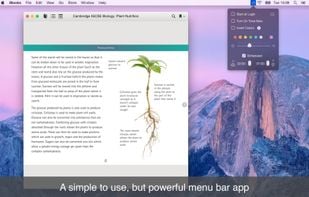
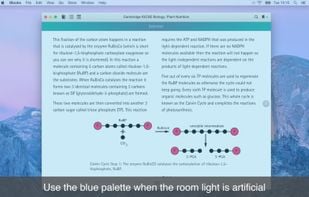
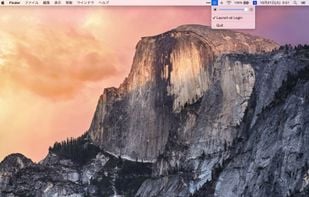
NightTone makes your screen more comfortable, enjoyable and healthier by shifting the colors of your display to a warmer, eye-friendly palette. It makes you sleep and feel better.
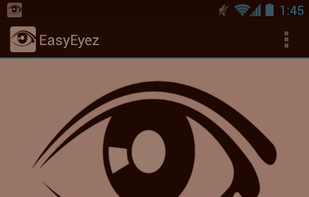
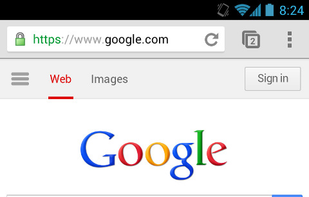
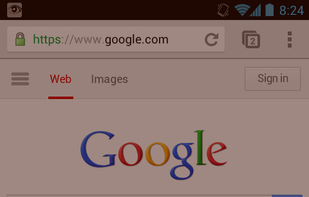
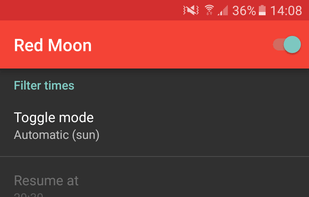
Trouble Sleeping? Device screen too bright even on the lowest brightness setting? Want to give your phone a warm look instead of that eye straining blue gaze you see at night? EasyEyes is the solution. By changing your device's color temperature, EasyEyes reduces eye strain...


 Denmark
 EU
EU


 United States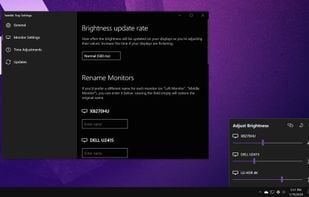




 Switzerland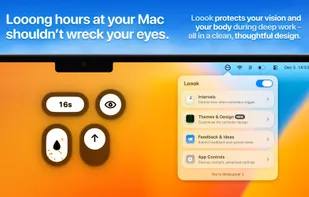


 Portugal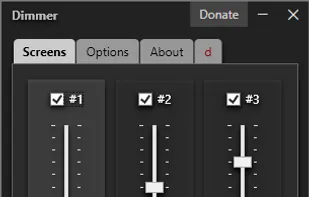


 Japan
Japan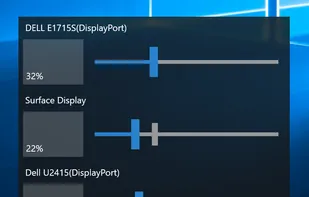














 Bulgaria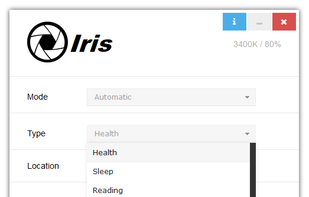


 Germany







 United Kingdom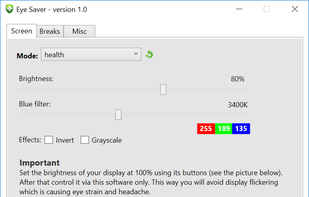




 Romania