


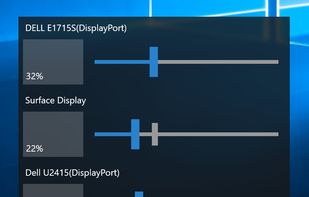
Twinkle Tray enables brightness control on external displays in Windows 10 & 11. Even th Windows is capable of adjusting the backlight on most monitors, it doesn't support external monitors natively.
 United States


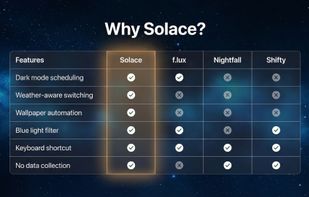
Apps similar to Brightintosh include Twinkle Tray, which is free and open source. Other options are Solace, Dimly, MonitorControl and Monitorian. There's no shortage of Screen Dimmers like Brightintosh, with more than 25 alternatives for Windows, Mac, Linux and Android.
Twinkle Tray enables brightness control on external displays in Windows 10 & 11. Even th Windows is capable of adjusting the backlight on most monitors, it doesn't support external monitors natively.
United States
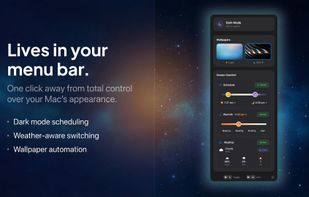
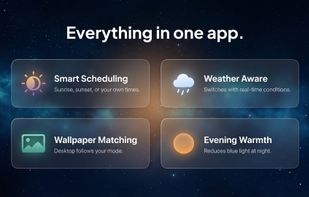
Automatically changes Mac appearance using real-time weather, sunlight, and time data for light and dark modes, dynamic wallpapers, and color temperature, with on-device privacy, menu bar access, no subscriptions, and no analytics for seamless daily comfort.
 United Kingdom


Open-source macOS menu utility for unified brightness, blackout, and sleep control of external monitors, using hybrid DDC/CI and software overlays, per-display settings, custom profiles, hotkeys, panic shortcut, privacy by design, and secure signed builds.
 Ireland
 EU
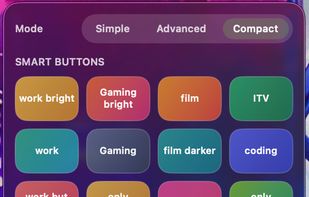
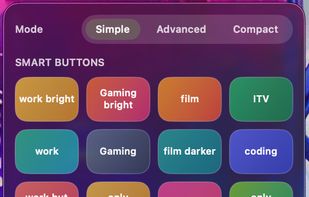
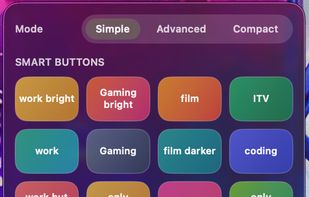


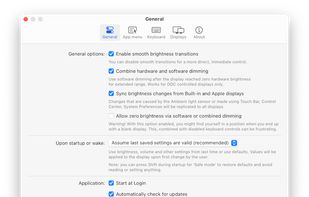
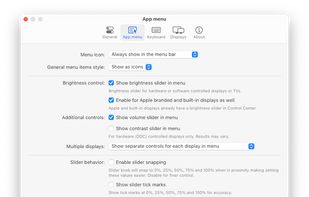
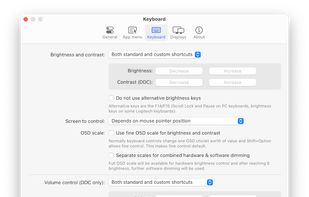
🖥 Control your external monitor brightness & volume on your Mac.
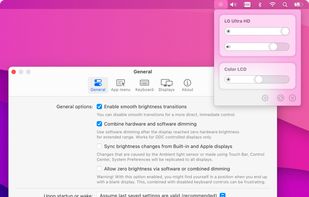


Monitorian is a Windows desktop tool to adjust the brightness of multiple monitors with ease.
 Japan


 PortugalEU
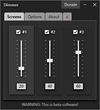
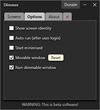


XDR brightness boost app for Mac — push your display to 1600 nits using native EDR overlay, with color accuracy preserved and better battery efficiency.
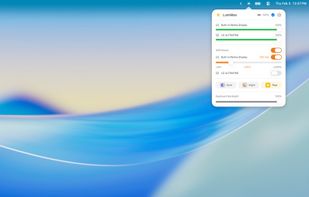

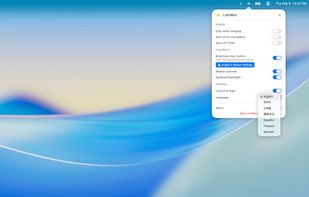


Screen dimming software that allows you to control the brightness of your screens as well as external monitors.
United States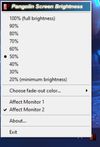

Most monitors, other than laptop displays, have a Virtual Control Panel (VCP), which implements features defined in the Montor Control Command Set (MCCS). Typically, ddcutil communicates with the monitor's VCP over an I2C bus, as per the Display Data Channel/Command...

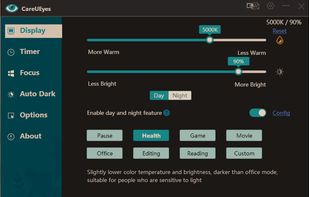
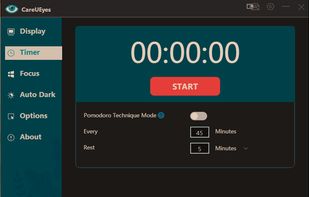
CareUEyes is a very simple but useful program when it is about your eye care. The program comes with a very simple and clean interface and needs to technical knowledge. Even a novice computer user can download and use it easily.


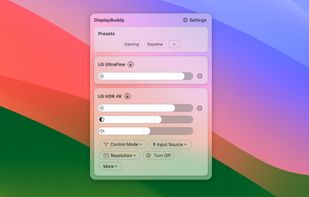
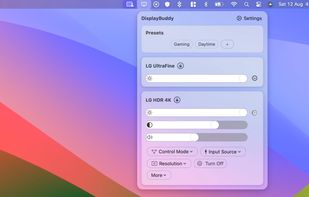
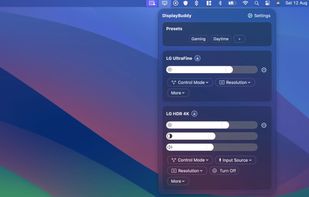
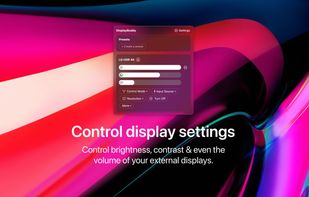
DisplayBuddy lets you control external displays connected to your Mac right from your menu bar! No need to touch your clunky monitor buttons!


 Romania


