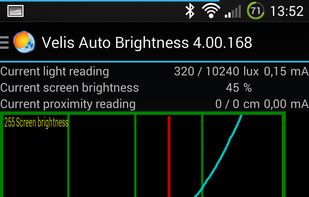
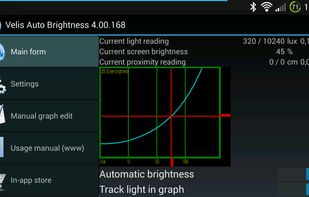
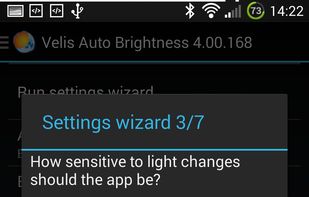
Velis Auto Brightness is a pretty powerfully adjustable auto-brightness app for your android device.
Cost / License
- Freemium
- Proprietary
Platforms
- Android
- Android Tablet



+2


Apps similar to Brightintosh include Twinkle Tray, which is free and open source. Other options are Solace, Dimly, MonitorControl and Monitorian. There's no shortage of Screen Dimmers like Brightintosh, with more than 25 alternatives for Mac, Windows, Linux and Android.
Velis Auto Brightness is a pretty powerfully adjustable auto-brightness app for your android device.
Python monitor control using the VESA Monitor Control Command Set (MCCS) over the Display Data Channel Command Interface Standard (DDC-CI).

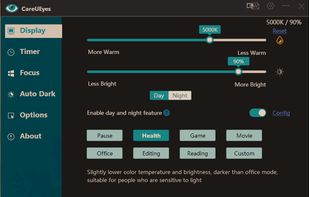
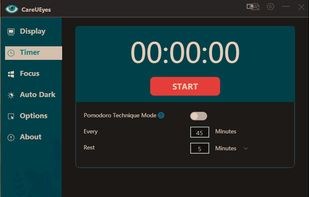
CareUEyes is a very simple but useful program when it is about your eye care. The program comes with a very simple and clean interface and needs to technical knowledge. Even a novice computer user can download and use it easily.


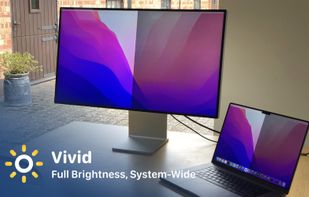
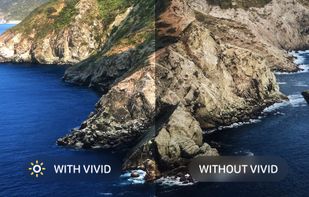
Vivid is a software that enables users to amplify the brightness of their MacBook Pro and Pro Display XDR, system-wide, utilizing standard Apple APIs.


DDCcontrol is software for controlling monitor parameters such as brightness, contrast, and RGB color levels. It includes a command-line tool and a GUI tool.


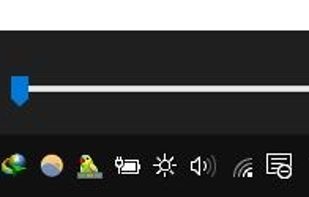
this app puts a Monitor Brightness icon to on Taskbar Tray. So you can access it with 1 click.


Free software for eye protection and more! It protects your eyes while you are working on the computer. Eye Saver has three main functions: blue light filter; eliminates the invisible flickering of the display backlight; reminds you to take breaks;
 United Kingdom


ControlMyMonitor allows you view and modify the settings of your monitor (Also known as 'VCP Features'), like brightness, contrast, sharpness, red/green/blue color balance, OSD Language, Input Port (VGA , DVI , HDMI ) and more...
 Israel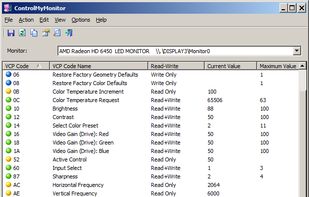


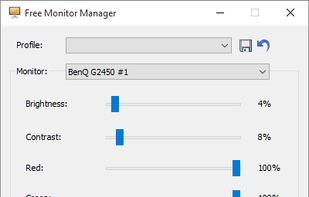
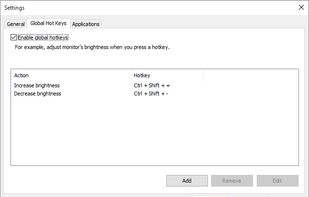
Free Monitor Manager lets you easily change your monitor's brightness, contrast and colors.


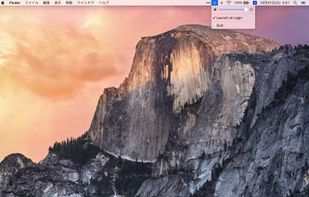


Lumino is a Mac utility that automatically controls the brightness of connected external displays based on ambient light. It uses the built-in light sensor of supported Macs and works with DDC/CI when available, with fallback options for displays that don’t fully support...
 Germany
 EU
EU