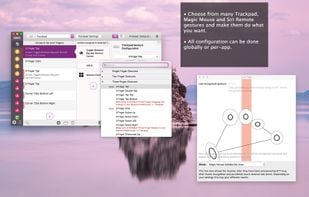
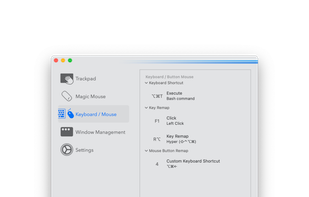
BetterTouchTool is a great, feature packed app that allows you to configure many gestures for your Magic Mouse (1 & 2), Macbook Trackpad and Magic Trackpad (1 & 2) and also Mouse Gestures for normal mice.
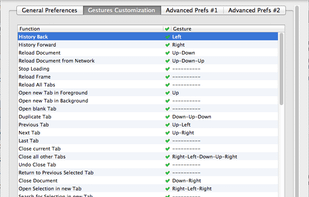
Customizable mouse gesture addon, which supports over 40 different actions.
Features:
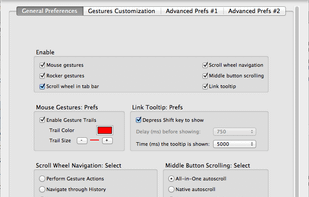
Mouse gestures (Move mouse while holding the left, middle, or right button)
Rocker gestures (Left-click with holding right-click and vice versa)
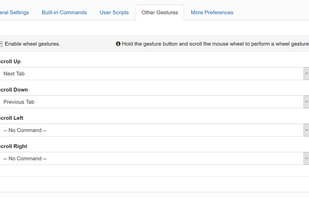
Wheel gestures (Scroll wheel while.
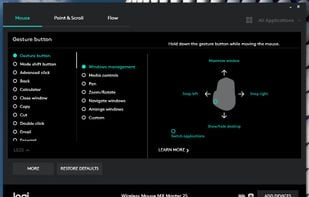
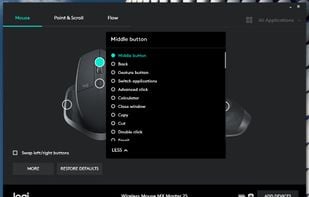
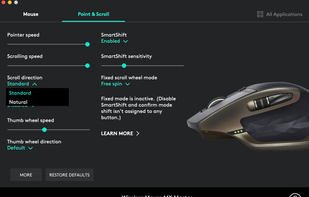
Customisation of Logitech mouse or keyboard settings, device information, additional functionality such as sharing input devices over multiple computers.
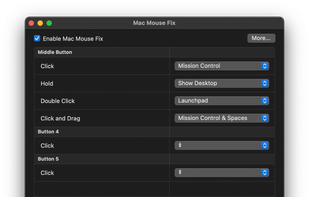
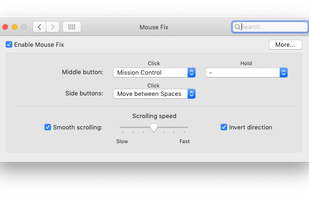
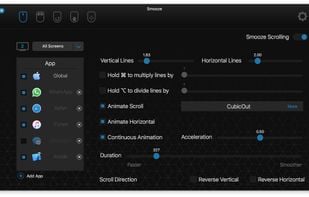
Switch between Spaces, use Windows-style Back and Forward, and more - right from your mouse. Also features a refined Smooth-Scrolling algorithm that strikes a perfect balance between fluidity and control.
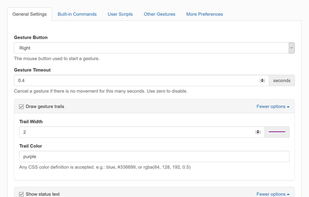
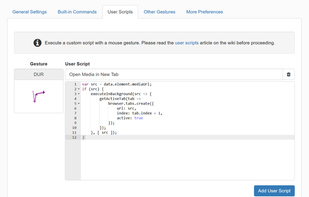
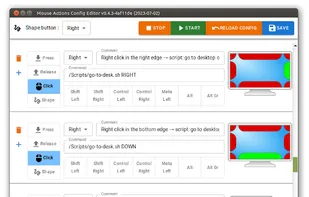
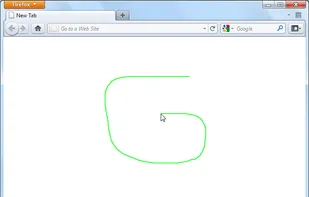
You can control your computer with mouse gestures. You can assign different commands to mouse events, such as clicking, scrolling, or moving the mouse to the sides or edges of the screen. You can also draw shapes with the mouse to trigger specific commands.
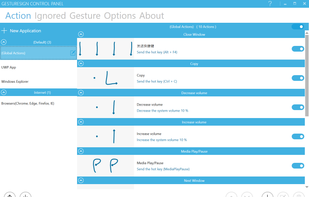
Create and assign touchscreen gestures to actions on a windows tablet. Use to interact in a more user friendly way with the user interface e.g. mimic keyboard shortcuts, employ functions of the operating system ect.
Easily add more multitouch gestures to macOS, and customize what the gestures do. Multitouch is the most elegant Mac app for utilizing the power of your Magic Trackpad and Magic Mouse.
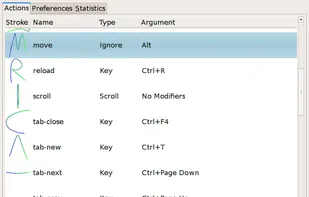
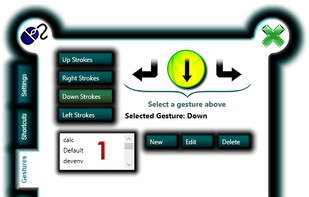
Easystroke is a gesture-recognition application for X11. Gestures or strokes are movements that you make with you mouse (or your pen, finger etc.) while holding down a specific mouse button. Easystroke will execute certain actions if it recognizes the stroke; currently...
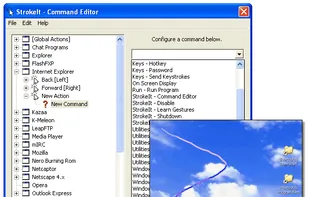
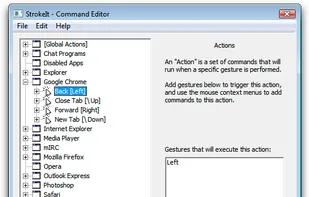
StrokeIt is an advanced mouse gesture recognition engine and command processor. What is a mouse gesture? Mouse gestures are simple symbols that you "draw" on your screen using your mouse. When you perform a mouse gesture that StrokeIt can recognize, it will perform the...
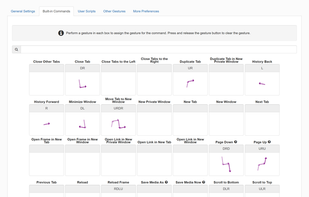
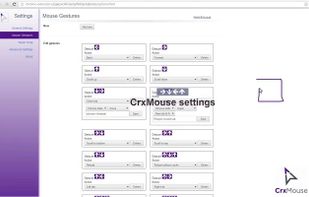
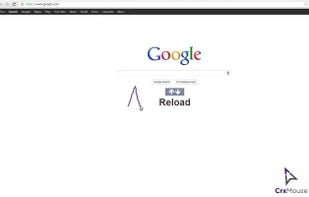
crxMouse Chrome Gestures extension brings the power of the Chrome browser to your fingertips, boosting your productivity by unlocking fully customizable mouse gestures, keystrokes, and actions.
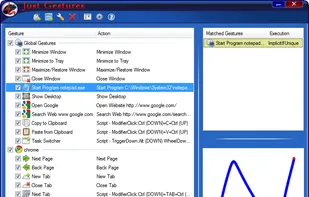
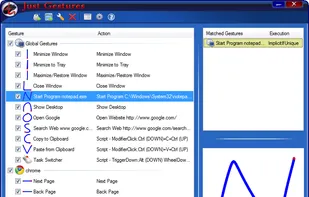
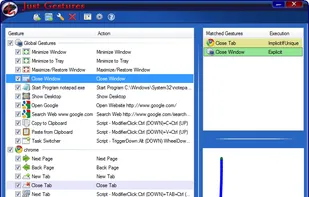
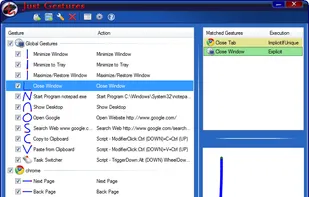
Just Gestures represent an easy and elegant way how to enhance your mouse with endless possibilities. The main idea is to get maximum efficiency of mouse and to use keyboard as less as possible. The program allows you to create mouse gestures with user-defined actions by...
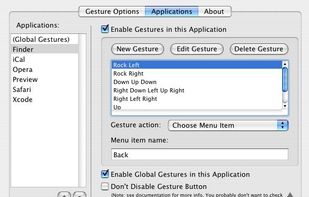
xGestures brings mouse gestures to all aspects of Mac OS X. Use xGestures to add normal directional mouse gestures and rocker gestures to the Finder, Safari, any of your favorite applications, or to the entire system as a whole.
Add instant productivity to any application with hot spot shortcuts, mouse gestures, extra button assignments, text selection tools, Paste2 search utility, clipboard extender and quick text manager.
My idea is to create a platform for creating plugins to customize the TouchBar. I very much like BTT and having a full custom TouchBar (my BTT preset), and I wanted to create it. It's my first Swift project for MacOS.
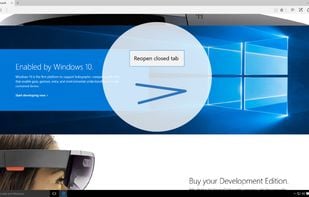
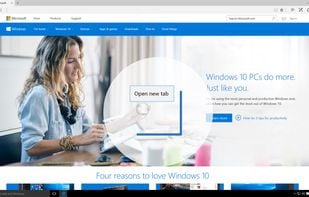
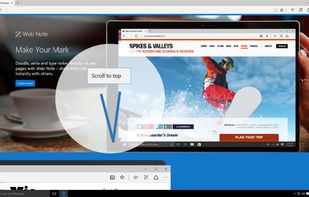
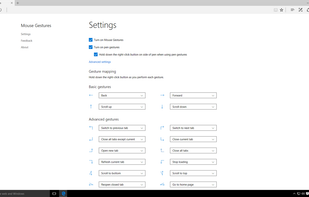
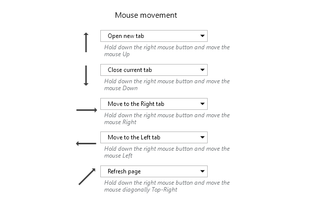
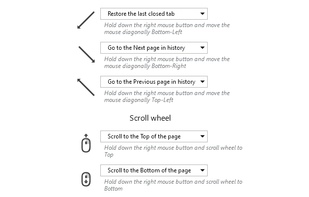
An extension for Microsoft Edge that allows customers to perform basic browsing tasks by right-clicking and then gesturing with the mouse. For example, right-click and hold, then move the mouse down and to the right to close the current tab, or move the mouse right to left to go...


 Germany
 EU
EU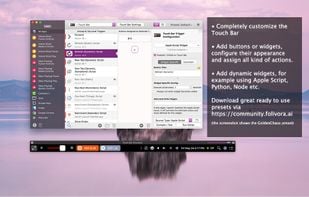
 AutoHotkeyand






 Switzerland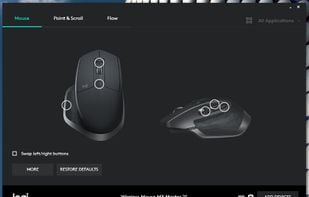








 United States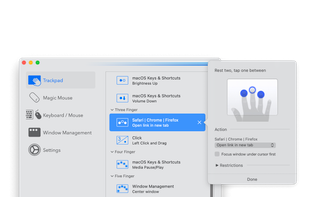












 Slovakia

 Japan
Japan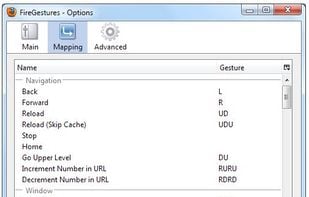








 Spain
Spain




 Singapore






 Russia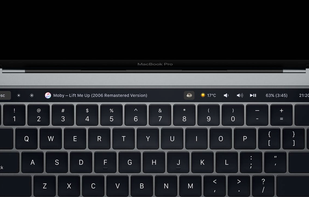


 China
China