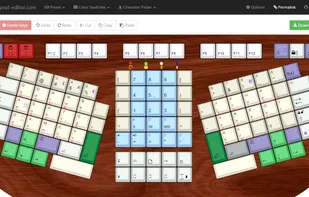
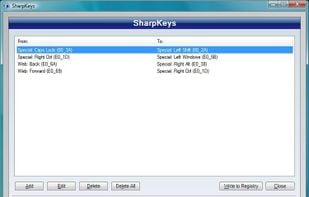
SharpKeys is a utility that manages a Registry key that allows Windows to remap one key to any other key. Included in the application is a list of common keyboard keys and a Type Key feature to automatically recognize most keyboard keys. It was developed in C# using .NET v2.
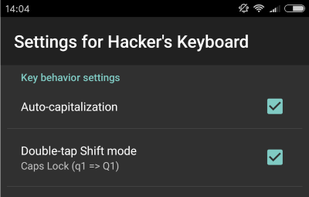
Lightweight, open-source keyboard with minimal permissions, number row, navigation keys, custom themes, adjustable height, and no ads or extra features.
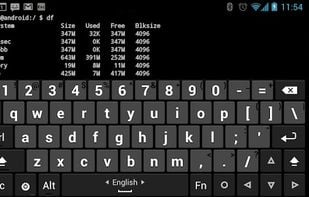
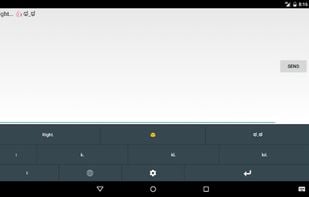
Are you missing the key layout you're used to from your computer when using an Android device? This software keyboard has separate number keys, punctuation in the usual places, and arrow keys. It is based on the AOSP Gingerbread soft keyboard, so it supports multitouch for...
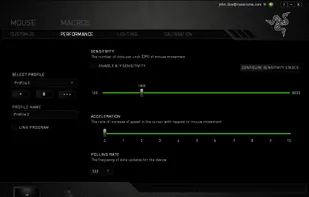
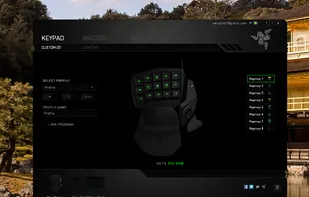
Razer Synapse is unified configuration software that allows users to rebind controls or assign macros to any Razer peripherals and saves those settings automatically in the cloud.
Logitech G obsesses over every detail to give you winning gaming devices—mice, keyboards, headsets, racing wheel and controllers. Gaming is our passion.
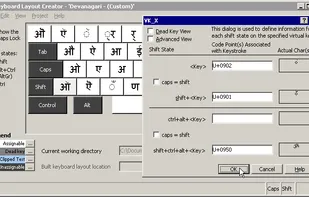
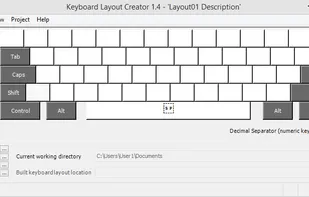
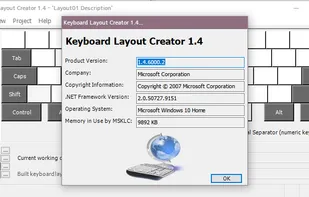
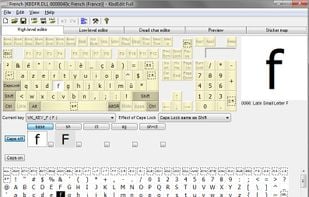
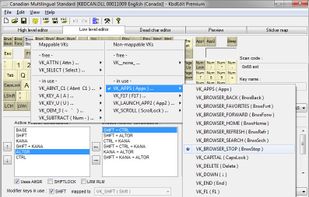
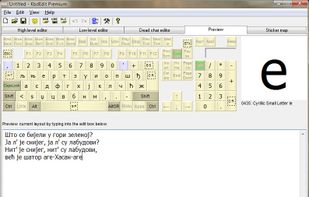
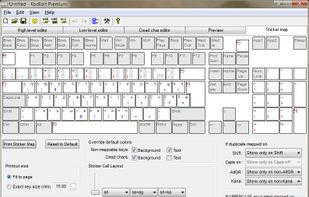
Enables creation, editing, and packaging of multilingual keyboard layouts from scratch or existing setups, supporting various Windows platforms and 64-bit architectures.
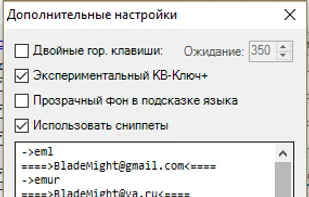
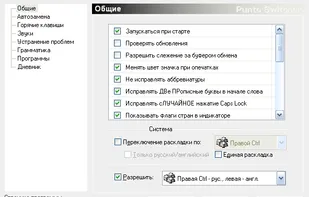
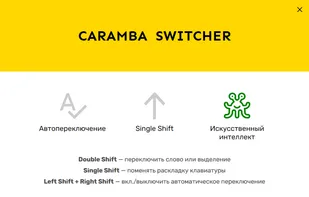
Caramba Switcher is a Windows application that automatically corrects keyboard layout when you are typing in English and Russian. If you start typing in wrong layout, Caramba Switcher will automatically fix it.
Mozc is a Japanese Input Method Editor (IME) designed for multi-platform such as Android OS, Apple macOS, Chromium OS, GNU/Linux, and Microsoft Windows. This OpenSource project originates from Google Japanese Input
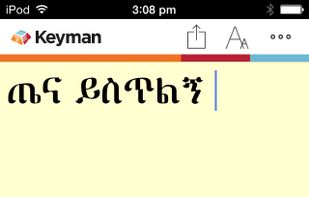
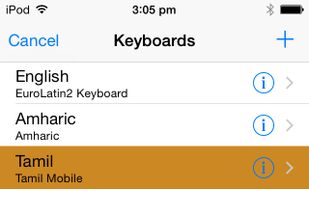
With keyboards for over 2000 languages, Keyman lets you type in your language anywhere. You can create your own keyboards with Keyman Developer. Keyman is completely free and open source, and runs on Windows, macOS, Linux, Android, iOS and web.
KMonad offers advanced customization features such as layers, multi-tap, tap-hold, and much more. These features are usually available at the hardware level on the QMK-firmware enabled keyboards. However, KMonad allows you to enjoy such features in virtually any keyboard by...
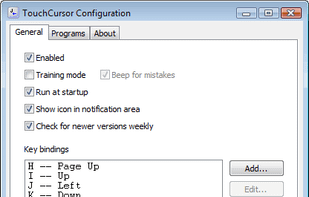
TouchCursor lets you use the home keys as cursor keys – in all Windows programs – keeping your fingers in the best position for fast typing. Its free and open-source.
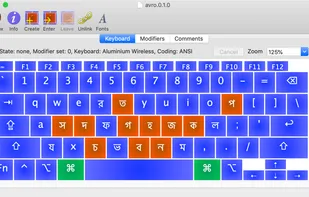
Graphical interface for macOS keyboard layouts, enabling drag-and-drop editing, dead key creation, Unicode support, and mapping multiple characters to keys.


 United States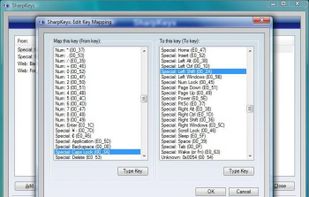


 Lithuania
 EU
EU


 Germany








 Switzerland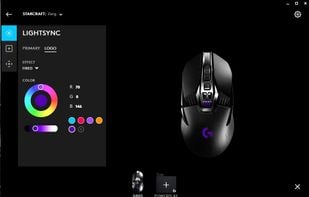



 Russia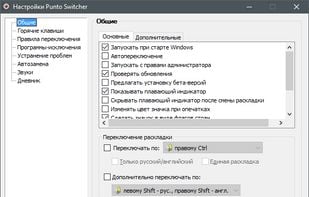














 United Kingdom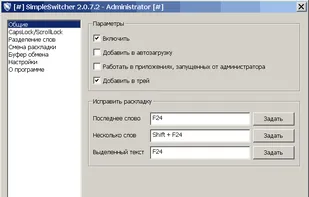
 France