Apps with 'In-Game Overlay' feature

All apps in Apps with 'In-Game Overlay' feature category. Use the filters below to narrow down your search. 
Copy a direct link to this comment to your clipboard
  1. Discord icon
     1113 likes

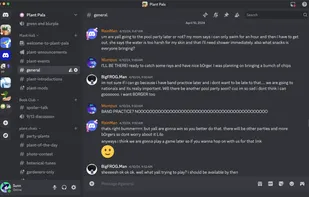
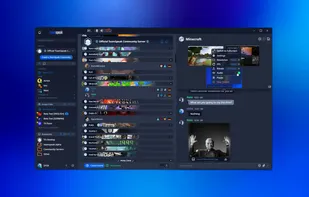
    A versatile platform for text and voice communication, featuring topic-specific channels, customizable moderation, and smooth low latency interactions.

    Cost / License

    • Freemium
    • Proprietary

    Platforms

    • Mac
    • Windows
    • Linux
    • Online
    • Android
    • iPhone
    • Android Tablet
    • iPad
    • Snapcraft
    • Epic Games Store
    • Flathub
    • Electron
    • Playstation
    • Xbox
    Desktop UI
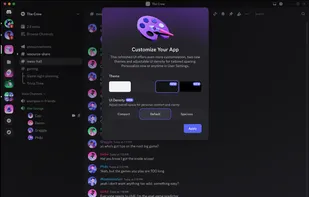
    Desktop UI Color Customization
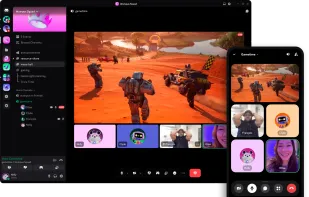
    Cross Platform Video Chat and Screensharing
    +8
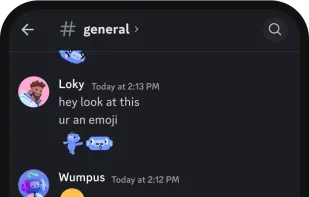
    Phone UI
    188 alternatives
    3.0
    Fair90 reviews
  2. Mumble icon
     484 likes

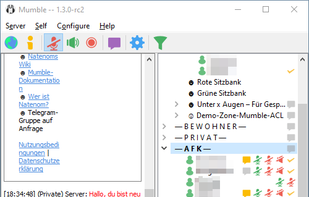
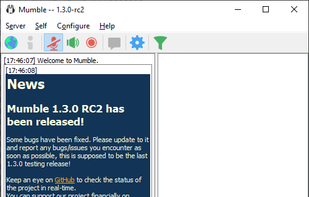
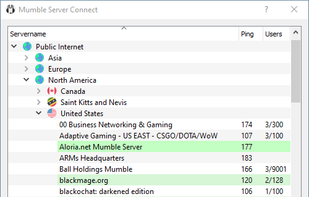
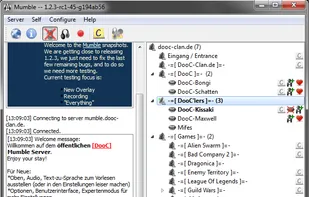
    Open source, low-latency voice chat offering high quality audio, secure encryption, self-hosting, in-game overlays, positional audio, and granular permissions.

    Cost / License

    • Free
    • Open Source

    Platforms

    • Mac
    • Windows
    • Linux
    • iPhone
    • BSD
    • iPad
    • Self-Hosted
    • Snapcraft
    • Flathub
    • PortableApps.com
    • Haiku
    Client (Mumble 1.3.0)
    Connected to a Server (Mumble 1.3.0)
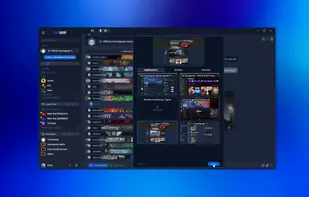
    Public Server List (Mumble 1.3.0)
    +8
    Mumble 1.2.3 Release Candidate – some users in different channels
    57 alternatives
    4.2
    Very Good11 reviews
  3. TeamSpeak icon
     211 likes

    Use crystal clear sound to communicate with your team mates cross-platform with military-grade security, lag-free performance & unparalleled reliability and uptime.
    Cost / License

    • Freemium
    • Proprietary

    Platforms

    • Mac
    • Windows
    • Linux
    • Android
    • iPhone
    • Android Tablet
    • iPad
    • Flathub
    • Cloudron
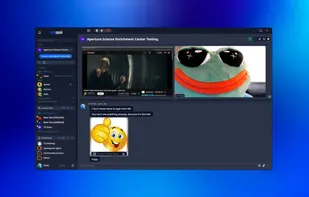
    TeamSpeak screenshot 1
    TeamSpeak screenshot 1
    TeamSpeak screenshot 2
    +1
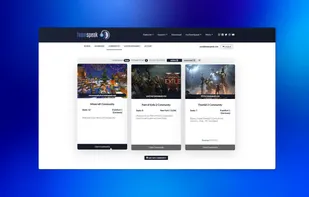
    TeamSpeak screenshot 3
    61 alternatives
  4. Overwolf icon
     60 likes

    Overwolf adds epic overlay apps to your favorite games. Game capture, Twitch streaming, TeamSpeak overlay, in-game browser and many more smart apps that make gaming more awesome!

    Cost / License

    • Free
    • Proprietary

    Platforms

    • Windows
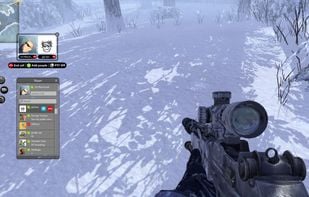
    Ingame Skype Control
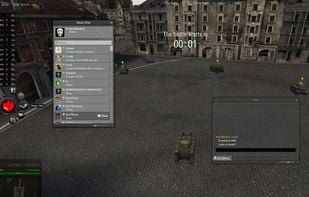
    Ingame Steam Chat
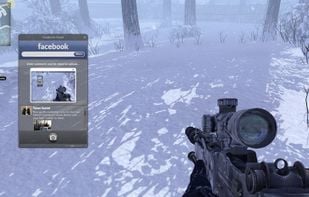
    Ingame Facebook Feed
    9 alternatives
  5. CapFrameX icon
     8 likes

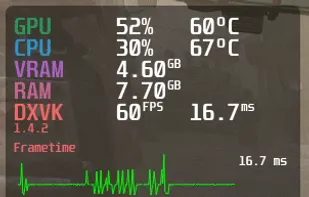
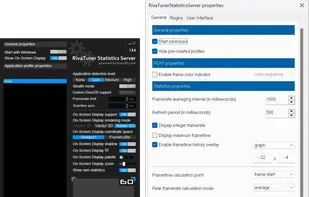
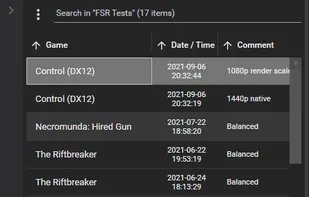
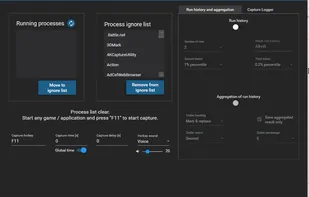
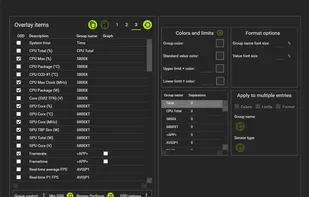
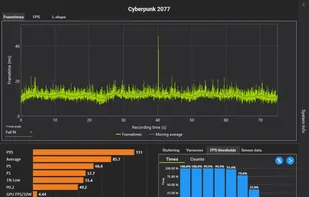
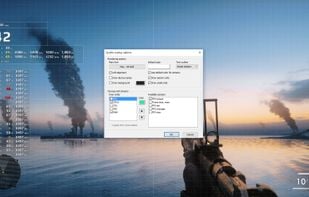
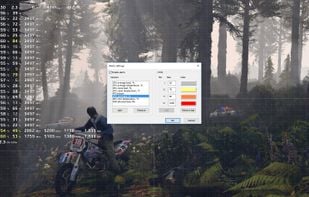
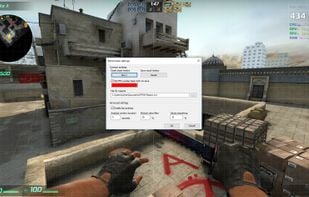
    Benchmarking Tool - Record Frames per Second (FPS), Frametime and Sensors while running your favourite game. Analyse and plot the results, or share them with friends using our cloud service.

    Cost / License

    • Free
    • Open Source

    Platforms

    • Windows
    CapFrameX screenshot 1
    CapFrameX screenshot 1
    CapFrameX screenshot 2
    +8
    CapFrameX screenshot 3
  6. Goverlay icon
     8 likes

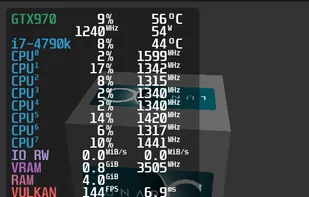
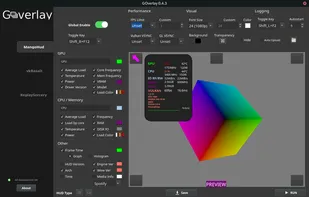
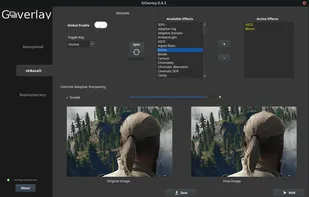
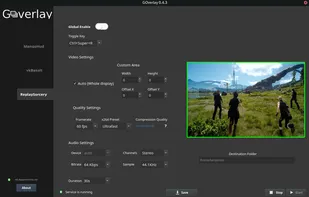
    Goverlay is an easy graphical interface to configure MangoHud, vkBasalt, and OptiScaler. Goverlay helps Linux gamers get the most out of their systems by providing an easy-to-use graphical interface to configure MangoHud, vkBasalt, and OptiScaler.

    Cost / License

    Platforms

    • Linux
    • Flathub
    • Flatpak
    Goverlay screenshot 1
    Goverlay screenshot 1
    Goverlay screenshot 2
  7. NZXT CAM icon
     16 likes

    Manage performance, temperatures, and devices all from a single application. NZXT CAM is fast, efficient, and easy-to-use, allowing you to control every aspect of your computer.

    Cost / License

    • Free
    • Proprietary

    Platforms

    • Windows
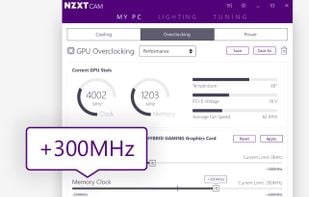
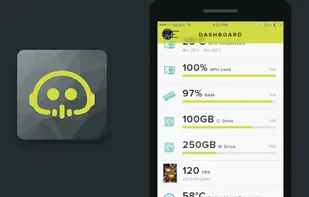
    NZXT CAM screenshot 1
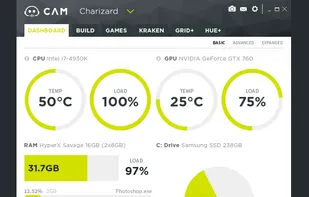
    Dashboard
    Overclocking
    +2
    Mobile Companion Monitor
    28 alternatives
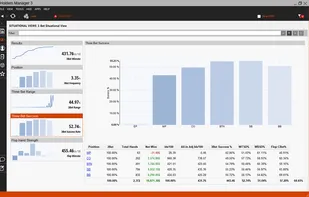
  8. Holdem Manager and it’s suite of products has been used by over a million online cash game and tournament players since first launched over 12 years ago and HM3 is the most powerful and eloquent version of Hold’em Manager that has ever been released.

    Cost / License

    • Paid
    • Proprietary

    Platforms

    • Windows
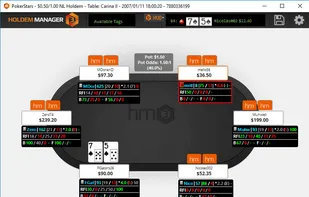
    Holdem Manager screenshot 1
    Holdem Manager screenshot 1
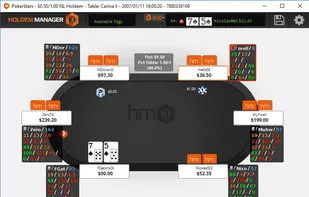
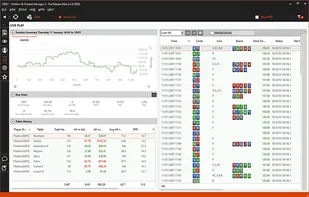
    Holdem Manager screenshot 2
    +10
    Holdem Manager screenshot 3
    7 alternatives
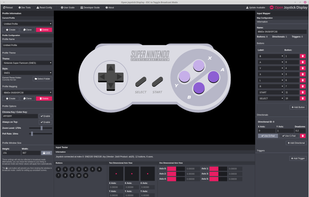
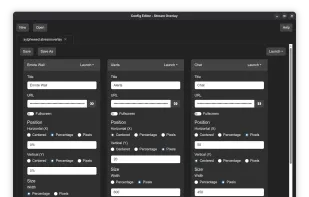
  9. A powerful and easy to use streamer-ready overlay for your joystick or gamepad. Completely free and open source.

    Cost / License

    • Free
    • Open Source

    Alerts

    • Discontinued

    Platforms

    • Mac
    • Windows
    • Linux
    Interface
    2 alternatives
  10. TTS overlay for games (Text-to-Speech). Glados voice. Soundboard that always shows your hotkeys in overlay. Unlimited switchable soundboards. Speech-to-Text-to-Speech. 40+ languages, custom voices supported. Synchronous multi-person playback of music in-game. Radio.

    Cost / License

    Platforms

    • Windows
    The overlay
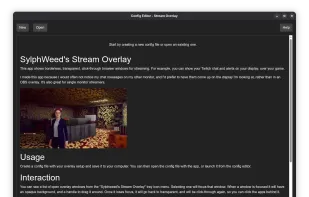
  11. Show transparent, click-through browser window overlays on screen. Like your Twitch chat and alerts on top of your game.

    Cost / License

    Platforms

    • Windows
    • Linux
    • Flathub
    • Flatpak
    Stream Overlay screenshot 1
    Stream Overlay screenshot 1
    Stream Overlay screenshot 2
    6 alternatives
  12. Runelite icon
     6 likes

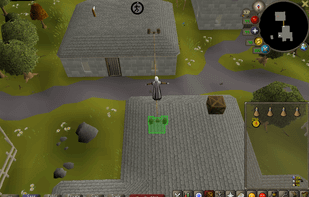
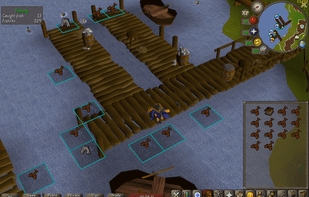
    RuneLite is a free, open-source and super fast client for Old School RuneScape. You can download the RuneLite launcher for various platforms below or contribute to the project on GitHub.

    Cost / License

    Platforms

    • Mac
    • Windows
    • Linux
    Runelite screenshot 1
    Runelite screenshot 1
    Runelite screenshot 2
    1 alternatives
  13. Pubnub icon
     16 likes

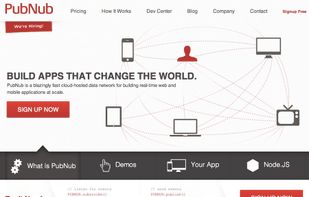
    Disc works in your device.

    Cost / License

    • Freemium
    • Proprietary

    Platforms

    • Mac
    • Windows
    • Linux
    • Online
    • Android
    • iPhone
    • Chrome OS
    • iPad
    • Software as a Service (SaaS)
    Pubnub screenshot 1
    72 alternatives
  14. This app is designed to provide an informative overlay, always visible on the screen, displaying information about sensors. The overlay is currently non-clickable to avoid interfering with other windows.

    Cost / License

    • Free
    • Proprietary

    Platforms

    • Mac
    Display Monitor screenshot 1
    Display Monitor screenshot 1
    Display Monitor screenshot 2
    +4
    Display Monitor screenshot 3