PDF Editors Page 5 of 10

All apps in PDF Editors category. Use the filters below to narrow down your search. 
Copy a direct link to this comment to your clipboard
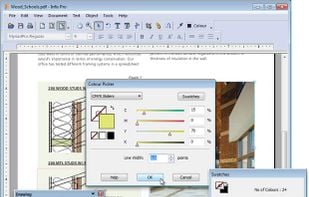
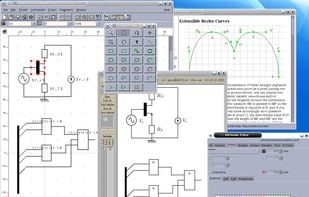
  1. Infix PDF editor lets you open, edit and save PDF files. It’s easy and quick – you can change text, fonts, images and more. And, unlike other PDF editors, it works like normal word processing software, so it’s really easy to use.

    Infix PDF Editor screenshot 1

    87 alternatives
  2. GeekerPDF icon
     1 like

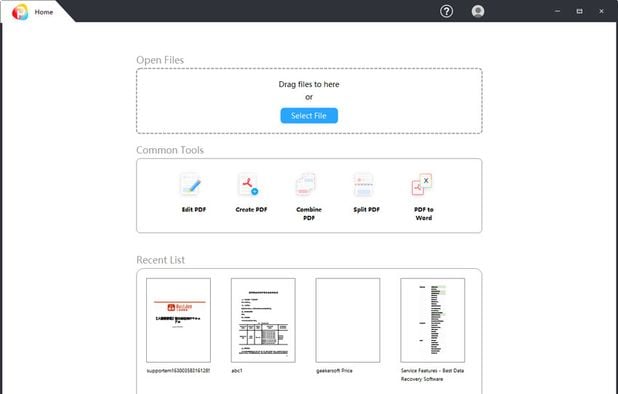
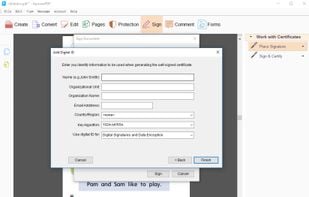
    Edit, annotate, add or delete text and images, manage pages, merge or split files, convert PDFs with OCR, encrypt, add watermarks, and sign documents.

    Geekersoft PDF Editor
    37 alternatives
  3. PDF Online icon
     1 like

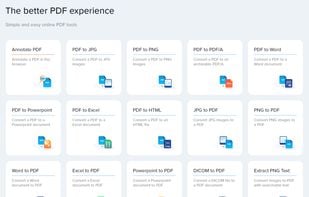
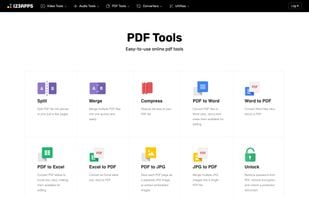
    The better PDF experience - Simple and easy online PDF tools

    Annotating. converting and editing pdfs in a web application by the developers of xodo.

    PDF Online screenshot 1
    29 alternatives
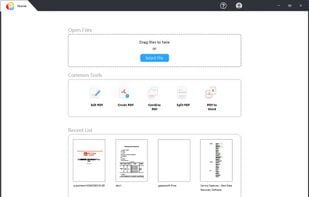
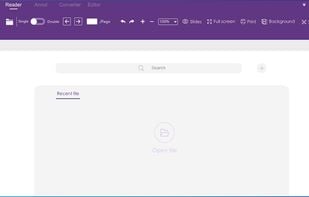
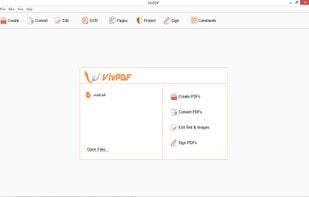
  4. There is no PDF document that cannot be opened for viewing with a reader or viewer. There are many PDF readers to choose from, and more and more are paid now. If you want to avoid paying for software, Speedpdf Reader is a good free PDF reader for you.

    Interface displayed at startup
    19 alternatives
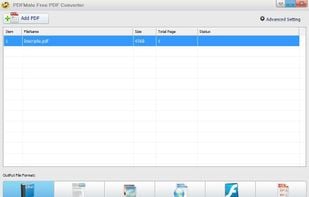
  5. PDFMate PDF Converter is a 5-in-1 PDF program to easily convert your PDF to editable Text files, common images, EPUB Ebooks, HTML files, and even SWF files freely. It also can modify the layout and page size of PDF file.

    • Bundleware
    • FreemiumProprietary
    • Windows
    PDFMate PDF Converter screenshot 1
  6. LightPDF icon
     4 likes

    LightPDF is a rich-featured PDF editor, creator, reader and converter. It also offers some other stunning features such as managing PDF pages, adding signature, creating forms and protecting PDF files.

    LightPDF screenshot 1
    18 alternatives
  7. PDF Architect icon
     2 likes

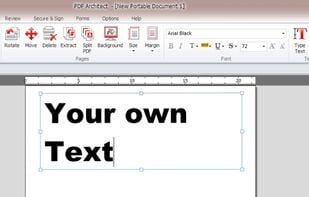
    PDF Architect is a PDF Editor with free functions like rotate, delete and move pages and even more like editing text, PDF to Word, 256 Bit AES Encryption and more.

    PDF Architect screenshot 1
    90 alternatives
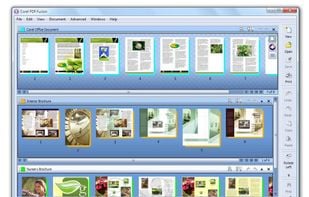
  8. Corel PDF Fusion is the all-in-one PDF toolkit: Powerful PDF Creation Software; Versatile PDF viewer; Supports 100+ file formats; Easy PDF creation; Save files to PDF, XPS and DOC formats. Boost your productivity with Corel PDF Fusion, an all-in-one PDF creator that lets you...

    Corel PDF Fusion screenshot 1
    18 alternatives
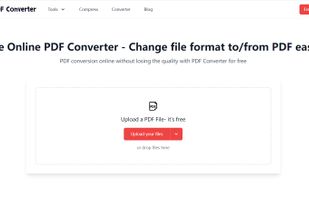
  9. PDF Converter is a free online converter, as one of the best PDF conversion tools, it can help you easily change the file type to PDF format or convert PDF to Word document in one click. This can save you a lot of time and energy.

    PDF Converter
    21 alternatives
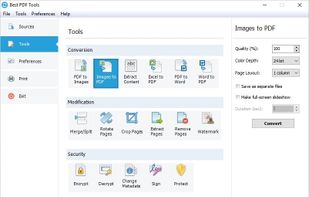
  10. A complete suite of free tools for conversion, shaping and protection of your PDF documents. The software operates in batch mode, allowing users to process multiple PDF files. The interface is modern and intuitive; this makes it easy to use the program for both advanced users...

    Best PDF Tools screenshot 1
    41 alternatives
  11. pdf.io icon
     1 like

    Free set of online tools for handling PDF files. Convert and edit your PDF files with incredible ease and speed!

    • PDF Editor
    • FreeProprietary
    • Online
    • Google Chrome
    • Brave
    • Firefox
    pdf.io screenshot 1
    76 alternatives
  12. RAD PDF icon
     1 like

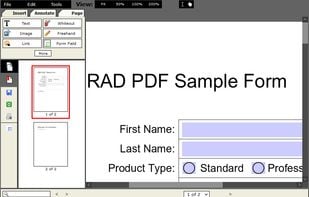
    RAD PDF is a website component and online interface for editing, filling, signing, and viewing PDF documents. This ASP.NET technology offers your users a free PDF editor, ready for integration with your web application.

    • PDF Reader
    • FreemiumProprietary
    • Windows
    • Linux
    • Online
    • Self-Hosted
    RAD PDF screenshot 1
    12 alternatives
  13. PDF Bob icon
     1 like

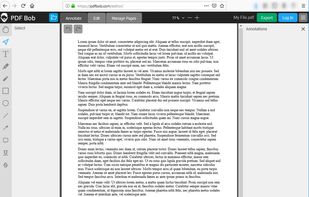
    Online PDF editor. Edit PDF, annotate PDF, manage PDF pages, edit PDF text, highlight text in PDF and much more. Export files to PDF, Word, JPG and PNG formats.

    PDF Bob screenshot 1
    18 alternatives
  14. Speedpdf Editor is an easy-to-use and full-featured PDF editor. Support one-click paragraph editing, say goodbye to tedious and time-consuming single-line editing; automatically recognize fonts, saving time and effort; full text annotation can make it easier for you to read...
    Interface displayed at startup
    29 alternatives