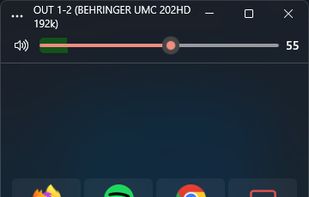
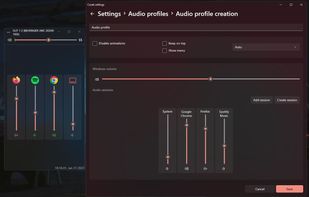
Advanced volume mixer for Windows 10 and 11 providing per-app control, device switching, audio visualization, hotkeys, automatic updates, and modern interface.
Cost / License
- Free
- Open Source
Application type
Platforms
- Windows
 United States


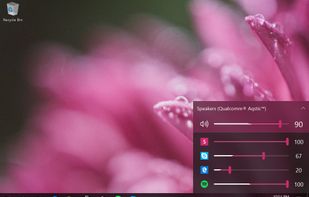

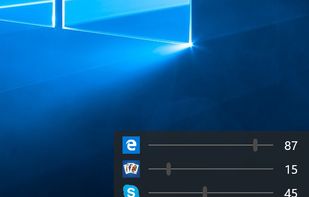


Advanced volume mixer for Windows 10 and 11 providing per-app control, device switching, audio visualization, hotkeys, automatic updates, and modern interface.
United States
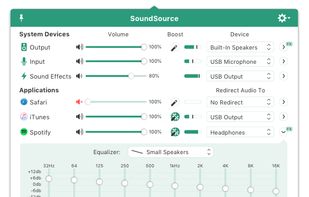
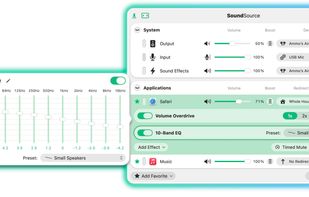
Control volume and audio output per application, apply individual equalizer settings, and access advanced sound features from the menu bar on macOS.
United States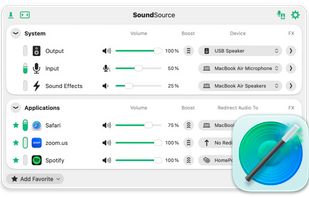
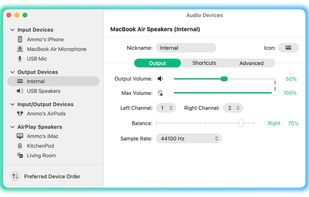


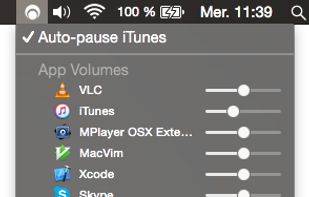
Background Music is a macOS audio utility that can automatically pause your music, set individual apps' volumes, and record system audio.
United States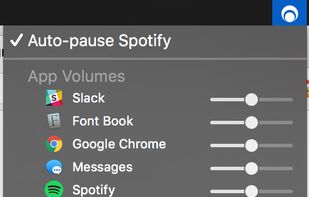

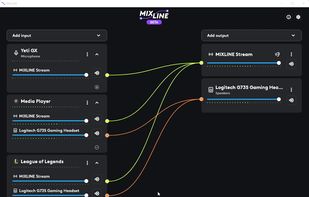
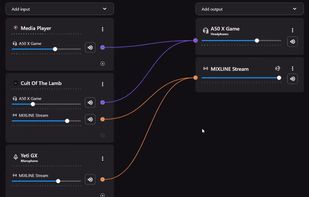
MIXLINE is an audio mixing software that performs audio routing, mixing, and streaming. All bundled into a beautiful User Interface!.
 Switzerland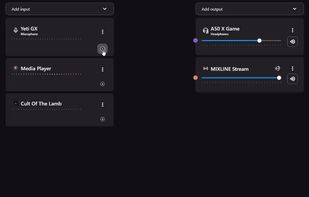


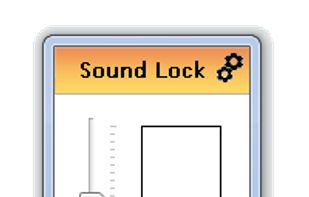
By using the »neighbour friendly« Sound Lock application, you will no longer disturb the people around you while watching your favorite movies and shows


Disables the volume on-screen display (OSD) introduced in Windows 8 and remaining in Windows 10. Presently Windows does not offer an option to turn it off, but this tool lets you turn it off without making registry changes yourself.
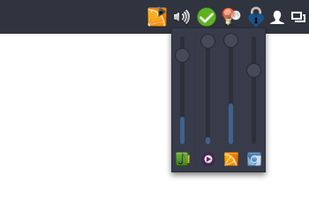
Volctl - Volume Control per application from System Tray for Linux
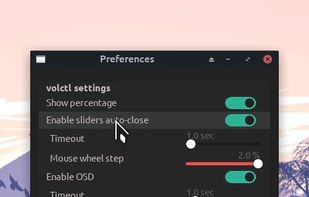
Volctl is a free and opensource app for Linux writen in python and gtk+ and that can be used to control volume per application and for enabled pulseaudio outputs from the system tray.
United States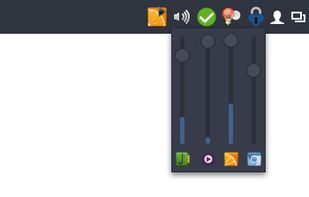


 Croatia
 EU
EU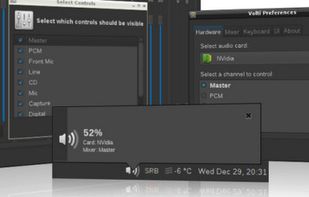
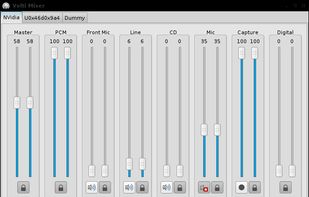
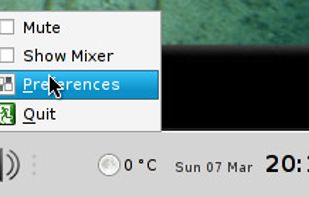
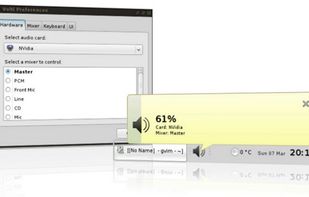


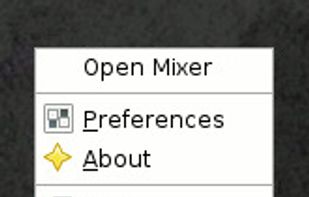
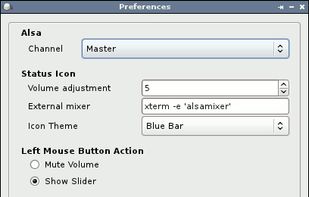
Volume Icon aims to be a lightweight volume control that sits in your systray. It is often used in conjuction with the lightweight tint2 panel/taskbar.



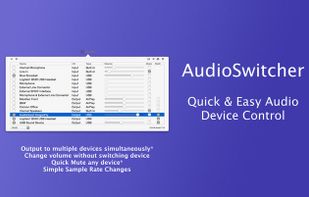
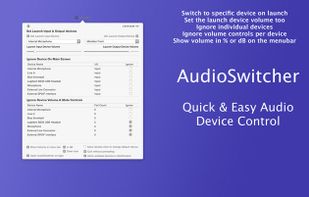
Simple, always ready menubar app that allows you to switch quickly between available input and output devices*



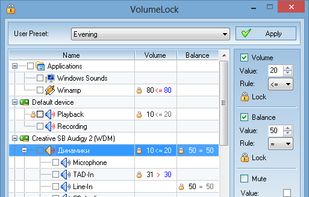
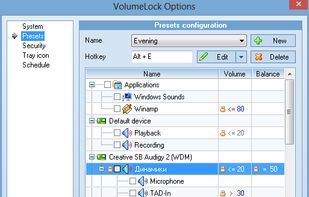
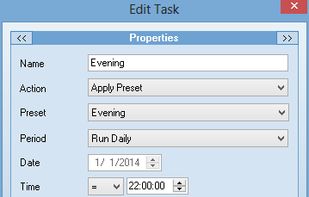
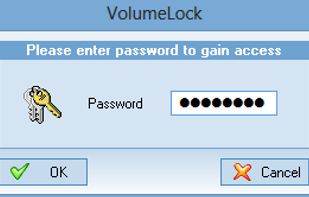
VolumeLock is an easy-to-use audio control utility that gives you the freedom in loudness control. With this program you can guarantee that the volume settings of your PC will never be changed unexpectedly.


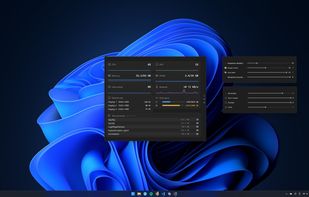
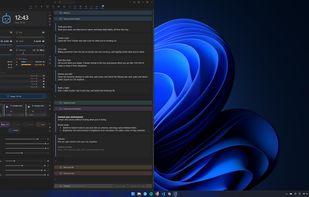
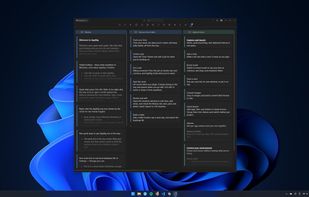
A local-first Windows tray app that bundles per-app volume, monitor brightness, sticky notes, time tracking and a dozen other tools in one place.
 United Kingdom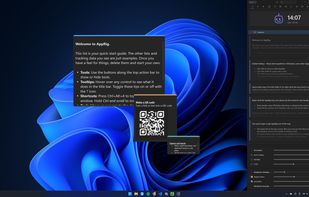
 Microsoft PowerToys
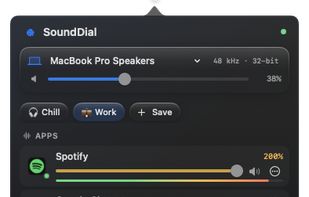
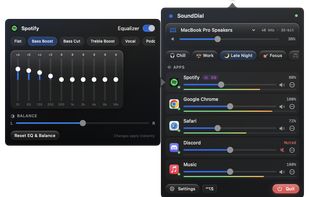
SoundDial is a macOS audio utility that provides independent volume and mute controls for individual applications from the menu bar.
 GermanyEU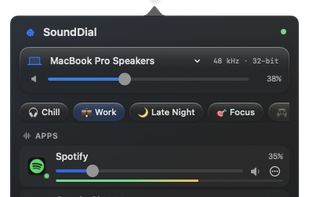


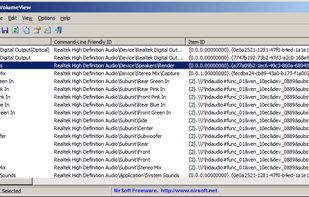
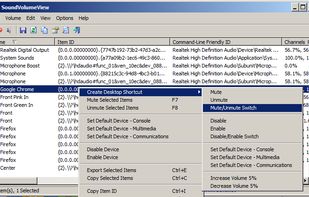
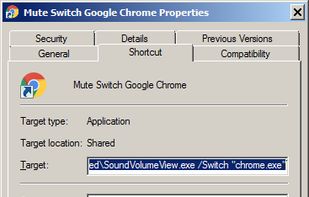
Displays information and current volume level for all active sound components on your system, enables saving a sound profile into a shortcut file to load later, or changing individual settings via a shortcut file with extensive command line support.
 Israel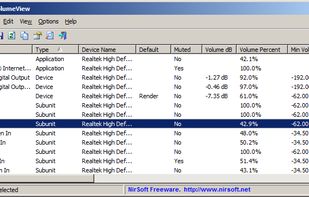


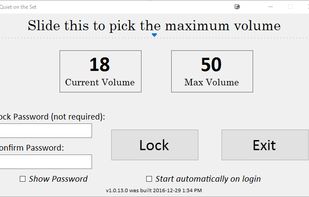
Prevent someone from turning up the volume on a Windows machine beyond a maximum volume