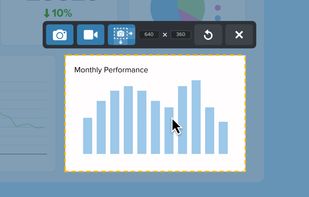
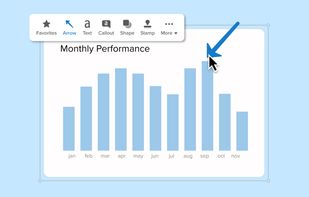
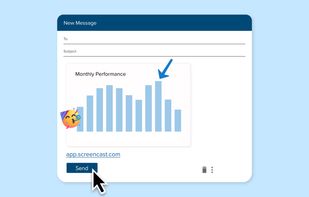
Capture and edit any image or video from the screen, add callouts and effects, and easily organize and share visual content across various applications.
Cost / License
- Paid
- Proprietary
Application types
Platforms
- Mac
- Windows



Capture and edit any image or video from the screen, add callouts and effects, and easily organize and share visual content across various applications.


Capture2Text enables users to quickly OCR a portion of the screen using a keyboard shortcut.


TextSniper is a super useful app to quickly capture unselectable text. Use it to capture and recognize text from presentations, trainings, screencasts,images, pictures, webpages, video tutorials, photos, PDFs etc. Literally from anywhere on your mac's screen.


SysExporter utility allows you to grab the data stored in standard list-views, tree-views, list boxes, combo boxes, text-boxes, and WebBrowser/HTML controls from almost any application running on your system, and export it to text, HTML or XML file.

HyperSnap is the fastest and easiest way to take screen captures from Windows screen, and text capture (TextSnap™) from places where normal text copy is not possible. HyperSnap combines the power of a first-class screen capture application with an advanced image editing utility...

How often were you in the situation when you needed to save some data but wasnt able to do it because words or figures were protected by some script of just cannot be copied? Well, heres the tool that will help you to avoid all these problems and settle them once and for all.

You can use Easy Screen OCR to capture a snapshot and start OCR process. this program will detect the text from the image and start OCR process immediately. You can extract the text to copy and paste in seconds.


Enables Windows applications to capture screen text from any window part, including error messages and custom controls, using a COM interface for integration.
Screen OCR is a screen capture and character recognition tool. You can use Screen OCR in any way you are most comfortable with. It can be window selection, scrolling capture, simple cursor capture or rectangular selection.


Kleptomania lets you select text anywhere on the screen, including areas that you cannot highlight with your mouse, such as columns of data from a word processor or error messages from any Windows program.

You need to get the text out of an image or from anywhere on your screen? With picatext this is as easy as selecting a file or a screen area. So now you can get the text you need in almost no time. No need to tediously typewrite everything again.


Capture the text portions from many Windows dialog boxes and quickly use it to execute a search using Google or any other search provider.