Sejda helps with your PDF tasks: edit existing text, split, merge, extract, compress, export to other formats and more.
 Netherlands
 EU



+1


Best alternatives are 

204 alternatives

4.0
Very Good11 ratings


Sejda helps with your PDF tasks: edit existing text, split, merge, extract, compress, export to other formats and more.
NetherlandsEU
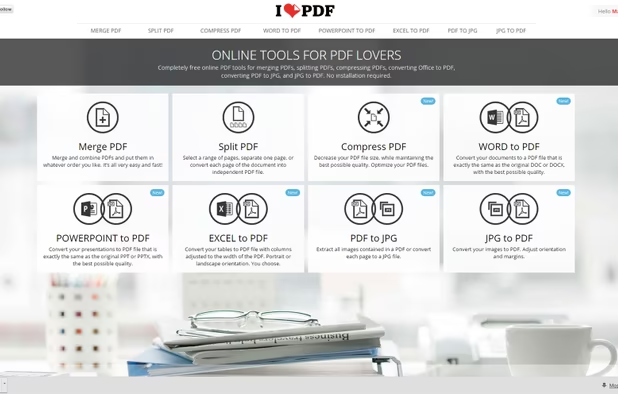
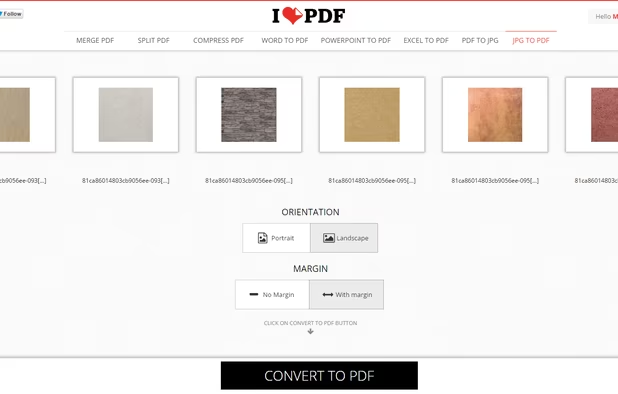
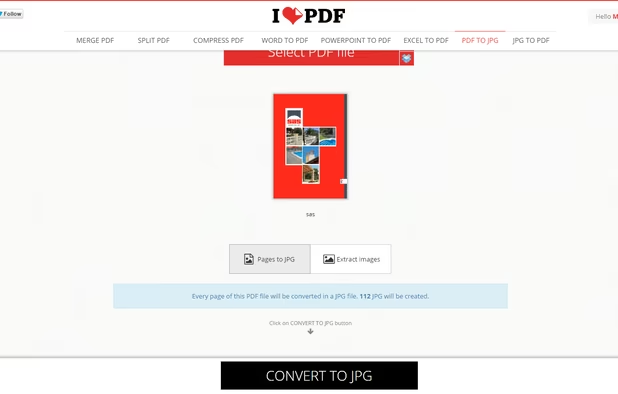
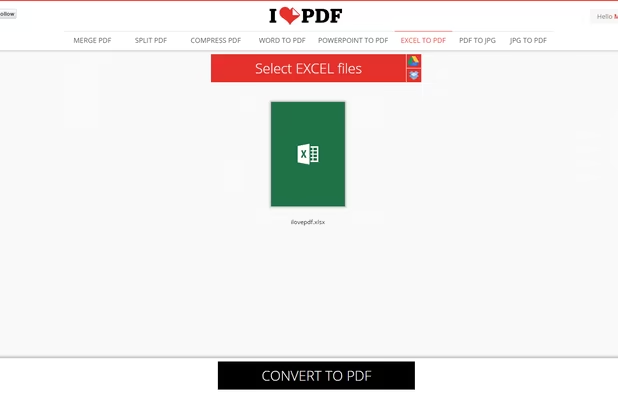
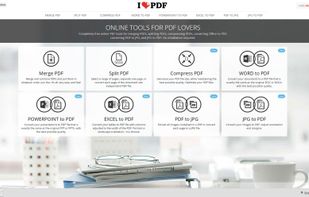
iLovePDF is an online service to work with PDF files completely free and easy to use. Merge PDF, split PDF, compress PDF, office to PDF, PDF to JPG and more!
 SpainEU
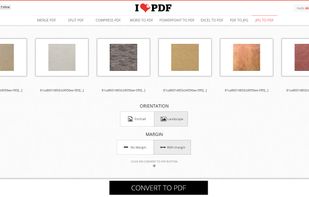
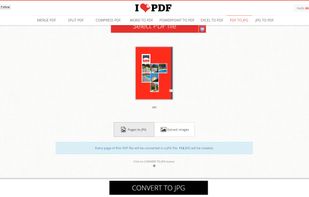
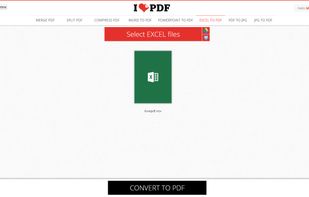

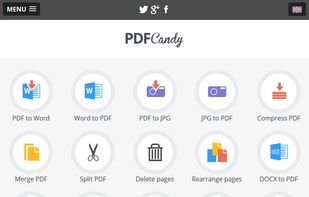
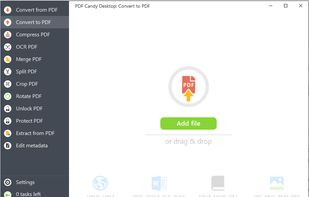
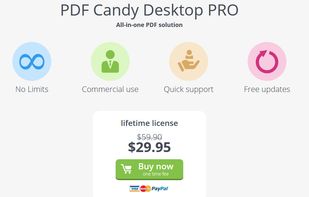
PDF Candy is an online PDF toolset of 47 services for successful processing of PDF files. The service is free for single-file operations and does not require an account. A desktop application is also offered,
 CyprusEU
 PDF Arranger

Cloud-based toolkit offers 20+ PDF editing, conversion, OCR, merge, split, and annotation tools, free online use, no watermarks, multi-platform support.
 Hong Kong
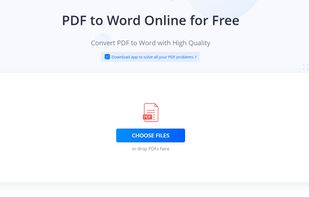
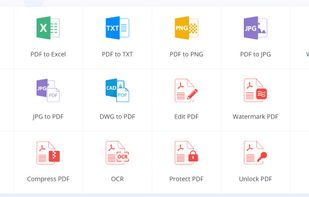
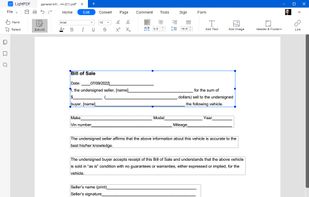
 Foxit PDF Readerand

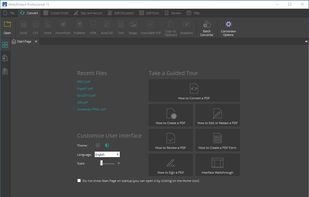
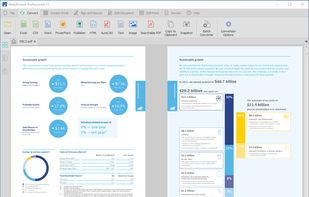
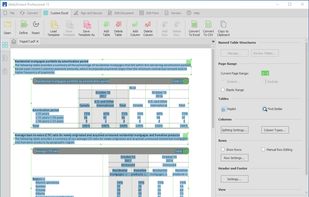
Cross-platform PDF suite with precise conversion to Word, Excel, PowerPoint, and AutoCAD, advanced editing, annotation, redaction, batch tools, and secure digital signatures.
 United States
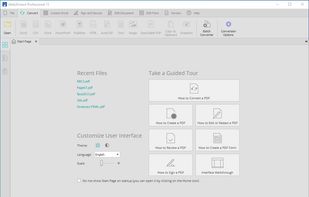
 Adobe Acrobat DC

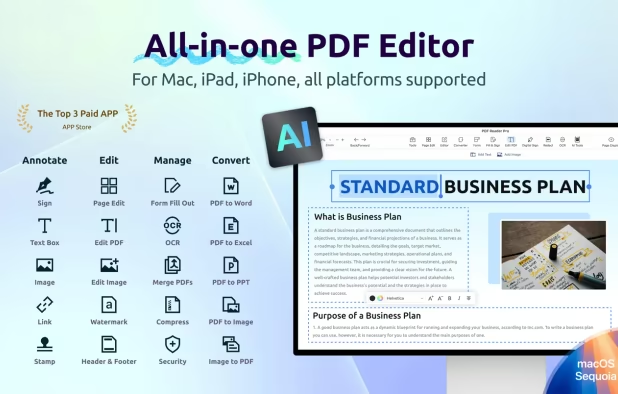
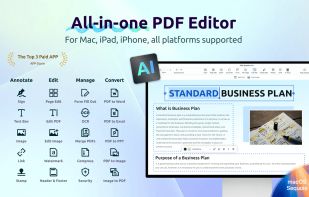
Edit, annotate, sign, and convert PDFs with AI tools, OCR in 50+ languages, offline export, password security, and text-to-speech across all major platforms.
 Taiwan

 Okular

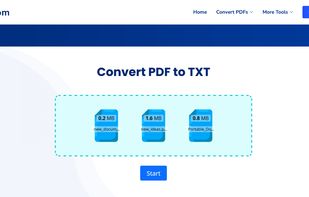
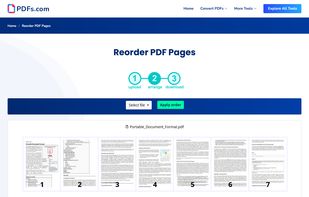
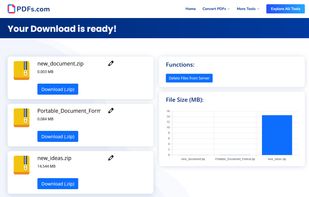
PDFs.com is a online platform to edit, convert and manage multiple PDF-Files at once. Each PDF tool available on pdfs.com can be used with different PDF files simultaneously. This is especially useful for users who need to edit many PDF files per day to save time.

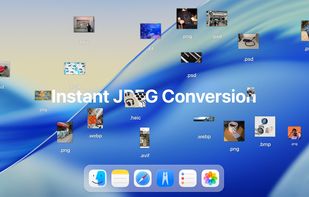
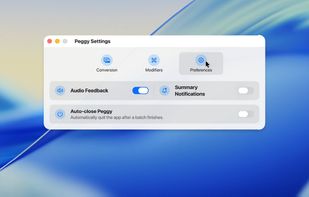
Instantly convert images and multi-page PDFs to JPEG, resize, compress, process folders, and customize workflows using a fast Mac-exclusive drag-and-drop tool.
 United Kingdom



 FranceEU

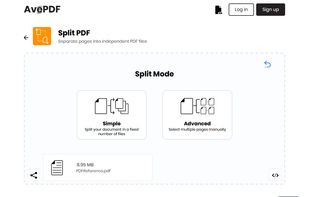 Foxit PDF Readerand
 BentoPDF

PDFZilla is a desktop software designed to convert PDF files into various formats. These formats include editable MS Word Documents, Rich Text Documents, Plain Text Files, Images, HTML Files, and Shockwave Flash SWF Files.
 China
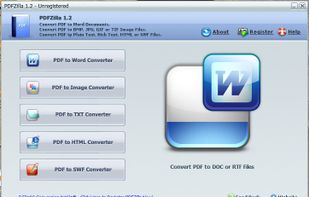


Converts many file types to and from PDF with two modes, batch processing, drag-and-drop, output selection, quality preservation, and a simple interface.
CyprusEU


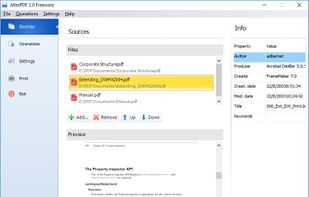
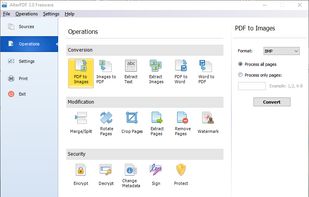
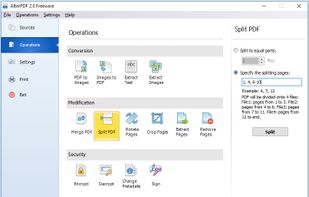
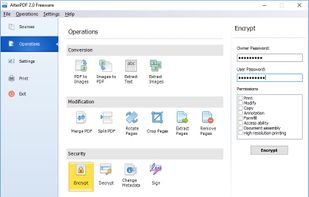
AlterPDF is a set of free PDF tools, which allows you to convert, modify and sign your PDF documents. With this program you are able to convert PDF to images, as well as convert JPG and other pictures to PDF, extract text and images.

 PDFsam

Convert PDF to JPG online for free with this web site. Just submit your PDF document, wait for a few seconds and voilà! Your JPG files are ready.
FranceEU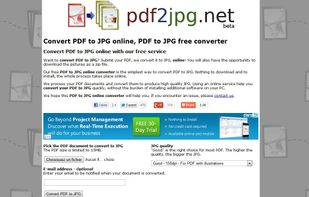


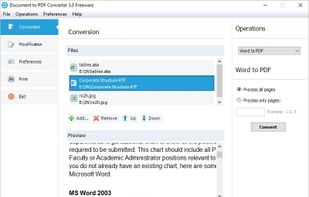
This program allows you to convert between PDF and other formats. PDF is free format for reading, but not for creation and exporting. So many people are looking for solution to convert their documents to PDF, or convert PDF to other formats.


Free Online Image Editor and Converter. Supports 500 image formats. Has built-in clip-art library (public domain photos).


AConvert.com can also convert all kinds of document, ebook, image, icon, video, audio and archive files online for free. The letter "A" in domain name stands for "All". You can click "QUICK CONVERT" button on the top-right to start a quick...
United States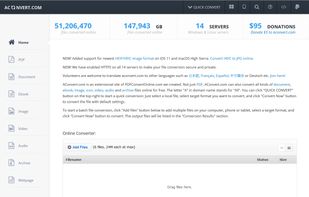
 File Converterand


PDFGarage is free online cloud based product for working with PDFs, You can compress PDF, split pdf, merge pdf, add watermark, rotate pdf, add page numbers, delete pages, add or remove password.


The Best Adobe PDF to Office Word Document Converter Offline Batch Convert PDF to editable Microsoft Word, TEXT, RTF and HTML, preserving original formatting and layouts.
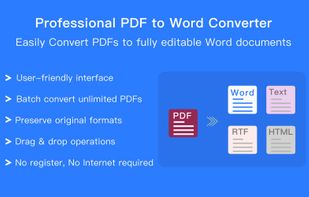
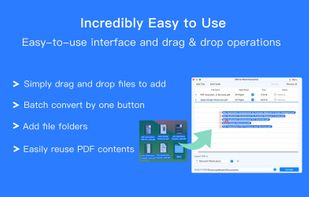
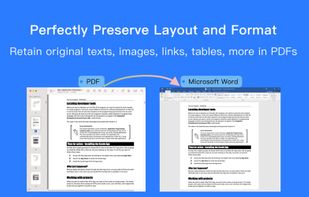
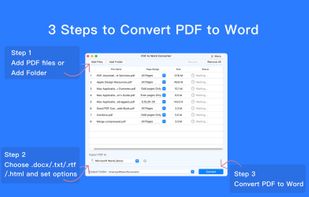


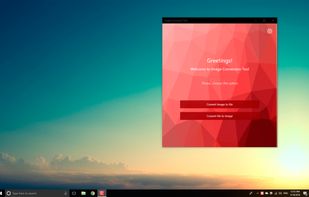
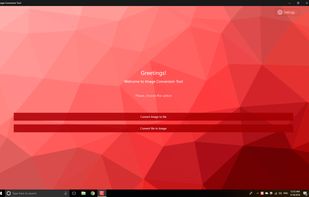
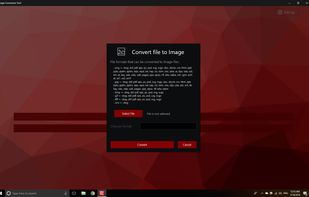
Image Conversion Tool allows you easily converts jpg, png, bmp, gif, tiff, heic and other images to pdf, eps, ico, odd, ps, psd and other formats and other formats.


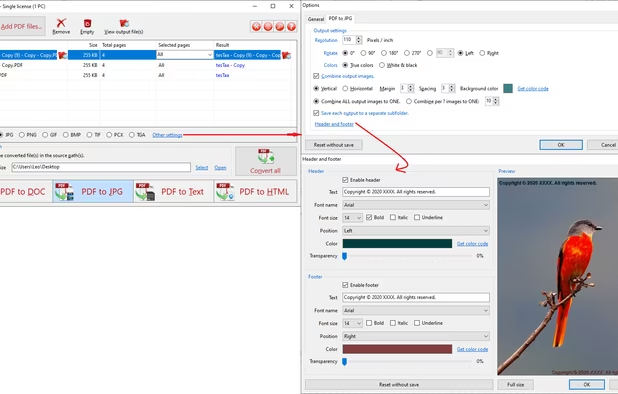
PDF to JPG is used to convert PDFs to JPG, PNG, BMP, TIF, GIF, PCX and TGA images in batch mode. It works without Adobe Acrobat or Adobe Reader, and has Command Line Interface (CLI), fast and accurate conversion ability, friendly GUI, small size.
United States File Converter

PDF to X is used to convert PDF documents to Word (.doc)/WordPad (.rtf) documents, HTML web pages, JPG/PNG/BMP/TIF/GIF/PCX/TGA images and plain text files in batch mode. It works without Adobe Acrobat or Adobe Reader.
United States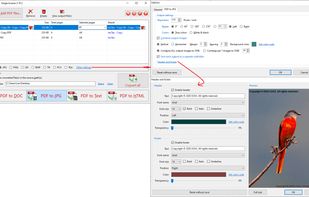 File ConverterandPDFsam



Nux Convert is an all-in-one, privacy-focused web app for file conversion, compression, and AI-powered editing, with all processing done 100% locally in your browser.


 File Converter

Through the use of a Docs.Zone web tool, you can enjoy the benefits of converting numerous types of documents into other file formats within minutes. It is not only quick and easy to use, but it provides high quality prints through a converter that provides them with ease.