


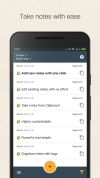
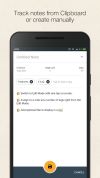
Be more productive with this advanced, elegant and simple notes taking app and easy clipboard manager.
Platforms
- Mac
- Windows
- Linux
- Online
- Android




Best alternatives are 
 CherryTree
52 alternatives CherryTree

Be more productive with this advanced, elegant and simple notes taking app and easy clipboard manager.
CherryTree
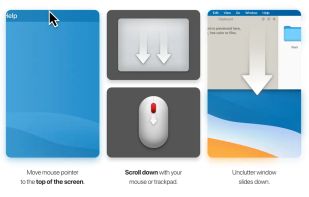
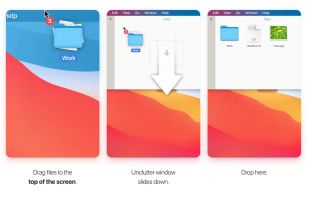
Handy desktop app for storing notes, files, and clips. Access via screen top, drag and store. Syncs with Dropbox, optimizes multi-display setups.
 Ukraine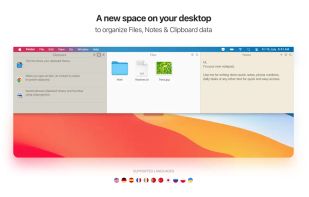
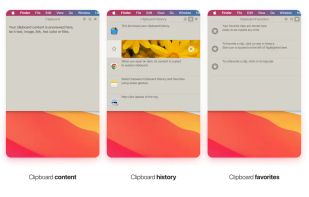

Clipbud is an app for storing and managing text snippets. You can store any text and search for saved snippets. It has a section for recent items and adjustable clipboard settings. The interface is user-friendly and all data is stored on your device and backed up to iCloud.



 Germany
 EU
EU
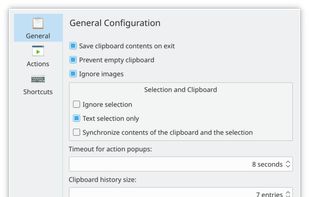
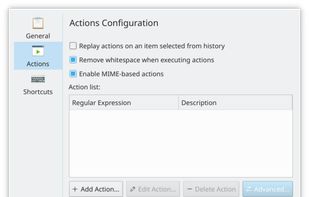
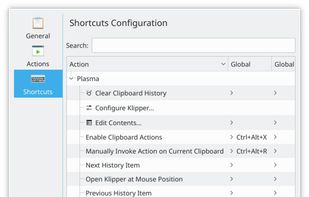

Introducing Clipboard Assistant – the ultimate tool to streamline your workflow by giving you full control over your clipboard history. Whether you’re working on multiple projects or just need a more organized approach to managing what you copy, Clipboard Assistant has got you...
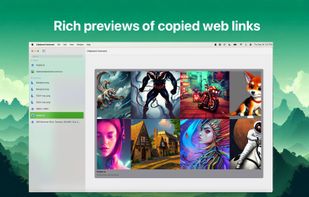
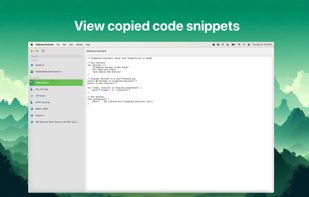
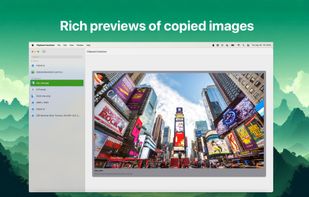
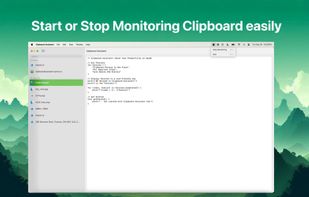

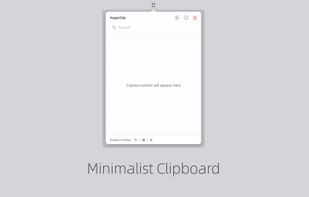
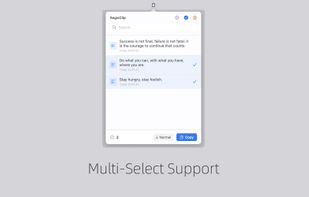
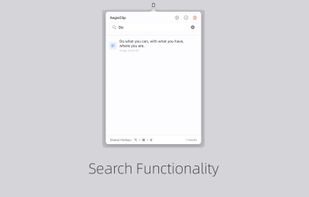
Tired of losing important copied content? AegisClip is your solution – a sleek, privacy-focused clipboard manager designed to supercharge your productivity while maintaining a clean, distraction-free interface.


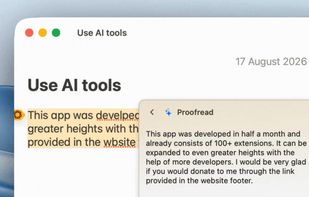
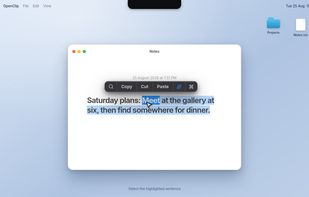
OpenClip is a fast, light-weight, and open-source utility for macOS which adds context-sensitive action pop-up menus for selected text. OpenClip is a native application written in Swift which offers you an instant productivity layer for your Mac applications.
 India
India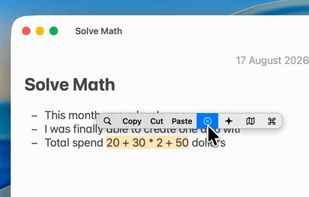
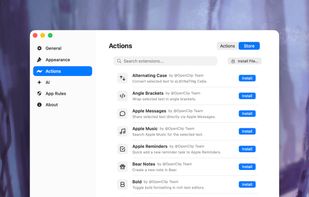


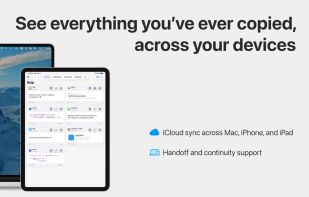
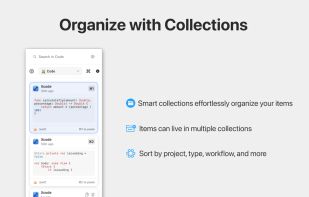
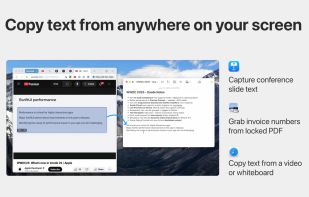
Intelligent clipboard manager with unlimited history, OCR extraction, visual previews, smart search, collections, and privacy-focused syncing across Apple devices.
 United States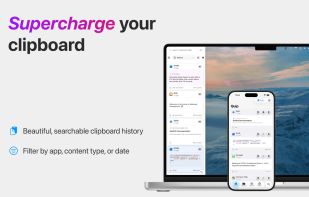

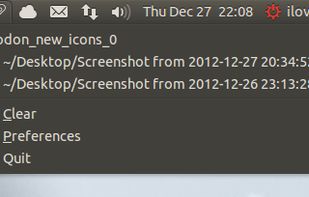

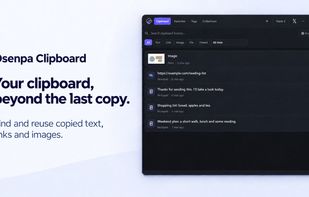
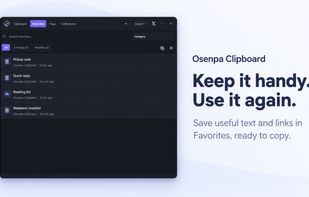
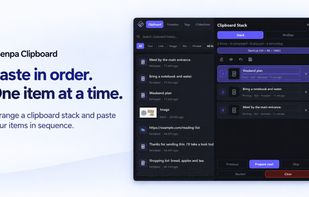
Free Windows clipboard manager with searchable local history, Favorites, tags, Clipboard Stack and separately encrypted Locked Notes.
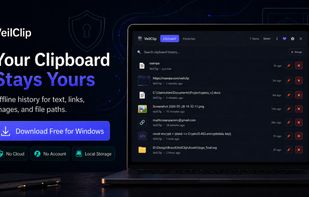

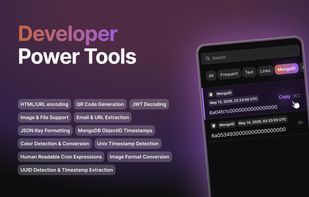
ClipBear is a smart macOS clipboard manager for developers. It detects and transforms developer content — JWTs, JSON, colors, cron, timestamps, ObjectIDs — inline and on-device. Free to use; Pro ($15/yr) unlocks unlimited history. 14-day Pro trial.
GermanyEU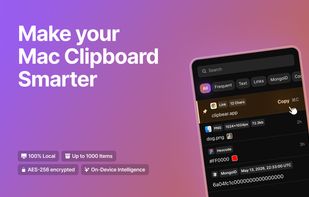
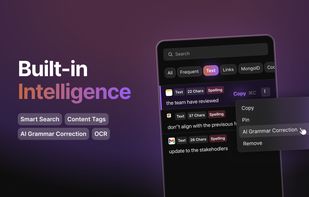
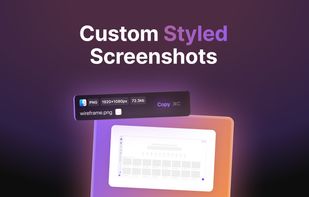
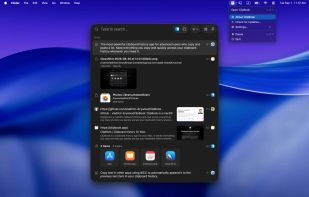
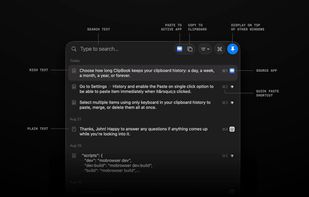
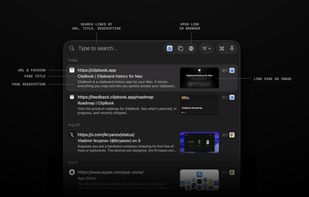
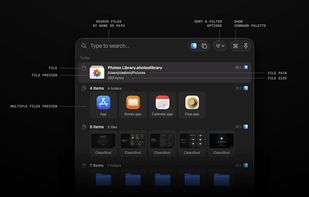
ClipBook runs in the background and remembers everything you copy, so you can easily find it and copy it again or paste directly into the current active application.
 Planckand
A modern, native macOS menu bar clipboard manager built with SwiftUI. Features intelligent, AI-powered semantic search using Gemini, privacy-first local storage, global hotkey access, and sequential multi-pasting.
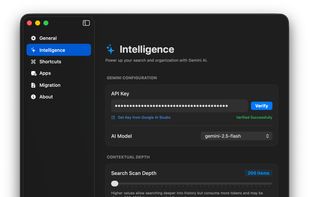
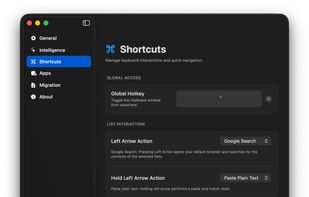
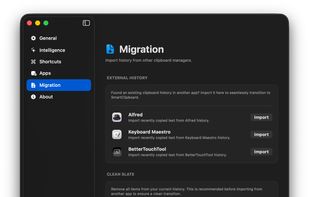

iCliper is the ultimate tool for managing your clipboard. With iCliper, you can access and organize clipboard history across different apps. No more copying and pasting the same text repeatedly.

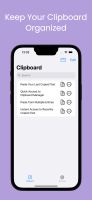

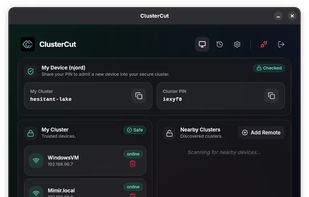
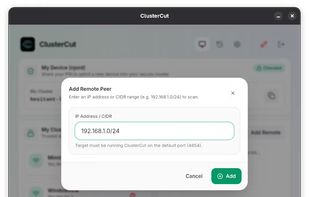
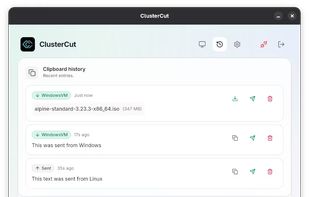
ClusterCut is a seamless clipboard synchronization tool that works across Linux, macOS and Windows. It allows you to copy text on one device and paste it on another instantly, keeping your workflow uninterrupted.
 United Kingdom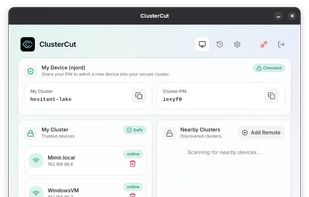

PastePal is a native macOS application that allows us to easily manage pasteboard history, notes and shortcut.
 Vietnam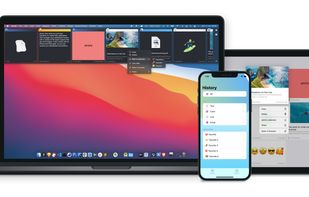

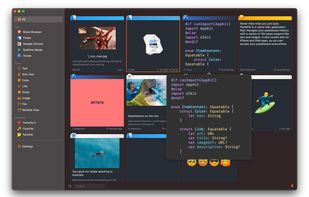
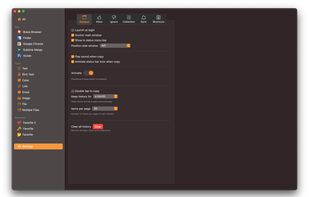
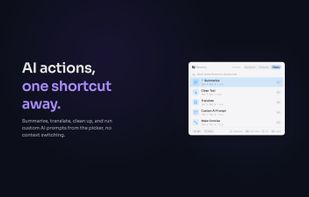
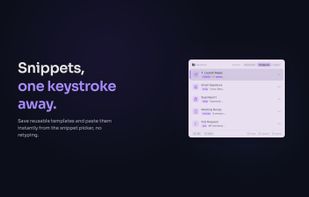
NanoClip is a fast, minimal Mac clipboard utility that combines clipboard history, snippets, and automation flows in one lightweight menu bar app.
United States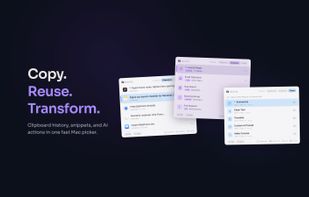


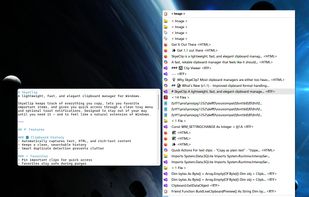
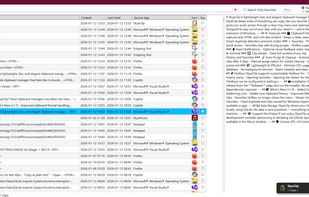
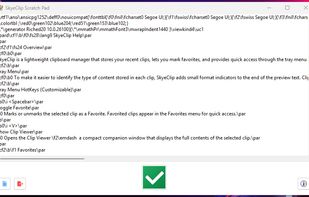
SkyeClip is a lightweight clipboard manager designed to make everyday copy-and-paste work faster, clearer, and more organized. It captures text, HTML, RTF, and file drops automatically, storing everything in a compact local database so you can recall past clips instantly.

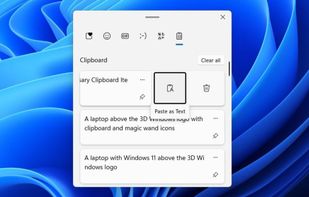
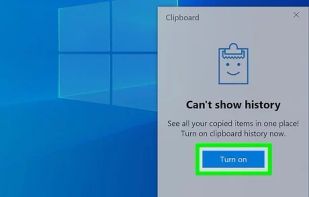
Sync images and text across devices with a cloud-based clipboard. Access history via Windows key + V, pin frequent items, and transfer effortlessly.
United States


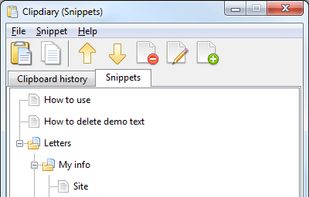
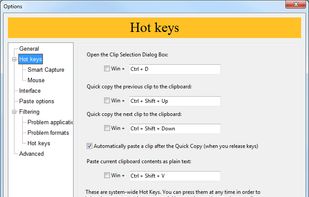
Clipdiary clipboard manager saves the complete clipboard history. With this windows clipboard manager you can reuse everything you were once copying - text, pictures, html links and even files!
Ukraine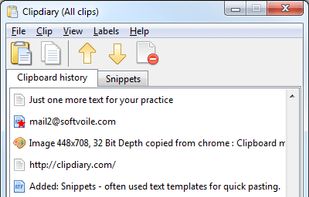
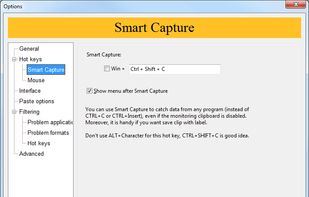

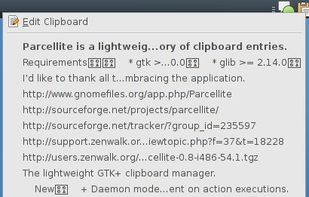
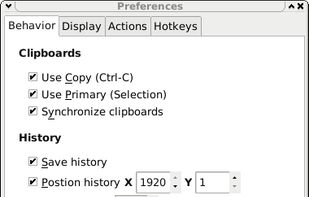
Parcellite is a lightweight GTK+ clipboard manager. This is a stripped down, basic-features-only clipboard manager with a small memory footprint for those who like simplicity.

ClipAngel is an extension to the standard Windows clipboard. It saves each item placed on the clipboard allowing you access to any saved item at a later time. It saves main types of data that can be put on the clipboard: text, images, html, files.
 Russia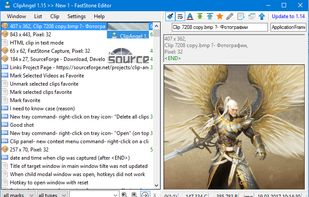
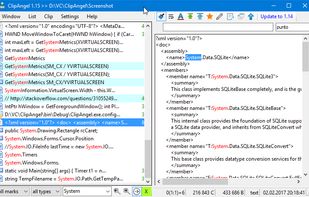


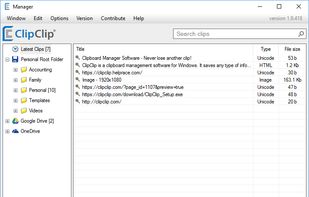
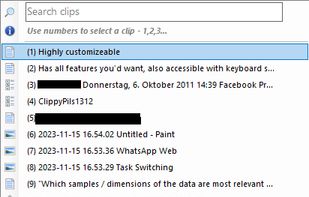
ClipClip is a Windows clipboard manager software that will revolutionize the way you use copy and paste. It allows you to view your clipboard and analyze the content, so you can later edit it and organize as per your preferences.
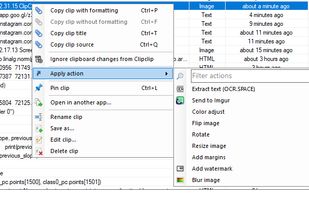
Efficient Wayland clipboard manager preserving byte-for-byte data in text and images while integrating with various pickers for recall.
 IrelandEU

Pin clipboard information selectively and safely without a program by saving everything you copy.


