Apps tagged with 'Quick Launch' Page 2 of 2

All apps in Apps tagged with 'Quick Launch' category. Use the filters below to narrow down your search. 
Copy a direct link to this comment to your clipboard
  1. Bevel95 icon
     2 likes

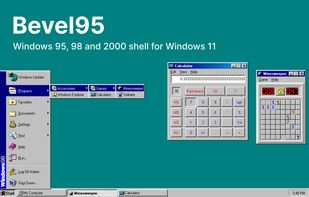
    Rust-built Windows 95, 98 and 2000-style shell for Windows 11 with classic taskbars, Start menus, desktops, folders, and utilities.
    Cost / License

    Application type

    Since

    • New

    GitHub

    • GitHub stars: 43

    Platforms

    • Windows
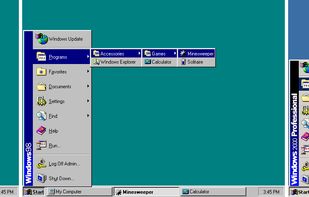
    Windows 98 look with the Start menu, Calculator and Minesweeper
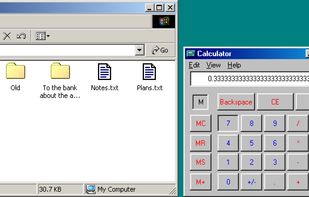
    Windows Explorer (2000 look), Calculator (98 look) and Minesweeper (95 look)
    Start menus in the Windows 95, 98 and 2000 looks
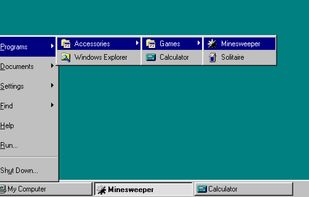
    Windows 95 Start menu
    20 alternatives
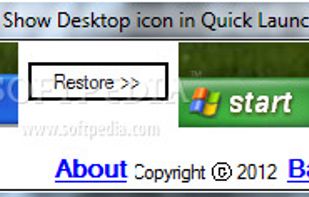
  2. Restores the 'Show Desktop' icon to the Quick Launch

    This application allows you to restore the 'Show Desktop' icon in the Quick Launch section. It is very useful if the 'Show Desktop' icon has been accidentally removed or is missing.

    You simply have to.
    Cost / License

    • Free Personal
    • Proprietary

    Since

    • Since 2012

    Platforms

    • Windows
    Restore Show Desktop screenshot 1
  3. AppRig icon
     Like

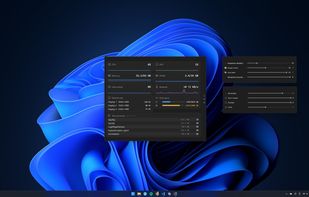
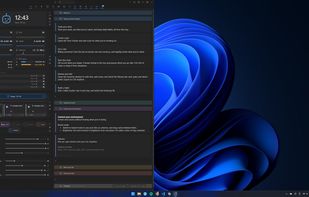
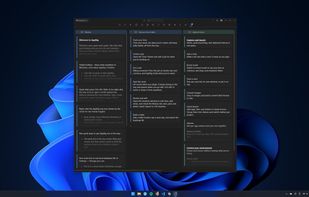
    A local-first Windows tray app that bundles per-app volume, monitor brightness, sticky notes, time tracking and a dozen other tools in one place.

    Cost / License

    • Freemium (Pay once)
    • Proprietary

    Application type

    Since

    • New

    Platforms

    • Windows
    • GB flagUnited Kingdom
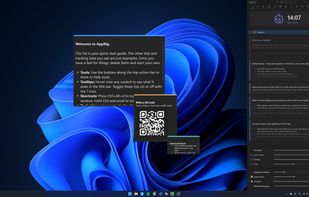
    Organize notes and lists, set timers and reminders.
    Monitor system resources, per-app audio mixer, and multi-display brightness control.

9 / 9
    Customize workspaces and load them instantly from a dropdown.
    +5
    Organize lists in board-view mode.
    25 alternatives
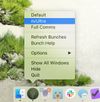
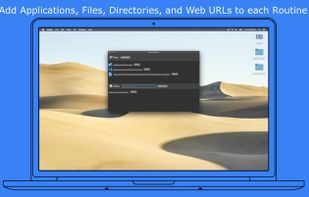
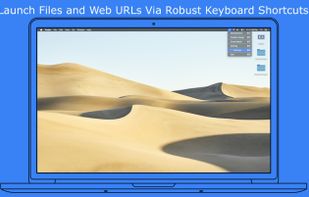
  4. Bunch is a little macOS utility that sits in your Dock (or your Menu Bar). It doesn’t have any windows. When you right/ctrl-click the Dock icon (or click the menu item), it gives you a list of “Bunches” you can select from, each one launching a group of applications that you...

    Cost / License

    • Free
    • Proprietary

    Application type

    Since

    • Since 2020

    Platforms

    • Mac
    • US flagUnited States
    Bunch by Brett Terpstra screenshot 1
    4 alternatives
  5. Rovyl icon
     Like

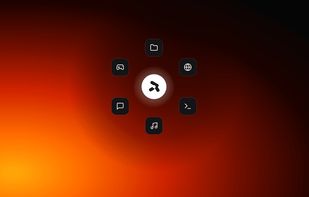
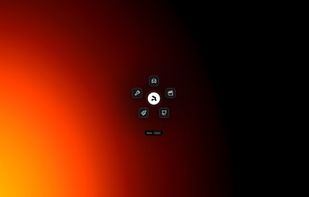
    Rovyl is a radial launcher for Windows. One gesture opens anything on your machine — no window to manage, no list to scroll, no search box to type into.
    Cost / License

    Application type

    Since

    • New

    GitHub

    • GitHub stars: 1

    Platforms

    • Windows
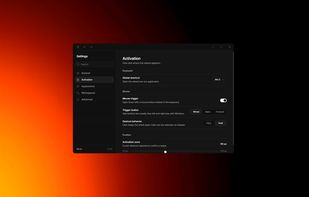
    Rovyl screenshot 1
    Rovyl screenshot 2
    Rovyl screenshot 3
    +1
    Rovyl screenshot 4
    18 alternatives
  6. WinExt Key Launcher is used to quickly open your resources by shortcut keys, you can press two keys (Ctrl+? or Alt+?) at any place of Windows to open the corresponding resource during it is running.

    Cost / License

    • Freemium (Subscription)
    • Proprietary

    Since

    • Since 2022

    Alerts

    • Discontinued

    Platforms

    • Windows
    • US flagUnited States
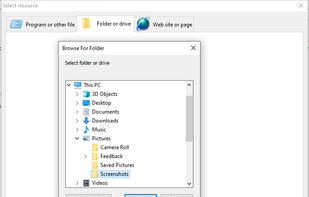
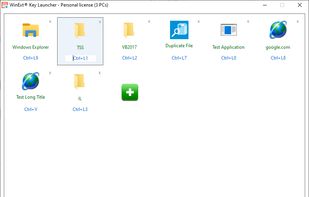
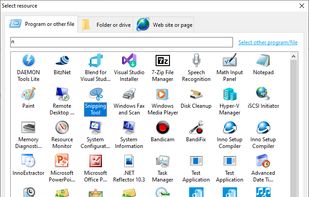
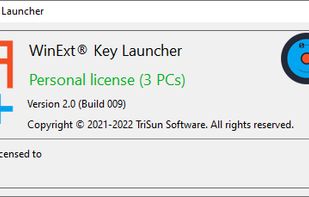
    WinExt® Key Launcher screenshot 1
    WinExt® Key Launcher screenshot 2
    WinExt® Key Launcher screenshot 3
    +1
    WinExt® Key Launcher screenshot 4
    33 alternatives
  7. TaskbarList adds a compact list to the Windows taskbar where you can keep any file, app or folder from anywhere on your PC, one click away. Items can be sorted into collapsible named groups, reordered with drag and drop, and folders can be browsed level by level directly from...

    Cost / License

    • Pay once
    • Proprietary

    Application type

    Since

    • New

    Platforms

    • Windows
    • RO flagRomania
    • European Union flagEU
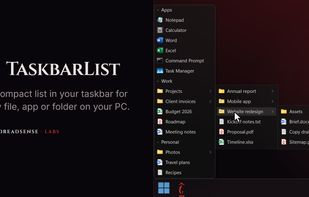
    TaskbarList screenshot 1
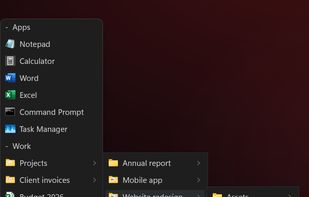
    TaskbarList screenshot 2
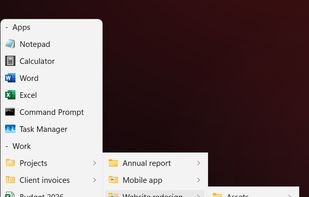
    TaskbarList screenshot 3
    12 alternatives
  8. Djobar icon
     Like

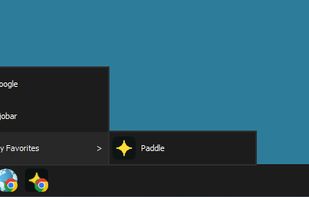
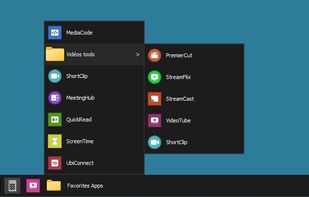
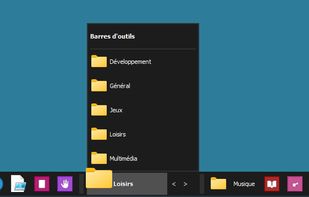
    Djobar restores the customizable desktop toolbar that Windows 11 removed : Drag any app, file, folder or web link onto a lightweight always-visible bar - your shortcuts always one click away. Free, portable, signed, 48 languages, no telemetry.
    Cost / License

    • Freemium (Pay once)
    • Proprietary

    Application type

    Since

    • Since 2026

    Platforms

    • Windows
    Shorcuts by folders and submenus
    Multi-bars (PRO Feature only)
    Web links and browser bookmarks  (PRO Feature only)
    33 alternatives
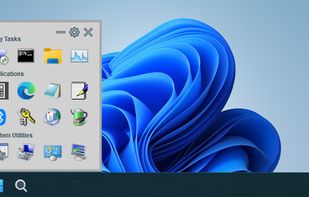
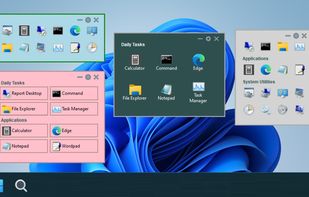
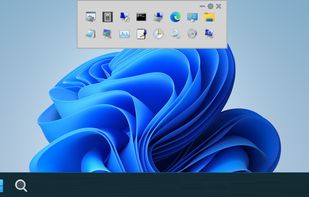
  9. Din Quick Launch Toolbar is an Application Launcher with Grouping and Auto-Hide feature. It helps you manage your shortcuts efficiently in Windows. This customizable floating toolbar allows you to display your most frequently used shortcuts for quick access.

    Cost / License

    • Pay once
    • Proprietary

    Application type

    Since

    • Since 2025

    Platforms

    • Windows
    • CA flagCanada
    Din Quick Launch Toolbar screenshot 1
    Din Quick Launch Toolbar screenshot 2
    Din Quick Launch Toolbar screenshot 3
    3 alternatives