
Cost / License
- Free
- Open Source (GPL-2.0)
Platforms
- Linux


Enjoyable is an application for Mac OS X which allows you to use controller inputs like a mouse or keyboard.
 United States


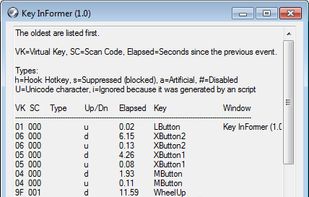
Key InFormer, is a portable tool that shows information of the most recent keystrokes and mouse clicks sent to Windows Os!


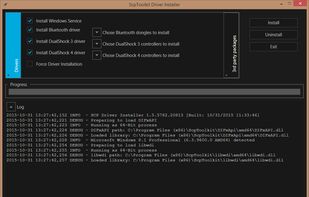


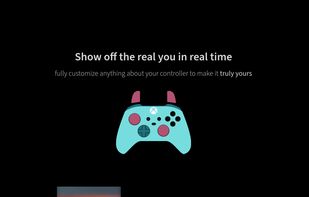
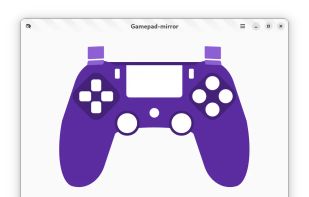
This is a web-based tool used for representing gamepad input visually. You basically get to see what you're doing with your gamepad on screen. Usually, people would use a tool like this for showing their controller input on screen for a stream or recorded video.



It's a simple GUI tool to create/modify gamepad mappings for games that use SDL2 Game Controller API. Created to be an alternative to Steam Bigpicture gamepad configurator.
 Singapore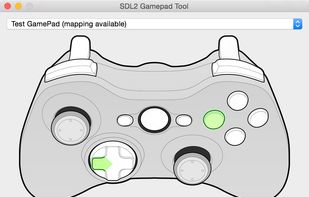


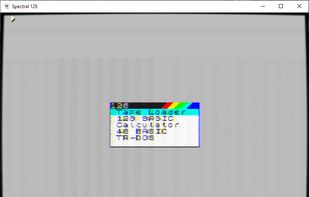
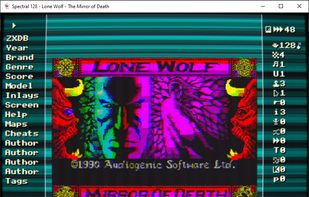
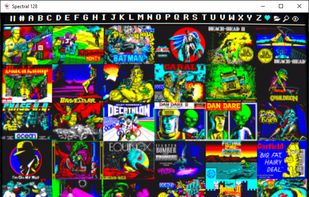
Spectral is an experimental Sinclair ZX Spectrum emulator from the 80s, which has been randomly assembled since the pandemic days. Accuracy and performance are long-term goals, but the primary focus is just having fun with this thing.

 DuckStation
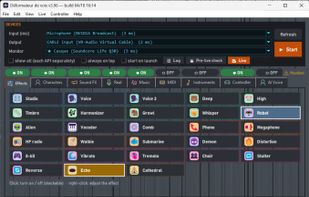
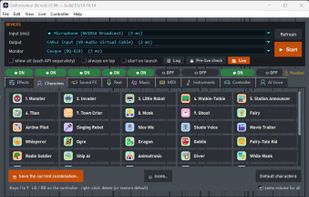
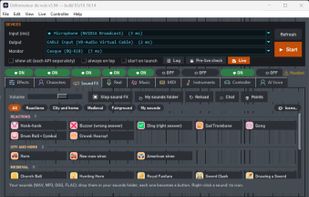
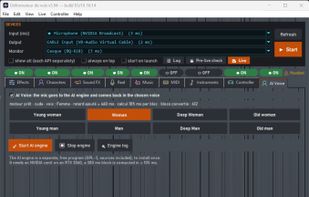
Déformateur de voix is a real-time voice changer for Windows. It transforms your microphone voice live and sends it to Discord, a game, a call or any app that listens to a microphone, through a free virtual audio cable.

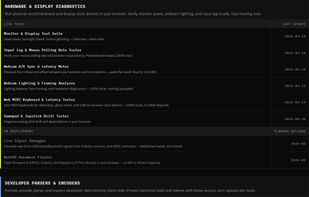
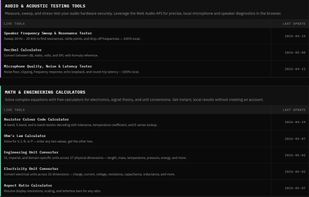
CapyToolkit is a collection of 45+ free browser tools engineered to run entirely client-side. All operations execute locally via native browser APIs, Web Workers, and WASM, ensuring that data, logs, and cryptographic keys never reach an external server.
United States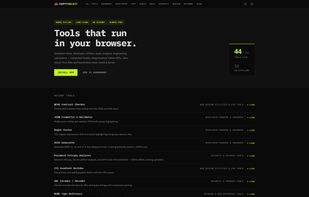
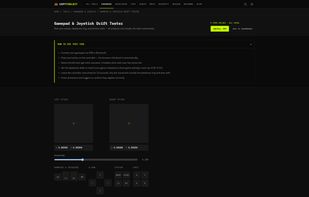

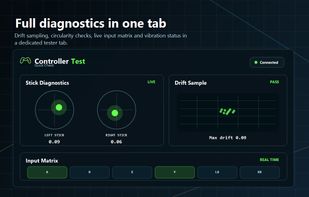
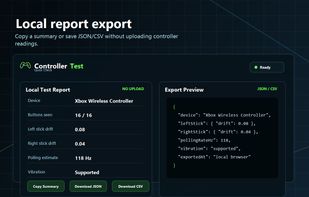
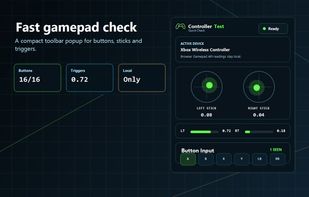
Free browser-based controller tester for checking gamepad buttons, analog sticks, triggers, drift, deadzone, polling-rate estimates, vibration support, and local export reports.
United States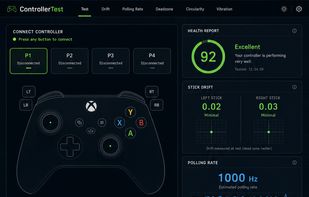

Windows tray utility that keeps your PC awake while gaming or downloading — DualSense/XInput/GPU aware, self-updating
 Ukraine


Free browser-based gamepad tester that detects stick drift, dead zones, and button faults in about 30 seconds, with no install or signup.
 Ireland
 EU
EU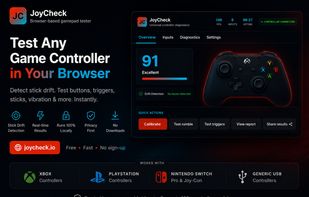
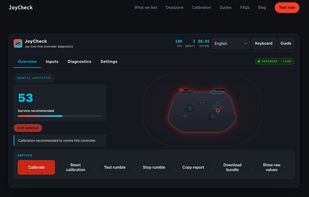


Gamepad Tester Online is a free browser-based tool that helps you instantly check if your game controller is working properly. No downloads or installations are required—just connect your gamepad, open the tool, and start pressing buttons to see real-time feedback.

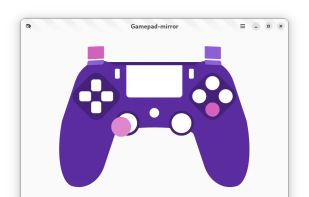
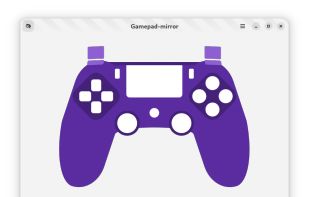

 Canada





TestMyGamepad is a lightweight, web-based diagnostic tool designed for gamers to test hardware performance without installing software.
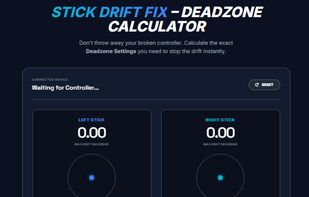
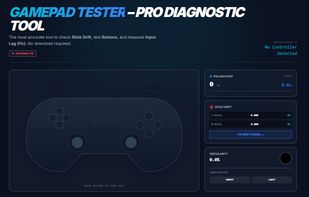
 KDE Connect
VirtualGamepad is a software overlay allowing you to control your desktop games using your fingers on a Windows 8 Tablet. It offers multiple controls (keyboard, mouse, touch) and blend seamlessly with your actual games, emulators and software.




Turn your Android handheld into a wireless Bluetooth HID gamepad. Windows and other devices will see it as a real game controller. No extra software needed on the host.


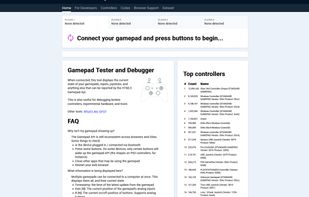
When connected, this tool displays the current state of your gamepads, inputs, joysticks, and anything else that can be reported by the HTML5 Gamepad Api.




 India
India


 Netherlands


